A model that's brilliant in a notebook and useless in production is the most common failure in AI. Getting it deployed is a different job from getting it built, and it's the one most teams underestimate.
Why good models break in production
The demo works. The launch stalls. That gap is where AI deployment challenges live, and they have little to do with the model's accuracy.
A language model behaves differently from ordinary software in one important way: it's non-deterministic. Give it the same input twice and you can get two different outputs. Traditional software either does the same thing every time or throws an error. An AI model does neither. According to LaunchDarkly, that unpredictability makes quality monitoring as important as correctness, because there's no clean pass or fail to check against.
So the deployment question isn't "does the model work." It's "does it keep working, under load, on real traffic, without quietly degrading."
The challenges that show up after launch
A handful of problems repeat across almost every production AI system. What do they have in common? Each one appears only after real users show up, which is why they're so easy to miss in testing.
Uptime is the first. When your app depends on a third-party model provider like OpenAI or Anthropic, their outage becomes your outage. You need a fallback ready, and a plan for what the app does when every provider is down.
Latency is the second. Users expect fast answers. Long prompts, a slow retrieval step, and a distant server all add delay, and in real-time use a few extra seconds is the difference between a tool people use and one they abandon.
Cost is the third. Every request burns tokens, and a prompt that looks small can get expensive across thousands of daily calls. A Microsoft engineer's note on Azure AI services points out that latency and cost problems often trace back to the prompts, retrieval, and orchestration rather than the model itself, which means the cheapest fix is usually to trim the pipeline. Reducing prompt length and cutting needless retrieval calls can matter more than switching to a cheaper model.
Quality drift is the fourth, and the easiest to miss. A model that answers perfectly at launch can degrade as user inputs shift, as providers update their models, or as the data it depends on goes stale. Without monitoring, you find out from unhappy users.
Deployment patterns: embedded vs runtime config
Embedded configuration
- Model settings and prompts live in application code
- Changes need a full redeploy
- Version-controlled and tested like code
- Simpler to reason about, slower to adjust
Runtime configuration
- Settings and prompts managed outside the code
- Update or roll back without redeploying
- More flexible, needs governance
- Better fit for quickly changing prompts
LaunchDarkly favors the runtime approach for AI because prompts change constantly. Tying every prompt tweak to a code deployment means choosing between shipping fast and staying stable. Pulling configuration out of the code lets you adjust a prompt, roll it back, or test a new model version without rebuilding the app. The trade-off is governance: once settings live outside code, someone has to track who changed what.
Rolling out safely: progressive delivery
Never ship an AI change to everyone at once. The same non-determinism that makes models useful makes a big-bang release risky.
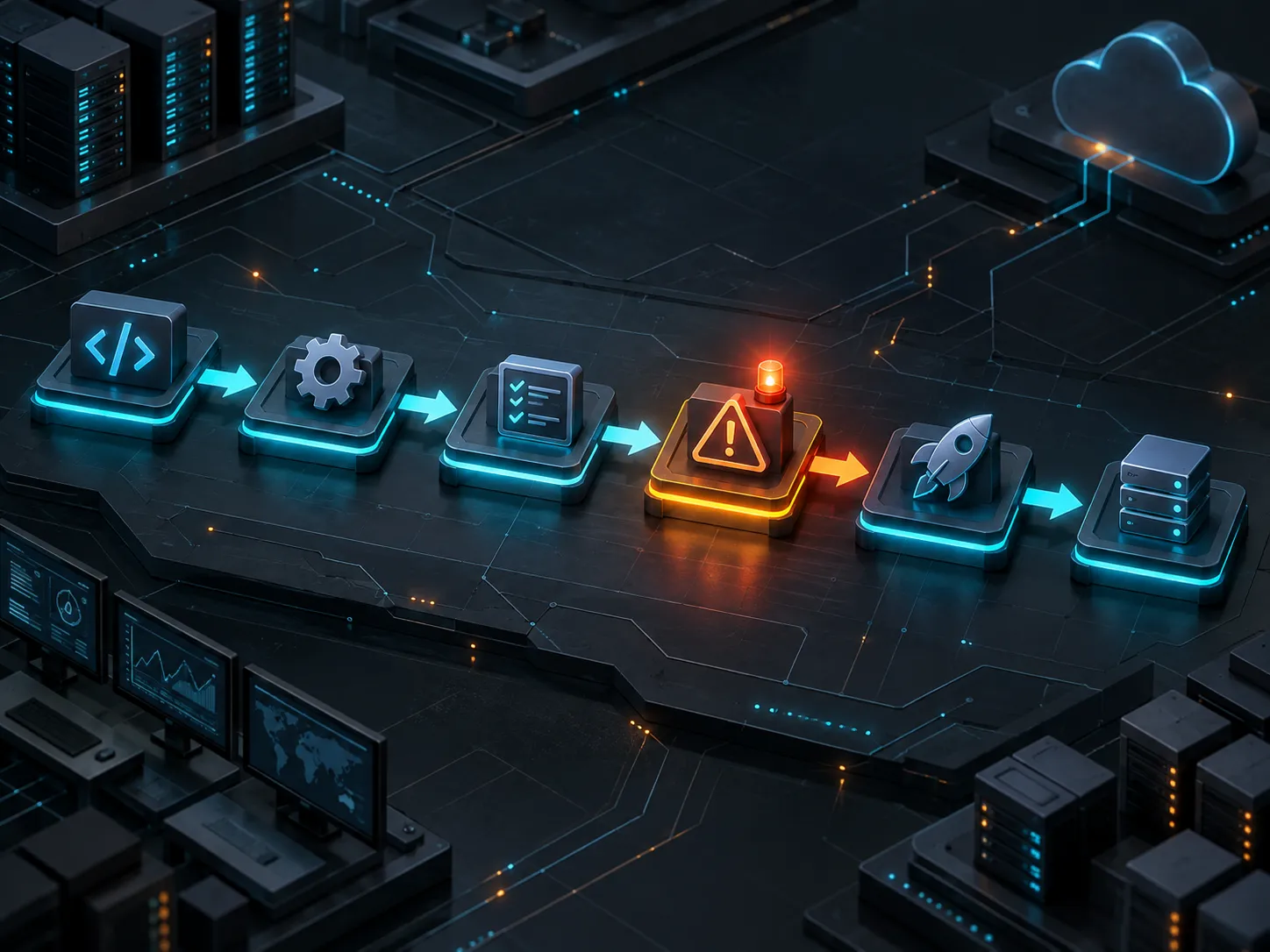
The standard playbook, per LaunchDarkly, starts with a shadow deployment. You run the new configuration alongside the old one and compare outputs without showing either to users. This catches problems before anyone is affected.
When the shadow run looks good, you widen the circle in stages: internal users first, then beta testers who resemble your real audience, then a small slice of live traffic, typically starting at 5% to 10%. You watch the metrics at each step and only expand when they hold steady.
Two habits make this work. Keep your configurations versioned with dates and descriptions, so you can trace which change caused which outcome. And keep a proven fallback configuration ready, simple and reliable, for the moment a new model misbehaves. Prioritize stability over the newest feature when you're building that fallback.
What to monitor once it's live
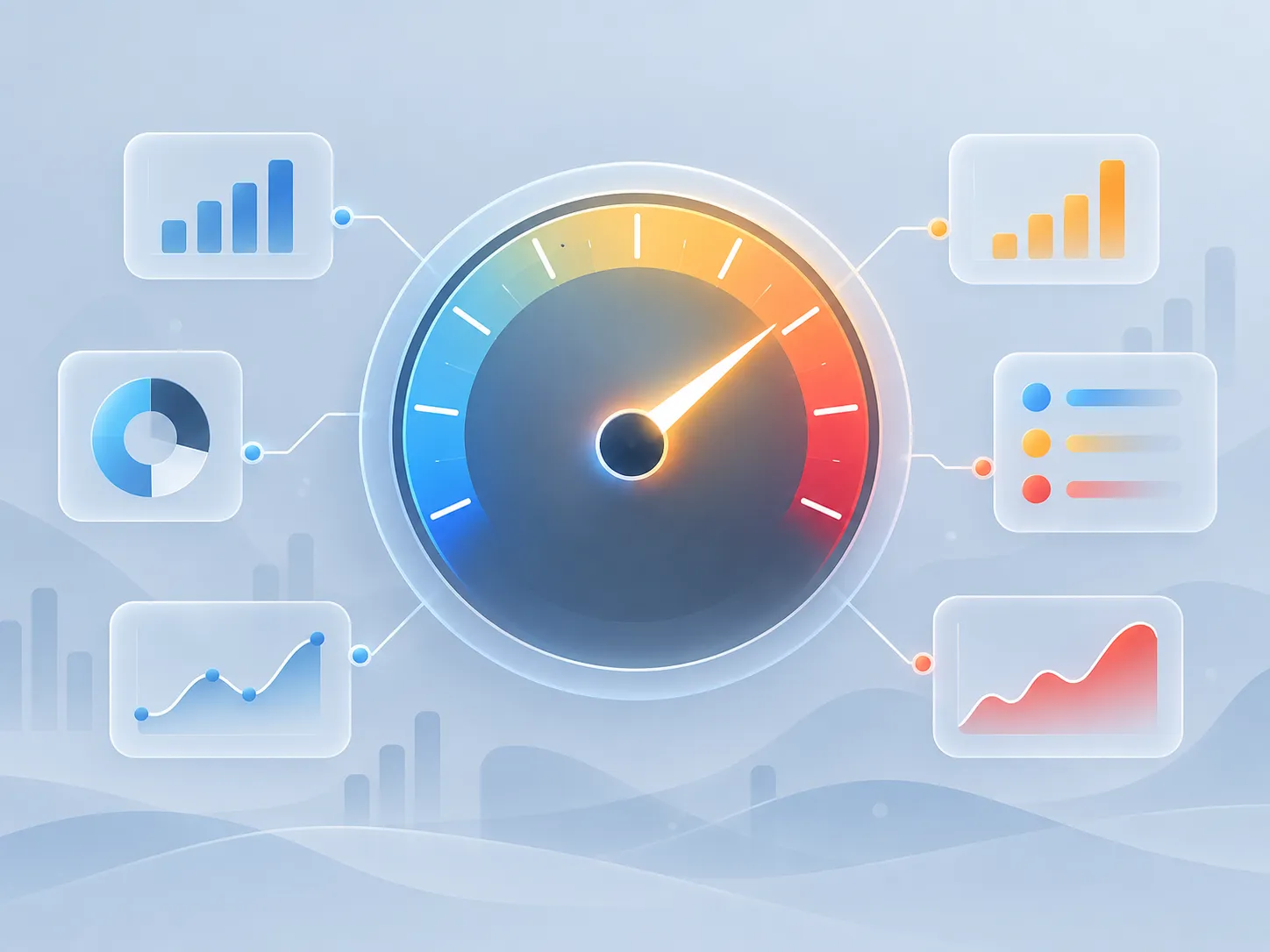
Monitoring an AI system means watching two things: the usual operational metrics and the AI-specific ones.
On the operational side, track response times across the full request, error rates including rate limits and timeouts, and provider-specific issues. Token usage and cost belong here too, broken down by model and by feature, so you know what's eating your budget.
On the AI side, quality is the hard part. Completion rates and user satisfaction signals stand in for the correctness you can't measure directly. Comparing metrics across model versions and user segments tells you whether a change helped or hurt, and error patterns, like a spike in rate-limit errors, flag problems before they reach users.
The goal is simple. You want to know a model is degrading before your users do, and the only way is to watch the numbers and alerts continuously.
The takeaway on deploying AI models
Deploying an AI model is a lifecycle job, not a one-time task. The model is non-deterministic, it depends on outside providers, and it can degrade without any code changing.
Get the fundamentals right: a fallback for outages, a short pipeline to keep latency and cost down, a rollout that starts small and widens, and monitoring that catches drift early. Teams that treat deployment as an afterthought ship a demo. Teams that plan for it ship a product.