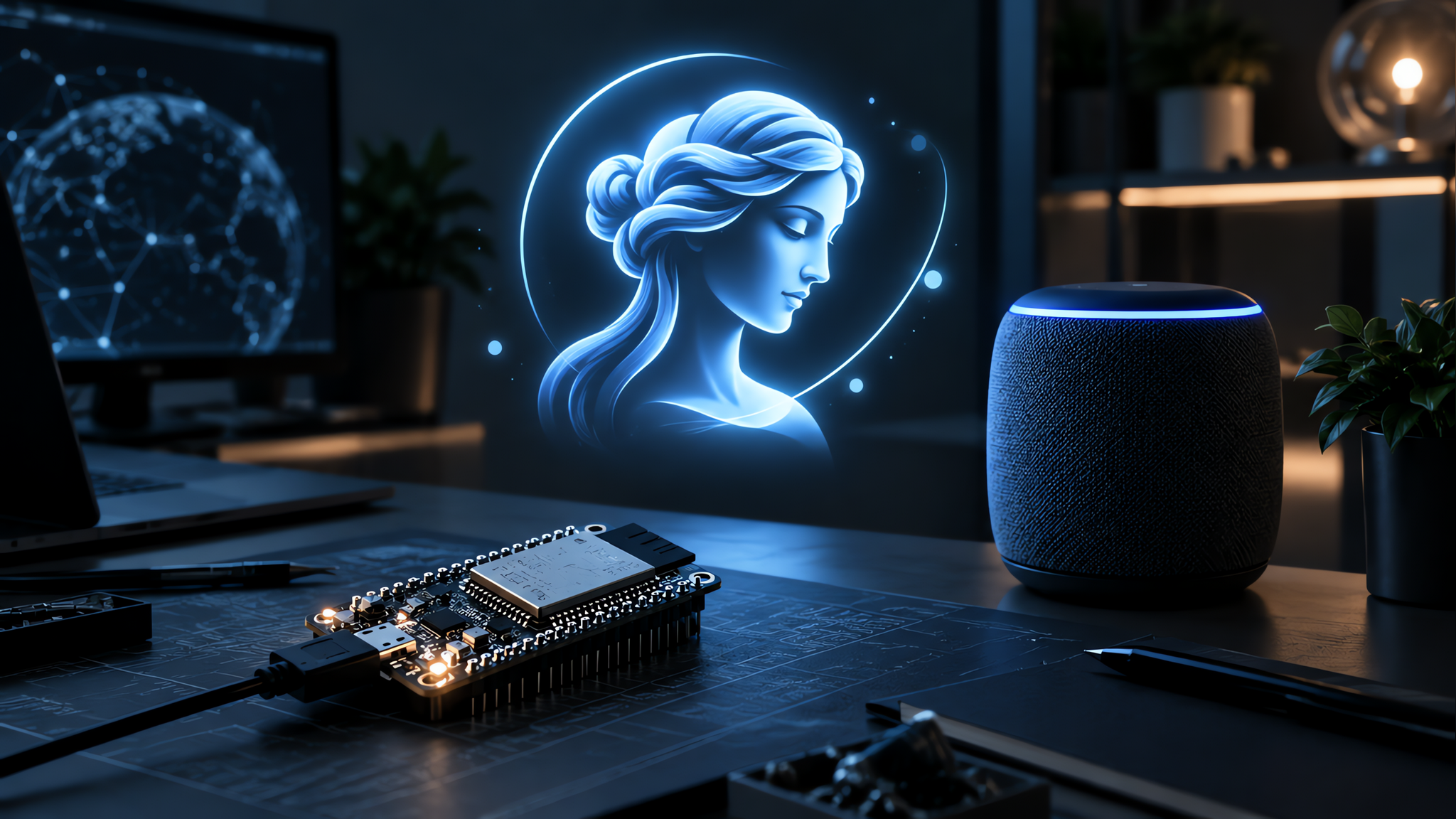
Meta has open-sourced the firmware and SDK that let anyone build hardware for its Muse AI agent. The pitch is simple: if you can wire up an ESP32 board or a Raspberry Pi, you can now give Muse a body.
What Meta's Muse Gadgets Project Actually Is
Meta opened up the Muse Gadgets project on October 2. It shipped an open-source ESP32 firmware plus a Linux software development kit, and both live on GitHub under Apache 2.0, which means you can use, change, and share the code with almost no strings attached.
The goal is to let tinkerers build their own devices that plug into Muse, the company's personal AI agent. Muse already books travel, fills in forms, and shops on your behalf from a phone or a Mac. Muse Gadgets extends that reach into hardware: a small screen that shows what the agent is thinking, a push-to-talk button in your kitchen, a sensor in the garage.
Nat Friedman, head of product at Meta's Superintelligence Labs, announced the release himself. In a post on X, he described it as "an open source ESP32 firmware and Linux sdk so that you can make hardware devices that work with Muse." Meta also opened a Discord channel so builders can swap notes and troubleshoot.
The hardware side isn't theoretical. The repository comes with working examples: a color e-ink display, an HDMI stick that turns any TV into a Muse screen, and a setup that hands home automation chores to the agent. You pick the board you already own, flash the firmware, and pair it with the Muse app.
How the ESP32 and Linux SDKs Work
There are two kits, and they cover different kinds of builders.
The ESP32 Device SDK targets small, cheap boards you can buy for a few dollars. You connect an off-the-shelf ESP32 to Muse and add whatever you want on top: a screen that shows images, audio in and out, or wired-up sensors. If you've ever wanted a physical button that tells your AI assistant to get to work, this is the path.
The Linux Device SDK is for people with a spare Raspberry Pi or an old Linux machine sitting around. It turns that box into a Muse gadget and supports custom commands. Meta's own examples point at sysadmin work and a Home Assistant setup, so the agent can read your smart home and act on it.
Pairing works the same way on both. You grab an SDK token from the Muse Gadgets page, flash or install the software, and pair through the Muse app on iOS and Android under Settings, then Devices. Once you turn on Developer mode, your homemade device shows up with a "MuseGadget" prefix. Nothing shows up until you've deliberately enabled that switch.
Meta's tone here is refreshingly blunt. The release notes its own release as a just-for-fun project built by and for hardware hackers, and warns that side effects of tinkering may include bricked boards, voided warranties, brownouts, or bankruptcies. Try at your own risk, in other words.
The Home Link: Meta's Own Free Gadget
Meta didn't just hand out SDKs and walk away. Its own team built a reference device, and it's giving it away.
The Muse Home Link is a small USB-C-powered box that connects Muse to your home network. From there the agent can talk to smart devices that live on that network, including speakers and smart TVs, plus anything else that speaks HTTPS, including gear you've built yourself with a local HTTP API. Community-built skills can let Muse turn on a light, control a TV, or send a document to a printer, depending on what your setup supports.
Meta manufactured 5,000 of them. They're free to Muse subscribers while supplies last, one per subscriber, and only in the United States. Friedman said the batch should be ready to ship in a few weeks, with units going out in October on a first come, first served basis. Claiming one holds your place in line; it isn't a confirmed order. All of the Home Link code is open source too, so you can inspect it or rebuild it.
The claim page is honest about the limits: you need an active Muse subscription, you get one unit, and you'll get a notification when it's ready to ship.
What You Can Build With Muse Gadgets Today
The project page lists featured ideas, most with links to buy parts and view the source. They lean practical and cheap rather than polished.
A round 1.75-inch AMOLED touch screen with push-to-talk, a speaker, a mic, and a battery turns into a desk companion that hears you and answers out loud. A Raspberry Pi 5 gives Muse a way to work with Home Assistant and other popular Linux applications. The color e-ink build is for people who want the agent's output visible without a glowing screen. None of these need special hardware beyond what the boards already offer.
That range says a lot about who this is for. These aren't consumer products with a support line. They're starting points for people comfortable with a soldering iron and a terminal. Meta is betting that a small, motivated crowd will find uses the company didn't imagine, the same way early voice-assistant hobbyists did.
It also fits Meta's broader push. The company already moved Muse into small business tools this week, connecting it to Shopify, Dropbox, and Slack, and stood up a new Meta Enterprise Platform unit to sell AI to companies. Muse Gadgets is the hobbyist end of that same strategy: get the agent into as many places as possible, including your workbench.
Why Meta Is Opening Up Its AI Agent
Giving away firmware sounds odd for a company that usually keeps its products locked down. But the logic is straightforward.
Hardware is expensive and slow to design. By handing the SDK to the people already building things, Meta gets dozens of experiments for the price of one open-source release. A community that wires Muse into a printer, a garage door, or a 3D printer is doing free product research. The best ideas can show up in official products later.
There's a competitive angle too. Amazon, Google, and Apple all want their assistants to live on more devices. Most of those devices are closed. Meta is trying a different route: make Muse the agent that plays well with the hardware you already own and the hardware you make yourself. That's a bet on openness as a distribution channel.
The move also keeps Muse in the conversation. Its mobile launch outpaced ChatGPT's early growth, according to TechCrunch, and the company wants that momentum to spill past the phone. Muse Gadgets gives the agent a physical footprint that a chatbot alone can't match.
What to Watch Next
Shipping is the first test. The 5,000 Home Links are a tiny batch, and how fast they actually reach subscribers will tell you how serious Meta is about the physical side. If the units slip past October, expect the community to notice.
The bigger question is whether developers show up. An SDK with no community behind it is just a repository. Watch the Discord channel and the GitHub stars over the next few weeks: if people start posting builds, Meta's gamble on open hardware is working. If it stays quiet, the project may end up a footnote.
If you want to build something, start at the Muse Gadgets page and pull a token. From there the ESP32 route is the cheapest way in, and the Linux route is the fastest if you already have a Raspberry Pi collecting dust.