

Afterlife AI
Inoxoft · Chatbot
Afterlife AI is an open-source app that turns real people, living or gone, into conversational digital twins you can chat with anytime. You feed it diaries, emails, transcripts, or a guided interview, and it builds a portable AI avatar that mimics how that person talked and what they knew. It runs on Flutter with a bring-your-own OpenRouter key, so your conversations stay on your own device.
About Afterlife AI
What Is Afterlife AI
Afterlife AI is a Flutter app built by the team at Inoxoft that creates personalized AI avatars through an interview process. The idea is simple to state and strange to sit with: you can talk to a digital twin of Einstein, Turing, Monroe, or Reagan, or preserve the voice and patterns of someone you knew. That's the pitch. The execution is more modest.
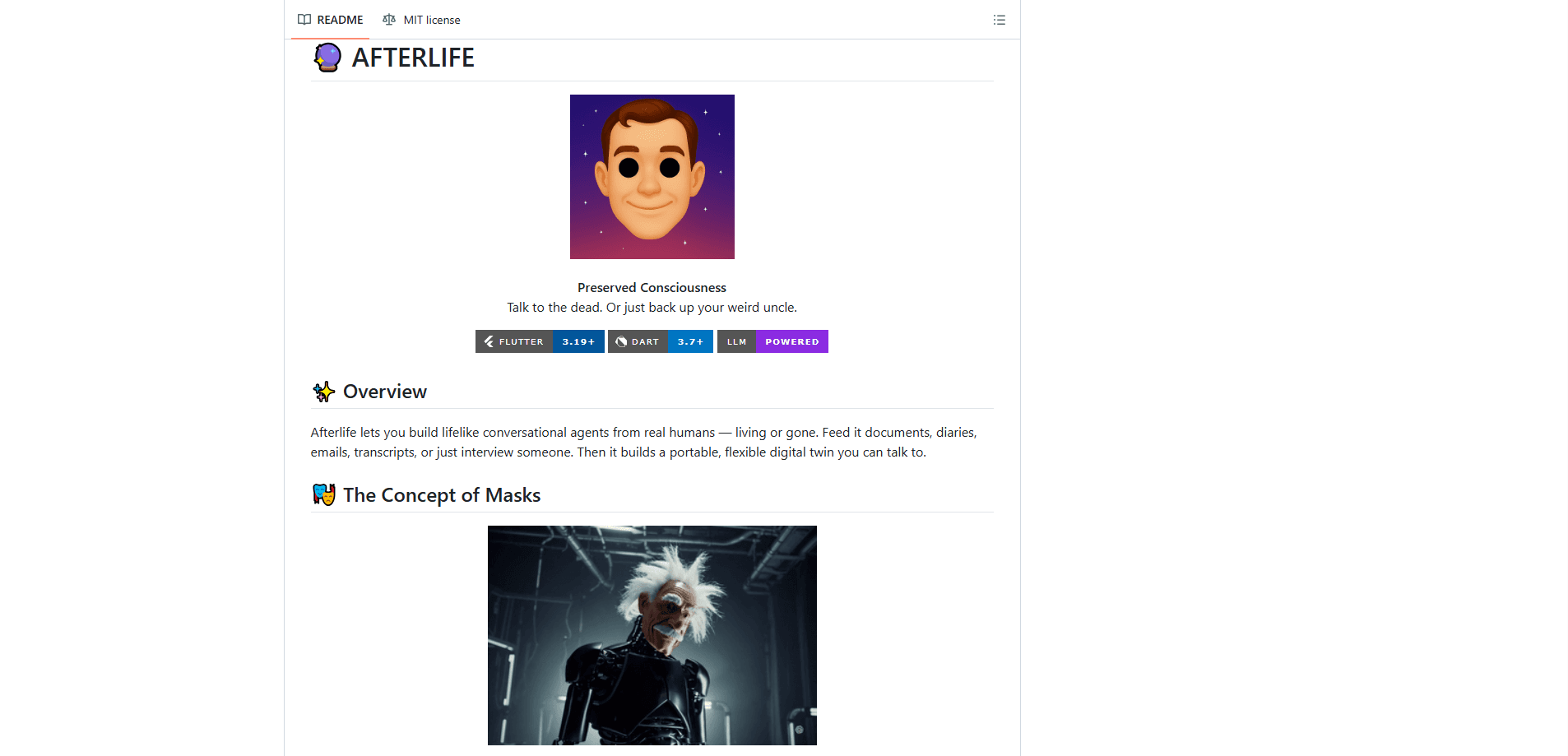
The app is honest about what it isn't. It doesn't claim to channel anyone's real consciousness. Not even close. The developers describe each model as a digital actor wearing a mask, one built from historical writings, documented personality traits, and whatever source material you provide. You're talking to a program that simulates a person, not the person.
The biggest limitation is practical, not philosophical. Afterlife AI is a community project, not a polished commercial product. No app store listing, no sign-up page, no support inbox. You need to clone the repo, install Flutter and Dart, and supply your own OpenRouter API key, which means paying for model calls yourself. There's no hosted version you can just sign into.
Getting Started
- Install the Flutter SDK (3.19 or higher) and Dart SDK (3.7 or higher) on your machine.
- Clone the Afterlife repository and run
flutter pub getto pull dependencies. - Launch the app with
flutter run. - Enter your OpenRouter API key when the app prompts you on first start.
The whole setup takes a few minutes if you already have Flutter installed. If you don't, budget an afternoon for the toolchain alone. Does that sound like a lot to ask for a chat app? Sure does, and the app doesn't pretend otherwise.
Product Information
A quick look at Afterlife AI's pricing, supported platforms, and performance.
Best for
The users, tasks, and scenarios where this tool fits best.
Users
- History buffs
- Writers and researchers
- People preserving memories
Tasks
- Interviewing a persona
- Casual conversation with historical figures
- Prototyping a chatbot persona
Scenarios
- Exploring a historical figure's thinking
- Preserving a relative's way of talking
- Teaching moments
Key features
Historical Figure Digital Twins
The app ships with built-in characters including Einstein, Turing, Monroe, and Reagan. Each one is built from documented writings and known personality traits, so responses stay within the figure's general ideas and voice. It's a quick way to start a conversation without building anything yourself.
Custom Character Creation
You can create and customize your own digital twins from your own material. Feed the app diaries, emails, or transcripts, and it learns the speech patterns and knowledge base it needs to carry a conversation, drawing on years of someone's writing to keep the replies recognizably theirs. This is where the "twin" part actually earns the name, since the output reflects a specific person rather than a stock persona.
Immersive Chat Interface
Conversations happen in a natural chat window with contextual awareness, so the avatar remembers what you said earlier in the thread. The tone stays conversational rather than robotic, which matters when the whole point is talking to something that feels like a person.
Interview Mode
Interview Mode walks you through building a new character profile instead of dumping a blank setup form on you. The app asks questions, and your answers become the personality and knowledge foundation for the avatar. It's the most hands-on feature, and the fastest path to a character that isn't already built in.
Privacy-First Local Storage
Your conversations stay on your device instead of being uploaded to a server the app controls. Since you supply your own OpenRouter key, the only external calls are the ones your key makes to the model provider. That's a meaningful difference for anyone uploading personal letters or family messages.
Dark Mode and Performance
The UI leans futuristic, with fluid animations and a dark mode tuned for low-light use. The developers optimized for responsiveness across supported platforms, so the chat stays smooth on phones, tablets, and desktops alike. It's a small thing until you're using it at night for an hour straight, and then the dark mode stops feeling optional and starts feeling like the reason the app is still open in the first place.
Pros and cons
Pros
- Completely free and open source, with the full codebase available for inspection or reuse.
- Runs across iOS, Android, macOS, Windows, and Linux from a single Flutter codebase.
- Conversations stay on your device, which suits sensitive personal material.
- Built-in historical figures let you start chatting immediately.
- Interview Mode makes custom character creation approachable for non-coders.
Cons
- No hosted version, so you need Flutter and Dart installed before you can use it.
- You must supply your own OpenRouter API key, and model usage is billed to you separately.
- Digital twins are simulations, so treating their answers as a real person's views leads you wrong.
- Setup and updates depend on the community repo, with no formal support channel or release schedule.
Frequently asked questions
Afterlife AI creates conversational digital twins from a person's writings, messages, or an interview, then lets you chat with them. You can talk to built-in historical figures or build a custom avatar from your own source material.
Related content
Explore related tools, skills, and articles for Afterlife AI.
Afterlife AI Alternatives

Emma AI
Emma AI · Business · ChatbotEmma AI is a no-code AI assistant builder for creating custom assistants that answer questions from your own business data. You connect the tools your team already uses, like Slack, Notion, Google Sheets, or Zendesk, upload documents, or let Emma train the assistant through a Q&A process. It's fast. Each assistant you create can be scoped to a specific team, project, or workflow, so a marketing assistant and an accounting assistant never see the same sources.

Chatgbot
Chatgbot · Image · Productivity · ChatbotChatgbot is a multi-model AI chat platform that gathers OpenAI GPT models, Anthropic's Claude Sonnet, and open-source options like GLM and Qwen behind one login. Instead of juggling separate subscriptions, you pick a model per conversation, upload PDFs to question them, generate images, and search the web, all inside a single interface and a single membership.

Validator AI
ValidatorAI · Business · ChatbotValidator AI is an AI idea validation tool for founders who want a straight answer before they build anything. Think of it as a startup idea validator and an AI startup mentor rolled into one. You describe your startup, product, or small business concept, and the tool scores it, analyzes the competitive field, suggests who the ideal customer is, and points to next steps. It leans on behavioral data gathered from hundreds of thousands of founder sessions. The core check is free to run. It suits solo founders, indie makers, and small teams testing a concept in the earliest stage, not companies that have already shipped.