

AI Context Flow
PLURALITY TECHNOLOGIES LIMITED · Chatbot
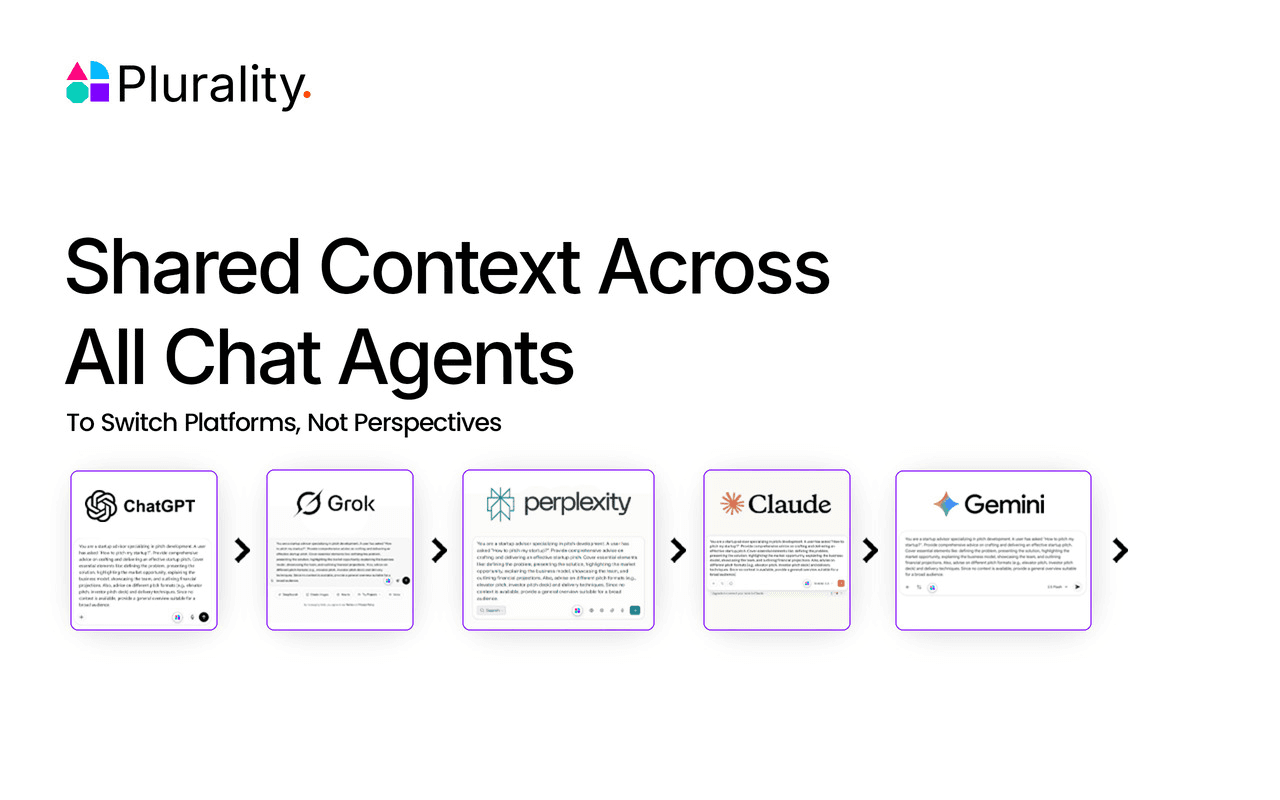
AI Context Flow is a Chrome extension plus MCP server that gives every AI tool you use one shared memory. You save your project briefs, preferences, and client details once, then press Ctrl+I inside ChatGPT, Claude, Gemini, Perplexity, or Grok to pull that context into any prompt. It's really portable AI memory. It also runs a sidebar on any website, connects to coding agents like Cursor and Claude Code over MCP, and keeps everything organized in a workspace called Memory Studio.
About AI Context Flow
What Is AI Context Flow
AI Context Flow is a memory layer for people who juggle several AI assistants. It's built around shared memory for AI work, so a prompt you send in one tool carries the same background into the next. The problem it targets is simple: each chatbot starts from zero, so you keep pasting the same background into every new tab.
It comes from PLURALITY TECHNOLOGIES LIMITED, a London-based company building what it calls an open context layer for AI. Good AI context management means you stop treating each chatbot as a blank slate. The browser extension handles your AI websites and any other page you're reading. A separate MCP server covers tools that live outside the browser. Both routes point back to the same memory. Nothing needs manual syncing.
Two limits are worth knowing up front. The free tier caps you at 200 credits per day and 50 MB of memory, which is fine for casual use but tight if you store large files. And you're trusting a third-party service with the details you save. The company says memory runs on Trusted Execution Environments and that it can't read your context, but that's a claim to weigh rather than a guarantee you can verify. Not ideal, but it's the trade-off most AI memory extensions ask you to make.
Getting Started
- Install the AI Context Flow extension from the Chrome Web Store (it also works on Chromium-based browsers that support Chrome extensions).
- Create a free account at app.plurality.network and open Memory Studio.
- Add your first space for a project or client, then drop in files, notes, or web highlights.
- In ChatGPT, Claude, Gemini, Perplexity, or Grok, press Ctrl+I to pull in the memory you need and refine your prompt before sending.
- For coding or desktop tools, copy the MCP URL from the app, add it as a custom connector in your tool's settings, and sign in through OAuth.
Product Information
A quick look at AI Context Flow's pricing, supported platforms, and performance.
Best for
The users, tasks, and scenarios where this tool fits best.
Users
- Freelancers juggling several clients
- Content and marketing teams
- Developers and power users
Tasks
- Reusing a project brief across models
- Summarizing and saving web pages
- Keeping a consistent brand voice
Scenarios
- Starting a new chat and needing the AI to already know your background
- Switching tools mid-task because one model does something better
- Onboarding a teammate onto a live project
Key features
Ctrl+I Prompt Context Inside AI Chats
The extension adds a keyboard shortcut to the AI sites you already use. Press Ctrl+I inside ChatGPT, Claude, Gemini, Perplexity, or Grok and you get a picker for your saved context, which drops the relevant details into the conversation before you send. A vague prompt like "write me a blog post" becomes an instruction that carries your brand voice, target audience, and content calendar. One shortcut, far less retyping.
Sidebar Chat on Any Website
Open the built-in sidebar on any page, including Reddit, LinkedIn, or Wikipedia, and you can ask questions about what you're reading or have it summarize the page. Why bother? You skip the copy-paste loop between a page and a separate chat tab. It ships with more than 30 AI models built in, so you can switch providers without leaving the tab. Anything useful can be saved straight back to your memory.
MCP Server for Coding and Automation Tools
The same memory reaches tools outside the browser through an MCP server. You copy one URL, add it as a custom connector in apps like Cursor, Claude Code, Windsurf, or OpenClaw, and sign in with OAuth. Your agent then reads from and writes to your memory automatically. Setup takes roughly two minutes. Each connection is permission-scoped per agent.
Memory Studio Workspace
Memory Studio is the web app where everything lands. Organize saved context into separate spaces for each project, client, or role. Search across all of it. Filter by source. Every item keeps full version history, so you can roll back to a previous state if an edit goes wrong.
Team Sharing and Access Control
Any space can be shared with a teammate as either a viewer or an editor through a single link, and viewers don't need an account. Everyone works from the same information in whichever AI tool they prefer. Access can be revoked at any time. That's it.
Credit-Based Plans
The free plan gives 200 credits per day and 50 MB of storage. Plus raises that to 1,500 credits per day and 500 MB, and Pro goes to 5,000 credits per day and 5 GB. So which tier fits you? For light daily prompting, free is enough. Premium models and the MCP server with OAuth login sit behind the paid tiers, while the entry tier covers basics.
Pros and cons
Pros
- Works across ChatGPT, Claude, Gemini, Perplexity, and Grok from one extension, so you're not locked to a single provider.
- The MCP server extends the same memory to coding agents and desktop tools, not just browser chats.
- Separate spaces per project keep work and personal context from bleeding together.
- Free tier is genuinely usable for light daily prompting, with no credit card required to start.
- Version history on every saved item means a bad edit isn't permanent.
Cons
- The free plan's 200 credits per day and 50 MB cap run out fast if you store large files or prompt heavily.
- The privacy promise rests on the company's own claims about Trusted Execution Environments, which you can't independently check.
- Best value sits in the annual plans, so monthly users pay more per month than the yearly price suggests.
- The MCP side assumes your tool supports custom connectors, which leaves older or consumer-only apps out.
Frequently asked questions
It stores the background you'd normally retype, such as project briefs, client details, and writing preferences, then feeds that context into whichever AI tool you're using. You set it up once and pull it in with a shortcut or through an MCP connection.
Related content
Explore related tools, skills, and articles for AI Context Flow.
AI Context Flow Alternatives

Emma AI
Emma AI · Business · ChatbotEmma AI is a no-code AI assistant builder for creating custom assistants that answer questions from your own business data. You connect the tools your team already uses, like Slack, Notion, Google Sheets, or Zendesk, upload documents, or let Emma train the assistant through a Q&A process. It's fast. Each assistant you create can be scoped to a specific team, project, or workflow, so a marketing assistant and an accounting assistant never see the same sources.

Chatgbot
Chatgbot · Image · Productivity · ChatbotChatgbot is a multi-model AI chat platform that gathers OpenAI GPT models, Anthropic's Claude Sonnet, and open-source options like GLM and Qwen behind one login. Instead of juggling separate subscriptions, you pick a model per conversation, upload PDFs to question them, generate images, and search the web, all inside a single interface and a single membership.

Validator AI
ValidatorAI · Business · ChatbotValidator AI is an AI idea validation tool for founders who want a straight answer before they build anything. Think of it as a startup idea validator and an AI startup mentor rolled into one. You describe your startup, product, or small business concept, and the tool scores it, analyzes the competitive field, suggests who the ideal customer is, and points to next steps. It leans on behavioral data gathered from hundreds of thousands of founder sessions. The core check is free to run. It suits solo founders, indie makers, and small teams testing a concept in the earliest stage, not companies that have already shipped.