

Backyard AI
Backyard AI · Chatbot
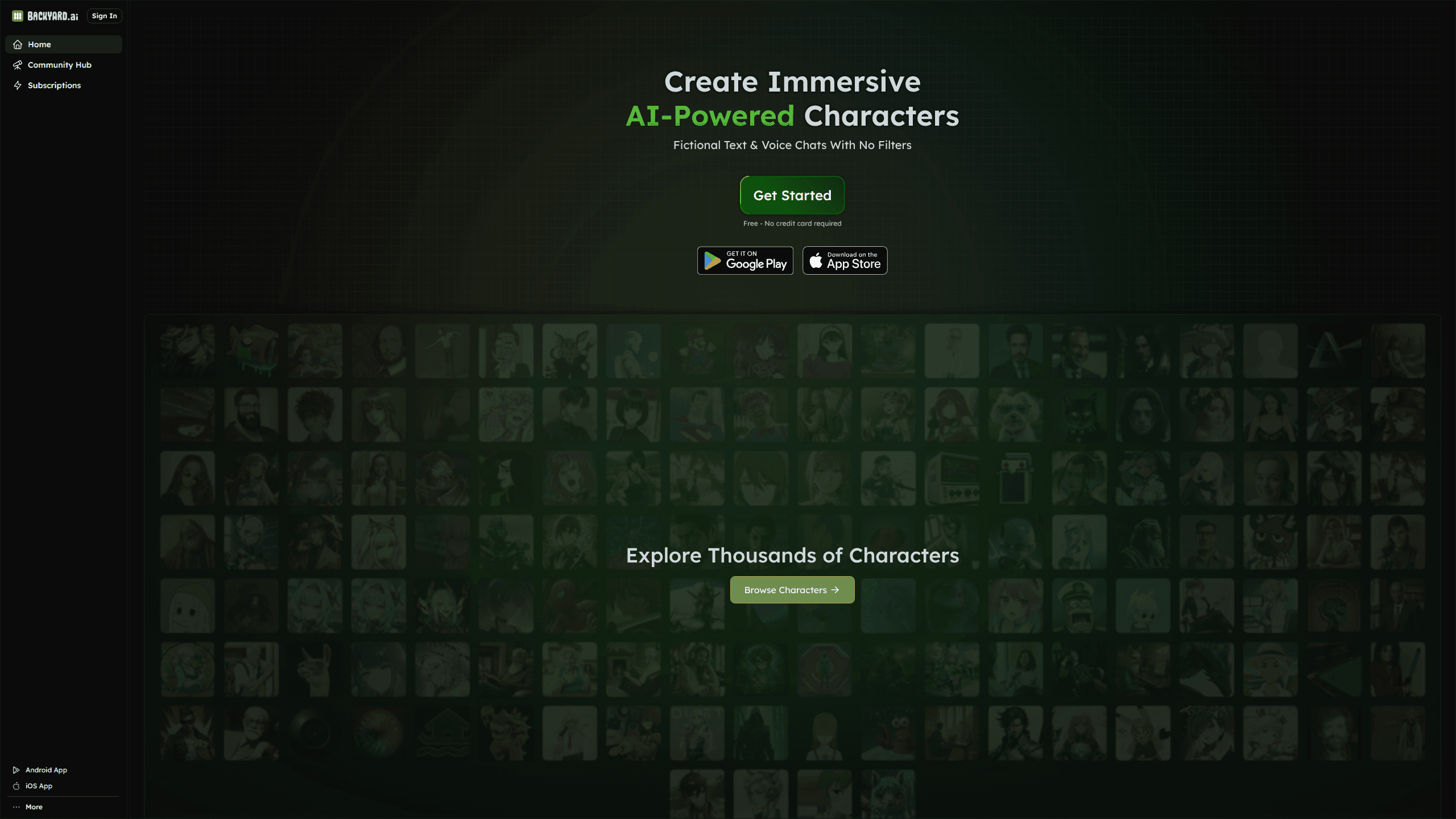
Backyard AI is a free AI chat app for building and talking to custom characters by text or voice, online or offline.
About Backyard AI
What Is Backyard AI
Backyard AI is a chat app built around characters. Instead of a single assistant answering questions, you pick or design personas and hold long conversations with them. Each character keeps its own personality, backstory, and voice, so a mystery detective feels different from a sarcastic barista. This is AI character chat the way hobbyists wanted it, not a generic assistant. You can talk through the desktop app, the mobile app, or the web hub, and everything stays in one place.
The hook is control. Backyard AI lets you write the character yourself, adjust how the model behaves, and even run it offline on your own hardware. That matters if you want private chats or you're tired of cloud services that store every message. The company also runs a community hub where people publish characters, so you can grab a ready-made one in seconds.
The main limit is hardware. Running models offline needs a decent GPU and some setup, and cloud models come with usage caps on the free tier. If you want a character creator AI with no hardware strings attached, temper expectations. The app is also adult-oriented, so it isn't built for younger users.
Getting Started
- Sign in at backyard.ai with Google, Discord, Apple, or X, or install the desktop or mobile app.
- Browse the community hub and pick a character, or create your own with a name, avatar, and personality prompt.
- Add optional extras like a lorebook or author's note to shape the setting and tone.
- Choose a cloud model or connect a local one, then adjust parameters if you want finer control.
- Start chatting by text or switch on voice, and save the conversation to pick up later.
Product Information
A quick look at Backyard AI's pricing, supported platforms, and performance.
Best for
The users, tasks, and scenarios where this tool fits best.
Users
- Roleplay fans who want persistent characters with real backstories, as long as they're comfortable with an 18+ app.
- Writers testing dialogue and voice for a novel or script, using lorebooks to keep world details straight.
- Privacy-minded users who'd rather run a local model than send chats to a cloud server, provided they have a capable GPU.
Tasks
- Character creation
- Long-form roleplay
- Voice conversations
Scenarios
- Late-night story sessions where you want a companion who stays in character across weeks of chatting.
- Brainstorming a fictional world and letting a lorebook track the rules, factions, and history.
- Offline travel or flights where you want an AI chat that still works without a connection.
Key features
Custom Character Creation
You build characters from the ground up, setting a name, avatar, greeting message, and personality prompt that defines how they talk. Import cards and personas you already use elsewhere, or start fresh. The result is a chat partner that feels written rather than generated, which is the whole point of a roleplay AI. Want a character that sounds like a real person? The prompt is where you earn it.
Lorebooks
Lorebooks feed the model context about your world, history, and characters so it stops forgetting details mid-story. You write entries for places, factions, and events, and Backyard AI pulls the relevant ones into the conversation when they come up. Good lorebooks take work, and skipping them has a cost you'll feel ten messages in. It's the difference between a character that remembers your city's name and one that invents a new one every scene.
Author's Note and Grammars
The author's note sets the scene, mood, or direction for a reply, like telling the AI it's a horror story at night. Grammars go further and lock responses into a structure, which helps if you want a fixed format for narration and choices. Both give you steering control without rewriting the prompt each time.
Advanced Model Parameters
For people who want to tune behavior, the app exposes token samplers, custom context length, and prompt templates. You can tweak temperature and other settings to make a model more creative or more grounded. It's more knobs than most casual users need, but they're there when a character drifts off-tone. Drop the temperature and ramble less. Not ideal for everyone, but power users love it.
Offline and Local Model Support
Backyard AI can run models on your own machine, so chats stay on your device and keep working without internet. That privacy angle is rare in AI chatbot apps, most of which route everything through a server. The trade-off is that local models need a strong GPU and some patience to set up.
Text and Voice Chat
You can type to a character or talk to it out loud. Voice adds a layer to roleplay and hands-free use, and it's available alongside the standard text mode. Switching between the two keeps a single conversation going, so you can start typing, walk away, and keep talking while you cook dinner or fold laundry without ever losing the thread of the story. Handy.
Community Hub
The hub hosts thousands of user-made characters across genres, from grimdark cyberpunk to cozy slice-of-life. You can browse, download, and remix what others publish instead of building everything yourself. Quality varies wildly, no surprise there. It's the fastest way to see what the app can do before you commit to a persona of your own.
Pros and cons
Pros
- Free to start, with a working free tier that covers casual chatting.
- Offline mode keeps conversations private and usable without a connection.
- Deep customization through lorebooks, grammars, and model parameters.
- Cross-platform access on web, desktop, and mobile with synced characters.
- A large community hub full of ready-made characters to try.
Cons
- Local models need a capable GPU and a fiddly setup, so the offline pitch isn't for everyone.
- Free cloud usage is capped, and heavy users will hit limits and need a paid plan.
- The 18+ focus means it isn't suitable for younger users or family use.
Frequently asked questions
Yes. There's a free tier that covers casual chatting, with an optional subscription for heavier cloud usage. Running models locally is also free, but it depends on your own hardware.
Related content
Explore related tools, skills, and articles for Backyard AI.
Backyard AI Alternatives

Emma AI
Emma AI · Business · ChatbotEmma AI is a no-code AI assistant builder for creating custom assistants that answer questions from your own business data. You connect the tools your team already uses, like Slack, Notion, Google Sheets, or Zendesk, upload documents, or let Emma train the assistant through a Q&A process. It's fast. Each assistant you create can be scoped to a specific team, project, or workflow, so a marketing assistant and an accounting assistant never see the same sources.

Chatgbot
Chatgbot · Image · Productivity · ChatbotChatgbot is a multi-model AI chat platform that gathers OpenAI GPT models, Anthropic's Claude Sonnet, and open-source options like GLM and Qwen behind one login. Instead of juggling separate subscriptions, you pick a model per conversation, upload PDFs to question them, generate images, and search the web, all inside a single interface and a single membership.

Validator AI
ValidatorAI · Business · ChatbotValidator AI is an AI idea validation tool for founders who want a straight answer before they build anything. Think of it as a startup idea validator and an AI startup mentor rolled into one. You describe your startup, product, or small business concept, and the tool scores it, analyzes the competitive field, suggests who the ideal customer is, and points to next steps. It leans on behavioral data gathered from hundreds of thousands of founder sessions. The core check is free to run. It suits solo founders, indie makers, and small teams testing a concept in the earliest stage, not companies that have already shipped.