

Formless
Typeform · Business · Chatbot
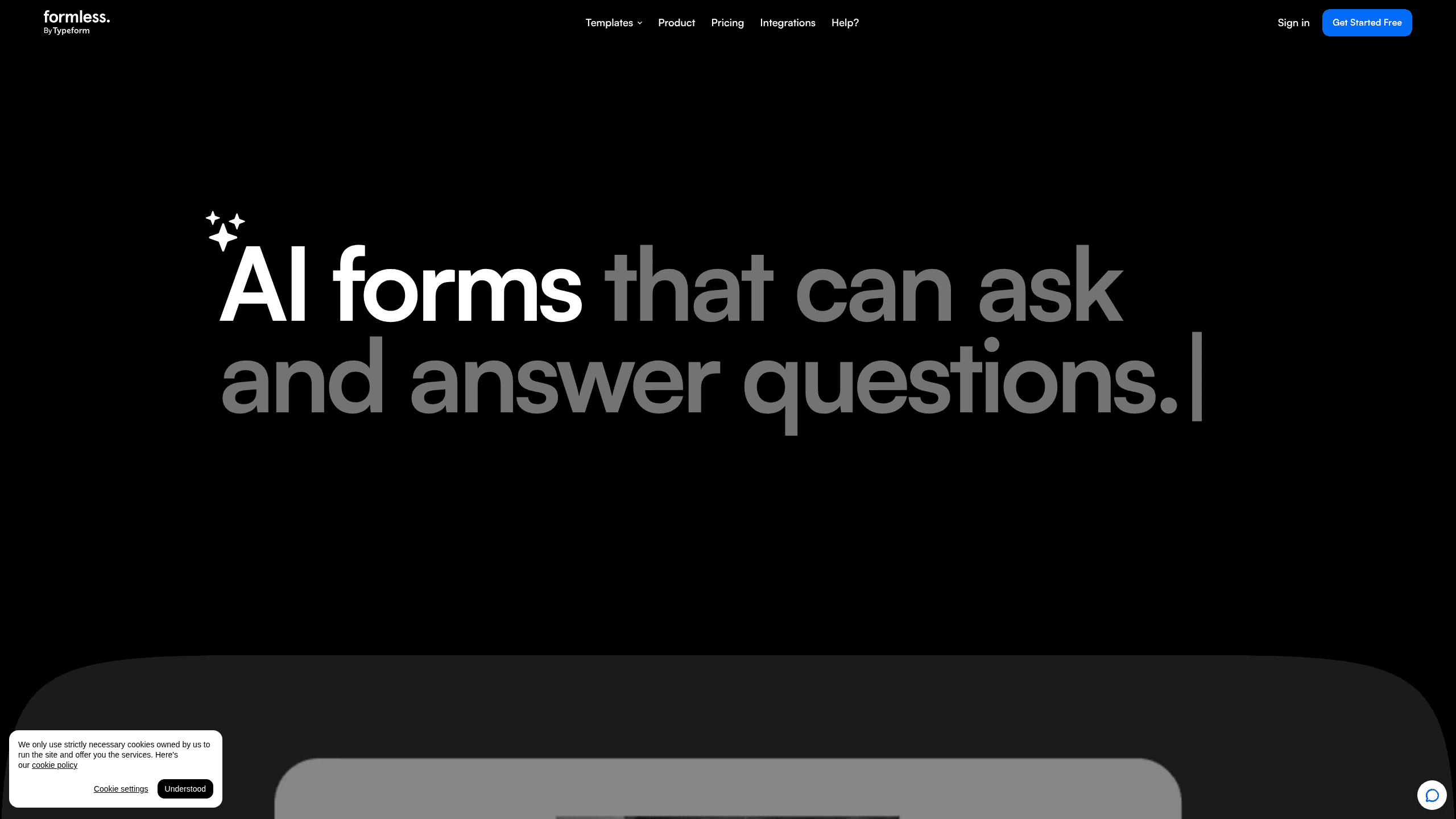
Formless is an AI form builder from Typeform that replaces static questionnaires with natural, chat-style conversations. Instead of ticking boxes, respondents answer in their own words, and the tool adapts its follow-up questions based on what they say. Think of it as an AI survey tool with a chat window instead of a grid. It's built for teams who want richer answers from lead generation forms, feedback, and quizzes without writing the branching logic themselves.
About Formless
What Is Formless
Formless is a conversational AI form builder made by Typeform, the company behind the well-known Typeform survey product. Where a standard form asks everyone the same fixed questions, Formless runs a back-and-forth exchange. The AI reads each answer. It decides what to ask next. And it keeps the tone personal and on brand.
The main problem it solves is shallow data. Fixed forms push people into predefined buckets, so you often end up with tidy answers that tell you little. A conversation lets people explain themselves, which is why Formless leans on use cases like qualifying inbound leads, gathering product feedback, and running recommendation quizzes where the path depends on what each person said before.
Interactive forms are the whole idea here. Asking beats scanning a list of options for most people, and the AI keeps the flow moving without manual logic.
There are real limits worth knowing up front. Formless is a web product, and its most useful features sit behind the paid PRO tier. The free option gives you a taste, but branding removal, team seats, and AI training on your own content all require a subscription. Formless runs as a standalone tool rather than a replacement for the full Typeform editor, so pick it when conversation quality matters more than raw form-building flexibility.
Getting Started
- Go to formless.ai and sign up with your email, or sign in if you already have a Typeform account.
- Pick a template (inbound leads, feedback, quiz, quote generator, and others) or start from scratch.
- Describe what you want to ask and let the AI draft the conversation, then adjust the questions and tone.
- If you're on PRO, train the AI on your own content by adding snippets or letting it crawl your website.
- Share the form link or embed it on your site, then review responses as they come in.
Product Information
A quick look at Formless's pricing, supported platforms, and performance.
Best for
The users, tasks, and scenarios where this tool fits best.
Users
- Marketing and sales teams
- Product managers
- Founders and small teams
Tasks
- Capturing inbound leads
- Running recommendation quizzes
- Gathering customer feedback
Scenarios
- Replacing a static contact form with a short conversational intake.
- Qualifying website visitors before a sales call so your team knows who's worth a follow-up.
- Running a giveaway or contest entry that people actually finish because it feels like chatting.
Key features
Conversational question flow
Formless swaps fixed steps for a live exchange. The AI reads each response and picks the next question, so two people with different answers get different paths. You don't write branching logic yourself. That saves the most time on longer forms.
Train the AI on your data
On the PRO tier you can feed the AI snippets of information or let it crawl your website. It then answers respondent questions in context, using your own content instead of generic replies. This is what turns a form into something closer to a lightweight assistant.
120+ language support
Formless holds conversations in more than 120 languages and picks the language from the respondent's browser settings. For teams running global campaigns, that means one form serves a multilingual audience. No manual translation pass needed.
Multiple embed formats
You can share a Formless conversation as a link or embed it across your site in several formats. It fits into different touch points rather than forcing visitors onto a separate page. That flexibility matters when the form is part of a landing page flow.
Zapier integrations
Responses connect to tools like HubSpot, Google Sheets, Mailchimp, Slack, and Pipedrive through Zapier. You can route a qualified lead into your CRM or drop a summary into Slack the moment someone finishes. This is how Formless fits into an existing stack instead of becoming another silo.
Branding and team seats
The PRO plan removes the Formless logo so you can add your own, and it includes three team seats. Need more collaborators? Contact sales to expand. Keeping the brand consistent across every conversation is the point here.
Template library
Formless ships with ready-made templates for inbound leads, contact sales, feedback, quizzes, quote generators, giveaways, job applications, and pre-orders. You start close to your goal and tune the wording. Templates cut the blank-page problem that slows down new campaigns.
Pros and cons
Pros
- Answers feel like a conversation, so respondents tend to give longer and more specific replies.
- The AI handles branching for you, which removes the manual logic-building that slows down traditional forms.
- Over 120 languages with automatic detection makes it practical for international campaigns.
- Strong template library covers the common lead-gen and feedback jobs out of the box.
- Zapier connections push responses into CRMs and team tools without custom work.
Cons
- The free plan is limited, so branding removal, team seats, and AI training all need the $59/mo PRO tier.
- It's a web-only tool, so there's no native mobile app for building or managing forms on the go.
- Pricing scales with monthly AI conversations, and heavy usage means a higher tier or a custom quote.
- You can't see a public API, so deep custom integrations may depend on Zapier as the middle layer.
Frequently asked questions
Formless builds conversational forms for lead capture, feedback, quizzes, quote requests, and similar jobs. It's from Typeform and focuses on chat-style exchanges instead of static question lists. So which jobs fit best? Lead capture, feedback, and anything where the next question depends on the last answer.
Related content
Explore related tools, skills, and articles for Formless.
Formless Alternatives

Claude for Google Workspace
Anthropic · Writing · Productivity · BusinessClaude for Google Workspace puts Claude in a sidebar inside Google Docs, Sheets, and Slides, where it reads the file you have open and edits it in place.

KloudMate 2.0
KloudMate · Coding · BusinessKloudMate 2.0 is an AI observability platform that keeps logs, metrics, traces, and incidents in one place, with KloudMate Assistant investigating alerts and proposing the fix.
Cekura Bench
Cekura · Voice & Language · BusinessCekura Bench is a public benchmark that runs speech-to-speech models and deployed voice agents through 82 simulated phone calls, three times each, then publishes pass rates, latency and cost.