

InterviewBee AI
InterviewBee · Business
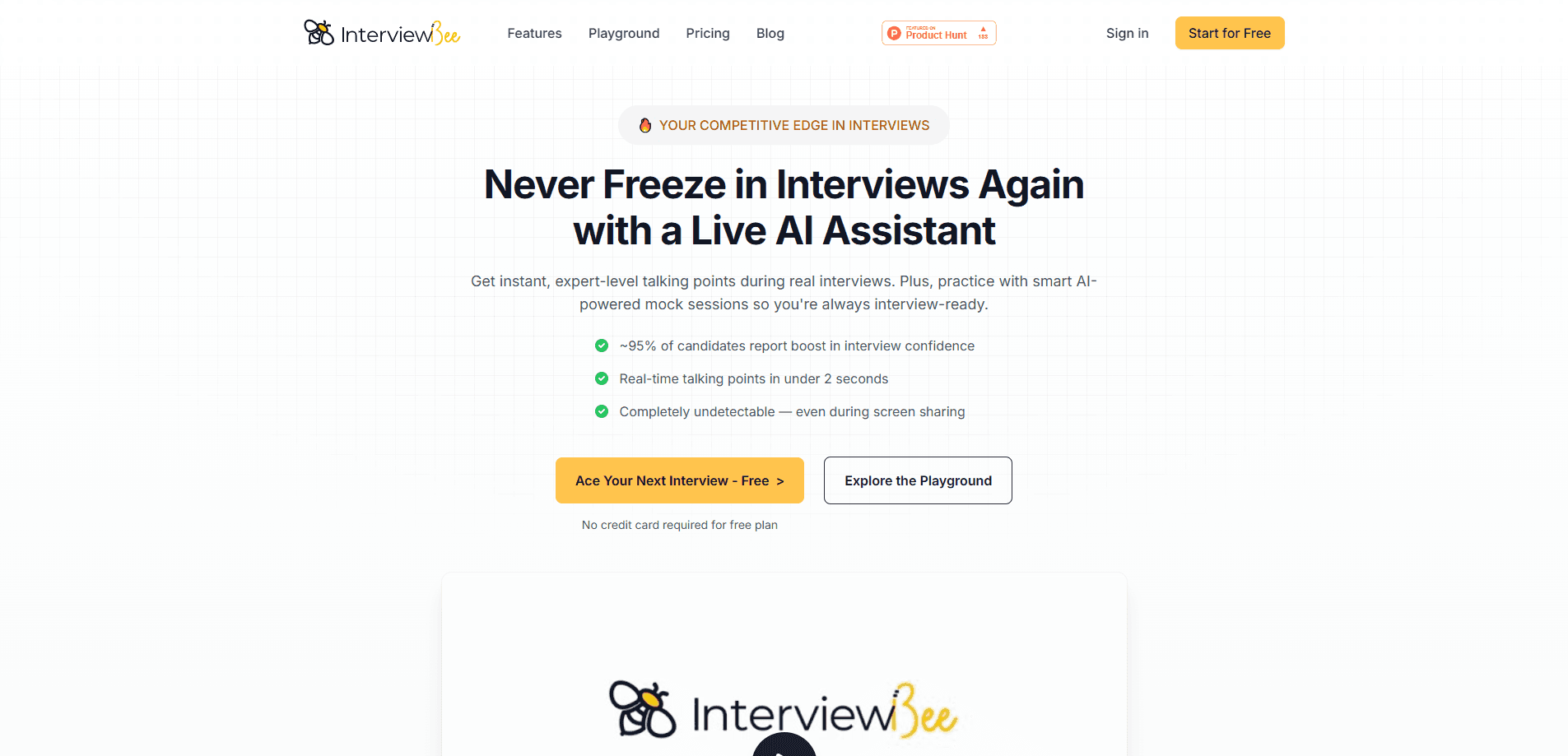
InterviewBee is an AI interview assistant that feeds you real-time talking points during live interviews and runs voice-based mock interviews with feedback, all while staying invisible on screen share.
About InterviewBee AI
What Is InterviewBee
InterviewBee is a two-in-one tool for job candidates: a live assistant that listens to an interview and puts a structured answer on your screen in about two seconds, plus a mock interviewer that runs voice-based practice sessions from your resume and target role. It's aimed at people who know their material but freeze when a question catches them off guard. The pitch is straightforward: you walk in with talking points, not a blank stare.
The product leans on personalization. You upload a resume and a job description, and both assistants work from that context rather than generic question banks. The mock interviewer asks follow-ups based on what you actually say, then hands back a performance report. The live assistant suggests how to structure an answer while you're still on the call.
The limits matter before you buy. Stealth mode only hides the live assistant in the desktop app, not the web version. The live assistant is built for video interviews on Zoom, Google Meet and Microsoft Teams, so audio-only phone screens are out. Stealth mode also only covers screen sharing, and some employers run their own monitoring or ban AI help, so the rules for your specific interview are yours to check.
Getting Started
- Create a free account on the InterviewBee site, which needs no credit card.
- Upload your resume and paste in the job description for the role you're targeting.
- For practice, start a mock interview and answer the voice-based questions out loud.
- Read the performance report and work on the answers that fell flat.
- For a live interview, install the desktop app, turn on stealth mode, and let it feed talking points while you share your screen.
Product Information
A quick look at InterviewBee AI's pricing, supported platforms, and performance.
Best for
The users, tasks, and scenarios where this tool fits best.
Users
- Job candidates in an active search
- Career switchers facing unfamiliar questions
- Non-native English speakers
Tasks
- Handling live video interviews
- Running mock interviews
- Beating interview freeze
- Preparing role-specific answers
Scenarios
- A high-stakes interview on the calendar
- A long search across several companies
- Rehearsing before a phone screen
Key features
Real-time talking points in under two seconds
The live assistant listens to the interview and drops a structured answer onto your screen almost instantly. The point is speed, because a suggestion that arrives ten seconds late is useless when a question is hanging in the air. Think of it as an interview copilot that keeps the next move visible. It's the feature people come for, and it shapes how the desktop app is built around the call.
Voice-based AI mock interviews
The mock interviewer runs a spoken session built from your resume and the job description. It asks realistic questions, follows up based on your answers, and ends with a performance report. That combination turns practice into something measurable instead of a vague feeling that you did okay.
Stealth mode on screen share
In the desktop app, stealth mode keeps InterviewBee out of what you share on Zoom, Google Meet and Microsoft Teams. This is what separates it from a browser tab you'd have to hide by hand. Know the caveat: it covers screen sharing only, and it can't stop an employer's own monitoring.
Resume and job-description tailoring
Both assistants work from your resume and the role you're targeting, so the questions and talking points track your actual background. The result is less time on questions you'll never face and more on the ones that fit the job in front of you.
100+ role scenarios
The question set spans behavioral, technical, coding and situational interview types, covering over 100 role scenarios. A product manager and a data engineer get different sessions from the same tool, which matters when interview style shifts hard by role.
Post-interview performance reports
After a mock session, InterviewBee returns feedback on how your answers landed and where they fell short. It also builds custom work-experience stories from your background. For anyone who never gets real feedback from a practice interview, that's the useful part.
Pros and cons
Pros
- Handles both live interviews and mock practice in a single tool.
- Real-time suggestions arrive in under two seconds, fast enough to be usable mid-answer.
- No subscription: paid packs are one-time purchases, so you can stop after your search ends.
- Free plan is genuinely free with lifetime access and no credit card.
- Stealth mode hides the assistant from screen share in the desktop app.
Cons
- Stealth mode is desktop-only, so the web version offers no invisibility.
- No support for audio-only phone interviews, which rules out phone screens.
- Stealth mode covers screen sharing only and can't hide AI help from an employer's own monitoring.
- Refunds are rarely granted, so an unused pack is money you likely won't get back.
Frequently asked questions
An AI interview assistant listens to a live interview, works out the question, and puts a structured answer on your screen in real time. InterviewBee does this in under two seconds and stays out of your screen share in the desktop app.
Related content
Explore related tools, skills, and articles for InterviewBee AI.
InterviewBee AI Alternatives

Claude for Google Workspace
Anthropic · Writing · Productivity · BusinessClaude for Google Workspace puts Claude in a sidebar inside Google Docs, Sheets, and Slides, where it reads the file you have open and edits it in place.

KloudMate 2.0
KloudMate · Coding · BusinessKloudMate 2.0 is an AI observability platform that keeps logs, metrics, traces, and incidents in one place, with KloudMate Assistant investigating alerts and proposing the fix.
Cekura Bench
Cekura · Voice & Language · BusinessCekura Bench is a public benchmark that runs speech-to-speech models and deployed voice agents through 82 simulated phone calls, three times each, then publishes pass rates, latency and cost.