

Silver Pennies
Shire Works · Business
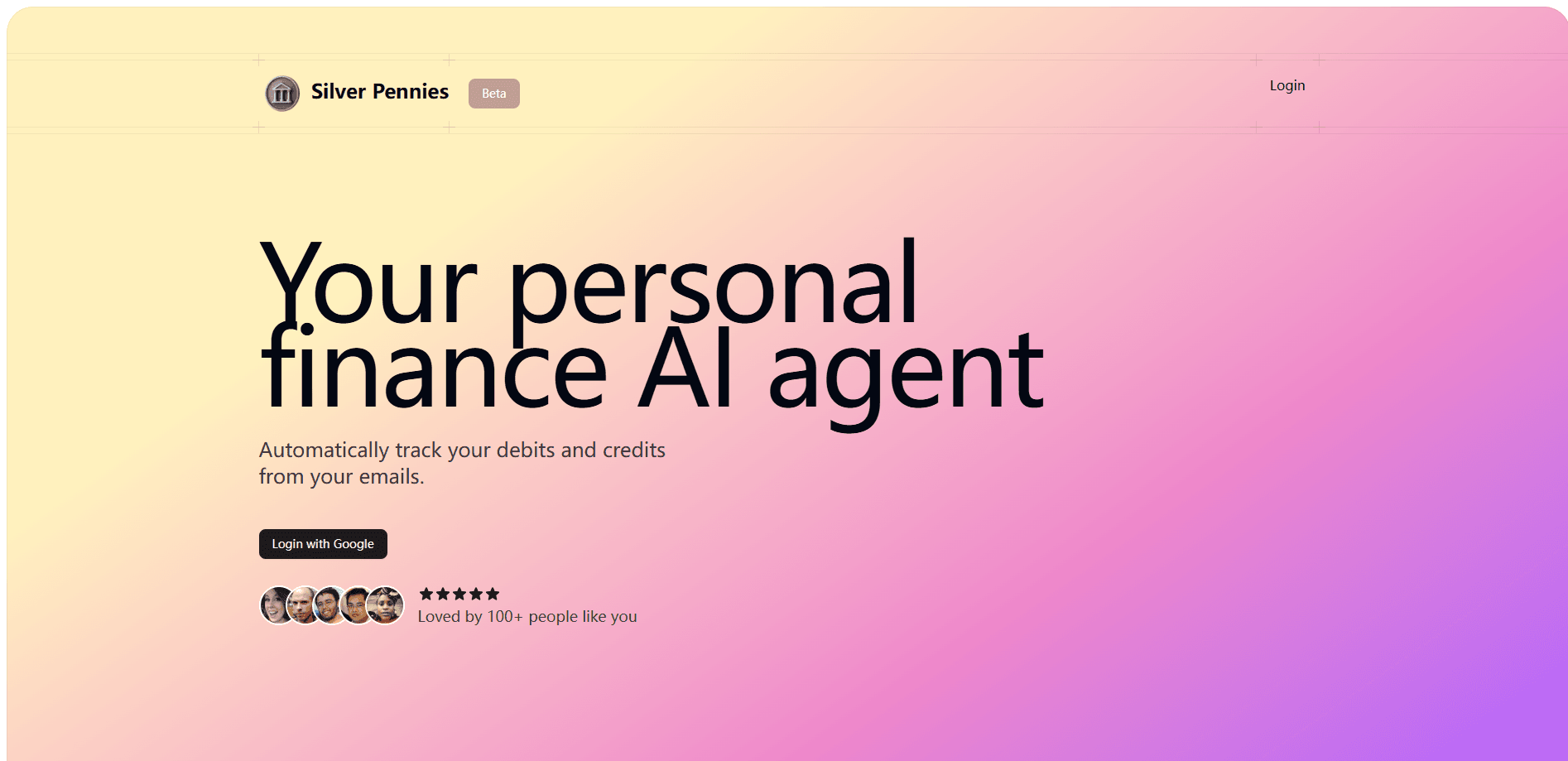
Silver Pennies is a private AI finance agent that reads transaction-alert emails in your Gmail and turns them into categorized spending insights, so you skip manual budgeting spreadsheets.
About Silver Pennies
What Is Silver Pennies
Silver Pennies is a web-based personal finance tool built by Shire Works. It connects to your Gmail through Google sign-in, then pulls debits and credits out of the transaction-alert emails your bank and card issuers send you. From there it sorts every payment into categories and shows where your money actually goes. The pitch is simple: you already get a receipt in your inbox for almost everything you spend, so why type it all into a spreadsheet?
The whole product leans on privacy. Instead of asking for your bank logins, it reads only the emails sitting under one label you create called "Transaction Alerts." Everything else in your inbox stays invisible to the tool. That design answers the biggest fear people have about finance apps, which is handing over account credentials they can't take back.
The catch is that Silver Pennies is still in beta, it's Gmail-only right now, and it depends on your bank actually emailing you alerts. If your bank doesn't send per-transaction emails, or you use a provider that groups them, the feed gets patchy. It also won't move money, pay bills, or link accounts directly.
Getting Started
- Create a Gmail label named exactly "Transaction Alerts" and add the sender addresses you want tracked to it.
- Sign in to Silver Pennies with your Google account.
- Let the agent fetch and categorize the transactions from that label.
- Open the dashboard to review your spending by category and check the insights.
Product Information
A quick look at Silver Pennies's pricing, supported platforms, and performance.
Best for
The users, tasks, and scenarios where this tool fits best.
Users
- Busy professionals
- Budget beginners
- Privacy-focused spenders
Tasks
- Tracking daily spending
- Sorting expenses into categories
- Spotting spending patterns
Scenarios
- Monthly money reviews
- Catching forgotten subscriptions
- Avoiding bank logins
Key features
Email-Based Transaction Capture
Silver Pennies pulls debits and credits straight from your Gmail transaction alerts rather than asking for bank credentials. You decide what it can see by controlling which senders land under the "Transaction Alerts" label. That keeps the tool read-only in spirit: it observes alerts, it can't move money.
Automatic Categorization
Every fetched transaction gets sorted into a category, so your spending organizes itself as alert emails arrive. The result is a live view of where money goes without you typing a single row. Manual category rules stay out of your way for the common cases.
AI Spending Insights
The agent analyzes your categorized transactions and surfaces patterns, like where a category is creeping up month over month. It's built for people who want a plain read on their habits, not a wall of charts. The insights sit on top of the categorized data, so they sharpen as more alerts flow in.
Privacy-First Design
Reading only one Gmail label is the core privacy promise. Your other mail, and your bank passwords, stay out of reach. The trade-off is real: if an alert never hits that label, the transaction never shows up.
Google Sign-In
Setup runs on your existing Google account, so there's no new password to manage. You authorize access, pick your label, and the agent starts working. It's the kind of onboarding that takes minutes, not an afternoon.
Web Dashboard
Everything lives in a browser dashboard that shows categorized spending and the insights layer. There's no desktop install or mobile app, which keeps it lightweight. You check in when you want a read on your money, not every time you buy coffee.
Pros and cons
Pros
- No bank credentials needed, since it reads only a labeled slice of Gmail.
- Automatic categorization removes most manual expense entry.
- Google sign-in makes setup fast and password-free.
- AI insights flag spending patterns without heavy chart reading.
- Free to use while in beta.
Cons
- Gmail-only for now, so Outlook and other inboxes aren't supported.
- It depends on banks sending per-transaction email alerts, which some don't.
- The one-label privacy model means miscategorized alerts slip through silently.
Frequently asked questions
It reads transaction-alert emails in your Gmail, pulls out debits and credits, and categorizes them into a spending dashboard with AI insights. You skip the manual entry that makes spreadsheets a chore.
Related content
Explore related tools, skills, and articles for Silver Pennies.
Silver Pennies Alternatives

Claude for Google Workspace
Anthropic · Writing · Productivity · BusinessClaude for Google Workspace puts Claude in a sidebar inside Google Docs, Sheets, and Slides, where it reads the file you have open and edits it in place.

KloudMate 2.0
KloudMate · Coding · BusinessKloudMate 2.0 is an AI observability platform that keeps logs, metrics, traces, and incidents in one place, with KloudMate Assistant investigating alerts and proposing the fix.
Cekura Bench
Cekura · Voice & Language · BusinessCekura Bench is a public benchmark that runs speech-to-speech models and deployed voice agents through 82 simulated phone calls, three times each, then publishes pass rates, latency and cost.