

1Click Report
1ClickReport · Marketing
1ClickReport is a marketing analytics platform that connects your ad accounts and turns scattered numbers into plain-English answers. Instead of logging into Google Ads, Meta, GA4, Search Console and Stripe one at a time, you connect them once and ask questions in normal language. It's built for agencies and in-house teams that spend real money on ads and want to know which campaigns actually earned revenue, not just which ones reported conversions. Call it an AI marketing analytics platform, and the description holds up. The same analyst runs inside Claude through Anthropic's MCP, so you can work without opening a dashboard.
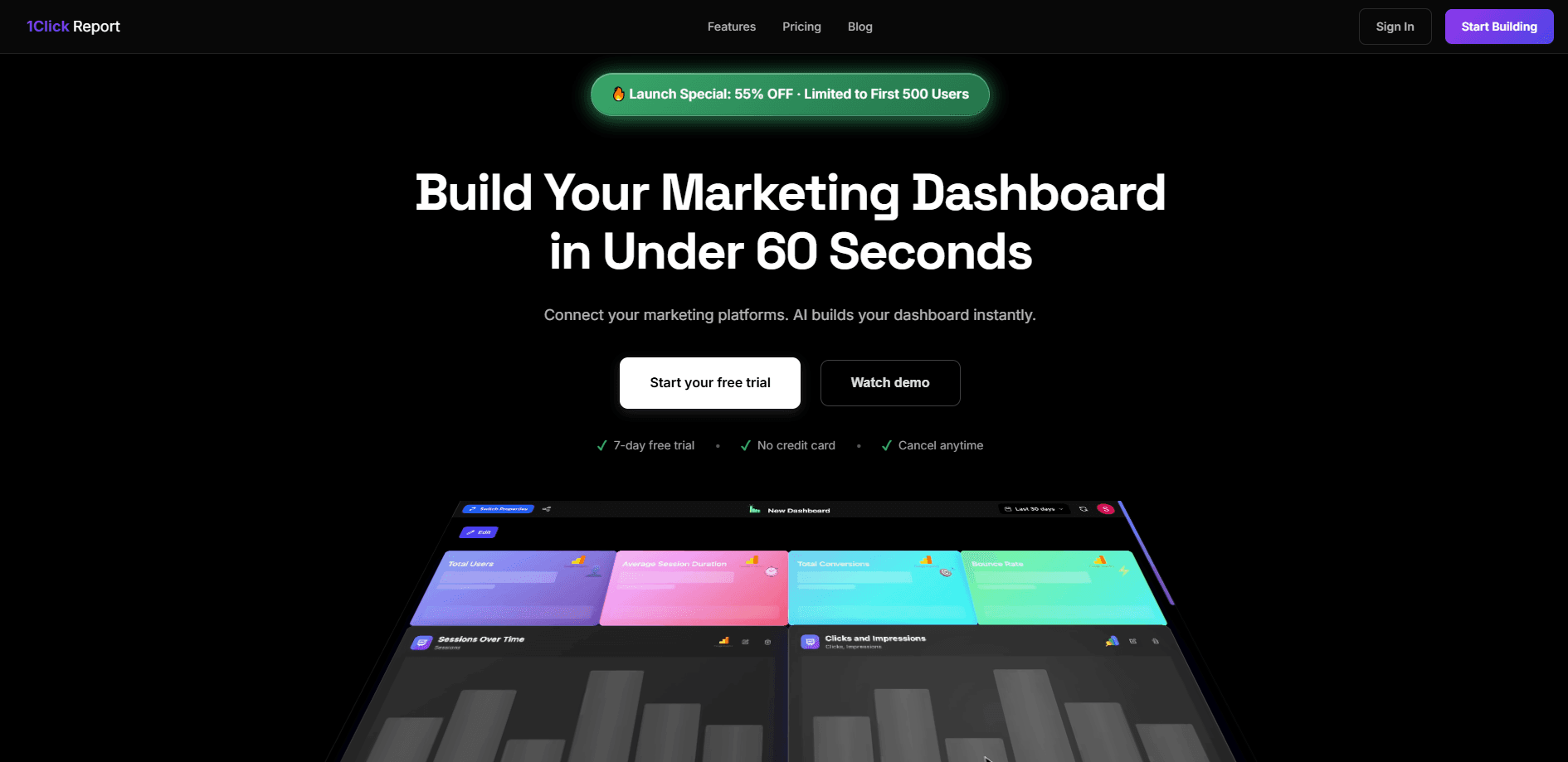
About 1Click Report
What Is 1ClickReport
1ClickReport is a marketing analytics platform built around one idea: find the wasted ad spend, fix it, and prove what worked. You connect your ad and analytics accounts through one-click OAuth, and the tool pulls live data across every platform you've linked, so Google Ads, Meta, GA4, Search Console and Stripe figures land in a single view instead of five separate logins. An AI analyst keeps notes on each client, learns their normal weekly numbers, and checks a baseline before it tells you something dropped. That memory is the difference between a real analyst and a search box.
What separates it from a regular dashboard is the revenue angle, because most ad tools stop at the numbers the platforms hand them. Connect Stripe and you see which campaigns drove actual sales rather than platform-reported conversions, which are often inflated and rarely match what landed in your bank account. It also flags overlap between paid and organic search, so you stop paying for keywords you already rank for on Google. That alone can pay for the tool.
The catch is scope. It's a marketing tool, not a general business suite, and the value depends entirely on connecting your accounts properly. Reporting quality tracks the data you feed it, and the Claude integration assumes you're comfortable working in that environment. Whether it's worth it comes down to how much ad spend you're managing. For anyone handling several accounts at once, the math usually works.
Getting Started
- Sign up at 1clickreport.com and start the 7-day free trial. No credit card is needed to begin.
- Connect your accounts through one-click OAuth: Google Ads, Meta, GA4, Search Console and Stripe. The setup takes about 60 seconds per account.
- Let the platform pull your history and set a baseline from the first weeks of data.
- Ask a question in plain English, or open the report builder and generate a client-ready summary.
- Review the AI analyst's findings, approve any proposed changes, and export the report. Nothing goes live without your sign-off.
Product Information
A quick look at 1Click Report's pricing, supported platforms, and performance.
Best for
The users, tasks, and scenarios where this tool fits best.
Users
- Agency owners
- E-commerce founders
- In-house marketing teams
Tasks
- Running an ad spend audit
- Generating client reports
- Drafting ad concepts
Scenarios
- Monthly reporting across several client accounts where numbers live in five different tools.
- Auditing an ad account before a budget review, so you can point to specific waste.
- Running analysis inside Claude without jumping between browser tabs and dashboards.
Key features
AI Analyst With Memory
Most AI chat tools forget your account the moment the conversation ends. 1ClickReport keeps one analyst per client, and that analyst writes a diary as you work. It remembers targets, past fixes and competitor notes, then refreshes baselines weekly from your own data. When a number moves, it checks whether that's normal before raising a flag. This is the feature that makes the tool feel less like a chatbot and more like a marketer who's been on the account for months. No re-explaining. No cold starts.
Revenue Attribution Through Stripe
Platform conversions don't always equal money in the bank. By connecting Stripe, 1ClickReport shows which campaigns drove actual revenue, so a campaign reporting a strong ROAS might turn out to have driven very little real sales. That gap is where budget waste hides. And seeing it in dollars is the clearest reason to connect the account.
Paid and Organic Overlap Detection
Search Console data powers a check that many teams skip: which keywords you're paying for while already ranking at the top organically. The platform estimates the monthly waste from that overlap and points you to terms you don't rank for. Pausing those paid terms is often the fastest way to recover budget without losing traffic. Sound familiar?
Client-Ready Report Builder
Reports get built from live data and framed around what changed and what to do next, not a wall of charts, which is exactly the framing a client wants when they open it over coffee. You can send one the same day without manual assembly, which matters when an agency is juggling multiple accounts on the same deadline. No more copy-paste at midnight.
Built Into Claude via MCP
The whole analyst runs inside Claude through Anthropic's MCP, so there's no separate dashboard to learn and no new interface to master. You connect once and ask in plain English. For teams already working in Claude, this removes the constant tab-switching between the assistant and a reporting dashboard that eats into analysis time. Think of it as a Claude marketing MCP that turns the assistant into your reporting layer.
Search Autopilot
The platform finds search opportunities, drafts an article around what people are searching for, and hands it over for review. It adds page titles, descriptions and FAQ structured data. Nothing publishes without approval. Your call, every time.
Pros and cons
Pros
- Connects Google Ads, Meta, GA4, Search Console and Stripe through one-click OAuth in about a minute each.
- Stripe integration exposes real revenue and true ROAS rather than inflating platform-reported conversions.
- The AI analyst keeps per-client memory and baselines, so insights stay grounded in each account's normal.
- Runs inside Claude via MCP, which suits teams already working there.
- 7-day free trial with no credit card lowers the cost of testing it.
Cons
- Value depends on connecting accounts correctly; partial or messy data leads to weaker reporting.
- It's a marketing tool, not a full business analytics suite, so other metrics are out of scope.
- The Claude-based workflow assumes some comfort with that environment, which isn't for everyone.
Frequently asked questions
It connects your marketing accounts, finds wasted ad spend, helps create new ad concepts, and turns results into client-ready reports. You ask questions in plain English and it pulls live data across every connected platform at once.
Related content
Explore related tools, skills, and articles for 1Click Report.
1Click Report Alternatives

Emailwritr
Emailwritr · Writing · MarketingEmailwritr is an AI email copywriting tool built for affiliates, course creators, and online businesses that want more revenue from the list they already own. Instead of blank pages or generic chatbot prompts, this AI email writer generates welcome sequences, launch campaigns, cart recovery emails, and promo series from frameworks modeled on well-known direct-response copywriters. You connect your autoresponder, answer a few questions about your offer, and it writes the copy for you.

Prosp
Prosp · Writing · Voice & Language · MarketingProsp is an AI LinkedIn outreach tool built for agencies and sales teams, and it writes the message and the voice note in your own voice for each prospect so they actually reply. You connect your accounts, find leads, and let the AI draft and send personalized messages at scale, all from one inbox. It's built for people running outbound at volume. That's the whole pitch. Every touchpoint still has to feel human.

On Model
On Model · Image · MarketingOn Model is an AI fashion model tool that places your clothing on virtual models so online stores can get on-model product photos without booking a photoshoot. It runs as a Shopify app, letting you swap the model in an existing image, change backgrounds, and generate faces for cropped or headless shots. The goal is simple: match your product photos to your customers and stand out from competitors using the same supplier images.