

1Code
21st.dev · Coding
1Code is an open-source client application that lets you run Claude Code, Codex and other AI coding agents from one visual workspace. Instead of juggling terminal windows, you get a Cursor-like desktop and web app where each chat runs in its own isolated Git worktree, so agents can work in parallel without touching your main branch. It's built by the 21st.dev team and aimed at developers who already use coding agents but want a calmer, keyboard-first way to manage them.
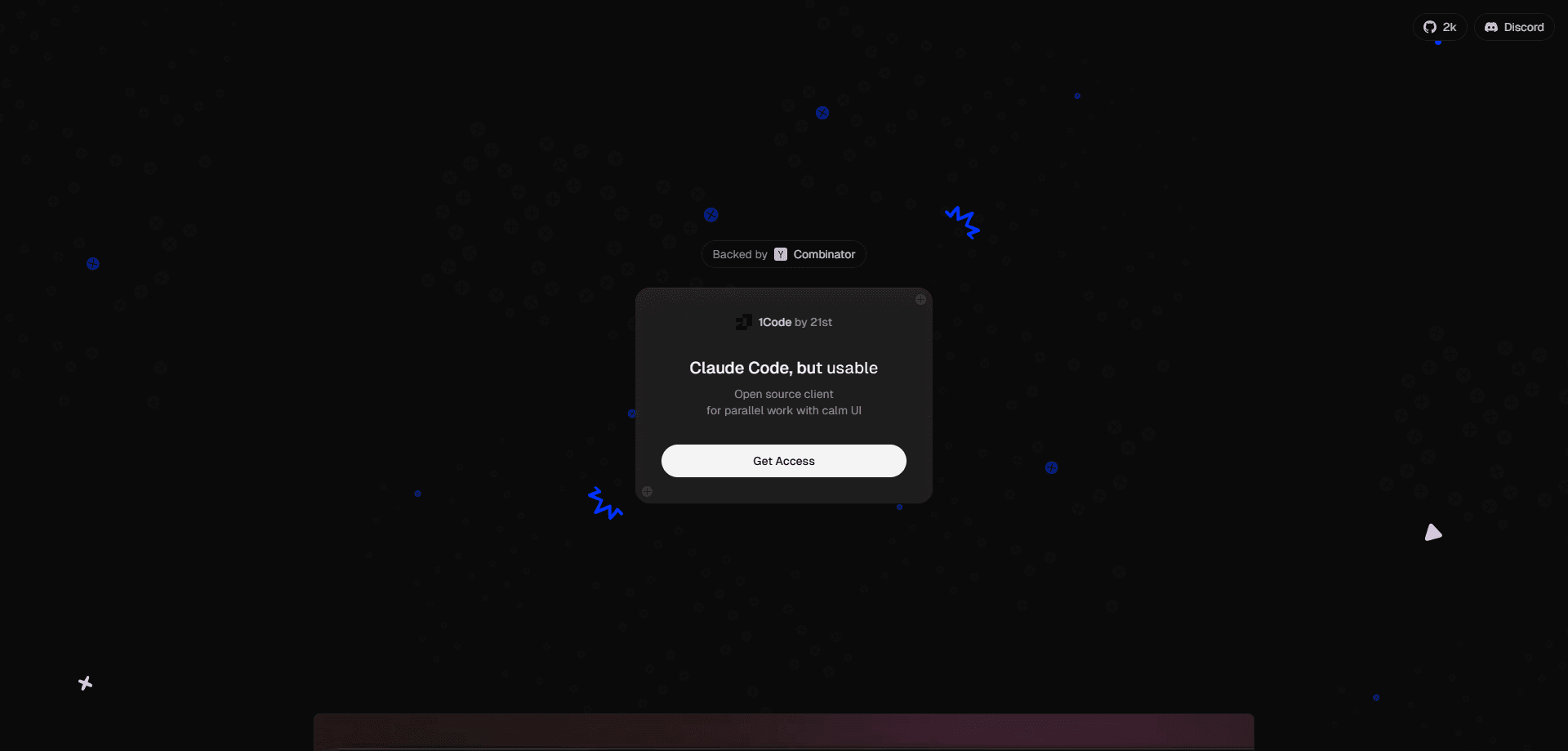
About 1Code
What Is 1Code
1Code is an orchestration layer for coding agents. You point it at a project and start one or more agents inside that project. Their edits, commands and file changes play out in a real-time interface. The project lives at 1code.dev and on GitHub under 21st-dev, and it starts from the premise that running coding agents in parallel inside a raw terminal gets messy fast.
The core idea is isolation. Every chat session gets its own Git worktree, so two agents can refactor different parts of the same repo simultaneously. Neither one can commit straight to your main branch by accident. That's the feature most people come to 1Code for, and it shapes how the rest of the app feels.
The main limit is that 1Code doesn't include the agents themselves. You bring your own API keys. You also bring your own subscriptions, so the cost of running Claude Code or Codex still sits with those providers, not with 1Code. It's a client, not a bundled plan. Expect to be comfortable with Git, API keys and a development workflow.
Getting Started
- Download the app from 1code.dev for macOS, Windows or Linux, or open the web version in a browser.
- Connect a provider by adding your own API key or signing in to the model service you already pay for.
- Open a local project folder and let 1Code set up a Git worktree for the session.
- Start a chat, pick your agent and model, and describe the task you want handled.
- Review the diffs, keep what you like, and push from the built-in Git client when you're ready.
Product Information
A quick look at 1Code's pricing, supported platforms, and performance.
Best for
The users, tasks, and scenarios where this tool fits best.
Users
- Individual developers already running Claude Code or Codex who want a GUI instead of a terminal, provided they're comfortable managing API keys.
- Teams that review each other's agent output, since worktrees and diff previews make changes easy to inspect before they land.
- Backend and full-stack engineers on macOS, Windows, Linux or the browser who handle repos where branch safety matters.
Tasks
- Running several agents in parallel on the same repo, one per worktree, without merge chaos.
- Reviewing and rolling back agent edits before they reach a shared branch.
- Kicking off long-running background agents and picking results up later from a laptop or phone via the PWA.
Scenarios
- A refactor across many files where you want two agents splitting the work while you keep coding in a third session.
- Handing off routine jobs to a background agent that runs in a cloud sandbox while you step away.
- Prototyping a feature branch and previewing it live in the integrated browser before opening a pull request.
Key features
Multi-agent support in one app
1Code runs Claude Code and Codex side by side and lets you switch between them instantly. Use more than one agent depending on the task? You stop alt-tabbing between separate terminals. You can also bring your own API keys and providers, so the app doesn't lock you into a single vendor.
Git worktree isolation
Every chat session gets its own Git worktree. Two agents can work in the same repository at once, and a bad edit in one session can't reach your main branch. That changes the risk calculation. Running parallel agents starts to feel safe rather than reckless.
Cursor-like visual interface
The UI shows diff previews, real-time tool execution and git activity badges right on the agent messages. You see the bash commands, file edits and web searches as they happen. No black box. Built-in staging, commits, branch management and push to GitHub mean you rarely leave the app.
Background agents and cloud sandboxes
Agents can keep running in cloud sandboxes after your laptop sleeps. Start a job, close the lid, then check the results later. The PWA lets you start and monitor those background agents from your phone. No babysitting required.
Plan mode and extended thinking
Before an agent touches code, you can have it ask clarifying questions and draft a structured plan with a markdown preview. Extended thinking is on by default. For anything with real consequences, seeing the plan first is worth the extra step.
Automations and MCP support
Agents can be triggered from GitHub, Linear or Slack, or manually from git events, and the app manages MCP servers along with a plugin marketplace that turns 1Code from a single-session tool into something that fits into an existing workflow.
Built-in Git client and file viewer
Stage changes, review diffs, create pull requests and push without leaving the window. A file viewer with Cmd+P search, syntax highlighting and an image viewer rounds out the editor-adjacent tools that you'd otherwise open a separate app to reach for during a normal working day.
API and chat forking
You can run agents programmatically with a single API call, and fork a sub-chat from any assistant message to explore an alternative. Forking is the more interesting one day to day. It lets you chase two approaches without losing the original thread.
Pros and cons
Pros
- Free and open source, with no per-seat pricing tied to the client itself.
- Worktree isolation lets multiple coding agents run on one repo without stepping on each other.
- Runs on macOS, Windows, Linux and the web, so the interface follows you across machines.
- Diff previews and rollback make reviewing agent output far easier than reading terminal logs.
- Background agents and a PWA mean long jobs don't chain you to your laptop.
Cons
- You pay per provider for the agents themselves, so 1Code isn't a complete all-in-one coding plan.
- The key features assume you're comfortable with Git worktrees, API keys and a developer workflow, which can be a lot for beginners.
- It's a young project, with releases still landing in the 0.0.x range, so expect rough edges and fast changes.
Frequently asked questions
Yes. 1Code is open source and free to run. The cost you'll actually pay comes from the agents and model providers you connect, such as Claude Code or Codex, since you bring your own API keys.
Related content
Explore related tools, skills, and articles for 1Code.
1Code Alternatives
Forefront
Forefront · CodingForefront is a web platform for building with open-source AI. It lets you fine-tune leading open-source language models on your own data, evaluate how they perform, and run them through an API or export them to host yourself. Developers who want the convenience of a closed-source platform but insist on owning their models and data are the target audience here.

Startkit
StartKit.AI · CodingStartkit is a boilerplate for building AI SaaS and AI wrapper products. Think of it as an AI startup boilerplate with the boring parts already wired up: authentication, Stripe and Lemon Squeezy payments, usage limits, transactional email, and an AI API starter that talks to OpenAI, Anthropic, Groq, or Llama. You clone the repo, set your price, and start on the part of your product that people actually pay for. It's Next.js under React and Tailwind, so most of the boilerplate code already feels familiar.
Testim
Tricentis · CodingTestim is an AI-powered test automation platform for building and running end-to-end tests across web, mobile, and Salesforce applications. It leans on machine learning to keep tests stable when an interface changes, so teams spend less time fixing broken selectors. Not bad for an automated testing tool you can start using today. You create tests by recording actions in a browser, then optionally add JavaScript when you need more control. It's a solid pick for busy QA teams.