
1min AI
1minAI · Other
1min AI is an all-in-one AI platform that puts GPT, Claude, Gemini, and dozens of image, audio, and video tools behind one credit plan, so you stop paying for several subscriptions.
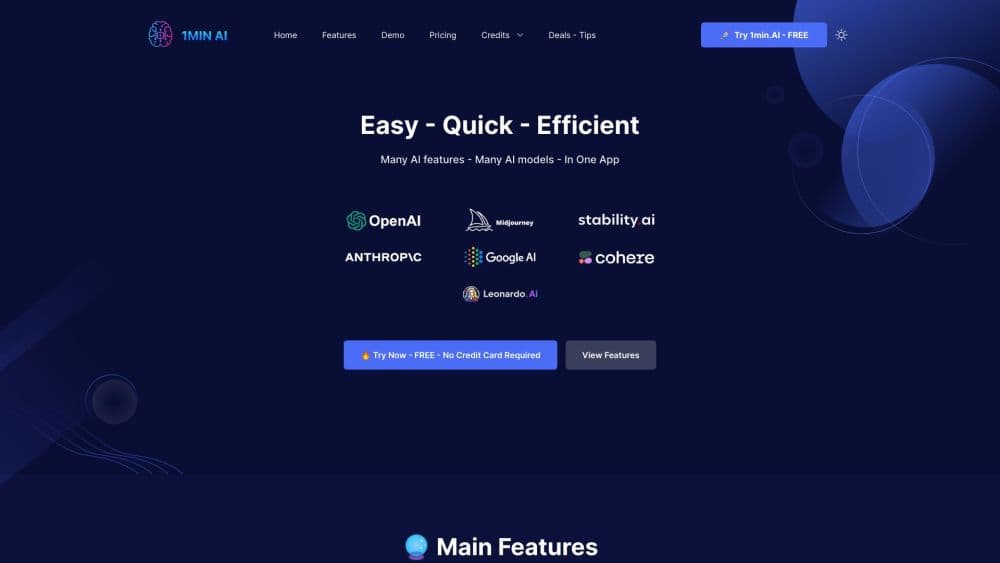
About 1min AI
What Is 1min AI
1min AI, written 1min.AI on the company site, is a workspace that gathers chat, image, audio, and video models from different vendors under one login. The company was founded in 2023, is based in the United States, and says it serves more than 800,000 users across 180+ countries. You don't get one model here; you get a list that includes GPT, Claude, Gemini, Flux, and Stable Diffusion.
The problem it solves is subscription sprawl. A chat plan, an image generator, a transcription service, and a video tool each bill separately, and each keeps its own history and settings. 1min AI charges one credit balance that covers all of them, and unused credits roll over to the following month.
The catch is depth. Features ship as packaged modules, so you work with preset workflows rather than the full control of a dedicated app. The chat screen exposes fewer parameters than a native client, and serious video work still belongs in a specialist editor. Free accounts get limited AI features and three days of storage.
Getting Started
- Sign up at app.1min.ai with an email address or a social login. The free plan doesn't ask for a card.
- Pick a module from the sidebar: AI Chat, AI Image, AI Video, AI Audio, or one of the writing utilities.
- Choose a model inside the module, such as GPT, Claude, Gemini, or Flux, then send your prompt. Each run draws credits from your balance.
- Save the result to your library, then download or share it. Move to Pro when the monthly allowance runs low.
Product Information
A quick look at 1min AI's pricing, supported platforms, and performance.
Best for
The users, tasks, and scenarios where this tool fits best.
Users
- Marketing teams with a small budget
- Students and researchers
- Freelancers and solo founders
Tasks
- Drafting and polishing copy
- Turning a script into a clip
- Building a slide deck
Scenarios
- Filling a week of social posts
- Prepping a client deck the afternoon before a meeting
- Reading a long report in a second language
Key features
Multi AI Chat
The chat module puts GPT, Claude, Gemini, and other models in one window. You switch models per conversation, which makes it easy to run the same prompt twice and compare answers before you commit to one. Chat memory keeps context across sessions, and you can attach documents to a thread instead of pasting text.
AI Image Generator and Editor
Text prompts produce images through models such as Flux and Stable Diffusion, and the same module includes an image variator, an upscaler, a text remover, and an image to prompt tool. That set covers the usual loop: generate, clean up, upscale, and reuse.
AI Video and Audio Tools
The AI video generator handles text to video and image to video, with a captions generator, a YouTube translator, and face swap for short clips. Audio tools cover text to speech, speech to text, audio translation, and audio inpainting, so a podcast episode can be transcribed and dubbed without leaving the tab.
AI Document Chat and Translation
Upload a PDF, a Word file, or a slide deck and ask questions about it. The document translator converts whole files between languages, while the summarizer pulls the key points out of long reports. This is the part that replaces a separate research assistant for most users.
AI Writing Tools and Keyword Research
A grammar checker, summarizer, rewriter, and paraphraser sit alongside keyword research and a search and replace utility. They're aimed at marketers who need a clean first draft and a rough keyword list before opening a proper SEO suite.
One AI API for Developers
Every model on the platform is reachable through an OpenAI-compatible endpoint at api.1min.ai. You keep the same SDK, change the model name, and bill the calls to the same credit balance. There's also a dedicated chat endpoint and an asset API for retrieving generated files.
Pros and cons
Pros
- One bill for a wide stack: chat, images, audio, and video draw from a single credit balance, and unused credits roll over.
- Cheap entry point: Pro costs $6.5/mo, well below the $20 that a single frontier chat subscription usually runs.
- Model choice in place: you can answer the same question with GPT, Claude, and Gemini without opening three tabs or paying three bills.
- Runs on most devices: browser, iOS, Android, Windows desktop, and a Chrome extension all reach the same account.
- API on the same plan: developers can prototype against the OpenAI-compatible endpoint without a separate contract.
Cons
- Credit costs are hard to predict: each model and feature burns a different amount, so a batch of video runs can eat a month's allowance in an afternoon.
- The free tier is a trial: no monthly credits and three days of storage won't carry real work.
- Shallower than dedicated tools: modules expose fewer settings than native apps, and fine control over video or image output is limited.
- You need to know which model to pick: quality swings between vendors, and nothing guides that choice beyond trial and error.
Frequently asked questions
1min AI is an all-in-one AI platform that bundles chat, image, audio, video, and writing tools from several model providers into one account with a shared credit balance.
Related content
Explore related tools, skills, and articles for 1min AI.
1min AI Alternatives

Odyssey 3
Odyssey · OtherOdyssey-3 is Odyssey's foundation world model. It simulates physics in real time, turns a prompt into an interactive environment, and adapts to robots, cars and games.

JarvisCore
Prescott Data · Coding · Productivity · OtherJarvisCore is an open source Python runtime where AI agents work as equal peers on an agent mesh, claim tasks from a shared ledger, and reach external services through a zero-trust broker.
Clef
Cloudflare · Business · OtherClef is Cloudflare's open-source decision model for Workers AI. It returns calibrated probabilities for typed questions, not generated text, so agents can classify, route, and act fast.