

a.v.r.i.z
Avriz · Coding
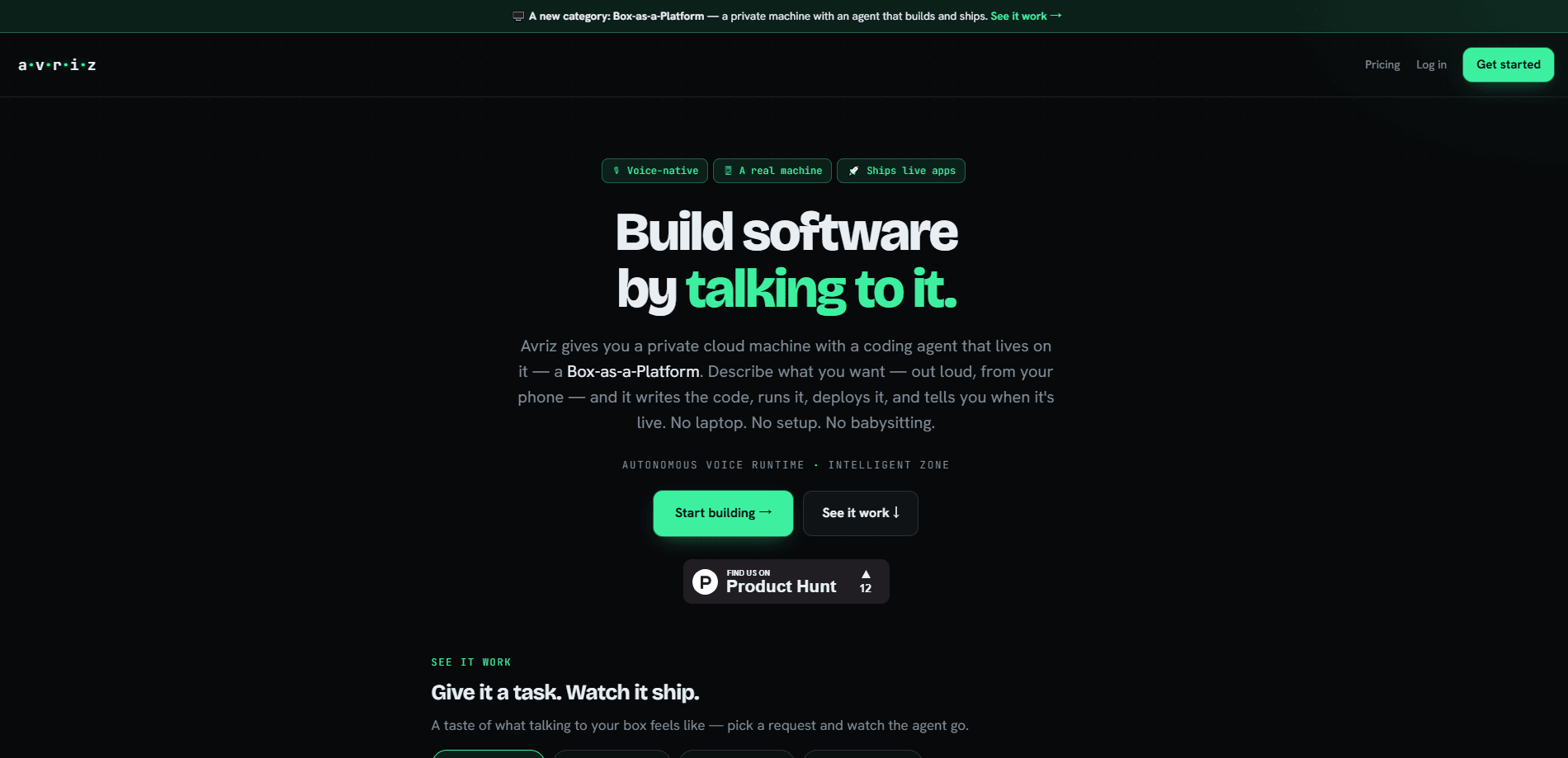
a.v.r.i.z (usually written Avriz) is a voice-first AI coding agent that lives on a private Linux machine in the cloud. Think of it as your own devbox, minus the setup. Instead of finishing your line or handing you a snippet to paste, it takes a task end to end: it opens the repo, writes the files, runs the tests, commits, and deploys to a live URL. You talk to it from a browser or your phone, and it keeps working after you walk away. It's closer to an autonomous coding agent than to a smart AI pair programmer.
About a.v.r.i.z
What Is a.v.r.i.z
a.v.r.i.z is a coding agent built around a simple idea: give the software its own computer. Each subscriber gets a dedicated Linux box that nobody else can reach, running the open-source Goose coding agent with shell, Git, Node, Python, Postgres, and cron. You describe what you want, by voice or keyboard, and the agent does the work in that workspace.
It sits in a different spot from a code autocomplete tool. Autocomplete helps you type; a chat window gives you code to paste. Avriz takes the job itself. That's the key difference. It matters if you know what you want built but don't want to babysit every step, or if you want to fire off a change from your phone while you're away from a desk.
The trade-off is control and cost. The free tier caps you at 25 compute hours a month and about two hours of real agent work, so heavier projects need credits. And yes, there's a real catch: since the agent runs commands on a real machine, you're placing real trust in it. Review what it ships. Don't just hit deploy and hope.
Getting Started
- Sign up at avriz.io with email, Google, or GitHub. No card is required and there's no plan to pick.
- Hit Start building. An email arrives right away with your box link and login, and the box is ready in about four minutes.
- Open your box, allow the microphone, and tell the agent what you want to build.
- Review the edits, tests, and commit it produces. Approve the deploy when it asks, and your app goes live at an avriz.app URL.
Product Information
A quick look at a.v.r.i.z's pricing, supported platforms, and performance.
Best for
The users, tasks, and scenarios where this tool fits best.
Users
- Solo developers
- Founders and indie hackers
- People working away from a desk
Tasks
- Multi-file feature work
- Bug fixing and refactors
- Scheduled jobs and watchers
Scenarios
- Reviewing and committing code from your phone
- Prototyping an idea over a weekend
- Shipping while traveling
Key features
Voice-native control from any device
Hold the mic and say the change you want. Speech-to-text goes in, and text-to-speech answers back. A keyboard works too, but it's never required. Think faster than you type? Want to work from a phone? This is the whole point of the product.
Its own private Linux box
Every account runs on one isolated machine that only you can reach, at your own address. It has a real shell, Git, Node, Python, Postgres, and cron. You can install packages, schedule jobs, and deploy apps to a live URL, which is more than most sandbox-based agents allow.
End-to-end task execution
Avriz takes a request from repo edit through tests, fixes, commit, and deploy rather than stopping at a suggestion. The output you review is a result, not a snippet. So what's the practical difference? You stop copy-pasting diffs and start approving finished work. This is what separates a coding agent from a code assistant.
Long-running execution with persistent context
Hand it a big job and it keeps reading, writing, testing, and retrying until the work is done. Context carries between sessions, so your stack, preferences, and where you left off stay with the project and you don't re-explain things each time.
Powered by Goose with MCP tools
Every box runs Goose, the open-source coding agent, with MCP tools, recipes, skills, live library docs, and GitHub built in. Because it's open source underneath, you're not locked into a black box you can't inspect.
Smart model routing and bring-your-own keys
Auto grades each message and routes it across five models, from Gemini Flash up to Fugu Ultra, so a rename doesn't cost what an architecture change does. You can also point the box at any OpenAI-compatible API key and skip the managed models and credits entirely.
Built to work without a keyboard
Avriz is designed to be driven hands-free, with no keyboard, mouse, or desk. The team says it's working toward WCAG 2.2 AA and publishes the accessibility gaps it knows about rather than claiming conformance it hasn't reached. That's a rare bit of honesty about limits.
Privacy and scaling to zero
One machine per person means your code never shares a sandbox and your keys stay yours, and because idle boxes stop after about fifteen minutes and wake in seconds, you only burn hours while you're actually working.
Pros and cons
Pros
- Takes whole tasks end to end, so you review results instead of babysitting keystrokes.
- Voice-first design makes it usable from a phone or hands-free, with typing as a fallback.
- A real, private Linux box with shell, Git, and deploy support, not a limited sandbox.
- Free tier with no card, and credits that buy hours without a recurring subscription.
- Open-source Goose agent underneath, with bring-your-own API key support.
Cons
- The free tier allows only 25 compute hours a month and about two hours of real agent work, so bigger projects need paid credits.
- It's voice-first by design, which can feel awkward if you'd rather work at a keyboard all day.
- Because the agent runs commands on a real machine, you have to review what it ships rather than trusting it blindly.
- Boxes idle for two weeks are recycled, so you need to come back or lose the workspace.
Frequently asked questions
It's used to hand off software tasks to an AI coding agent that runs on your own cloud Linux box. You describe a change, and it edits files, runs tests, commits, and deploys the result to a live URL.
Related content
Explore related tools, skills, and articles for a.v.r.i.z.
a.v.r.i.z Alternatives
Forefront
Forefront · CodingForefront is a web platform for building with open-source AI. It lets you fine-tune leading open-source language models on your own data, evaluate how they perform, and run them through an API or export them to host yourself. Developers who want the convenience of a closed-source platform but insist on owning their models and data are the target audience here.

Startkit
StartKit.AI · CodingStartkit is a boilerplate for building AI SaaS and AI wrapper products. Think of it as an AI startup boilerplate with the boring parts already wired up: authentication, Stripe and Lemon Squeezy payments, usage limits, transactional email, and an AI API starter that talks to OpenAI, Anthropic, Groq, or Llama. You clone the repo, set your price, and start on the part of your product that people actually pay for. It's Next.js under React and Tailwind, so most of the boilerplate code already feels familiar.
Testim
Tricentis · CodingTestim is an AI-powered test automation platform for building and running end-to-end tests across web, mobile, and Salesforce applications. It leans on machine learning to keep tests stable when an interface changes, so teams spend less time fixing broken selectors. Not bad for an automated testing tool you can start using today. You create tests by recording actions in a browser, then optionally add JavaScript when you need more control. It's a solid pick for busy QA teams.