

AI App Builder - a0.dev
a0.dev · Coding
a0.dev is an AI app builder that turns a chat prompt into a real mobile app and helps you publish it to the App Store and Google Play.
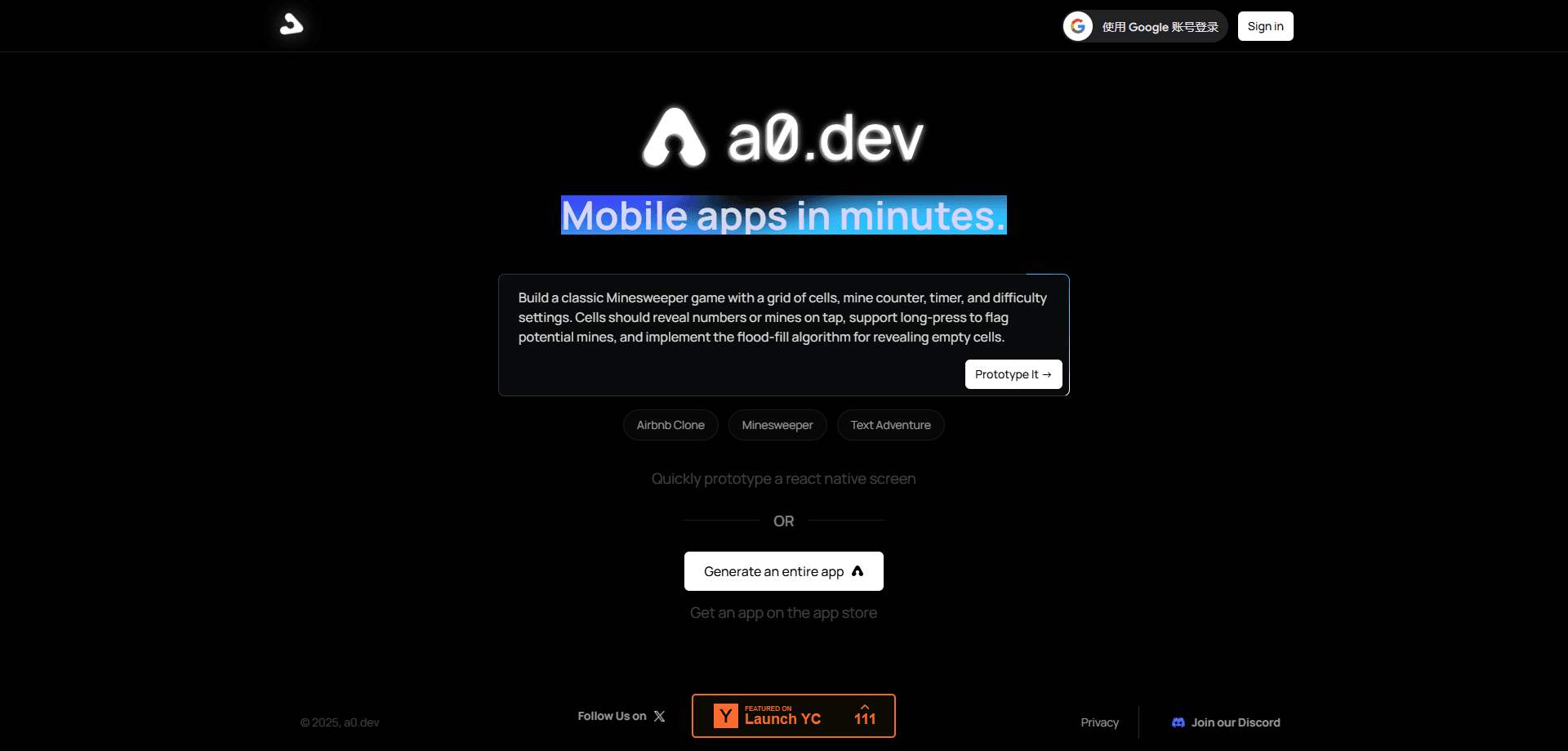
About AI App Builder - a0.dev
What Is a0.dev
a0.dev is an AI app builder for making mobile apps from plain chat. You describe what you want, and its agent writes and edits the app in real time. The output is a working React Native app, not a mockup, so you can preview it, run it on a phone, and publish it. It is built for people who want to build a mobile app with AI, not by hand.
The product is built for shipping, not just prototyping. It connects to the App Store and Google Play so you can build a signed app, submit it, and push updates without a long toolchain setup. It also handles databases, payments, and device testing, the parts that usually slow a first release.
The main limits are worth knowing. a0.dev is a mobile-first builder on the React Native and Expo stack, so it suits app projects and less so plain websites or desktop software. It runs in the browser and leans on AI generation, so results still need review before you trust them with real users. Some advanced steps, like connecting a store account or setting up payments, need a few settings of their own.
Getting Started
- Sign in at a0.dev and open a new chat for your project.
- Describe the app you want in plain words. The agent writes the first version as you watch.
- Keep refining through chat, or test the app in the built-in preview.
- Run it on a real phone with the a0 mobile app, or on Android with Expo Go.
- Publish with the deployment tools, which build, sign, and submit your app to the stores.
Product Information
A quick look at AI App Builder - a0.dev's pricing, supported platforms, and performance.
Best for
The users, tasks, and scenarios where this tool fits best.
Users
- Founders shipping a first mobile app
- React Native and Expo developers
- Non-engineers who want a real app
- Small teams testing a mobile idea
Tasks
- Building a mobile app from a prompt
- Shipping an app to the App Store and Google Play
- Adding a backend
- Testing on a real device
- Pushing updates without a rebuild
Scenarios
- A solo founder with a weekend to spare
- A developer comparing AI app builders
- A team that needs an internal mobile tool
- Someone learning mobile development
Key features
AI coding agent
The core of a0.dev is an agent that writes and edits your app while you chat. It reads the project files, searches for context, and applies changes on request. Agent mode, a thinking mode, and a faster Turbo model handle tasks of different sizes, so quick edits stay quick and harder problems get more care.
Publishing to both app stores
a0.dev moves a project from preview to the stores inside the product. It builds a signed app, hosts it, and gives you a QR code to install it on a phone. The same flow creates the profiles and pushes your build to App Store Connect, so a first release does not need a separate toolchain.
Database support with Convex or Supabase
Apps need somewhere to store data. a0.dev connects to Convex or Supabase, so you can add auth, real-time features, and live updates without wiring up a backend from scratch. This covers the usual app jobs, from saving user data to syncing it across devices.
Built-in APIs for AI and images
The platform ships with built-in APIs for AI inference and image generation. That means an app can call a model or create images without you signing up for a separate provider and managing keys. It suits apps whose main feature is itself an AI task.
Real-device testing and over-the-air updates
You test in several ways: an instant web preview, the a0 mobile app on iOS, Expo Go on Android, or full native builds. Once live, over-the-air updates push new code to all platforms at once, so you can fix bugs and add features without waiting on a store review.
Payments and store connections
a0.dev includes tools to set up subscriptions and one-time purchases, plus a Stripe connection for apps that run on the web. It also connects your App Store Connect and Apple Developer accounts, which removes the setup that usually blocks a first submission.
Pros and cons
Pros
- Turns a plain chat prompt into a working React Native app you can install on a phone.
- Handles the store path for you, building, signing, and submitting to the App Store and Google Play.
- Ships with databases, AI and image APIs, and payments, so fewer outside services are needed.
- Over-the-air updates push fixes to all platforms without waiting on a store review.
- Keeps the generated code in your hands, so you can edit and self-host it.
Cons
- Focused on mobile apps on the React Native and Expo stack, so websites and desktop apps get less.
- AI generation still needs review, and early versions often need manual fixes before real users.
- Setting up a store account, payments, and native builds takes extra steps and some patience.
- Pricing is credit based, so heavy use costs more, and the full price ladder is not obvious up front.
Frequently asked questions
a0.dev builds mobile apps from a chat prompt. You describe the app, its AI agent writes and edits the code in real time, and the platform helps you publish the result to the App Store and Google Play.
Related content
Explore related tools, skills, and articles for AI App Builder - a0.dev.
AI App Builder - a0.dev Alternatives

Base Code
Base44 (Wix) · Coding · ProductivityBase Code is a shared cloud development environment from Base44. Teammates describe changes to an existing GitHub codebase in chat, preview them live and send them back as pull requests.

Google EmbeddingGemma 2
Google DeepMind · Writing · Image · CodingGoogle EmbeddingGemma 2 is a 740M-parameter open model that turns text, code, images, audio, and video frames into vectors in one 768-dimension space, running on phones and laptops.

GitGlow
GitGlow · Coding · ProductivityGitGlow is a local-first desktop Git client that lets independent developers review their own code and their AI agents' changes in one place before shipping.