

Acebuilder
Aceternity · Coding
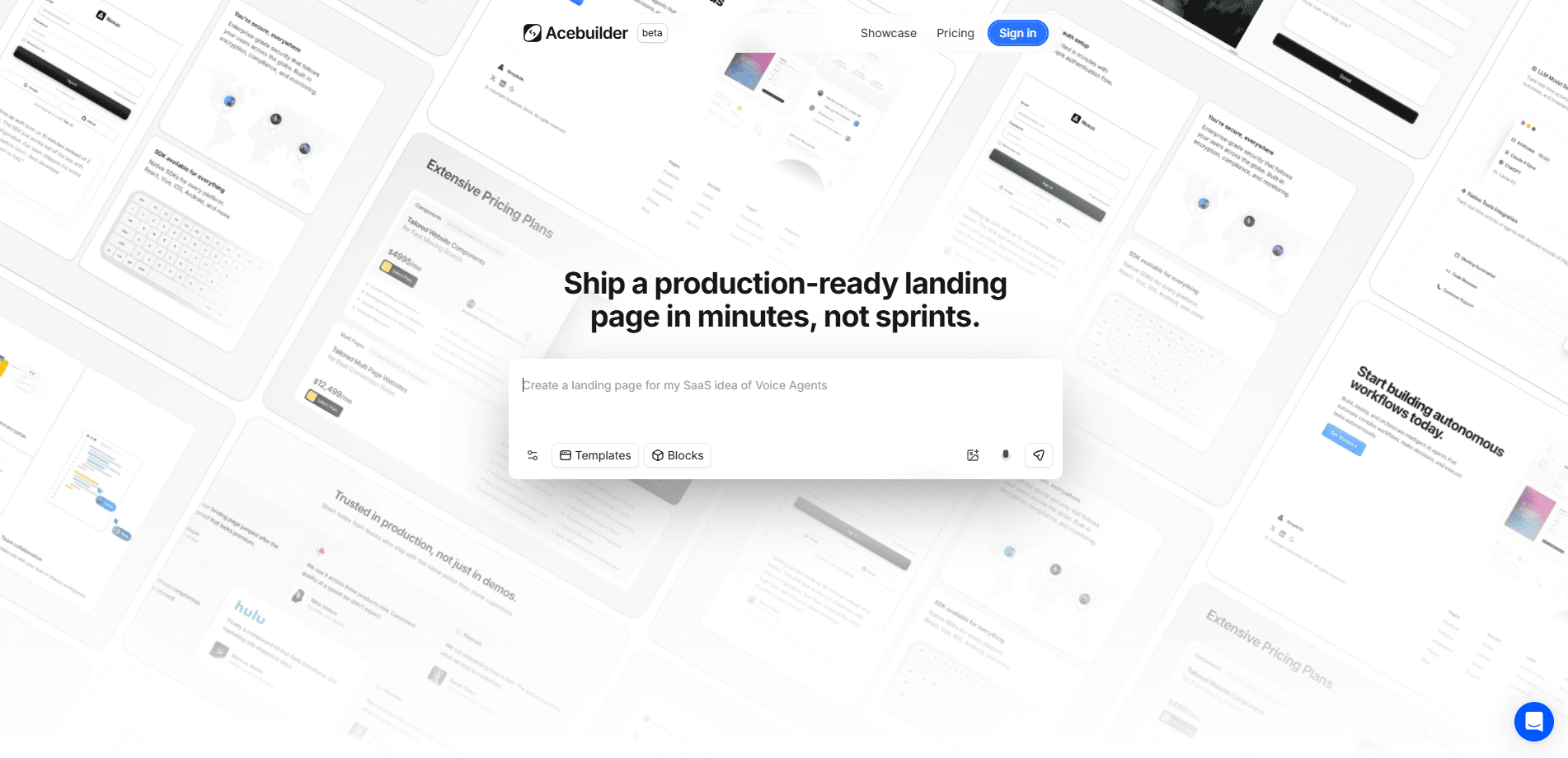
Acebuilder is an AI landing page builder that turns a short description into a working React and Tailwind page. It sits on top of Aceternity UI, so instead of a blank canvas you start from Pro templates and section blocks, then reshape layout and copy in chat. When the page looks right, you download the full source code and keep it, cancel or not. No strings.
About Acebuilder
What Is Acebuilder
Acebuilder is a web-based AI landing page builder from the team behind Aceternity UI. You describe the page you want, and it generates real React and Tailwind components rather than dragging boxes on a canvas. The pitch is speed. A marketing site that once took a weekend of layout work comes together in a chat session, and the output is code you own.
Think of it less as an AI website builder and more as a React landing page generator that happens to talk back. If you've used general-purpose AI site tools that spit out bloated HTML you can't maintain, this one aims at a different crowd. You stay in code the whole way through.
It's built for people who already live near the front end. If you know React, the files it hands you look like something a developer would write, not a black box. If you don't, the templates and blocks keep you from starting at zero, but you'll still want a hand when it's time to deploy.
The trade-off is the beta label, and it's worth taking seriously before you commit a real project to it. Acebuilder is still shipping fast, and the team says to expect rough edges. Credits burn faster than the message count suggests, too, because every tool the AI runs costs something and those costs stack up over a long build session without you noticing until the balance drops.
Getting Started
- Sign in at acebuilder.ai and pick a plan. You can enter the editor through one of the Aceternity templates or start a blank project.
- Describe the page in the chat panel, or point at a template and ask for a reshuffle of layout and copy.
- Drop in Pro blocks like heroes, features, pricing, and CTAs, then tweak them in place without leaving the editor.
- Run a skill on any section that reads generic, so the layout and copy get sharper instead of default Tailwind cards.
- Download the source code when you're happy and deploy it wherever you host your React apps.
Product Information
A quick look at Acebuilder's pricing, supported platforms, and performance.
Best for
The users, tasks, and scenarios where this tool fits best.
Users
- Front-end developers
- Startup founders
- Aceternity UI fans
Tasks
- Turning a written brief into a first draft page
- Rebuilding a template
- Generating on-page imagery
Scenarios
- Launching a product page ahead of a demo day
- Testing several hero layouts
- Handing code to a dev team
Key features
Templates and Pro Blocks
Instead of a blank page, Acebuilder starts you from Aceternity UI Pro templates and section blocks. You pull in a hero or pricing section and reshape layout and copy in chat. The blocks are the same ones the Aceternity community already uses, so the visual quality is familiar before you touch anything. Want to generate a landing page from text alone? You can skip the templates too, but they make the first draft better.
Chat-Based Editing
Every change runs through a chat panel. Point at a section, describe what you want, and the AI rewrites it in place. No menus to hunt through. It's closer to pair-programming than to a drag-and-drop editor, which is a plus if you think in code and a chore if you'd rather move boxes with a mouse. That last point decides most of the fit, honestly. If you've spent your career in a visual editor, Acebuilder will feel backwards at first, and the learning curve isn't cosmetic because the entire interaction model assumes you can describe layout changes precisely in plain language rather than nudging elements around a canvas by eye.
Production React and Tailwind Output
The pages it generates are real React and Tailwind components, not a proprietary format. That matters because the code fits a normal front-end workflow, and you can read it, refactor it, and commit it like anything else. This is what makes it a genuine React landing page generator rather than a visual mockup tool that leaves you rebuilding every section by hand once the design is locked and the real content starts pouring in.
Skills for Sharper Output
Acebuilder ships "skills" that push back on generic results. Run one on a section and it reworks layout and copy decisions rather than spitting out the same default Tailwind cards. It's the team's own answer to the sameness that plagues AI page generators. Pick a section. Run the skill. Compare the two versions side by side and keep the better one.
Image Generation
You can create an image from a description, apply it as a background, and keep building. That keeps the visual work inside the same session instead of sending you off to a stock photo site. Genuinely handy, that one.
Full Source Code Export
When the page is done, you download the whole thing. Acebuilder states plainly that there's no lock-in: cancel whenever and the code is yours. For anyone burned by site builders that hold pages hostage, that's the headline. It's the clearest code export landing page promise in the AI builder space right now, and it removes the biggest reason people avoid these tools. The workflow is simple. Describe what you want, generate the page, run a skill where it looks generic, and export. That's the whole loop.
Pros and cons
Pros
- Output is genuine React and Tailwind, so it fits existing front-end projects.
- Starting from Aceternity UI Pro templates and blocks removes most of the blank-page problem.
- Full source export with no lock-in means you're never stuck paying to keep your site.
- Image generation inside the editor cuts out stock photo hunting.
- Skills target the generic-looking output that most AI builders produce.
Cons
- There's no free plan, so you can't try it end to end without paying $25 a month.
- Credits drain faster than the message count suggests, since model calls, tools, and image generation all draw on them.
- The product is still in beta, and the team warns about bugs and rough edges.
- It assumes some React comfort, so non-developers may stall at the deployment step.
Frequently asked questions
No. The cheapest plan is Pro at $25 per month, and there's no free tier listed. If you want to test it, you're committing to at least a month up front.
Related content
Explore related tools, skills, and articles for Acebuilder.
Acebuilder Alternatives
Forefront
Forefront · CodingForefront is a web platform for building with open-source AI. It lets you fine-tune leading open-source language models on your own data, evaluate how they perform, and run them through an API or export them to host yourself. Developers who want the convenience of a closed-source platform but insist on owning their models and data are the target audience here.

Startkit
StartKit.AI · CodingStartkit is a boilerplate for building AI SaaS and AI wrapper products. Think of it as an AI startup boilerplate with the boring parts already wired up: authentication, Stripe and Lemon Squeezy payments, usage limits, transactional email, and an AI API starter that talks to OpenAI, Anthropic, Groq, or Llama. You clone the repo, set your price, and start on the part of your product that people actually pay for. It's Next.js under React and Tailwind, so most of the boilerplate code already feels familiar.
Testim
Tricentis · CodingTestim is an AI-powered test automation platform for building and running end-to-end tests across web, mobile, and Salesforce applications. It leans on machine learning to keep tests stable when an interface changes, so teams spend less time fixing broken selectors. Not bad for an automated testing tool you can start using today. You create tests by recording actions in a browser, then optionally add JavaScript when you need more control. It's a solid pick for busy QA teams.