

Adventure Stories
StoryBuddy · Writing
Adventure Stories, now branded StoryBuddy, builds short interactive reading stories for kids aged 3 to 12, with decision points and reading comprehension questions built into every story.
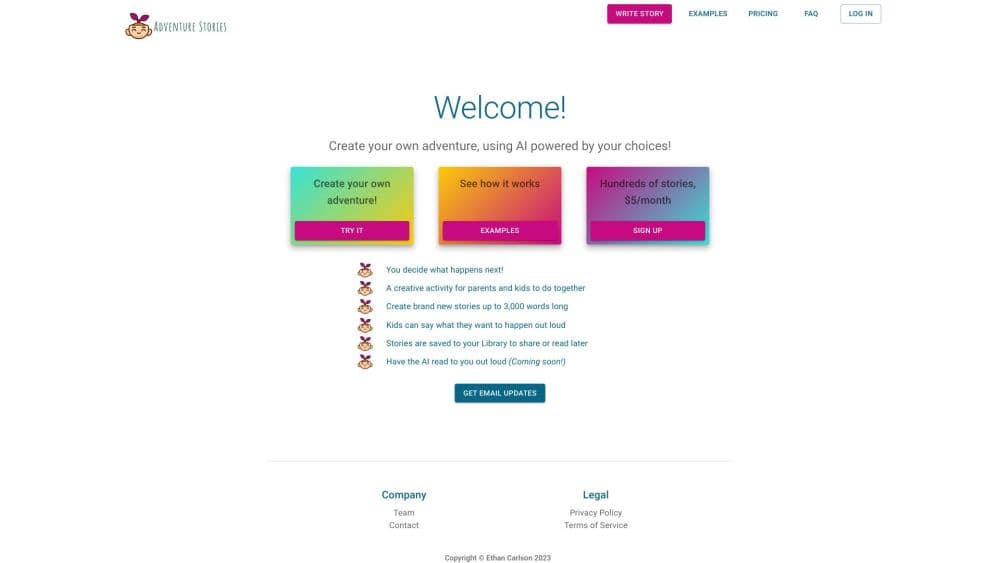
About Adventure Stories
What Is Adventure Stories
Adventure Stories is a browser-based platform that writes a fresh story for a child in about 30 seconds. You pick an age from 3 to 12 and a learning theme such as courage, friendship, or honesty, and the AI story generator for kids produces a short narrative built around that choice. No account is needed for the first run, which is why it gets used in classrooms, at kitchen tables, and during homeschool reading practice.
The stories are not just text on a page. Each one includes decision points where the child picks what happens next, plus multiple-choice reading comprehension questions with written explanations of the answer. The point is to keep a young reader thinking instead of scrolling. A parent dashboard tracks finished stories, comprehension levels, and achievement badges.
The limits are worth knowing before you pay. Everything runs in a web browser, so there is no offline mode and no native app. The free tier shows the story but hides the questions and the PDF export, which means the part that teaches is the part you pay for. And the stories are machine-written, so an adult should skim one before handing over a tablet.
Getting Started
- Open adventurestories.ai and enter the child's age, then choose a learning theme from the five offered.
- Generate the story. The first one needs no login and takes about half a minute.
- Read it together. Stop at each decision point and let the child choose the next branch, then work through the comprehension questions at the end.
- Sign up if you want the full version. A 7-day free trial unlocks unlimited stories, all questions and explanations, PDF downloads, and the progress dashboard.
- Check the dashboard after a few sessions. It shows which themes were completed and how comprehension scores are trending.
Product Information
A quick look at Adventure Stories's pricing, supported platforms, and performance.
Best for
The users, tasks, and scenarios where this tool fits best.
Users
- Parents of kids aged 3 to 12
- Homeschooling families
- Elementary teachers and tutors
- ESL learners
Tasks
- Daily reading practice
- Cause-and-effect reasoning
- Vocabulary building
- Printing a worksheet
Scenarios
- A 20-minute gap before dinner
- Bedtime reading with a child who refuses chapter books
- A substitute teaching day
- Summer break slide
Key features
Age and Theme Setup
The generator asks for two things: an age between 3 and 12 and a learning theme. Themes cover courage, friendship, responsibility, emotions, and honesty. That pairing is the whole input, so there is no prompt writing and no blank page for a parent to fill in. The age choice affects vocabulary and story length, not just the topic.
Decision Points Inside the Story
At set moments the story pauses and asks the child what the character should do next. Each choice leads to a different branch, so the same setup produces a different read on a second pass. This is the choose your own adventure story mechanic applied to a five-minute read, and it teaches cause and effect better than a straight narrative does.
Comprehension Questions with Explanations
Every story closes with multiple-choice reading comprehension questions. A wrong answer gets a written explanation rather than a red mark, so the child can see why the other option fit the passage. The site states that the question sets follow Common Core reading standards, which matters if you are tracking against school curriculum. That alignment is the vendor's own claim and has not been independently audited.
Parent Dashboard and Progress Tracking
A dashboard lists completed stories, comprehension levels, and achievement badges. It gives you a record across weeks instead of a single session, which is the difference between a story app and a reading program. Teachers tracking several children will notice that class-level tools are missing.
PDF Export for Offline Use
Premium accounts can download a story and its questions as a PDF. That covers the cases where a screen is the problem: printed worksheets, waiting rooms, and co-op classes where every child needs a copy. The free tier does not include downloads.
No-Login Trial Run
The first story generates without an account, and the site advertises three complete stories on the free plan. It is a fast way to judge whether the reading level suits your child before entering a card. The catch is that free stories arrive without the questions or the answers.
Pros and cons
Pros
- A usable story appears in about 30 seconds from two inputs, which fits short attention spans on both sides of the tablet.
- The comprehension questions include explanations, so the practice keeps teaching after the child answers.
- The free trial needs no login, which makes it easy to test the reading level before paying.
- At $9.99 per month or $79 per year, it costs less than most reading subscription apps, and there is a 30-day money-back guarantee.
- PDF export and the progress dashboard turn the stories into something a parent or teacher can file and review.
Cons
- The free plan hides the questions, the answer explanations, and the PDFs, so the free version is a sample rather than a usable reading program.
- There is no native app and no offline mode, which rules it out on a plane or in a classroom with weak Wi-Fi.
- Stories are AI-generated, so facts, names, and reading level can drift, and an adult needs to read each one before a child does.
- Classroom features stop at the individual child: there is no assignment queue, no roster import, and no way to push a story to a group.
Frequently asked questions
It produces a short illustrated text story with branching choices and a set of multiple-choice comprehension questions. Each run takes an age and a learning theme, and the output reads in a few minutes.
Related content
Explore related tools, skills, and articles for Adventure Stories.
Adventure Stories Alternatives

Emailwritr
Emailwritr · Writing · MarketingEmailwritr is an AI email copywriting tool built for affiliates, course creators, and online businesses that want more revenue from the list they already own. Instead of blank pages or generic chatbot prompts, this AI email writer generates welcome sequences, launch campaigns, cart recovery emails, and promo series from frameworks modeled on well-known direct-response copywriters. You connect your autoresponder, answer a few questions about your offer, and it writes the copy for you.

Swms
Swms AI · Writing · Productivity · BusinessSwms is an AI safety compliance tool that turns a plain description of a job into ready-to-use safety documents. Describe your project, trade, and known hazards, and it writes a safe work method statement, job hazard analysis, safe work procedure, RAMS, or safety data sheet in seconds. It also ships with Oscar, a chat assistant that answers workplace safety questions in any language. Teams in construction, mining, transport, and warehousing use it to cut the paperwork that usually eats into a workday.

Prosp
Prosp · Writing · Voice & Language · MarketingProsp is an AI LinkedIn outreach tool built for agencies and sales teams, and it writes the message and the voice note in your own voice for each prospect so they actually reply. You connect your accounts, find leads, and let the AI draft and send personalized messages at scale, all from one inbox. It's built for people running outbound at volume. That's the whole pitch. Every touchpoint still has to feel human.