

Swms
Swms AI · Writing · Productivity · Business
Swms is an AI safety compliance tool that turns a plain description of a job into ready-to-use safety documents. Describe your project, trade, and known hazards, and it writes a safe work method statement, job hazard analysis, safe work procedure, RAMS, or safety data sheet in seconds. It also ships with Oscar, a chat assistant that answers workplace safety questions in any language. Teams in construction, mining, transport, and warehousing use it to cut the paperwork that usually eats into a workday.
About Swms
What Is Swms
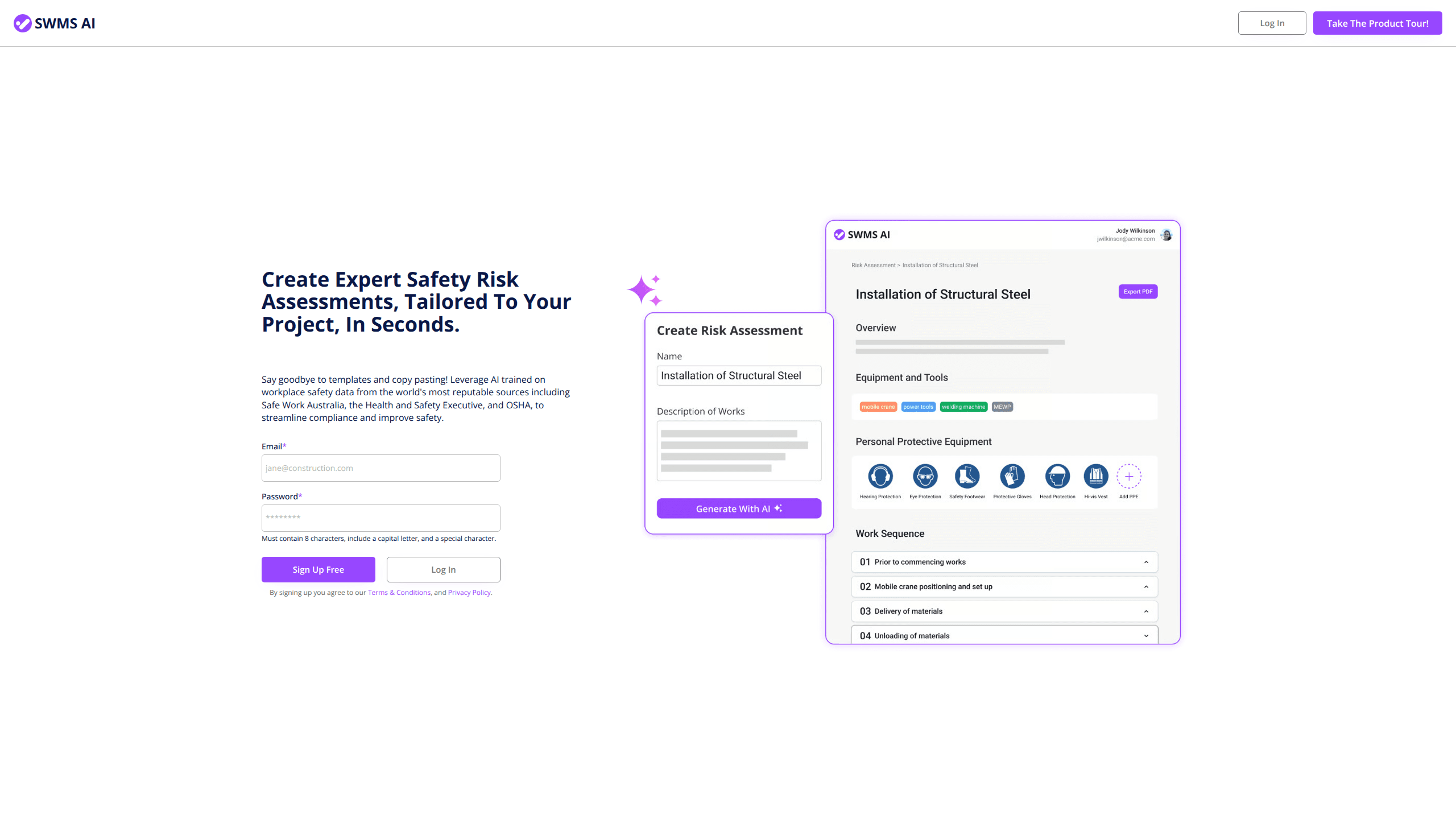
Swms AI is a document generation platform for workplace safety. Instead of filling in template after template, you describe what your crew is doing, and the tool drafts the compliance paperwork for you. It pulls on a knowledge base of occupational safety resources, codes of practice, and existing risk assessments, then tailors the output to your project and industry. Simple as that.
The main problem it solves is time. A safe work method statement or job hazard analysis normally takes a careful hour of writing and checking, and that hour vanishes fast when three crews all need documents before the morning briefing. Swms AI produces a first draft in seconds, complete with a safe work sequence, hazards, risk scores, and suggested control measures. Does that mean you can skip the review? No. That draft still needs a competent person to check it, so treat it as a head start rather than a replacement for safety judgment.
The platform also runs Oscar, an AI safety assistant you can question in plain chat. Out of the box it's trained on public safety information, and companies can load their own policies on top. It works in any language. The catch is that nothing here is legal advice, and high-risk work still needs sign-off under your local work health and safety rules, which vary by state and country.
Getting Started
- Sign up on the Swms site, no credit card needed to start the free trial.
- Pick the document type you need: JHA, SWP, SWMS, RAMS, or SDS.
- Describe the job in detail, including activities, special equipment, and any hazards you already know about.
- Review the generated draft, adjust the hazards and controls, then download it as a branded PDF.
- Ask Oscar follow-up safety questions and, on higher plans, load your own company policies.
Product Information
A quick look at Swms's pricing, supported platforms, and performance.
Best for
The users, tasks, and scenarios where this tool fits best.
Users
- Construction site managers
- Safety officers and WHS advisors
- Small trade businesses
Tasks
- Writing a safe work method statement before a high-risk activity
- Building a job hazard analysis
- Producing RAMS for a subcontractor package
- Drafting a safety data sheet
Scenarios
- A new high-risk task appears on site and you need the paperwork before work starts
- A client or principal contractor asks for updated safety documents
- Inducting a new crew member who has safety questions
Key features
Instant Risk Assessment Generation
You give Swms AI a description of the project and it returns a full risk assessment in seconds. The output includes a safe work sequence, identified hazards, assigned risk scores, and suggested controls for each one. That's the core of the product. It's also what saves the most time compared with starting from a blank template, especially when a high-risk task lands on your desk at short notice and the crew is already on site waiting.
Five Document Types in One Place
The tool covers five kinds of safety paperwork: job hazard analysis (JHA), safe work procedure (SWP), safe work method statement (SWMS), risk assessment method statement (RAMS), and safety data sheet (SDS). Having them together means a site manager can produce a whole safety pack, from the first hazard list to the final method statement, without switching between separate generators or re-entering the same project details five times over. That's a bigger deal than it sounds.
Oscar, the AI Safety Assistant
Oscar is a conversational assistant for safety and compliance questions. It's built on a knowledge base of safety information from well-known sources, and answers come back in plain language. Ask it anything from confined space rules to PPE requirements. Companies can customize it with their own requirements, so the answers match internal standards instead of generic advice.
Branded PDF Export
Every document downloads as a PDF, customized with your company details and branding. For teams that hand documents to principal contractors or clients, this matters. A branded, consistent-looking document reads as more professional than a plain text export, and it saves the fiddly work of reformatting every file by hand before it goes out the door.
Industry-Specific Coverage
Swms AI tailors documents to your trade and industry. The company names construction, mining, oil and gas, transportation, warehousing, and facilities management as supported sectors. Each one carries different risks and codes of practice. Industry-aware output beats a single generic template for everyone, and it means fewer manual edits before a document is usable.
Company Policy Customization
Beyond the off-the-shelf version, Swms AI can be aligned with your own safety policies and standards. That means generated documents follow your internal rules rather than the tool's defaults. It's not a quick switch. This is a "talk to us" setup rather than a self-serve toggle, so it suits organizations with established safety systems.
Pros and cons
Pros
- Generates five document types, from JHA to SDS, in one platform.
- Describes output in seconds from a plain job description, which saves real drafting time.
- Downloads as branded PDFs, ready to hand to clients or principal contractors.
- Oscar answers safety questions in chat and supports multiple languages.
- Free trial with no credit card required before you commit.
Cons
- Generated documents still need review and sign-off by a competent person, so it doesn't remove that responsibility.
- Company policy customization happens through a sales conversation rather than a self-serve setting, which slows down setup.
- The public site doesn't list an open API, so teams wanting to connect it to other systems can't confirm that option.
Frequently asked questions
It generates workplace safety documents from a text description of your job. You get a safe work sequence, hazards, risk scores, and suggested controls, formatted into a JHA, SWP, SWMS, RAMS, or SDS. One description in, one document out.
Related content
Explore related tools, skills, and articles for Swms.
Swms Alternatives

Emailwritr
Emailwritr · Writing · MarketingEmailwritr is an AI email copywriting tool built for affiliates, course creators, and online businesses that want more revenue from the list they already own. Instead of blank pages or generic chatbot prompts, this AI email writer generates welcome sequences, launch campaigns, cart recovery emails, and promo series from frameworks modeled on well-known direct-response copywriters. You connect your autoresponder, answer a few questions about your offer, and it writes the copy for you.

Prosp
Prosp · Writing · Voice & Language · MarketingProsp is an AI LinkedIn outreach tool built for agencies and sales teams, and it writes the message and the voice note in your own voice for each prospect so they actually reply. You connect your accounts, find leads, and let the AI draft and send personalized messages at scale, all from one inbox. It's built for people running outbound at volume. That's the whole pitch. Every touchpoint still has to feel human.

Compose AI
Compose AI, Inc. · Writing · ProductivityCompose AI is a personal AI writing assistant that autocompletes your sentences as you type, across most tools you already use in the browser. It works as a Chrome extension, so it follows you into Gmail, docs, and web forms instead of forcing you into a separate editor. It doubles as an email writing assistant for the inbox you live in all day. Just install it once. The pitch is simple: write faster and type less, with the extension claiming to cut writing time by around 40 percent. It leans on a personalization layer that learns your voice over time, and the team says it's used by 10,000+ teams and 400,000 people.