

Adviser AI Apps
Adviser AI Apps · Other
Adviser AI Apps was a web directory that sorted AI tools into more than 50 categories, so people without a technical background could find writing, marketing, image and coding apps in one place.
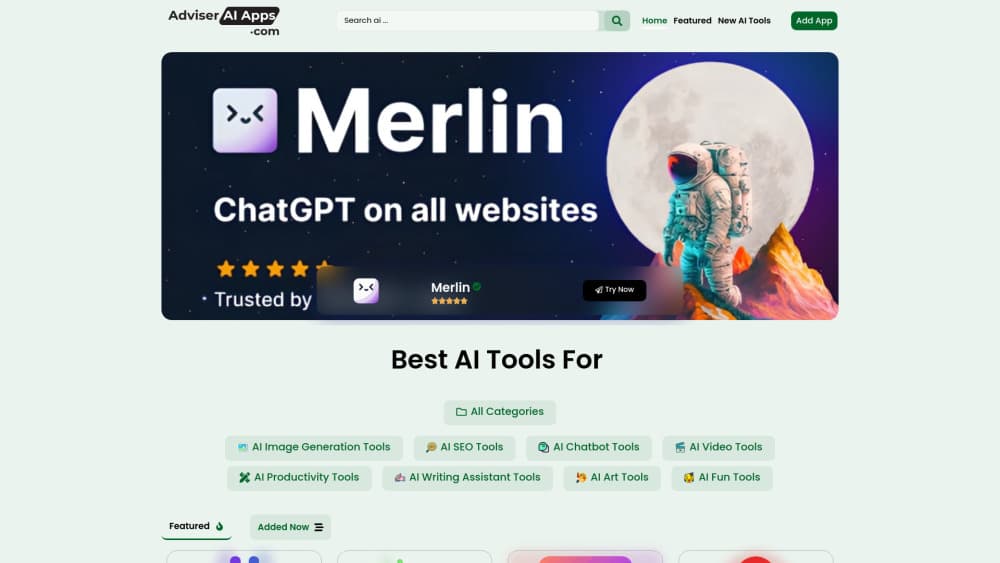
About Adviser AI Apps
What Is Adviser AI Apps
Adviser AI Apps was an AI tools directory, a site that listed other companies' AI products and sorted them by the job they do. It built no models of its own. The work was collecting links, writing a few lines about each product and filing it under a heading such as writing, marketing, design, video or code.
That sounds thin until you try to hunt down a tool yourself. Most people don't know product names. They know the task: fix a resume, clean up a product photo, turn a blog post into a video. An AI tool finder that starts from the task saves a dozen open tabs.
The limits followed from the format. A directory owns no models, so freshness depends on how often someone checks the links. Nothing ran inside the site, and no test data sat next to the listings.
Getting Started
- Open adviseraiapps.com in a browser. Browsing needed no account and no install.
- Pick a category from the menu, or use search if you already know the job you need done.
- Read the short listing, then open the official site to check pricing and free limits before you sign up.
- Keep two or three candidates open. Listings rarely say how a tool behaves after the trial ends.
One thing to check before you start: as of October 2026 the domain serves a placeholder page and is listed for sale, so the directory can't be used today. The steps above still describe how it worked.
Product Information
A quick look at Adviser AI Apps's pricing, supported platforms, and performance.
Best for
The users, tasks, and scenarios where this tool fits best.
Users
- Beginners
- Marketers and solo founders
- Students and job seekers
Tasks
- Choosing a writing assistant
- Finding an image or video tool
- Shortlisting tools for a small team
- Checking what a category holds
Scenarios
- Early research on a new AI category
- Budget planning for a small team
- Replacing a tool that shut down
Key features
Task-first browsing
Every entry sat under a job, not a model family. You picked "summarize a PDF" or "remove a background" and worked outward from there. That path suits people who can describe an outcome but can't name a single vendor.
More than 50 categories
The directory covered writing, marketing, design, image editing, video, audio, coding, productivity and study, among others. Wide coverage meant a single visit could answer a question that would otherwise take four searches. It also meant some categories stayed thin.
Short listings in plain language
Each listing carried a couple of sentences about what the tool did, plus a link to the official site. No spec sheets and no benchmark tables. Readers got enough to decide whether to click, and nothing more.
Free browsing without an account
Reading the directory didn't require sign-up, a card or an install. For anyone trying to find AI apps on a first pass, that matters. The first visit cost nothing and asked for no commitment.
Submission route for tool makers
Makers could send in a product for review. Editors decided what got listed, which kept the index from turning into a link dump. The trade-off is speed: human review always trails a launch by days or weeks.
Link-out model with no lock-in
The site never hosted the tools. You clicked through to the vendor, signed up there and paid there. That kept the directory neutral about pricing, and it also meant the site couldn't warn you when a vendor changed its free tier.
Pros and cons
Pros
- Fast first pass on an unfamiliar category, because curated AI tools cut a search from hours to minutes.
- Free to read, with no account wall in front of the first click.
- Descriptions written for people with no technical background.
- Categories organized by task, which matches how most people describe what they need.
Cons
- Listings age badly. Links break and prices change, and there's no update stamp on individual entries.
- No reviews or test results, so judging quality still falls on you.
- The domain is parked and up for sale, which means the directory is unusable right now.
Frequently asked questions
It was a web directory of AI tools grouped into more than 50 categories. The site listed other companies' products with short descriptions and links, and it didn't build or host any software itself.
Related content
Explore related tools, skills, and articles for Adviser AI Apps.
Adviser AI Apps Alternatives

Odyssey 3
Odyssey · OtherOdyssey-3 is Odyssey's foundation world model. It simulates physics in real time, turns a prompt into an interactive environment, and adapts to robots, cars and games.

JarvisCore
Prescott Data · Coding · Productivity · OtherJarvisCore is an open source Python runtime where AI agents work as equal peers on an agent mesh, claim tasks from a shared ledger, and reach external services through a zero-trust broker.
Clef
Cloudflare · Business · OtherClef is Cloudflare's open-source decision model for Workers AI. It returns calibrated probabilities for typed questions, not generated text, so agents can classify, route, and act fast.