

Aethera AI
Aethera, Inc. · Coding · Leaning
Aethera is an AI agent workspace that runs 41+ models from OpenAI, Anthropic and Google, connects 50+ work apps, and turns one prompt into research, drafts, images and real actions.
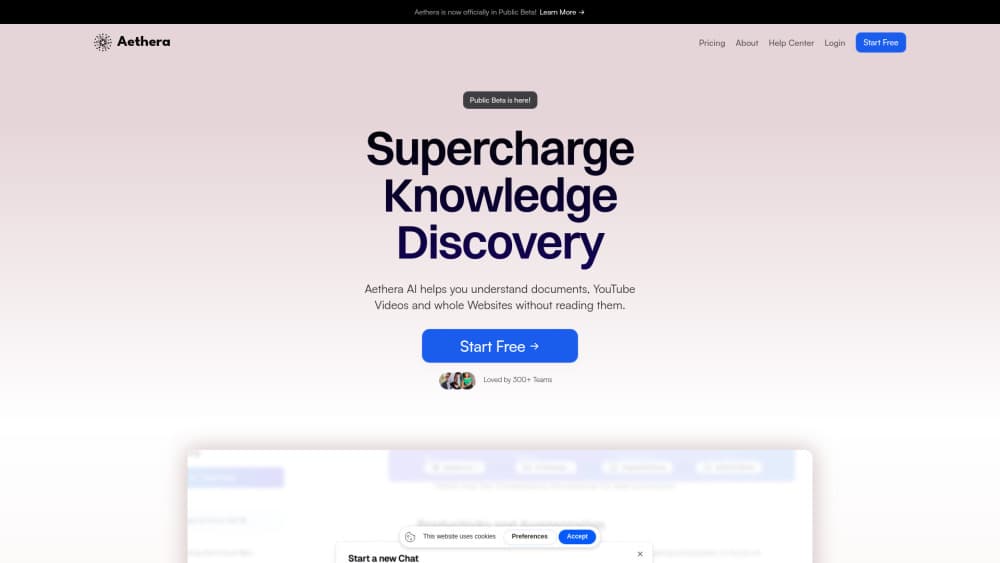
About Aethera AI
What Is Aethera AI
Aethera is a web workspace built around an AI agent rather than a chat box. You describe an outcome, and the agent plans the steps, picks a model, calls the tools it needs, and reports back when the job is done. The company behind it is Aethera, Inc., and the product runs at app.aethera.ai. Its pitch is simple: stop paying for four subscriptions and stop copying answers between tabs.
The problem it targets is tool sprawl. Chat, images, video, document reading and the apps where work actually lives all sit in separate windows today. Aethera puts them behind one credit balance and one context. Every paid plan unlocks the full model list, premium models included, so the difference between plans is volume and speed rather than features.
The limits matter too. Everything runs on credits, and heavy models or long agent runs burn them faster. You also need to connect accounts before the agent can act, and each connector asks for permission before it touches anything. Aethera is a browser product, so there is no desktop or mobile app to install yet.
Getting Started
- Sign up at app.aethera.ai with an email address. The Free plan needs no credit card and includes starter credits.
- Connect the apps your work already lives in, such as Gmail, Slack, Notion, Drive or Linear. Approve each connector and decide which tools can run without asking.
- Start a project if the work has ongoing context. Pin the files, add custom instructions, and set a default model so every chat inside that project inherits it.
- Write the task in plain language. The agent shows the steps and the cost before it runs, then executes across your connected tools.
- Review the output in the chat, open Studio when you want hands-on control over images or video, and export or share what you made.
Product Information
A quick look at Aethera AI's pricing, supported platforms, and performance.
Best for
The users, tasks, and scenarios where this tool fits best.
Users
- Solo knowledge workers
- Small marketing teams
- Operations and support staff
- Researchers and analysts
Tasks
- Competitor research and teardown drafts
- Content production
- Inbox and ticket triage
- Document review
Scenarios
- Weekly reporting
- Launch week
- Model comparison on live work
Key features
Multi Model Chat With Mid Thread Switching
Aethera runs 41+ models from OpenAI, Anthropic, Google, Grok and DeepSeek, including their reasoning variants. You can switch models inside a conversation, branch a thread into a reasoning model, or pin one model to a project so behavior stays predictable. New releases typically go live within a day of the provider shipping them, according to the company.
Agent Mode That Executes Instead of Suggesting
The agent plans a task, chains the tools it needs, and works each step to completion. It drafts the reply, waits for your okay, sends it, then updates the team in Slack. Before each tool call you see what it plans to do and which connected account it will use, and you can auto approve trusted tools or block others entirely.
50+ Connectors With Per Tool Approval
Aethera links to Gmail, Slack, Notion, Drive, Linear and roughly 45 more apps, a broad set of AI connectors for a single workspace. Approval gates sit at the connector level, so the agent only does what you allow. This is the part that separates an AI agent workspace from a chat window: the output lands in the tool your team already checks.
Studio for Images and Video
Studio runs 27 image models and 10 video models, including Veo, Sora, Kling and Seedance. Describe the shot in a chat and the agent writes the prompt, picks a model and returns the footage. Open Studio directly when you want to prompt, edit and upscale by hand instead.
Projects as Persistent Context
Each project holds its own files, instructions and default model, and every chat inside it inherits that setup. Instead of re-explaining your brand voice every morning, you write it once. This is where the AI productivity tool framing makes sense: the context is the product.
Document Understanding Across Files
Drop a 200 page PDF, a spreadsheet with thousands of rows and a brief into the same project, then ask one hard question. Aethera reads all of it and answers with citations back to the source file. Long context work stops being a copy and paste exercise.
Pros and cons
Pros
- One subscription covers premium models from five providers, so the $20 Go plan replaces several single vendor subscriptions.
- The approval gate on every connector makes agent automation usable at work without handing over your whole inbox.
- Studio bundles 27 image models and 10 video models, which saves a separate AI video generator subscription.
- Projects keep files, instructions and model choice attached to ongoing work.
- The Free plan runs on 20 daily credits with no card, which is enough to test the agent before paying.
Cons
- Credits disappear faster on premium models and multi step agent runs, so heavy users will land on the $60 or $100 plan sooner than expected.
- No native desktop or mobile app means the agent lives in a browser tab, which is awkward for quick tasks on a phone.
- The agent is only as useful as the accounts you connect, and some teams will not allow third party access to mail or chat.
- There is no published public API, so developers cannot wire Aethera into their own pipelines.
Frequently asked questions
It runs an AI agent that plans a task, picks a model, calls your connected apps and finishes the work. Typical jobs include research write ups, content production, image and video generation, and drafting replies that you approve before they send.
Related content
Explore related tools, skills, and articles for Aethera AI.
Aethera AI Alternatives

Base Code
Base44 (Wix) · Coding · ProductivityBase Code is a shared cloud development environment from Base44. Teammates describe changes to an existing GitHub codebase in chat, preview them live and send them back as pull requests.

Google EmbeddingGemma 2
Google DeepMind · Writing · Image · CodingGoogle EmbeddingGemma 2 is a 740M-parameter open model that turns text, code, images, audio, and video frames into vectors in one 768-dimension space, running on phones and laptops.

GitGlow
GitGlow · Coding · ProductivityGitGlow is a local-first desktop Git client that lets independent developers review their own code and their AI agents' changes in one place before shipping.