

AG-UI
CopilotKit · Coding
AG-UI is an open, event-based protocol from CopilotKit that connects AI agents to frontend apps, streaming agent state and user actions in real time.
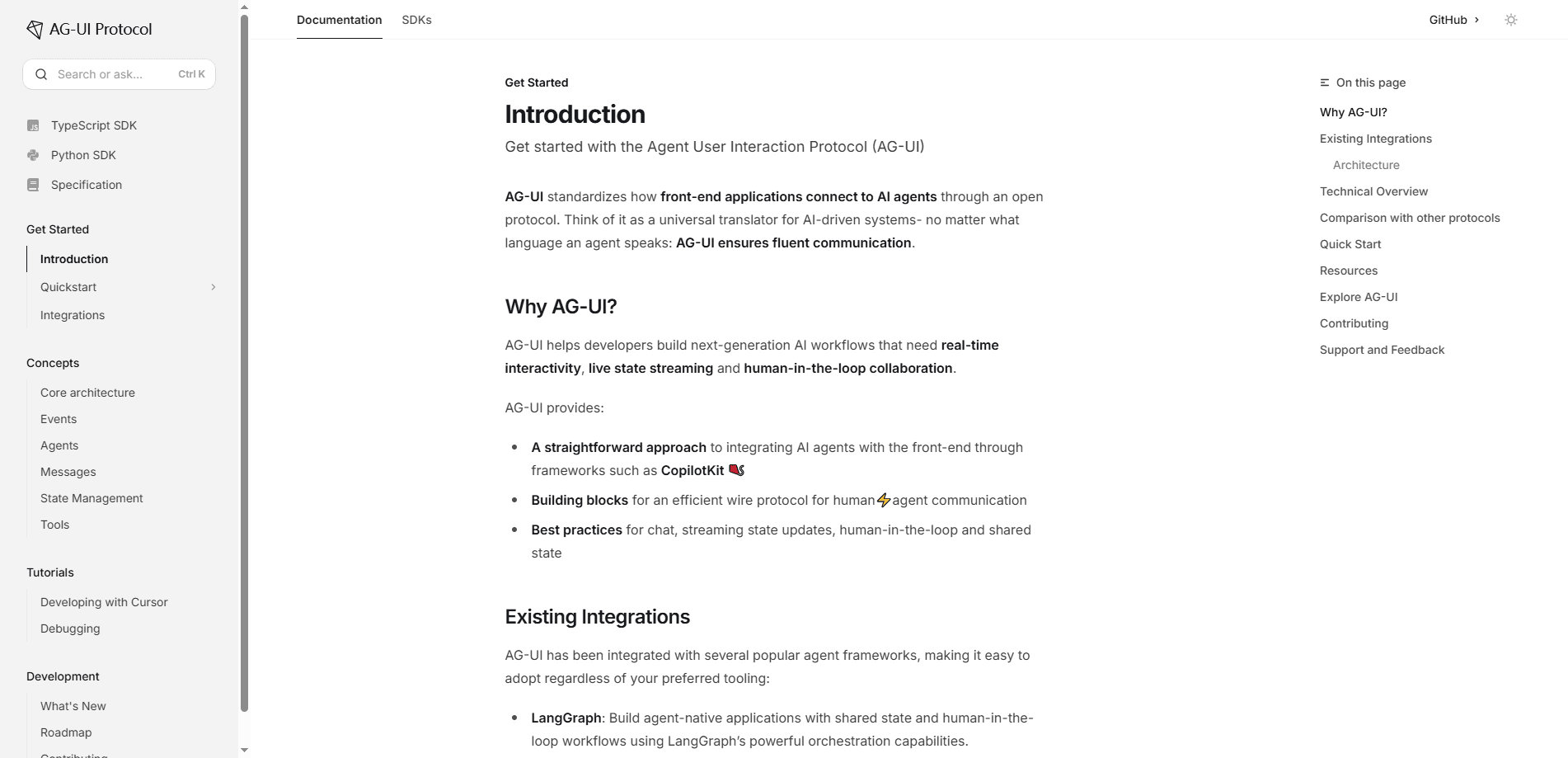
About AG-UI
What Is AG-UI
AG-UI is a protocol, not an app you install. Its full name is the Agent User Interaction Protocol, and it defines a common language that sits between a backend agent and whatever interface a person uses. The two sides then trade messages, state, and tool calls without custom glue code for every pair.
The problem it solves is simple to describe. Agents run for a long time, decide things on their own, and mix text, voice, and tool calls in one session. Classic REST or GraphQL endpoints assume a request goes in and a tidy response comes out. Interactive agents such as Cursor or Devin already work beside a person in real time, and that style of work breaks the old model.
The main limit is scope. AG-UI only covers the connection between agent and interface. It says nothing about how agents reach tools or how they talk to each other, so you still pair it with other parts of a stack.
Getting Started
- Skim the official docs at ag-ui.com and pick a supported framework such as LangChain, CrewAI, or a direct connection to a model.
- Register your agent endpoint as an HttpAgent in the frontend runtime so the client knows where to send input and listen for events.
- Add the UI pieces you need, such as streaming chat, shared state, or an approval step. Use the reference implementations as a starting point.
- Run the AG-UI Dojo demos to see each feature in a live app, then wire the same events into your own product.
Product Information
A quick look at AG-UI's pricing, supported platforms, and performance.
Best for
The users, tasks, and scenarios where this tool fits best.
Users
- Frontend developers
- Full-stack and platform teams
- Technical product managers
Tasks
- Streaming agent responses into a web app
- Syncing state between agent and UI
- Adding human-in-the-loop approval
Scenarios
- A support assistant that drafts replies
- A coding companion inside an IDE or web tool
- A multi-step research or data agent
Key features
Real-Time Event Streaming
AG-UI keeps a live channel open between the agent and the interface, so tokens, tool calls, and status updates arrive as they happen. Runs support cancel and resume, which matters when a request takes minutes rather than seconds. The connection rides on standard HTTP and WebSockets, so it slots into the web stack you already run.
Shared State
The protocol defines a typed store that both the agent and the app can read and update. Changes stream back as diffs with conflict handling, so an interface reflects the agent's work without full reloads. Read-only and read-write modes let you decide how much control each side gets.
Generative UI
Agents can return components the app renders, from stable typed widgets to a small declarative tree the frontend validates before mounting. That lets an agent shape what a user sees, such as a form or a chart, instead of only sending text. The app always keeps final control over what gets shown.
Human-in-the-Loop Control
You can interrupt a run to pause, approve, edit, retry, or escalate a step. State survives the pause, so the agent picks up where it left off once the person responds. This is the piece that makes agents usable for anything with real consequences.
Framework-Agnostic Integrations
AG-UI grew out of CopilotKit's work with LangChain and CrewAI, and it ships integrations for those frameworks plus a direct-to-LLM path. Any backend that emits the right event stream can connect, whether it runs in Python, JavaScript, or another language. Alongside MCP and A2A, AG-UI is one of the agentic protocols now shaping how agent systems fit together, and it lets you write UI logic once and point it at different agents.
Pros and cons
Pros
- Opens a single standard connection, so a frontend can talk to many agent backends without bespoke wiring.
- Built for the realities of agents: long runs, streaming work, and mixed text and tool output.
- Clear building blocks for shared state, generative UI, and human review, all usable on their own.
- Documentation and live demos in the AG-UI Dojo make the event model concrete fast.
- Rides on HTTP and WebSockets, so it fits existing web infrastructure.
Cons
- Covers only the agent-to-interface layer, so you still need MCP or A2A for tools and agent-to-agent work.
- Assumes a developer audience; there's no drag-and-drop path for non-coders.
- Adopting it means learning the event types and message shapes before the first feature ships.
- Tied closely to CopilotKit's tooling stack, so teams outside it may find fewer ready-made pieces.
Frequently asked questions
AG-UI standardizes how AI agents connect to user-facing applications. It carries streaming responses, shared state, tool calls, and approval steps between a backend agent and a frontend app, so developers don't build custom plumbing for each framework.
Related content
Explore related tools, skills, and articles for AG-UI.
AG-UI Alternatives

Base Code
Base44 (Wix) · Coding · ProductivityBase Code is a shared cloud development environment from Base44. Teammates describe changes to an existing GitHub codebase in chat, preview them live and send them back as pull requests.

Google EmbeddingGemma 2
Google DeepMind · Writing · Image · CodingGoogle EmbeddingGemma 2 is a 740M-parameter open model that turns text, code, images, audio, and video frames into vectors in one 768-dimension space, running on phones and laptops.

GitGlow
GitGlow · Coding · ProductivityGitGlow is a local-first desktop Git client that lets independent developers review their own code and their AI agents' changes in one place before shipping.