
Agent Development Kit
Google · Coding
Agent Development Kit is Google's open-source framework for building, evaluating, and deploying AI agents, with support for Python, TypeScript, Go, Java, and Kotlin.
About Agent Development Kit
What Is Agent Development Kit
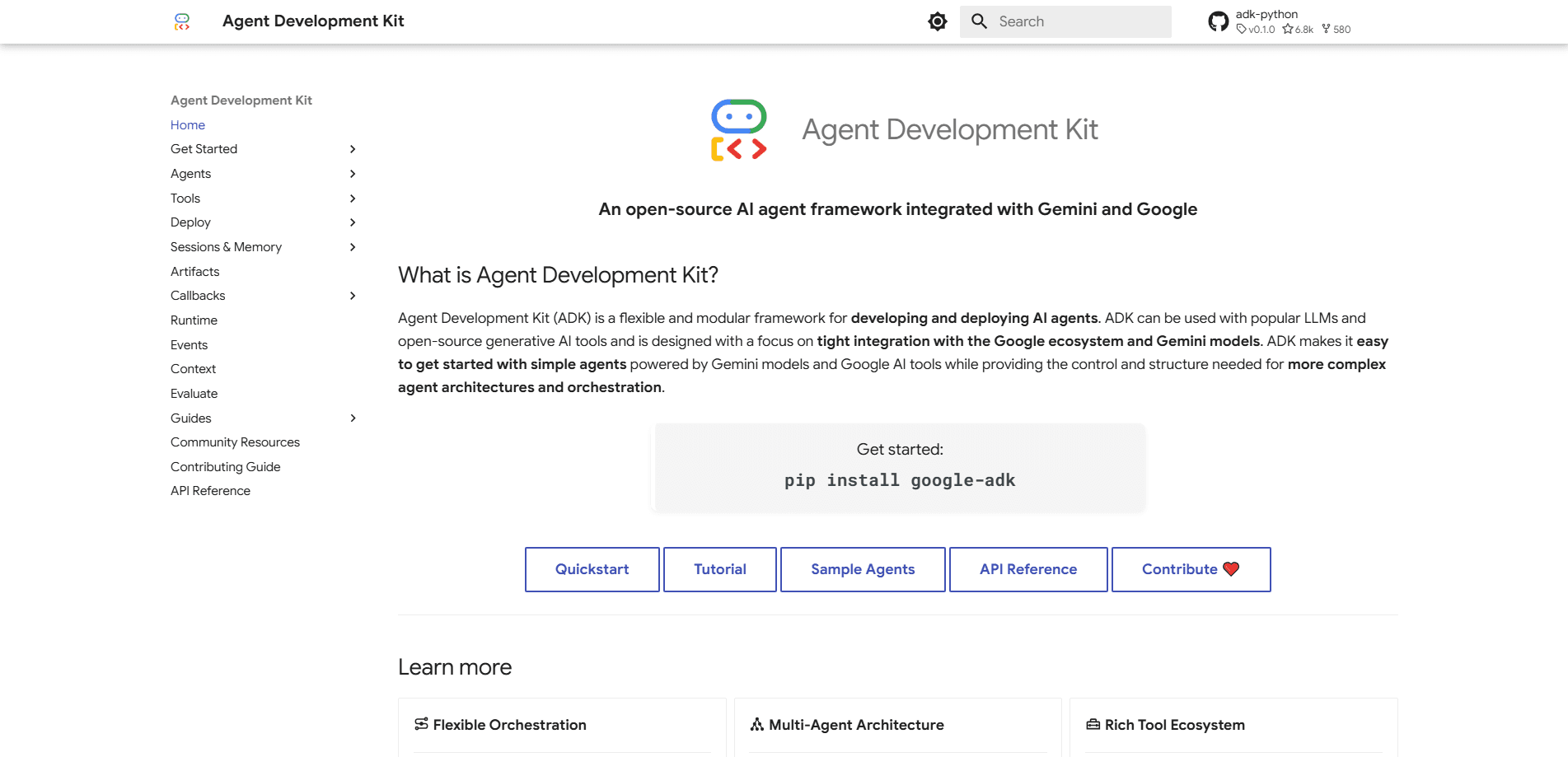
Agent Development Kit (ADK) is an open-source framework from Google for building AI agents, from a single tool-calling bot up to a fleet of specialized agents that hand work to each other. It first shipped in April 2025 at Google Cloud Next, and Google positions it as a path from prototype to production rather than a demo toy. You install a package, define an agent with a model and a set of tools, and run it locally in a few minutes.
The core idea is that agents should be written like software, not assembled from giant prompts. ADK gives you a small set of building blocks: agents that reason with a language model, workflow agents that run steps in sequence, in parallel, or in a loop, tools that reach external APIs, and a runner that ties the whole thing together. A session layer keeps short-term conversation state separate from long-term memory, so agents don't lose the thread mid-task or forget a returning user.
The main limits are commitment and complexity. ADK leans on Gemini and integrates most deeply with Google Cloud, so teams outside that stack pay an integration tax. Version 2.0 redrew core APIs, which means early adopters face migration work. There's no hosted free tier of the framework itself, since you run it yourself or pay for the cloud services you deploy onto.
Getting Started
- Create a Python virtual environment and run pip install google-adk, or install the dev tools with npm for the TypeScript version.
- Set up a Gemini API key or another model provider so the framework has a model to call.
- Define an agent in code with a name, a model, an instruction, and the tools it can use.
- Run it locally through the command line tool or the Developer UI, and watch each step as it executes.
- Package the agent in a container and deploy it to Cloud Run, GKE, or your own infrastructure when it's ready.
Product Information
A quick look at Agent Development Kit's pricing, supported platforms, and performance.
Best for
The users, tasks, and scenarios where this tool fits best.
Users
- Backend and platform engineers
- Teams moving from demo to production
- Google Cloud shops
Tasks
- Building multi-agent systems
- Wiring agents to real tools
- Running evaluations before launch
Scenarios
- Shipping a customer support agent
- Prototyping an internal research assistant
- Standardizing agent development across teams
Key features
Multi-language support
ADK ships in Python, TypeScript, Go, Java, and Kotlin, and the same concepts carry across all five. A team writes agents in the language it already uses, which removes a rewrite before anyone commits. Python has the widest examples and docs, so it's the usual starting point.
Multi-agent orchestration
You can build a system of specialized agents and let them hand off tasks to each other, either through model-driven routing or an explicit tool call. Workflow agents handle the predictable parts: run steps in order, in parallel, or in a loop until a condition is met. That mix lets a team keep deterministic logic where it matters and let the model decide where it doesn't.
Graph-based workflows
New in ADK 2.0, graph workflows weave deterministic code with adaptive reasoning in a structured graph, so each execution path is explicit and outcomes are easier to predict. For agents that touch money or compliance, that predictability is the point. It's Google's answer to the complaint that agent behavior is hard to pin down.
Broad model support
ADK is tuned for Gemini but works with most generative models through its model interface, including models from other providers and ones running locally. Teams on Google Cloud get managed access to a wider model range with controls for cost and performance. You aren't locked to one vendor's model if your needs change.
Built-in evaluation and debugging
The framework includes a command line tool and a Developer UI for running agents, stepping through events, inspecting state changes, and tracing what happened. You can build multi-turn evaluation datasets and score results locally. Debugging an agent that made a strange decision is the difference between days and hours here.
Flexible deployment
Agents run anywhere that takes a container, from a local Docker image to Cloud Run, GKE, or Google's managed Agent Runtime. Deploying to Google Cloud adds managed scaling, authentication, and tracing without rewriting the agent. Develop locally, scale globally.
Pros and cons
Pros
- Open source and free to use: the framework itself costs nothing, so teams only pay for the models and cloud services they choose.
- Five-language support: Python, TypeScript, Go, Java, and Kotlin mean most backend teams can adopt it without switching languages.
- Production tooling built in: evaluation, tracing, and a Developer UI cover the parts of agent work that prototypes skip.
- Strong orchestration: sequential, parallel, and loop agents, plus graph workflows, handle complex multi-step tasks cleanly.
- Flexible deployment: container support means you aren't tied to Google Cloud unless you want the managed services.
Cons
- Best inside Google's stack: the deepest integrations are Gemini and Google Cloud, so other stacks face more glue work.
- Breaking 2.0 changes: the framework rewrote core APIs in version 2.0, so early projects need migration effort.
- You supply the model bill: the framework is free, but every agent call runs on a paid model, which adds up at scale.
- Steeper learning curve: concepts like sessions, memory, and workflow agents take time for developers new to agent design.
Frequently asked questions
Agent Development Kit is a framework for building, evaluating, and deploying AI agents. You define agents in code, give them tools and models, and run or ship them without assembling the orchestration logic yourself.
Related content
Explore related tools, skills, and articles for Agent Development Kit.
Agent Development Kit Alternatives

Base Code
Base44 (Wix) · Coding · ProductivityBase Code is a shared cloud development environment from Base44. Teammates describe changes to an existing GitHub codebase in chat, preview them live and send them back as pull requests.

Google EmbeddingGemma 2
Google DeepMind · Writing · Image · CodingGoogle EmbeddingGemma 2 is a 740M-parameter open model that turns text, code, images, audio, and video frames into vectors in one 768-dimension space, running on phones and laptops.

GitGlow
GitGlow · Coding · ProductivityGitGlow is a local-first desktop Git client that lets independent developers review their own code and their AI agents' changes in one place before shipping.