

Agent Simulate
Agent Simulate · Voice & Language · Coding
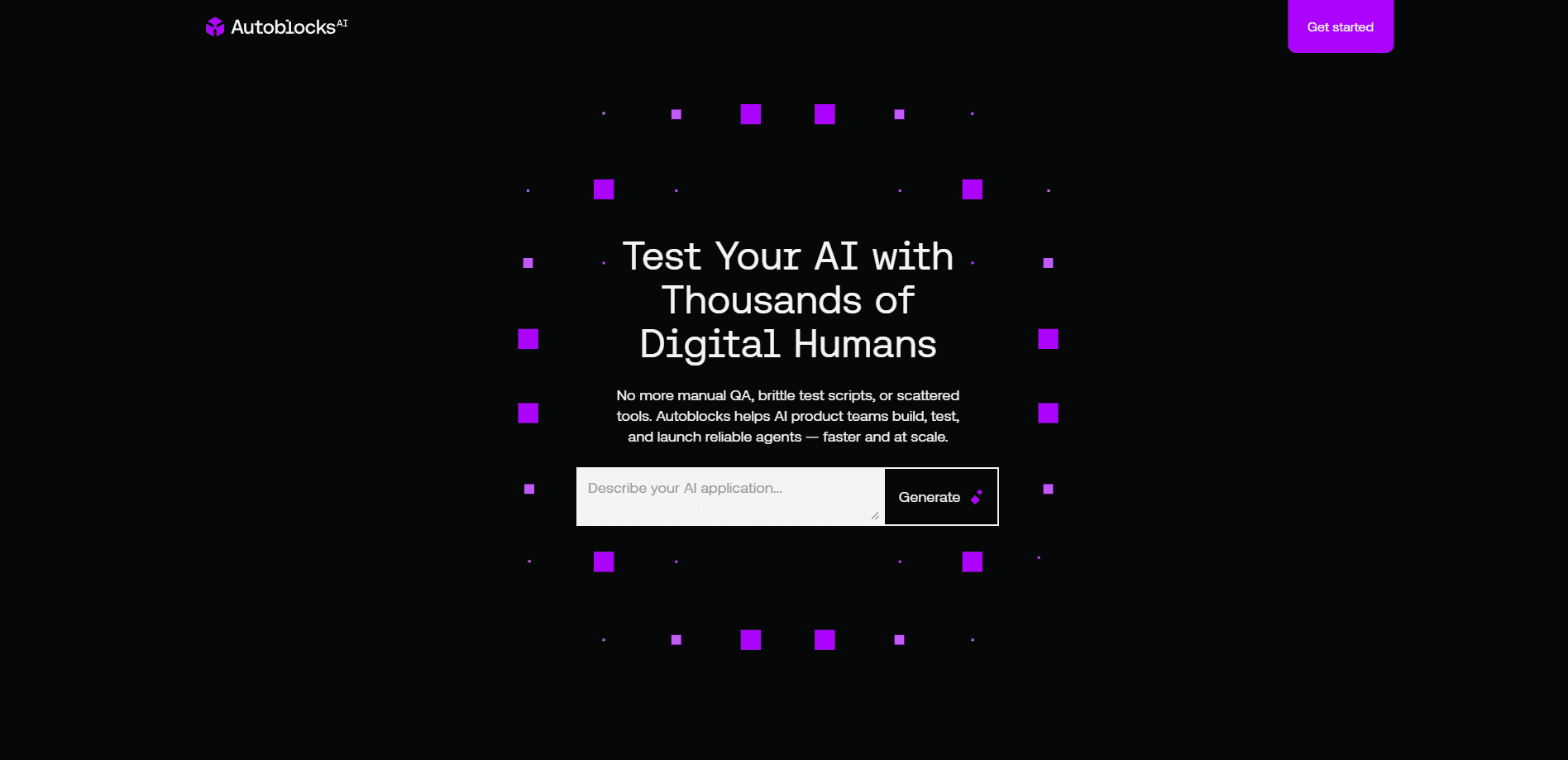
Agent Simulate is an AI testing platform that puts your agents through thousands of simulated users and scenarios before they go live, so you can catch failures before your customers do.
About Agent Simulate
What Is Agent Simulate
Agent Simulate is a testing platform for teams that build AI agents and need to know how those agents behave before real people talk to them. Instead of waiting for production to surface a broken flow, you point the platform at your agent and let it run the same job over and over against simulated users, each with a different intent, tone, and set of edge cases. The result is a read on reliability and performance that you can act on while changes are still cheap.
The problem it targets is the gap between a demo that works and an agent that holds up under volume. A support agent that handles your one test question can still stall on an angry user who changes the subject twice or forgets the detail it needs. Simulated traffic is meant to expose those paths at scale, not one conversation at a time.
The limits are worth stating plainly. Simulation is a proxy for real users, not a replacement, so its usefulness depends on how well your scenarios mirror the people you actually serve. The public site for the product is not reachable at the time of writing, so pricing, exact platform support, and launch details could not be confirmed and are left blank here.
Getting Started
- Connect the agent you want to test, using its API endpoint or the tooling your stack already runs on.
- Define the scenarios you care about, and describe the users the agent will face, including their goals and the ways they might go off script.
- Launch a run and let the platform generate simulated conversations across those users and scenarios at scale.
- Read the results to find the flows that break, note where reliability drops, and trace each failure back to the prompt, tool call, or logic behind it.
- Fix the issue, rerun the same scenario set, and confirm the failure is gone before you deploy.
Product Information
A quick look at Agent Simulate's pricing, supported platforms, and performance.
Best for
The users, tasks, and scenarios where this tool fits best.
Users
- AI engineering teams
- QA and evaluation staff
- Product teams shipping agents
- Startups with small support teams
Tasks
- Pre-deployment testing
- Regression checks
- Edge case discovery
- Performance reads
Scenarios
- Launching a customer-facing agent
- Changing a prompt or model
- Scaling an agent to new markets
Key features
Simulated users at scale
Agent Simulate centers on running your agent against many simulated users rather than a handful of scripted chats. Each user can carry a different goal, tone, and patience, so the same agent faces a spread of behavior in one run. That breadth is what turns a pass or fail into a picture of where the agent is steady and where it slips.
Scenario-based testing
You define the scenarios that matter, then let the platform replay them against your agent. A scenario is the situation you want to pressure-test: a user trying to cancel an order, a user who never gives their account number, a user who switches languages mid-thread. Reusing the same set run after run is what makes results comparable over time.
Reliability and performance reporting
The platform reports on reliability and performance rather than a single accuracy number. You can see which flows hold up and which fail, and how consistently the agent behaves as the runs repeat. That framing turns AI agent evaluation into something you can compare over time, instead of guessing from one happy-path demo.
Pre-deployment workflow
The tool is built to sit before deployment, not after. You run it as the last gate before a release, so failures show up while a fix is still cheap. Tied to a release routine, it works as a check that stops a shaky agent from reaching real users.
Pros and cons
Pros
- Tests agents against many simulated users at once, which surfaces edge cases a small manual test set misses.
- Built around scenarios, so results stay comparable when you rerun the same set after a change.
- Focused on reliability and performance, giving teams a clear read on where an agent breaks.
- Positioned as a pre-deployment gate, which fits teams that want evidence before shipping.
- Covers conversational agents broadly, from support bots to assistants that handle multi-step tasks.
Cons
- Simulation is a stand-in for real users, so weak scenarios produce misleading confidence.
- The public site could not be reached at the time of writing, so pricing and platform support are unconfirmed.
- Getting value depends on the quality of the scenarios you write, which takes real effort and product knowledge.
- No published free plan or trial details, so it is hard to judge cost or try it before committing.
Frequently asked questions
Agent Simulate is an AI testing platform for teams that build agents. It runs an agent against many simulated users and scenarios before deployment, so teams can see how it holds up and fix failures before real customers meet it. The focus is reliability and performance at scale rather than a single test conversation.
Related content
Explore related tools, skills, and articles for Agent Simulate.
Agent Simulate Alternatives

Off the Record
Weird Machines · Voice & Language · ProductivityOff the Record is a macOS app from Weird Machines that reshapes your voice in real time to block AI transcription, so people hear you normally and notetakers get nothing usable.
Cekura Bench
Cekura · Voice & Language · BusinessCekura Bench is a public benchmark that runs speech-to-speech models and deployed voice agents through 82 simulated phone calls, three times each, then publishes pass rates, latency and cost.
Griffin by Tavus
Tavus · Voice & Language · Video · ChatbotGriffin by Tavus is the first Human Interaction Model: a full-duplex, video-to-video system that watches, listens, and answers during a live video call in real time.