

Agenta
Agenta · Coding · Other
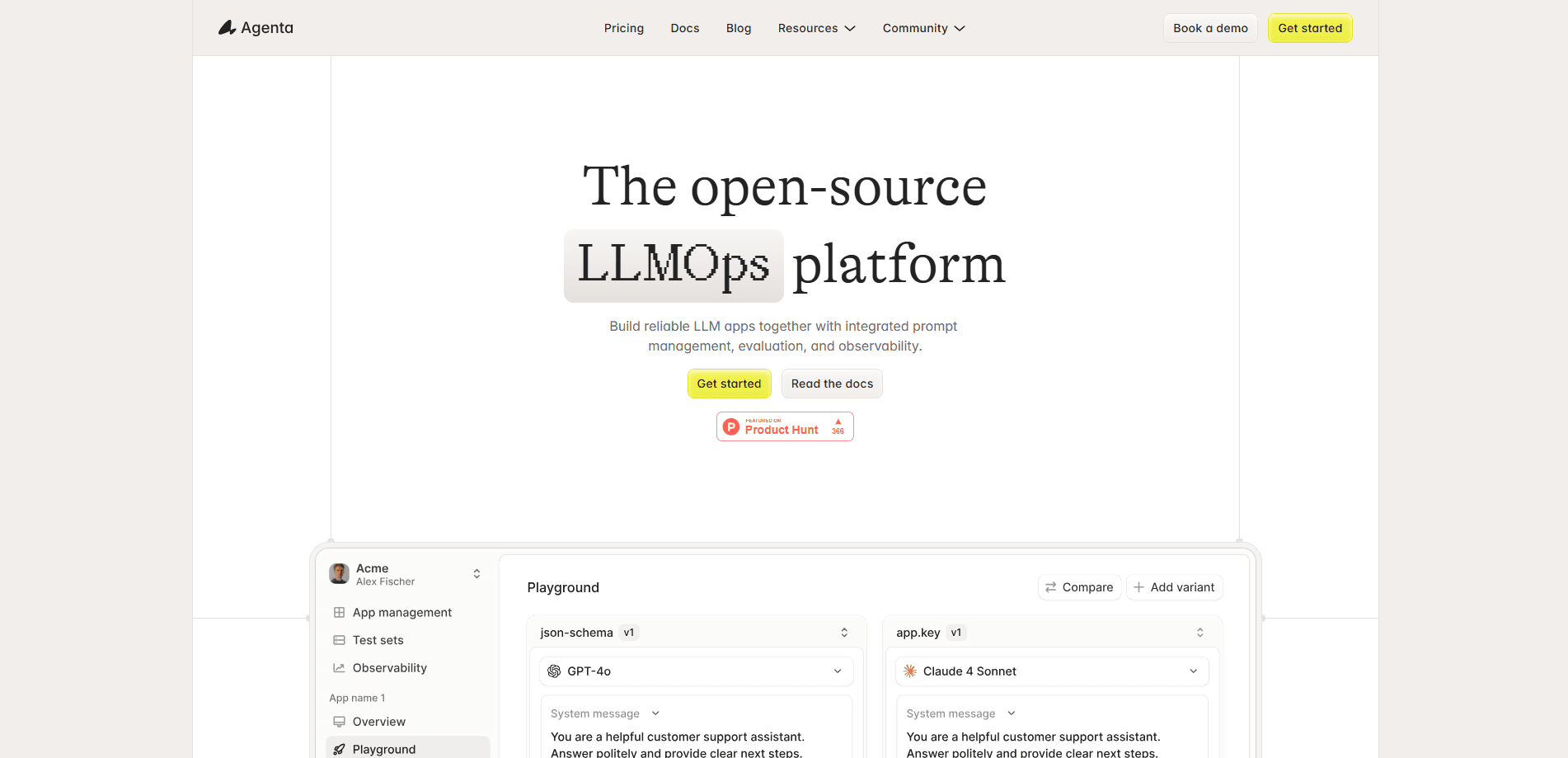
Agenta is an open-source workspace for building and running LLM agents. It's the agent workspace a lot of teams reach for once prompt tinkering stops being enough. You describe the job in plain language, hand the agent its context and tools, then improve it through real runs and feedback. This is the loop that separates an LLM app builder you actually ship with from one you abandon after a weekend. Prompts, skills, and tools get versioned like code, so you can roll back to any earlier revision. Teams can self-host it under the MIT license or start on the hosted cloud and grow from there.
About Agenta
What Is Agenta
Agenta is an LLMOps platform for teams that ship agents and other LLM-powered apps, and it works as an open-source LLM app builder too. The pitch is simple: build through chat, improve through feedback, and share the result with everyone on your team. It covers the parts most teams end up bolting on by hand, including prompt versioning, evaluation, tracing, and human approval before risky actions run.
It handles orchestration and observability, not model serving. If you just need a single model call with no versioning, evaluation, or tracing, calling your model provider directly is cheaper and simpler. Agenta is for the work that comes after the first prototype, when a prompt change can quietly break production and nobody, including the person who wrote the prompt, can tell why.
The open-source route matters to teams with strict data rules. Because everything can run on your own infrastructure, your prompts, traces, and customer data stay where you put them. That's the main reason people pick it over fully managed alternatives. Your data, your servers. No vendor gets a copy.
Getting Started
- Pick a path: sign up for the hosted cloud at cloud.agenta.ai, or run a self-hosted Agenta setup with Docker Compose on your own infrastructure.
- Create a project. Your API key is scoped to one project, so you don't pass a project_id with each call.
- Describe the agent in plain language, then attach the context, instructions, skills, and tools it needs. Bring your own model credentials.
- Run it, review the trace, and leave feedback where the output missed. Each round of feedback becomes a new version you can compare or roll back.
- Set the agent to run on a schedule or when an event fires in a connected app, and add a human approval step in front of anything consequential.
Product Information
A quick look at Agenta's pricing, supported platforms, and performance.
Best for
The users, tasks, and scenarios where this tool fits best.
Users
- Developers building LLM apps
- Product teams shipping agents
- Teams in regulated industries
Tasks
- Prompt engineering
- LLM agent versioning
- LLM evaluation
- Agent run tracing
- Human approval workflows
Scenarios
- Debugging a regression after a prompt tweak
- Rolling out an agent to an entire team without managing per-seat licenses.
- Running an agent on a schedule or on an event in a connected app, like a new support ticket.
- Keeping agent data on your own servers when cloud hosting isn't allowed.
Key features
Chat-Based Agent Builder
You describe the job you want done, then hand the agent its context and tools. From there, you improve it through actual work and feedback rather than rewriting config from scratch. Product managers can get involved here without waiting on an engineer to wire up a prototype, which means the people closest to the problem can shape the agent directly instead of filing a ticket and hoping the intent survives translation. How much setup does it take? Less than you'd think. Just describe the job.
Versioned Prompts, Skills, and Tools
Prompts, skills, and tools are versioned like code, so every change is a revision you can inspect. If a new prompt hurts output quality, you roll back to the last good one instead of guessing. Big difference. This is the feature that turns prompt tinkering into something you can actually manage across a team.
Built-In LLM Evaluation
You test a change against a test set before it goes live, using LLM-as-a-judge or evaluators you write yourself. The goal is catching quality drops before your users do. That matters most when a prompt change looks harmless in review but shifts outputs in ways nobody predicted, which happens more often than most teams expect once an agent has a dozen tools attached. Evaluations are unlimited on paid cloud plans, so you aren't rationing test runs.
Run Tracing and Cost Visibility
Every run produces a trace that shows each step, what it cost, and where it failed. When an output goes wrong, you don't have to reproduce the whole flow blind. Just read the trace. No guesswork. Trace data retention stretches from one week on the free plan to three months on Business.
Scheduling and Event Triggers
Agents can run on a schedule or fire when something happens in a connected app. Not bad. That moves an agent from a thing you manually poke to something that works in the background. Paid cloud plans include unlimited schedules and event triggers.
Human Approval Steps
You can put a person in front of consequential actions so nothing irreversible runs on its own. Approval shows up as a normal part of the run rather than a separate tool bolted onto the side. Trust me, that detail saves a lot of awkward conversations when an agent decides on its own that refunding a customer is the right call. For teams automating anything that touches money or customer accounts, this is the difference between a demo and something you'd trust.
Self-Hosting Under MIT
The open-source version runs on your own infrastructure under the MIT license, with unlimited users, projects, agents, and schedules. Your agents and data stay with you, which is often the deciding factor for regulated teams. Deploy with Docker Compose. Bring your own credentials.
REST API and Python SDK
The REST API is available at US, EU, and self-hosted base URLs, authenticated with an API key scoped to a single project, which means you can skip passing a project_id on every request, a small thing that adds up when you're making thousands of calls a day. A Python SDK installs with a single pip command. An OpenAPI 3.1 spec is published, so you can wire Agenta into your existing pipeline instead of clicking through the UI. No UI required.
Pros and cons
Pros
- Open source and self-hostable under MIT, so data can stay on your own infrastructure.
- Prompt, skill, and tool versioning with rollback built in.
- Evaluation, tracing, and human approval live in one platform instead of three tools.
- The free tier is genuinely usable: two team members, unlimited projects, and 5,000 agent runs a month.
- An OpenAPI 3.1 spec and a Python SDK make it easy to wire Agenta into an existing pipeline.
Cons
- It orchestrates and observes agents but doesn't host or serve models, so you still need your own model provider and credentials.
- Overkill for a single model call with no versioning or tracing needs, where calling the provider directly is simpler.
- The free Hobby plan caps you at two team members and keeps trace data for only one week.
- Generative AI is error-prone, so any agent output should still be checked before you rely on it.
Frequently asked questions
Agenta is an open-source workspace for building, versioning, evaluating, and tracing LLM agents. Teams use it to move an agent from a quick prototype to something they can run in production and debug when it breaks.
Related content
Explore related tools, skills, and articles for Agenta.
Agenta Alternatives
Forefront
Forefront · CodingForefront is a web platform for building with open-source AI. It lets you fine-tune leading open-source language models on your own data, evaluate how they perform, and run them through an API or export them to host yourself. Developers who want the convenience of a closed-source platform but insist on owning their models and data are the target audience here.

Startkit
StartKit.AI · CodingStartkit is a boilerplate for building AI SaaS and AI wrapper products. Think of it as an AI startup boilerplate with the boring parts already wired up: authentication, Stripe and Lemon Squeezy payments, usage limits, transactional email, and an AI API starter that talks to OpenAI, Anthropic, Groq, or Llama. You clone the repo, set your price, and start on the part of your product that people actually pay for. It's Next.js under React and Tailwind, so most of the boilerplate code already feels familiar.
Testim
Tricentis · CodingTestim is an AI-powered test automation platform for building and running end-to-end tests across web, mobile, and Salesforce applications. It leans on machine learning to keep tests stable when an interface changes, so teams spend less time fixing broken selectors. Not bad for an automated testing tool you can start using today. You create tests by recording actions in a browser, then optionally add JavaScript when you need more control. It's a solid pick for busy QA teams.