

agentcad
jdilla1277 · Coding
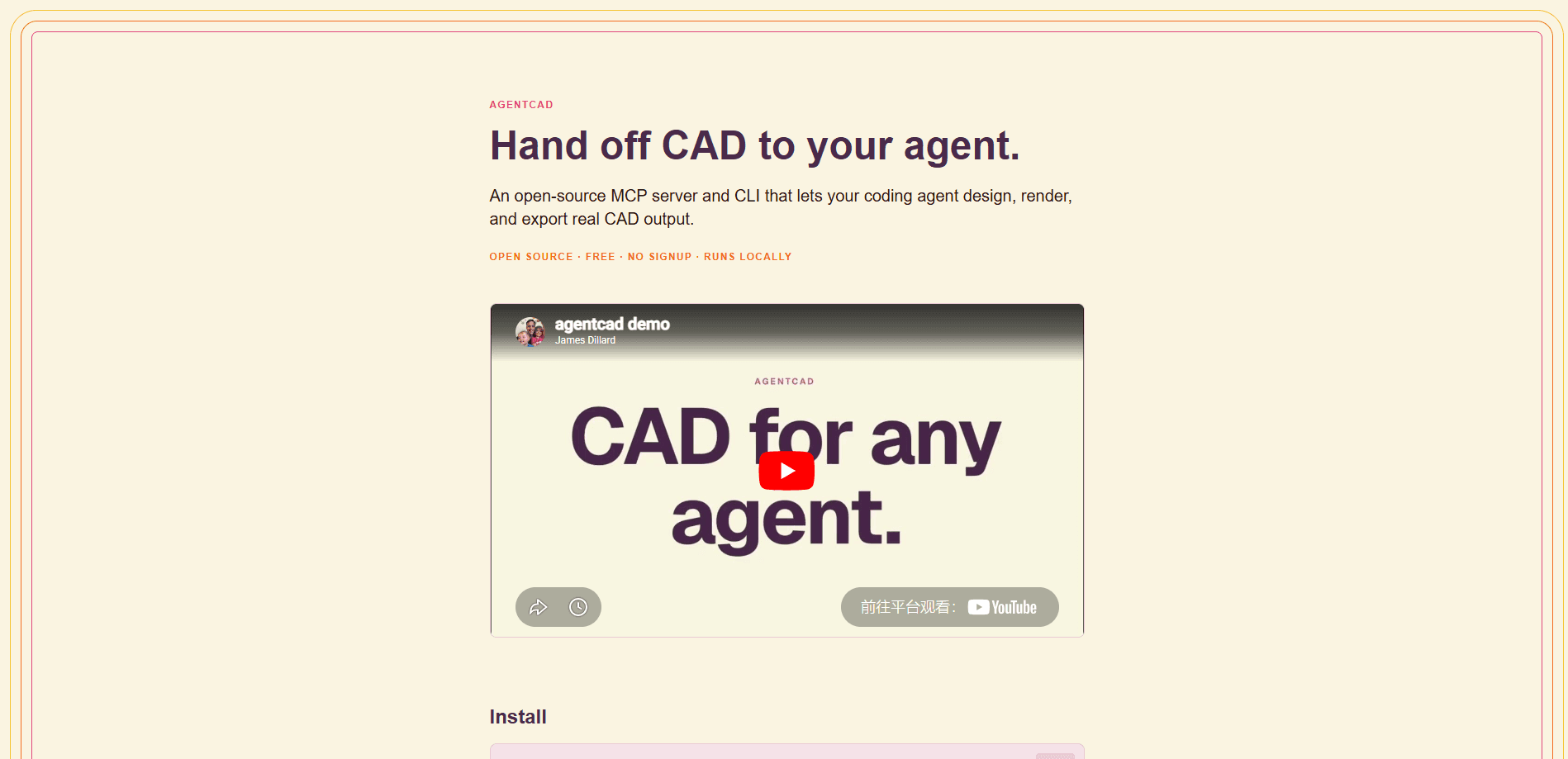
agentcad is an open-source CAD tool built for AI agents. You hand a design task to a coding agent like Claude Code or Cursor, the agent writes a build123d Python script, and agentcad runs it, checks the geometry, renders a preview, and exports real files. It ships as both a CLI and an MCP server, runs locally, costs nothing, and needs no signup.
About agentcad
What Is agentcad
agentcad sits between a coding agent and a CAD kernel. The agent writes Python, agentcad executes it, and what comes back is more than a file. You get structured feedback: geometric metrics, a validity flag, a four-view render, and a topology report. That feedback loop is the whole point. Agents tend to produce broken geometry on the first pass, and without a way to see what went wrong they keep guessing.
The tool is build123d-native and CadQuery-compatible, so the scripts read like normal parametric CAD code rather than some agent-only dialect. Each run produces a versioned STEP file, and from the second run onward agentcad diffs the new result against the previous one so you can track how a design changed. Pre-execution checks catch syntax errors, a missing show_object() call, and broken imports in under 100 ms, before a version number is spent. That saves time you'd rather not waste.
Two limits are worth knowing up front. It's a Python tool, and it supports Python 3.10 through 3.12 only, because the OpenCascade bindings it relies on don't exist for 3.13 yet. There's no graphical editor either. This is a command-line and MCP product, so it fits engineers and developers comfortable in a terminal. It's not for people looking for a mouse-driven modeling app.
Getting Started
- Create a Python 3.12 virtual environment and activate it.
- Install with
pip install 'agentcad[mcp]', orpip install agentcadif you only want the CLI. - Run
agentcad init --name myprojectto scaffold the project and drop an AGENTS.md block plus a Claude Code skill into the folder. - Paste a plain-language design prompt into your coding agent and let it write the first script.
- Read the JSON response, check the render, then keep iterating until the geometry is printable.
Product Information
A quick look at agentcad's pricing, supported platforms, and performance.
Best for
The users, tasks, and scenarios where this tool fits best.
Users
- Engineers who already script their CAD work
- Developers building agentic design pipelines
- 3D printing hobbyists
Tasks
- Turning a text description into a first-draft part
- Catching geometry mistakes early
- Tracking how a design evolves
Scenarios
- Rapid prototyping in a terminal session
- Teaching an agent a modeling library
- Reproducing a known object from reference drawings
Key features
Executes agent-written Python and returns metrics
The core loop runs a build123d script and hands back structured JSON. You get dimensions on all three axes, volume, face and edge counts, and an is_valid flag. When the model breaks, the response includes the error and, for common failure shapes, a suggestion on how to fix it. That turns a vague "it didn't work" into something an agent can act on. Simple, and it matters a lot.
Four-view rendering for visual checks
Every run renders PNG previews from four angles, and you can request custom camera positions too. Renders are 2D and live under a separate key from the 3D outputs, so nothing gets mixed up. A failed render never undoes a good build. You keep the STEP file and retry just the view you need.
Exports STEP, STL, GLB, and OBJ
Completed models export to the formats each downstream tool actually wants. STEP carries the precise geometry for further CAD work, while STL, GLB, and OBJ cover 3D printing and web viewers. Every successful build also writes a versioned STEP file. Nothing gets overwritten.
Fast pre-execution validation
Static checks catch syntax errors, a missing show_object() call, and unresolvable imports in under 100 ms. Nothing runs. Nothing is written to disk, and no version number is consumed. For an agent that generates dozens of attempts, skipping the doomed ones saves real time.
Topology inspection and version diffing
A dedicated inspect command produces a topology report for debugging tricky geometry, and from the second version onward agentcad compares each result against the previous run. Together they answer the two questions that come up most often: why is this solid invalid, and what changed since last time?
Zero-boilerplate scripts
Scripts don't need a pile of imports. build123d primitives, show_object, and agentcad's own edit helpers are pre-injected, so the agent writes box = Box(10, 20, 5) and moves on. Fewer imports, fewer mistakes. Less boilerplate also means fewer places for an agent to introduce an error.
MCP server and project scaffolding
Adding agentcad to a project's MCP config gives Claude Code, Cursor, or any compatible agent direct access to the CAD backend. Running agentcad init also writes the operating guide into the repo as an AGENTS.md block and a Claude Code skill, so the agent picks up the workflow on every session without being reminded.
Pros and cons
Pros
- Free and open source under Apache-2.0, with source on GitHub and no account required.
- Runs entirely locally, so design files never leave your machine.
- Returns rich structured feedback (metrics, validity, topology, renders) rather than a single opaque file.
- build123d-native with CadQuery compatibility, so scripts stay portable and readable.
- Version history and diffing make design iteration traceable.
Cons
- No graphical interface, so you need a coding agent or command-line comfort to use it.
- Python 3.10 to 3.12 only, which rules out 3.13 until the OpenCascade bindings catch up.
- CadQuery support is an optional extra with its own dependency and licensing considerations.
- Quality depends on the underlying agent, so a weak model still produces weak geometry.
Frequently asked questions
It's an open-source command-line tool and MCP server that lets AI coding agents do real CAD work. The agent writes a build123d Python script, agentcad runs it, validates the geometry, renders previews, and exports standard 3D files.
Related content
Explore related tools, skills, and articles for agentcad.
agentcad Alternatives
Forefront
Forefront · CodingForefront is a web platform for building with open-source AI. It lets you fine-tune leading open-source language models on your own data, evaluate how they perform, and run them through an API or export them to host yourself. Developers who want the convenience of a closed-source platform but insist on owning their models and data are the target audience here.

Startkit
StartKit.AI · CodingStartkit is a boilerplate for building AI SaaS and AI wrapper products. Think of it as an AI startup boilerplate with the boring parts already wired up: authentication, Stripe and Lemon Squeezy payments, usage limits, transactional email, and an AI API starter that talks to OpenAI, Anthropic, Groq, or Llama. You clone the repo, set your price, and start on the part of your product that people actually pay for. It's Next.js under React and Tailwind, so most of the boilerplate code already feels familiar.
Testim
Tricentis · CodingTestim is an AI-powered test automation platform for building and running end-to-end tests across web, mobile, and Salesforce applications. It leans on machine learning to keep tests stable when an interface changes, so teams spend less time fixing broken selectors. Not bad for an automated testing tool you can start using today. You create tests by recording actions in a browser, then optionally add JavaScript when you need more control. It's a solid pick for busy QA teams.