

AgentGrid
AgentGrid · Coding
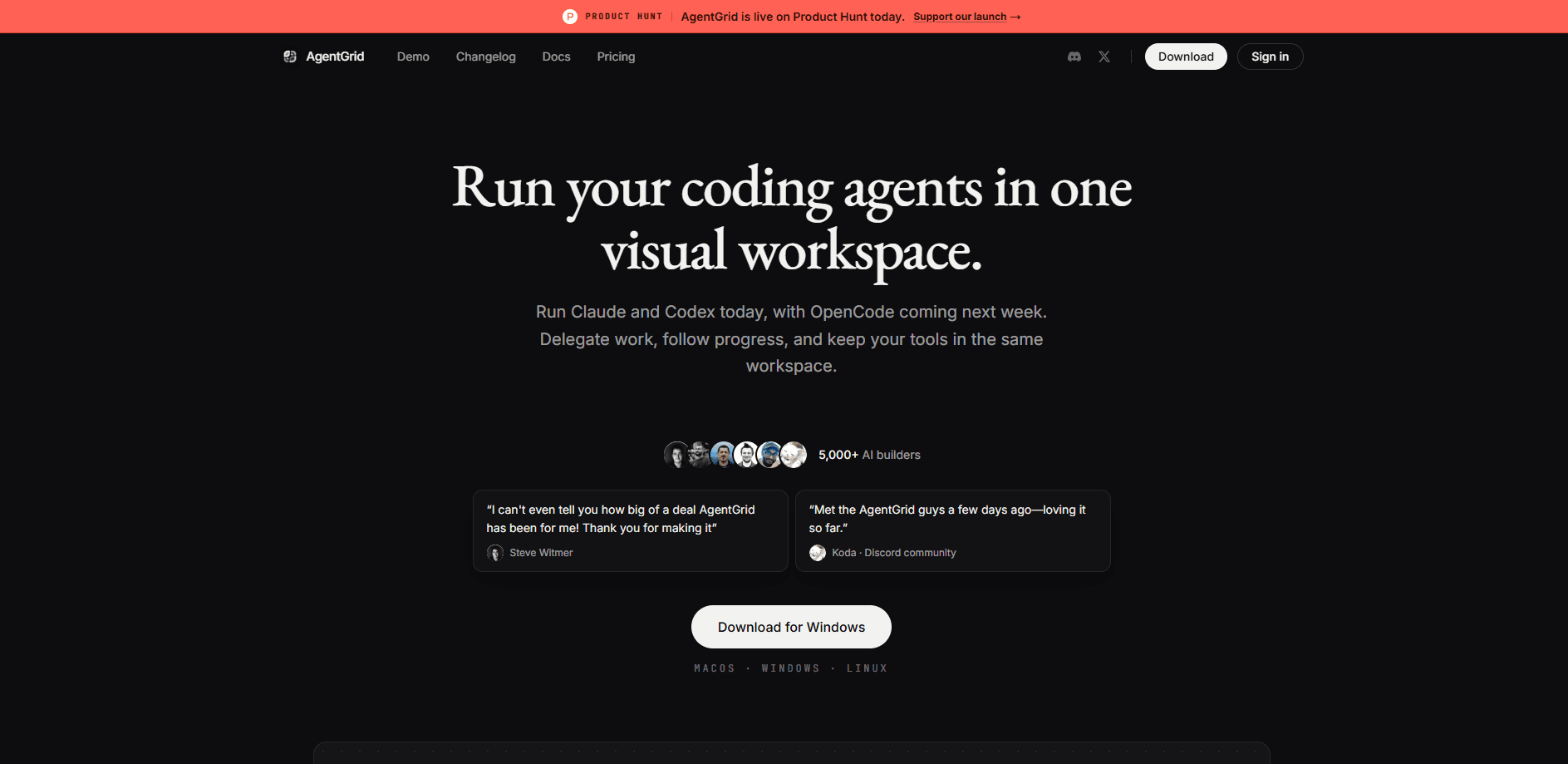
AgentGrid is an infinite-canvas desktop workspace built for coding agent orchestration. It puts Claude Code, Codex, Cursor and OpenCode on one pannable surface so you can run several agents side by side, hand each one a focused job, and keep terminals, source control, browsers and notes next to the work. It's a multi-agent workspace you can actually see. It runs on macOS, Windows and Linux, and you bring your own AI subscriptions. That last part matters.
About AgentGrid
What Is AgentGrid
AgentGrid is a desktop app that turns your coding agent sessions into a visual workspace. Instead of juggling terminal tabs, every agent, terminal, browser, git view and note lives in a movable pane on an infinite canvas you can pan and zoom.
The problem it solves is simple: once you run more than one coding agent, it gets hard to know who's doing what. AgentGrid lets a master agent coordinate workers through built-in MCP tools, so you can delegate a plan, a build and a review at the same time and follow each thread from a single conversation. Each canvas sits in a space tied to a project folder. So new agents start in the right working directory.
The biggest limitation is that AgentGrid doesn't provide the models. You connect the AI subscriptions and API keys you already pay for, so your total cost depends on the providers you use. It's also a desktop-only tool with no mobile app.
Getting Started
- Check the system requirements and download the desktop app for macOS, Windows or Linux.
- Install AgentGrid and sign in to authenticate the app.
- Install and sign in to the coding agents you want, like Claude Code or Codex.
- Create a space, choose a project folder, and start your first agent on the canvas.
- Open the Coordinator pane, describe what you need, and let a master agent create and direct the workers.
Product Information
A quick look at AgentGrid's pricing, supported platforms, and performance.
Best for
The users, tasks, and scenarios where this tool fits best.
Users
- Developers running several coding-agent sessions
- Teams splitting work across builder, reviewer, QA and security agents
- Tinkerers who already pay for Claude, Codex or Cursor
Tasks
- Delegating a multi-step build
- Reviewing code changes
- Keeping context between agents
Scenarios
- Mid-project handoffs
- Hitting a provider limit
- Resuming after a restart
Key features
Infinite Canvas for Coding Agents
The canvas is the core of AgentGrid. Every agent, terminal, source-control view, browser, note, image and video sits in a pane you can drag, pin and arrange on an endless 2D surface. Pan with the arrow keys or zoom with + and −, then group panes so related work stays together. It's a lot closer to a whiteboard than a terminal window. Drag one pane. Everything else stays put.
Agent Orchestration with a Coordinator
A master agent coordinates workers through AgentGrid's MCP tools. Open the Coordinator on the right side, describe what you need, and it creates agents, arranges the workspace and directs the whole canvas from one conversation. Each worker can run any installed coding agent with a model chosen for its role. So you can pair a heavy reasoning model with a fast one for lighter tasks. One conversation runs the show.
Bring Your Own Subscriptions
AgentGrid supports Claude Code, Codex, Cursor, OpenCode, Antigravity, Kimi, Grok, Devin and Pi. You enable and order the agents you use in Settings, then keep paying your providers directly. If you already have a Claude or Codex subscription, you don't buy a second plan just to run agents on a canvas.
Shared Context Between Agents
Plans, notes and terminal output stay on the canvas next to the work. You can ask an agent to read the relevant panes and continue from there instead of copying everything into a fresh chat. That shared context is what makes handoffs between agents practical, because the next agent can see what the last one produced. No re-pasting. No lost context.
Built-in Source Control Review
Each agent gets a focused source-control view of its associated worktrees. Open source control from the agent pane, pick a file, and review its diff right beside the conversation. No more alt-tabbing to a separate git client to check what an agent actually changed before you accept it. That's the point.
Provider Usage and Limit Visibility
AgentGrid shows provider usage and reset times in one place. You can see when a provider is nearing its limit and which other providers still have capacity, so you plan around the ceiling instead of getting cut off in the middle of a task. Being cut off mid-task is the worst.
Model Switching Without Losing Context
You can switch models in any worker, master or Coordinator and continue the same conversation. When one provider hits its usage limit, pick another available model and keep working with your context intact. Since v2.8.33 you can also swap the agent running on an open pane without tearing it down and starting fresh. Handy. Your history stays put.
Saved Workspaces and Sessions
Your project layout, notes and agent sessions are saved. Close AgentGrid, reopen it later, and resume with the context intact. Each space binds a project folder, so reopening a space drops new agents and terminals straight into the right working directory. Simple as that.
Pros and cons
Pros
- Running several coding agents side by side on one canvas beats juggling terminal tabs, especially when you delegate work to more than one agent.
- Bring-your-own-subscription pricing means you don't pay twice for models you already have access to.
- Source control next to the conversation makes it easy to review what an agent changed before you accept it.
- Sessions, notes and layouts are saved, so restarting the app doesn't cost you your context.
Cons
- Desktop-only, with no mobile or browser version, so you're tied to a Mac, Windows or Linux machine.
- There's no bundled AI plan, and your real cost depends on provider subscriptions you buy separately.
- The canvas and Coordinator take some getting used to if you're coming from plain terminal workflows.
Frequently asked questions
AgentGrid is a workspace for running and orchestrating AI coding agents. It puts multiple agents, terminals, source control, browsers and notes on one infinite canvas so you can delegate work and follow every agent from a single view.
Related content
Explore related tools, skills, and articles for AgentGrid.
AgentGrid Alternatives
Forefront
Forefront · CodingForefront is a web platform for building with open-source AI. It lets you fine-tune leading open-source language models on your own data, evaluate how they perform, and run them through an API or export them to host yourself. Developers who want the convenience of a closed-source platform but insist on owning their models and data are the target audience here.

Startkit
StartKit.AI · CodingStartkit is a boilerplate for building AI SaaS and AI wrapper products. Think of it as an AI startup boilerplate with the boring parts already wired up: authentication, Stripe and Lemon Squeezy payments, usage limits, transactional email, and an AI API starter that talks to OpenAI, Anthropic, Groq, or Llama. You clone the repo, set your price, and start on the part of your product that people actually pay for. It's Next.js under React and Tailwind, so most of the boilerplate code already feels familiar.
Testim
Tricentis · CodingTestim is an AI-powered test automation platform for building and running end-to-end tests across web, mobile, and Salesforce applications. It leans on machine learning to keep tests stable when an interface changes, so teams spend less time fixing broken selectors. Not bad for an automated testing tool you can start using today. You create tests by recording actions in a browser, then optionally add JavaScript when you need more control. It's a solid pick for busy QA teams.