

AgentNotch
AppGram · Coding
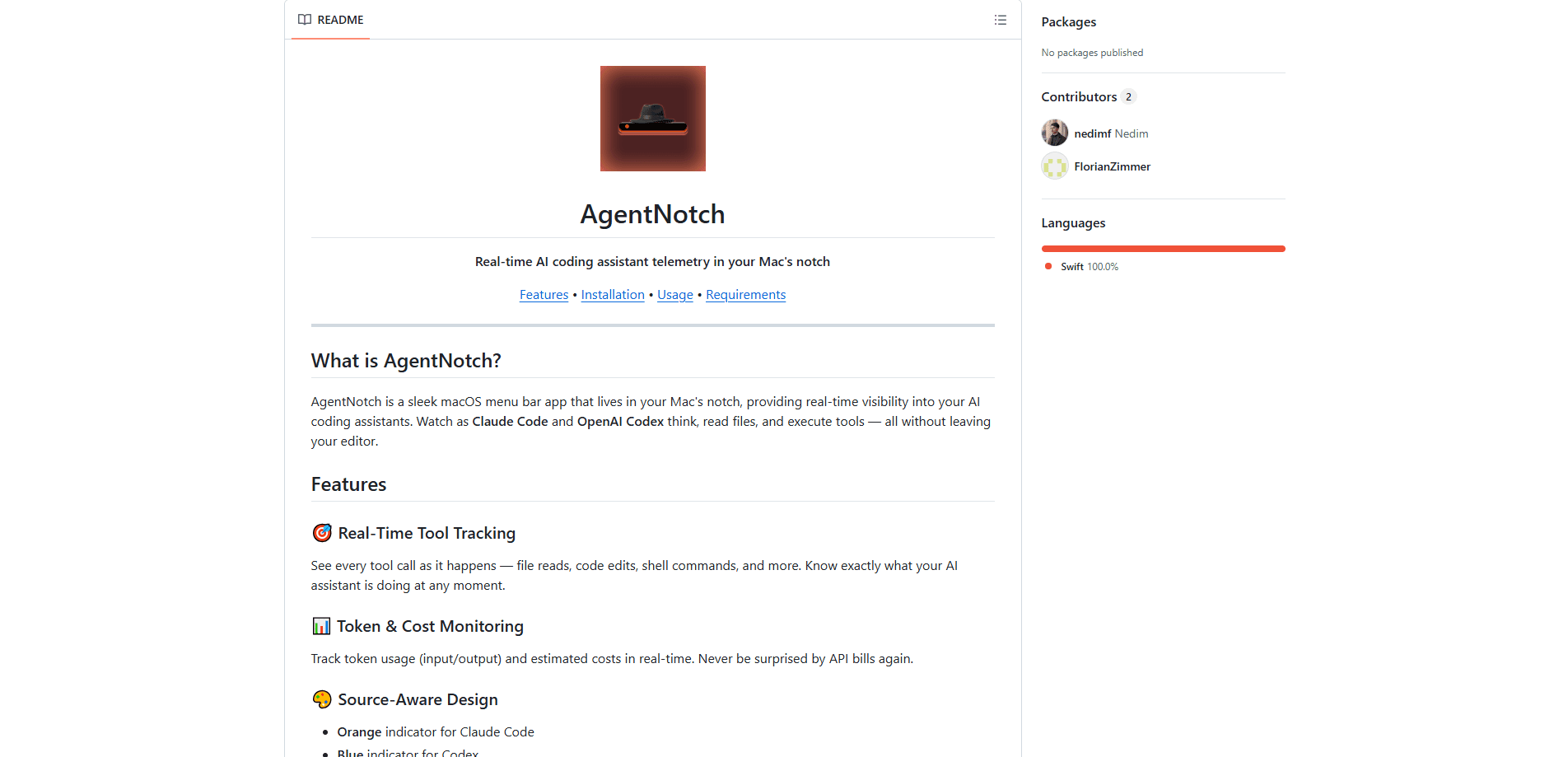
AgentNotch is a free AI coding assistant monitor that sits in your Mac's notch and shows what Claude Code and OpenAI Codex are doing right now. It surfaces live tool calls like file reads and shell commands, and it tracks token usage plus cost estimates so you don't have to guess where your API budget went. If you run these assistants all day, it turns an invisible background process into something you can glance at.
About AgentNotch
What Is AgentNotch
AgentNotch targets a specific frustration: AI coding assistants work in the background, and you can't tell if they're reading files, running commands, or just stuck. The app listens for OpenTelemetry data over OTLP/HTTP on port 4318, decodes the logs and metrics your assistant sends, and renders that stream in the Mac's notch. The indicator tells you which assistant is active. It never pulls you out of your editor.
It's built for developers on recent Macs who already use Claude Code or Codex and want visibility rather than a new workflow. The whole thing is native, lightweight, and designed to disappear when you don't need it. That's the point. It stays out of the way.
The honest limitation: AgentNotch only understands OTLP logs and metrics. No traces. If your Mac has no notch, the app falls back to a regular menu bar item. You also have to configure your assistant to send telemetry before anything shows up.
Getting Started
- Install AgentNotch through Homebrew (
brew tap AppGram/tapthenbrew install --cask agentnotch) or download the zip from the releases page and dragAgentNotch.appinto Applications. - Open the app. It appears in your notch, or in the menu bar on Macs without one.
- Point your assistant at AgentNotch by setting the OpenTelemetry endpoint to
http://localhost:4318(for Claude Code, exportOTEL_EXPORTER_OTLP_ENDPOINT). - For Codex CLI, edit
~/.codex/config.tomland add the[otel]and[otel.exporter.otlp-http]blocks, leaving trace export off. - Hover the notch to expand recent tool calls, or click for the full token breakdown and settings.
Product Information
A quick look at AgentNotch's pricing, supported platforms, and performance.
Best for
The users, tasks, and scenarios where this tool fits best.
Users
- Claude Code users
- Codex CLI users
- Developers on a tight API budget
Tasks
- Watching a long refactor run
- Auditing what an agent actually did
- Checking cost before it grows
Scenarios
- Running multiple agents at once
- Keeping the editor clutter-free
- Following up on a finished task
Key features
Real-Time Tool Tracking
AgentNotch shows each tool call as it happens: file reads, code edits, shell commands, and more. No more staring at a spinner. You see the actual work your assistant is doing, step by step. For anyone running agents on long tasks, that visibility removes the guesswork.
Token and Cost Monitoring
The app tracks input and output token usage and turns it into cost estimates that update live. If you've ever been surprised by an API bill, this is the fix: you watch the number climb while the work is happening. The estimates depend on the usage data your assistant reports.
Source-Aware Color Coding
A quick glance tells you which assistant is active. Claude Code gets orange. Codex gets blue. Unknown sources show light blue. When you're juggling more than one agent, that split saves you from mixing up their activity.
Completion Detection
AgentNotch notifies you the moment an assistant finishes a task. It answers the question that nags at every long run: is it still thinking? You can walk away and trust the notification instead of checking back every minute. Simple as that.
Native and Notch-Resident
The app is a native macOS menu bar app built for speed, so it stays fast and light on battery. It lives in the notch and uses no screen space at all, expanding only when you hover. On Macs without a notch, it drops into the menu bar as a normal item. Not ideal, but it works.
Configurable Display
You can show or hide token counts, show or hide cost estimates, filter by source, and toggle the menu bar icon. That means the monitor shows only what you care about, whether that's a lean indicator or a fuller breakdown. Your call.
Pros and cons
Pros
- Free to install and use, with no account or subscription required.
- Native and lightweight, so it doesn't tax your Mac during long sessions.
- Clear visual distinction between Claude Code and Codex activity.
- Live token and cost estimates make API spending visible as it happens.
- Configurable enough to stay out of the way when you want it to.
Cons
- Only decodes OTLP logs and metrics, so OTLP traces aren't supported and produce noisy errors if you leave trace export on.
- Requires manual telemetry setup in each assistant before it shows anything, which is a barrier for less technical users.
- On Macs without a notch, the core visual idea is reduced to a plain menu bar icon.
- It's an early project with a short release history, so expect some rough edges.
Frequently asked questions
It reads the OpenTelemetry data your AI coding assistant sends and displays live tool calls, token usage, and cost estimates in your Mac's notch or menu bar. Think of it as a dashboard for background agents.
Related content
Explore related tools, skills, and articles for AgentNotch.
AgentNotch Alternatives
Forefront
Forefront · CodingForefront is a web platform for building with open-source AI. It lets you fine-tune leading open-source language models on your own data, evaluate how they perform, and run them through an API or export them to host yourself. Developers who want the convenience of a closed-source platform but insist on owning their models and data are the target audience here.

Startkit
StartKit.AI · CodingStartkit is a boilerplate for building AI SaaS and AI wrapper products. Think of it as an AI startup boilerplate with the boring parts already wired up: authentication, Stripe and Lemon Squeezy payments, usage limits, transactional email, and an AI API starter that talks to OpenAI, Anthropic, Groq, or Llama. You clone the repo, set your price, and start on the part of your product that people actually pay for. It's Next.js under React and Tailwind, so most of the boilerplate code already feels familiar.
Testim
Tricentis · CodingTestim is an AI-powered test automation platform for building and running end-to-end tests across web, mobile, and Salesforce applications. It leans on machine learning to keep tests stable when an interface changes, so teams spend less time fixing broken selectors. Not bad for an automated testing tool you can start using today. You create tests by recording actions in a browser, then optionally add JavaScript when you need more control. It's a solid pick for busy QA teams.