

AgentSea
AgentSea · Coding
AgentSea is a free, open-source toolkit of UNIX-like tools and Python libraries for building, running, and sharing AI agents that control desktops and devices, locally or in the cloud.
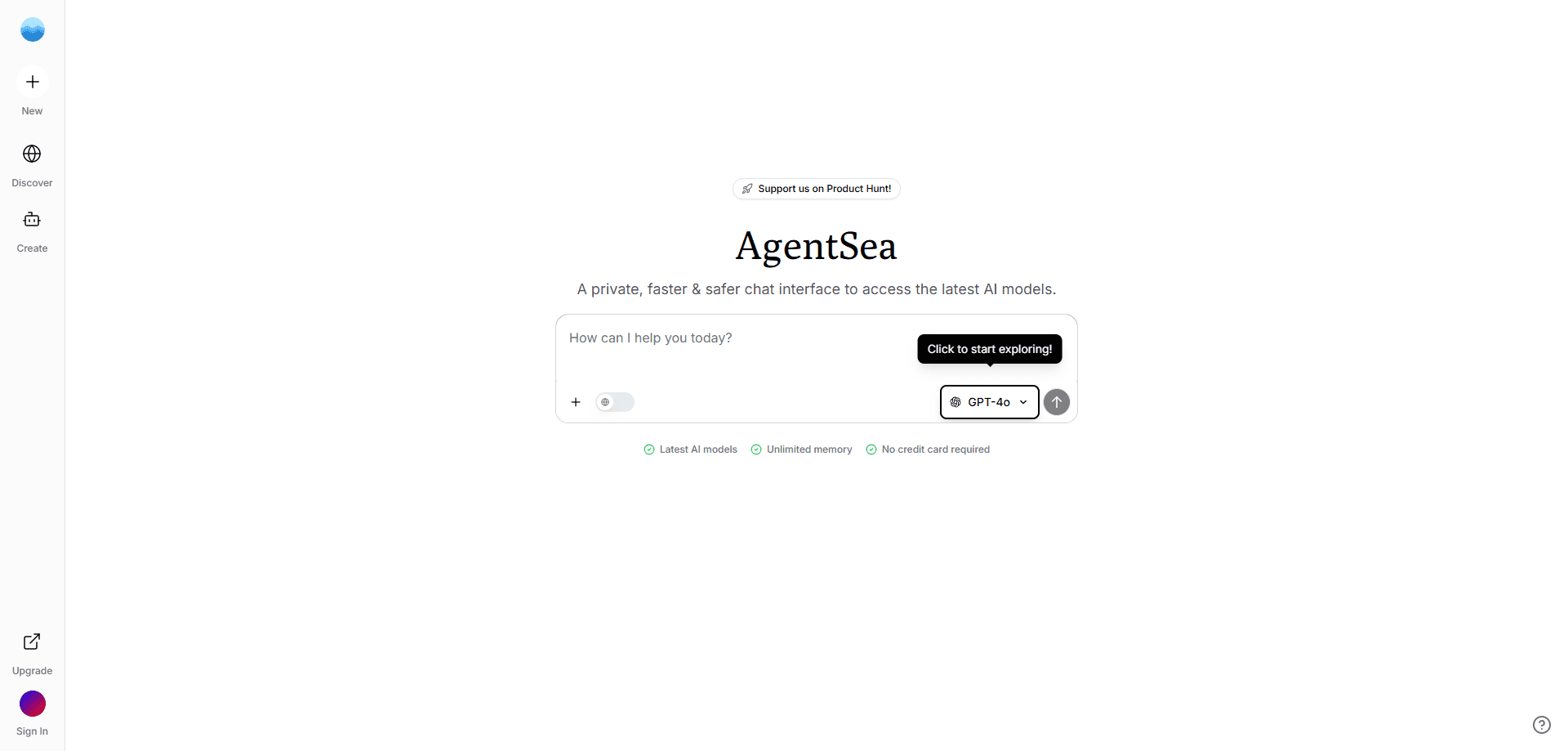
About AgentSea
What Is AgentSea
AgentSea is an open-source platform that helps developers build, deploy, and share AI agents, with a focus on agents that can operate computers rather than just chat. Instead of one monolith, the platform ships as a set of small, composable tools and Python libraries that you install and wire together the way you would any other UNIX utility.
The core idea is to give an agent an actual computer to work with. AgentSea provides virtual desktops that an agent can see and click through. It also ships a daemon that exposes those desktops over a REST API, plus a shared protocol so tools and devices from different projects can talk to each other. Put together, they let a developer spin up a sandboxed machine and point a model at it. The model then takes real actions, such as opening a browser, moving a mouse, or typing text.
The main constraint is maturity. Most of the components are published as early-stage or alpha software under the MIT license, so you should expect rough edges and breaking changes. AgentSea is built for people comfortable with a terminal and Python, not for users who want a polished drag-and-drop builder. The original agentsea.com domain now redirects to Okara.ai, the team's newer product, but the open-source libraries remain on GitHub.
Getting Started
- Install the specific library you need, such as
pip install agentdeskfor desktop control orpip install surfkitfor a higher-level agent toolkit. - Set up a runtime for your agent. AgentDesk can create a local desktop through Docker or a remote one on Kubernetes with a single command.
- Connect a model and give it tools. AgentSea pairs with vision-language models that read screenshots and decide what to do next.
- Start the desktop and drive it programmatically. You can open URLs, move the mouse, click, and type text through simple calls.
- Package the agent and share it, or deploy the same setup to the cloud using the container tooling in the project.
Product Information
A quick look at AgentSea's pricing, supported platforms, and performance.
Best for
The users, tasks, and scenarios where this tool fits best.
Users
- Developers building computer-use agents
- Machine learning engineers testing GUI agents
- Small teams that want self-hosted automation
Tasks
- Automating repetitive desktop workflows
- Benchmarking multimodal models on device tasks
- Teaching a model to use a specific website or API
- Managing many agent tasks at once
Scenarios
- Research and prototyping
- Running agents across cloud providers
- Privacy-sensitive work
Key features
Programmable virtual desktops
AgentDesk creates full desktop environments that an agent controls through code. You can launch a desktop locally with Docker or remotely on Kubernetes, then drive it with simple calls such as open a URL, move the mouse, click, or type. The same desktop can be viewed live while the agent works. That live view makes debugging far easier than staring at logs.
Runtime daemon with a REST API
At the base of the desktop stack is agentd, a daemon that exposes the desktop over a REST API. That separation means any language or framework that can make an HTTP call can control the machine, not just the Python client. That design keeps the heavy machinery in one place, so your agent logic can live wherever you want it.
SurfKit agent toolkit
SurfKit is the higher-level toolkit for building and sharing agents that operate on devices. It bundles the build, share, run, and manage steps into one place, adds task management at scale, and tracks and observes agent actions. For most projects this is the layer you'll actually start from.
DeviceBay device protocol
AgentSea implements the DeviceBay protocol, a shared way for agents to describe and use devices. Because devices follow one protocol, a desktop from one project can be swapped for another device without rewriting your agent. That shared protocol is what keeps the project from turning into a pile of one-off integrations.
SkillPacks for tool use
SkillPacks fine-tunes agents on tools and lets you hotswap the learned skills at inference time. You can teach a model how to use a website, a codebase, an API, or a database, then pull that skill in the moment the agent needs it. That avoids retraining a model every time you add a new capability.
Nebulous container orchestrator
Nebulous is AgentSea's distributed container orchestrator, built in Rust and shipped as a single binary. It spans clouds and regions with a focus on accelerated compute, connects containers with a segmented network, and syncs data between nodes so agents can run where the hardware is cheapest or fastest.
Pros and cons
Pros
- Fully open source under the MIT license, so you can read, modify, and self-host every piece.
- Runs the same way locally and in the cloud, which keeps prototype and production setups close.
- Modular by design: install only the libraries a project needs instead of adopting a whole platform.
- Ships a public benchmark (OSUniverse) for measuring GUI agents, which is rare in this space.
- No paid tier, so there's no license cost to experiment.
Cons
- Many components are labeled alpha or early-stage, so you'll hit bugs and occasional breaking changes.
- It assumes Python and command-line comfort, which rules out non-technical users.
- Documentation is spread across separate repositories and a docs hub, so onboarding takes some searching.
- The original website now redirects to a different product, which makes it harder to know where the project is heading.
Frequently asked questions
Yes. AgentSea is open source under the MIT license and has no paid plans. You pay only for the compute you run it on, such as cloud instances or your own hardware.
Related content
Explore related tools, skills, and articles for AgentSea.
AgentSea Alternatives

Base Code
Base44 (Wix) · Coding · ProductivityBase Code is a shared cloud development environment from Base44. Teammates describe changes to an existing GitHub codebase in chat, preview them live and send them back as pull requests.

Google EmbeddingGemma 2
Google DeepMind · Writing · Image · CodingGoogle EmbeddingGemma 2 is a 740M-parameter open model that turns text, code, images, audio, and video frames into vectors in one 768-dimension space, running on phones and laptops.

GitGlow
GitGlow · Coding · ProductivityGitGlow is a local-first desktop Git client that lets independent developers review their own code and their AI agents' changes in one place before shipping.