

Ai Agents
Multiple developers · Other
AI agents are autonomous AI systems that use models to plan and carry out multi-step tasks on their own, calling tools and APIs to get work done with less hand-holding.
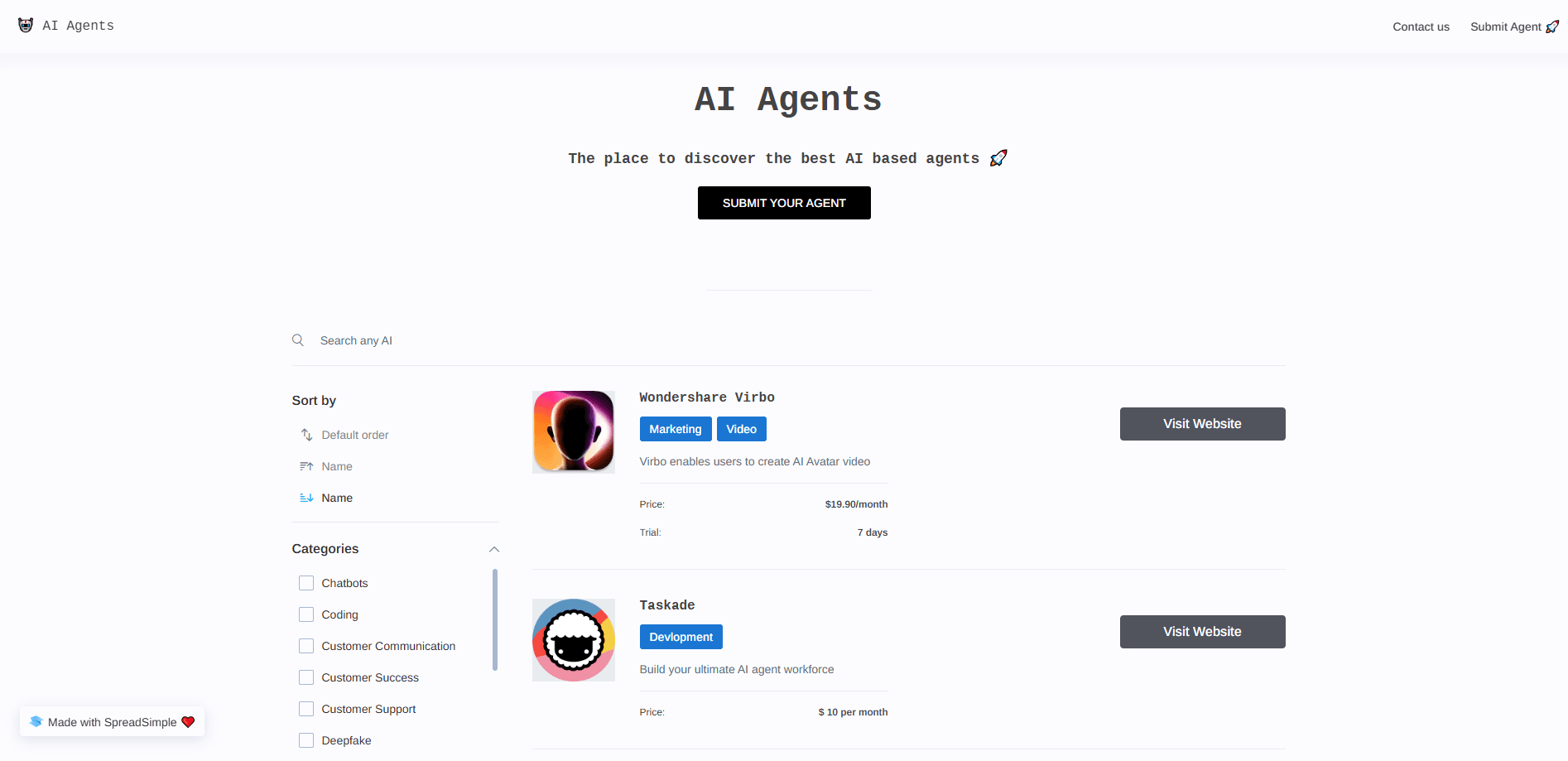
About Ai Agents
What Is AI Agents
AI agents are programs that take a goal and work toward it on their own. This style of software is often called agentic AI, and it marks a shift from tools that wait for input to systems that act. Instead of answering one question and stopping, an agent breaks a job into steps, picks the tools it needs, runs them, checks the result, and keeps going until the task is finished or it gets stuck. Most current agents run on large language models (LLMs), the same kind of AI behind chatbots, but they add memory, planning, and the ability to take actions.
That last part is what sets them apart from a plain chatbot. A chatbot replies with text. An agent can browse the web, write and run code, fill in a form, send a message, or pull data from a system you connect. You can hand one a goal like "research these competitors and build a summary sheet" and it carries out the steps without you driving every click.
The limits are real, and they matter once you look past the demos. Agents still make mistakes, and a wrong step early on can send the whole run off course. They need clear rules about what they can touch, because an agent with wide access can do damage if it goes wrong. Long jobs also cost money, since every step spends tokens on a model. Treat an agent as a capable assistant that needs review, not a set-and-forget worker.
A wave of AI agent tools now covers most of what people want from the idea, from coding to research to support. Teams pick between hosted products and AI agent frameworks they run themselves, and the choice usually comes down to how much control they need.
Getting Started
- Pick an agent tool that matches your job, such as a coding agent, a research agent, or a general assistant like ChatGPT, Claude, or Gemini with agent features turned on.
- Give it a clear goal in plain language, and say what a good result looks like. LLM agents go further than scripted bots because they read intent from ordinary wording.
- Connect the tools it needs, like a browser, a file store, or an app account, and limit access to only what the task requires.
- Watch the first runs closely, check the output, and correct it when it drifts.
- Save the setups that work as templates you can reuse.
Product Information
A quick look at Ai Agents's pricing, supported platforms, and performance.
Best for
The users, tasks, and scenarios where this tool fits best.
Users
- Developers who want help with long coding jobs
- Knowledge workers buried in research
- Small teams without a dedicated ops person
- Curious beginners
Tasks
- Multi-step research
- Writing and running code
- Data entry and cleanup
- Customer support at scale
- Personal scheduling
Scenarios
- A startup shipping a feature on a deadline
- A market analyst building a weekly brief
- A support team handling a spike in tickets
- A solo founder testing an idea
Key features
Goal-driven planning
Common AI agent use cases, from research to code changes, all start with the same move: turning a goal into a plan. The core of an AI agent is its ability to make that plan. It breaks a broad request into smaller steps, decides the order, and adjusts when a step fails. This planning loop is what lets an agent handle tasks that need more than one action, like comparing several options before picking one.
Tool and API calling
Agents act through tools. A tool can be a web search, a code interpreter, a database, or an app you link through an API. The agent picks the tool that fits the step, runs it, and reads the result. That range is why agents do more than chatbots: they reach into real systems instead of only talking about them.
Memory across steps and sessions
Agents keep context so they do not start from zero each time. Short-term memory holds the current task, and long-term memory stores facts and preferences from past runs. A coding agent might remember your project setup, while a personal assistant recalls how you like your summaries. Memory is what makes repeated use smoother.
Multi-agent coordination
Big jobs often split across several agents, each with a narrow role. One agent plans, another runs tools, and a third checks the work. The pattern, called multi-agent orchestration, keeps each agent focused and lets the system cover a wider task. It also adds moving parts, so setup takes more care.
Guardrails and access controls
Because agents take action, control matters. Most platforms run an agent in a sandbox, a walled-off space where it cannot touch the rest of your system. You set permissions, decide which tools it can call, and review the actions it takes. These limits keep a mistake from turning into a real problem.
Human-in-the-loop checkpoints
Good agents pause for a person at key points. You might approve a purchase, confirm a message, or sign off on a code change before it ships. These checkpoints slow the run down a little and cut the odds of a costly error. Most teams tune how often the agent stops based on the risk of the task.
Pros and cons
Pros
- Handles multi-step work that would take hours of manual clicks, from research to code changes.
- Connects to real tools and apps, so it acts on systems instead of only describing them.
- Saves context between runs, which means less time repeating yourself.
- Scales repetitive tasks, so a small team covers support, filing, and reporting without extra hires.
- Public tools like ChatGPT, Claude, and Gemini let you try agent features before paying.
Cons
- Mistakes compound, and one wrong step early can derail the whole task, so output still needs checking.
- Long runs burn tokens and money, and costs are hard to predict up front.
- Wide access is risky, since an agent that can touch many systems can also break them.
- Setup takes effort, because tools, permissions, and prompts all need tuning before results are reliable.
Frequently asked questions
AI agents are software programs that take a goal and work toward it on their own. They plan steps, call tools and APIs, check results, and keep going until the task is done. Most run on large language models, the same AI behind chatbots, but add memory, planning, and the power to act.
Related content
Explore related tools, skills, and articles for Ai Agents.
Ai Agents Alternatives

Odyssey 3
Odyssey · OtherOdyssey-3 is Odyssey's foundation world model. It simulates physics in real time, turns a prompt into an interactive environment, and adapts to robots, cars and games.

JarvisCore
Prescott Data · Coding · Productivity · OtherJarvisCore is an open source Python runtime where AI agents work as equal peers on an agent mesh, claim tasks from a shared ledger, and reach external services through a zero-trust broker.
Clef
Cloudflare · Business · OtherClef is Cloudflare's open-source decision model for Workers AI. It returns calibrated probabilities for typed questions, not generated text, so agents can classify, route, and act fast.