

AI Answer Generator
EduBrain · Marketing · Business · Chatbot
AI Answer Generator is a free online tool that turns any question into a structured, source-cited answer in seconds, built for students and researchers.
About AI Answer Generator
What Is AI Answer Generator
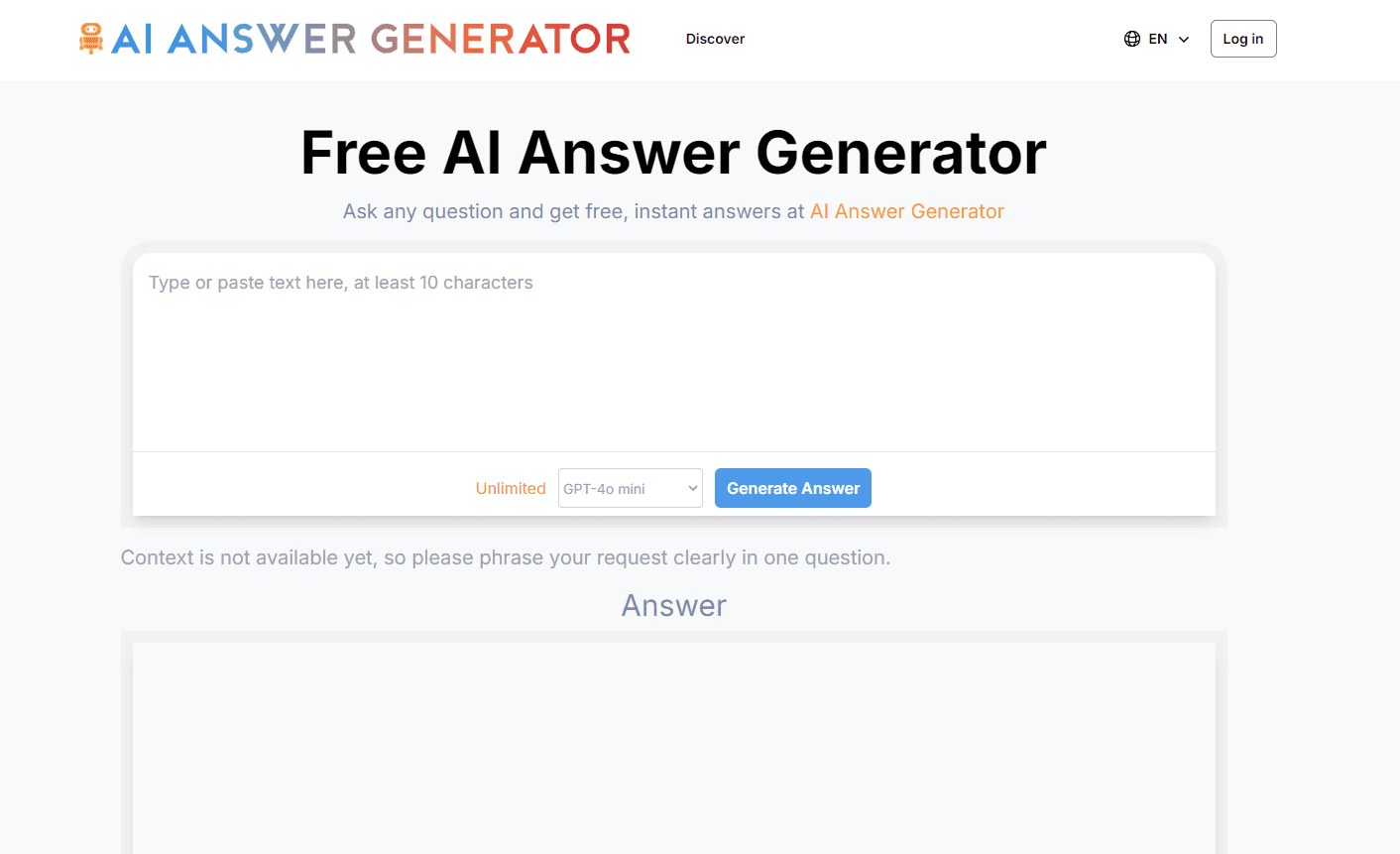
AI Answer Generator is a web tool that uses large language models to read a natural-language question and hand back one clear, organized answer instead of a list of links. You type a question, the system reasons through it with multi-step processing, and the reply comes back with key points and source references attached. It runs in the browser, so there's nothing to install.
The pitch here is accuracy you can check. That's the whole idea. Most chatbots give you a confident paragraph with no way to verify it, and this tool tries to fix that by citing academic papers, encyclopedias, government databases, and peer-reviewed studies behind its claims. The same engine adjusts how deep it goes, so an elementary science question and a graduate-level math problem both get answers pitched at the right level. Why does that matter? Because a wrong answer you can't trace is worse than no answer at all.
Where it falls short is scale. The free tool caps input at 10,000 characters and one file per question, so anyone handling long documents or batch work will bump into the ceiling fast. It's a quick-answer tool. Not a full research workspace.
Getting Started
- Open the site in your browser and type your question in plain language. No formatting rules, no special syntax.
- Optionally attach a file (txt, pdf, doc, png, jpeg, or jpg) or use voice input if you'd rather speak the question.
- Hit the button to generate your answer and wait a few seconds while the tool reasons through the request.
- Read the structured reply with its highlighted points and source citations, then copy it or build on it for your own work.
Product Information
A quick look at AI Answer Generator's pricing, supported platforms, and performance.
Best for
The users, tasks, and scenarios where this tool fits best.
Users
- Students
- Researchers
- Professionals
Tasks
- Answering a homework question
- Fact-checking a claim
- Summarizing a short study note
Scenarios
- Late-night homework you can't crack
- Researching a new topic before a meeting
- Checking a fact before you cite it
Key features
Multi-Step Reasoning
The tool breaks a complex question into smaller logical parts before pulling the answer together, rather than giving a single surface-level response. That matters for questions with more than one layer, like asking about both a cause and its effects. You get an answer that follows the reasoning. Not just a conclusion.
Source Attribution
Factual claims link to sources such as academic papers, encyclopedias, government databases, and peer-reviewed studies, which is the feature that separates a useful answer tool from a frustrating one, since you can check the claim rather than taking it on faith. If you need to cite something for school or work, the references are already there.
Structured, Step-by-Step Answers
Responses arrive organized, with key points called out and the path from question to result visible. You can follow the logic instead of untangling a wall of text. For learners especially, seeing the steps is often more useful than the final number. Trust me on that one.
Any Subject, Any Level
The same tool handles elementary school science, graduate-level mathematics, legal concepts, and programming questions, adjusting its depth to match. You don't switch tools when the subject changes. That range keeps it practical for a household with different needs.
Text, File, and Voice Input
Because it takes text, files, and voice input all in the same box, it covers more question types than a plain text field would, which is a real advantage when your question happens to live in a PDF or a photo of a worksheet.
No Sign-Up for Basics
You start asking questions immediately with no account required. Full answers open in a click, no credit card needed. That low barrier suits anyone who wants a fast answer without commitment. The trade-off is the input limits that come with the free tier.
Pros and cons
Pros
- Free to use with no sign-up, so you can try it before committing to anything.
- Source citations on factual claims let you verify rather than trust blindly.
- Structured, step-by-step answers suit learners who want to see the reasoning.
- Handles many subjects and difficulty levels in one place.
- Takes text, files, and voice input, which covers more question types than a plain text box.
Cons
- Free tier caps input at 10,000 characters and one file per question, so long documents won't fit.
- Only a small set of file formats works (txt, pdf, doc, png, jpeg, jpg), which excludes many others.
- No browser account means no saved history across sessions.
- API availability isn't documented, so developers can't count on programmatic access.
Frequently asked questions
Yes. You get answers without an account or a credit card, and the basic experience costs nothing. There are input limits on the free tier, but no paid wall before you can use it.
Related content
Explore related tools, skills, and articles for AI Answer Generator.
AI Answer Generator Alternatives

ngram 2.0
ngram · Video · Marketingngram 2.0 is an AI video generator for teams. It turns a prompt, a screen recording, or a product URL into a narrated explainer, product demo, or AI avatar video, and every scene stays editable.

shippedit.me
Krawlup · Marketing · Businessshippedit.me now redirects to Krawlup, a web platform that audits SEO, AEO and page speed every week, then hands the fixes to AI coding agents over MCP.

MePersona
MePersona, Inc. · Writing · Productivity · MarketingMePersona is an AI unified inbox for creators. It learns your voice, drafts replies to fan messages from 12 platforms, and sends only what you approve.