

AI Architectures
AI Architectures · Other
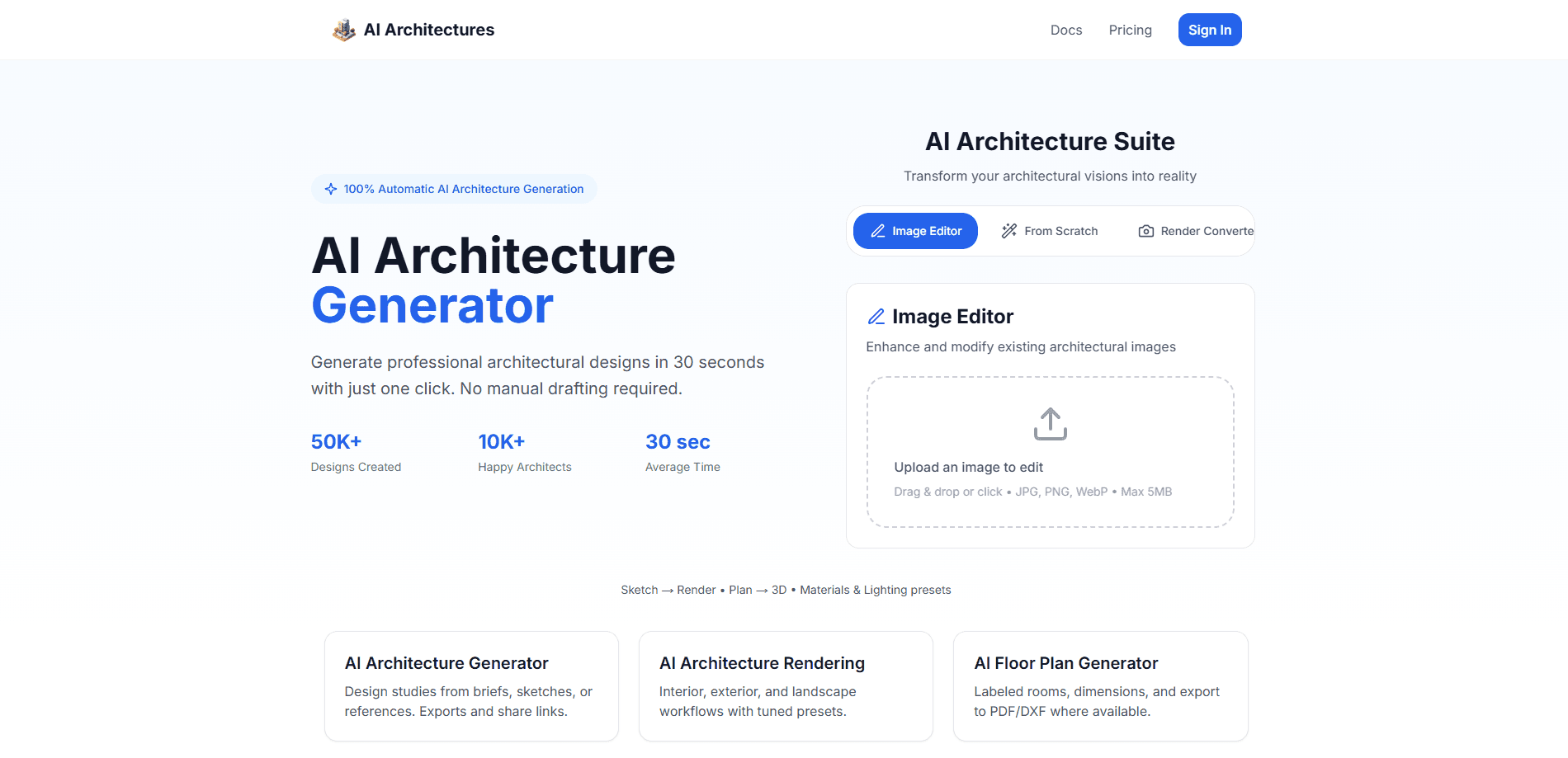
AI Architectures is a web-based architectural visualization platform that turns sketches, CAD views, photos, and text prompts into photorealistic renders, labeled floor plans, and staged listing photos. Architects, designers, and real estate teams use it to explore design directions and produce client-ready visuals in roughly 30 seconds instead of waiting days for an outsourced 3D render.
About AI Architectures
What Is AI Architectures
AI Architectures is an AI architecture generator focused on the visualization side of building design. Instead of spending hours exploring one direction in CAD software, you describe a concept, upload a hand sketch, or drop in a view from SketchUp, Revit, or AutoCAD, and the platform returns a photoreal render or a labeled floor plan you can refine in your existing workflow. The work that used to eat a whole afternoon now takes a coffee break.
Why does that matter? Speed up front changes what you can explore. The tool solves a specific bottleneck: early-stage concepting and presentation. Traditional outsourced 3D renders run $50 to $500 per scene with a two to seven day turnaround. Physical home staging can hit $2,000 to $5,000 per listing. AI Architectures compresses both into a browser workflow where a single render often costs under a dollar.
The main limitation is scope. It handles visualization, not structural engineering or permit-ready documentation. You still need your own modeling tool for construction drawings. Automatic outputs also need a designer's eye. AI-generated framing and materials won't always match your intent on the first try.
Getting Started
- Create an account on the AI Architectures website and pick a plan, or start on Starter to test the tool on one project.
- Upload your starting point: a hand sketch, a photo, a reference image, or an exported view from SketchUp, Revit, AutoCAD, Rhino, or ArchiCAD.
- Choose a visualization type such as exterior facade, interior, kitchen, bathroom, or virtual staging, or type a text prompt to describe the result you want.
- Generate the render or floor plan, review the output, and re-run with adjusted prompts if the materials or lighting miss the mark.
- Export the result as high-resolution images, PDF, or DXF and drop it into your presentation or client approval pack.
Product Information
A quick look at AI Architectures's pricing, supported platforms, and performance.
Best for
The users, tasks, and scenarios where this tool fits best.
Users
- Architects and designers
- Freelance visualizers
- Real estate agents and stagers
- Homeowners planning a renovation
Tasks
- Turning a napkin sketch into a photoreal exterior render for a client pitch.
- Generating labeled floor plans with PDF and DXF export for drafting handoff.
- Staging empty listing photos with coastal, Scandinavian, farmhouse, or modern luxury styles across 20+ options.
- Fixing lighting, swapping skies, removing clutter, and straightening verticals in real estate photos.
- Producing interior visuals for kitchens, bathrooms, and outdoor spaces ahead of a build.
Scenarios
- Early project research when you need several concept directions before choosing one.
- Client meetings where a fast visual keeps the conversation moving.
- Marketing a vacant property without renting a single piece of furniture.
- Pitching a facade redesign without commissioning a full 3D render first.
Key features
Sketch to Photoreal Render
Hand AI Architectures a concept drawing or a rough idea and it returns a photorealistic render with realistic materials and professional lighting. The transformation keeps the composition of your input. You can judge what actually changed. That makes it easy to compare directions side by side.
Render from CAD and BIM Tools
Export a single view from SketchUp, Revit, AutoCAD, Rhino, or ArchiCAD and upload it for a presentation-grade visualization. No render farm. No plugin setup. The step from model to image takes seconds rather than a queue.
AI Floor Plan Generator
The floor plan generator produces labeled plans from a text prompt or sketch and exports them as PDF or DXF. Those formats open directly in AutoCAD, Revit, and SketchUp. The output slots into a drafting workflow instead of forcing a retrace.
Virtual Staging
Stage empty rooms with AI across more than 20 interior styles, including coastal, Scandinavian, farmhouse, and modern luxury. It covers most room types. Running it costs well under a dollar per photo against the thousands a physical staging job can run.
Real Estate Photo Editing
One-click tools fix lighting, replace skies, remove clutter, straighten verticals, and improve dull listing photos. It's the practical cleanup layer for agents who shoot their own listings and need them presentable fast, without booking a photographer for every property.
Specialized Home Visualizers
Beyond general rendering, AI Architectures ships dedicated visualizers for facades, interiors, kitchens, bathrooms, and outdoor spaces. Picking the right one narrows the output. A kitchen render reads as a kitchen, not a generic room.
Presentation-Ready Exports
Download renders in high resolution for exteriors, interiors, and surrounding outdoor context. Every plan includes commercial usage rights, so the images are cleared for client presentations, MLS listings, and marketing. No extra licensing needed.
Pros and cons
Pros
- Output lands in about 30 seconds, so concepting becomes a fast, iterative loop.
- Per-render cost drops to about $0.40 on the Pro plan versus $50 to $500 for outsourced 3D work.
- Commercial usage rights come with every plan, including the cheapest one.
- PDF and DXF exports plug straight into AutoCAD, Revit, and SketchUp.
- Top-up packs let you add generations without changing plans, and the 4K pack rolls over monthly.
Cons
- No free plan, so you can't trial the tool before paying.
- It's built for visualization only, meaning structural drawings and permit documentation still require separate software.
- AI output can miss your design intent on framing and materials, so a review pass is usually necessary.
- Generations are metered, and the Starter plan's 50 per month can run dry quickly on active projects.
Frequently asked questions
It's an AI rendering tool used for architectural visualization. It converts sketches, CAD views, photos, and text prompts into photorealistic renders, labeled floor plans, and staged listing photos. Designers use it for early concepting and client presentations. Real estate teams use it for staging and listing photo cleanup.
Related content
Explore related tools, skills, and articles for AI Architectures.
AI Architectures Alternatives
BinkBink
BinkBink · OtherBinkBink is a free online game platform and AI game maker that lets anyone turn a short text description into a playable browser game. You can jump into hundreds of community-made games. Or describe your own idea and play it in seconds, then share it with friends. Want to create your own game? You don't need to code. No engine setup, no download, no hassle.

Audiogen
Audiogen Inc. · OtherAudiogen is an AI music generator built by Audiogen Inc., a small research team that spent about 2.5 years training its own generative music model and designing a web interface around it. Instead of a plain text box, this AI music tool turns the timeline into a beginner-friendly Generative Audio Workstation, or GAW, where inpainting, extending, remixing and stem editing work more like painting on a canvas. The product is still in beta, so access runs through a waitlist or an invite. Paid plans aren't published yet.

Aiml API
AIMLAPI OÜ · OtherAiml API is a unified AI model API that puts more than 1000 models from OpenAI, Google, Anthropic, and others behind one endpoint and one bill. You write code against a single OpenAI-compatible schema, then switch between chat, image, video, and audio models by changing a model string. It suits developers and small teams who want multi-model access without juggling a dozen separate provider accounts, and it removes the usual billing headache that comes with testing several vendors. One key covers it all.