

AI Chat
AI Chat · Other · Chatbot
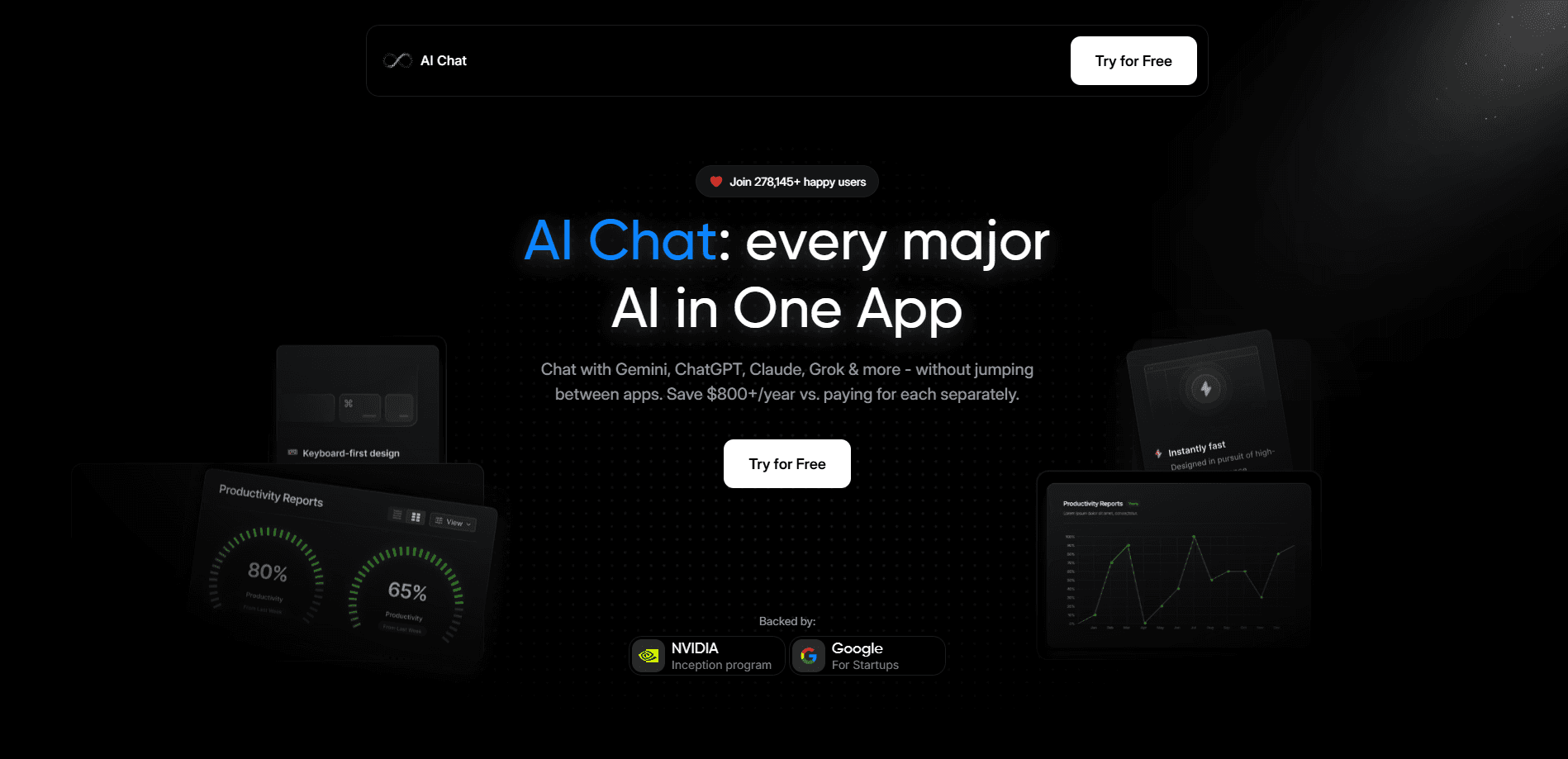
AI Chat is an all-in-one assistant that puts ChatGPT, Claude, Gemini, Grok, and its own Husky AI in one app for text, image, audio, and video tasks. It starts free and undercuts paying for each tool apart.
About AI Chat
What Is AI Chat
AI Chat is a multi-model AI app built around a simple idea: stop paying for five subscriptions and switching between five tabs. As an AI chatbot that speaks through several engines, it gathers ChatGPT, Claude, Gemini, Grok, and the company's own Husky AI behind a single login, so a question can be sent to whichever model fits best from one chat window.
The pitch is cost and convenience. Using the major models separately runs past $100 a month, while AI Chat bundles comparable access for a single fee. Beyond text it handles images, audio, and video, and its document tools summarize or compare PDFs and Word files.
The main limits are practical. Access to each underlying model depends on the provider's own usage caps, so heavy users can still hit a ceiling. Output quality rises and falls with whichever model answers a prompt. The platform is web and mobile only, with no desktop app or public API for developers.
Getting Started
- Open app.aichat.fm and create an account, or sign in with an existing login.
- Pick a model from the selector, such as ChatGPT, Claude, Gemini, or Grok.
- Type a prompt, or upload a PDF or Word file to summarize and compare.
- Switch models in the same thread when one answer needs a second opinion.
- Save chats to history and upgrade to Pro when the free limits get tight.
Product Information
A quick look at AI Chat's pricing, supported platforms, and performance.
Best for
The users, tasks, and scenarios where this tool fits best.
Users
- Everyday users who want one assistant instead of five apps
- Budget-conscious professionals
- Privacy-minded users
Tasks
- Cross-checking an answer
- Summarizing long documents
- Making mixed media
Scenarios
- Daily research and writing
- Working from a phone
- Testing several models before paying
Key features
All models in one app
The core draw is a single chat window for ChatGPT, Claude, Gemini, Grok, and Husky AI. Instead of juggling accounts, users pick a model from a dropdown and keep the conversation going. Switching mid-thread is what turns the app from a novelty into a daily tool.
Husky AI web and Telegram search
AI Chat ships its own engine, Husky AI, which pulls answers from the wider web and from Telegram channels. The company describes it as uncensored, meaning it takes fewer safety detours than mainstream models on some prompts. That matters to users who find repeated refusals unhelpful.
Document AI
Users upload PDFs and Word files to summarize them, pull out key points, or compare two documents for differences. It also drafts documents and builds presentations from templates. For anyone buried in contracts or reports, this is often the feature that gets used most.
Text, image, audio, and video creation
Beyond chat, the platform generates images, audio, and video from prompts. Keeping all of it in one workspace means a single subscription covers writing, visuals, and clips, which is rare among chat-first assistants.
Real-time web access
The assistant pulls current information from online sources rather than relying only on training data. For questions about recent events or live prices, that ability is the difference between a useful answer and an outdated one.
Custom AI with memory
Users can build a personalized assistant with a chosen name, behavior, and memory of past chats. The company says data is encrypted and the AI learns only from what someone chooses to share. It is aimed at people who want a consistent helper rather than a blank slate each time.
Pros and cons
Pros
- Bundles several top models for one fee, which stacks up against paying for each separately.
- Real free plan lets people test the multi-model workflow before subscribing.
- Covers text, image, audio, and video, so one subscription reaches several media types.
- Cross-checking answers across models is a genuine workflow, not just a marketing line.
Cons
- Model access still depends on each provider's own limits, so heavy use can hit a wall.
- No public API, which rules it out for developers building their own integrations.
- Web and mobile only, with no dedicated desktop app for Windows or macOS.
- The value shifts with model updates, since the appeal rests on access to other companies' engines.
Frequently asked questions
AI Chat is an all-in-one assistant that combines ChatGPT, Claude, Gemini, Grok, and the company's Husky AI in a single app. It handles text, images, audio, and video behind one login and one subscription.
Related content
Explore related tools, skills, and articles for AI Chat.
AI Chat Alternatives

JarvisCore
Prescott Data · Coding · Productivity · OtherJarvisCore is an open source Python runtime where AI agents work as equal peers on an agent mesh, claim tasks from a shared ledger, and reach external services through a zero-trust broker.
Clef
Cloudflare · Business · OtherClef is Cloudflare's open-source decision model for Workers AI. It returns calibrated probabilities for typed questions, not generated text, so agents can classify, route, and act fast.

iFixAi
iFixAi · Business · OtheriFixAi is an open-source auditor for AI agents. It runs your agent through a simulation of your business, grades every reply, and returns an A to F scorecard backed by evidence.