

ChatGO: AI Chatbot Assistant
ChatGO · Other · Chatbot
ChatGO is a free AI chatbot assistant built on GPT-4o for chatting, drafting text, generating images, and analyzing documents on web and mobile.
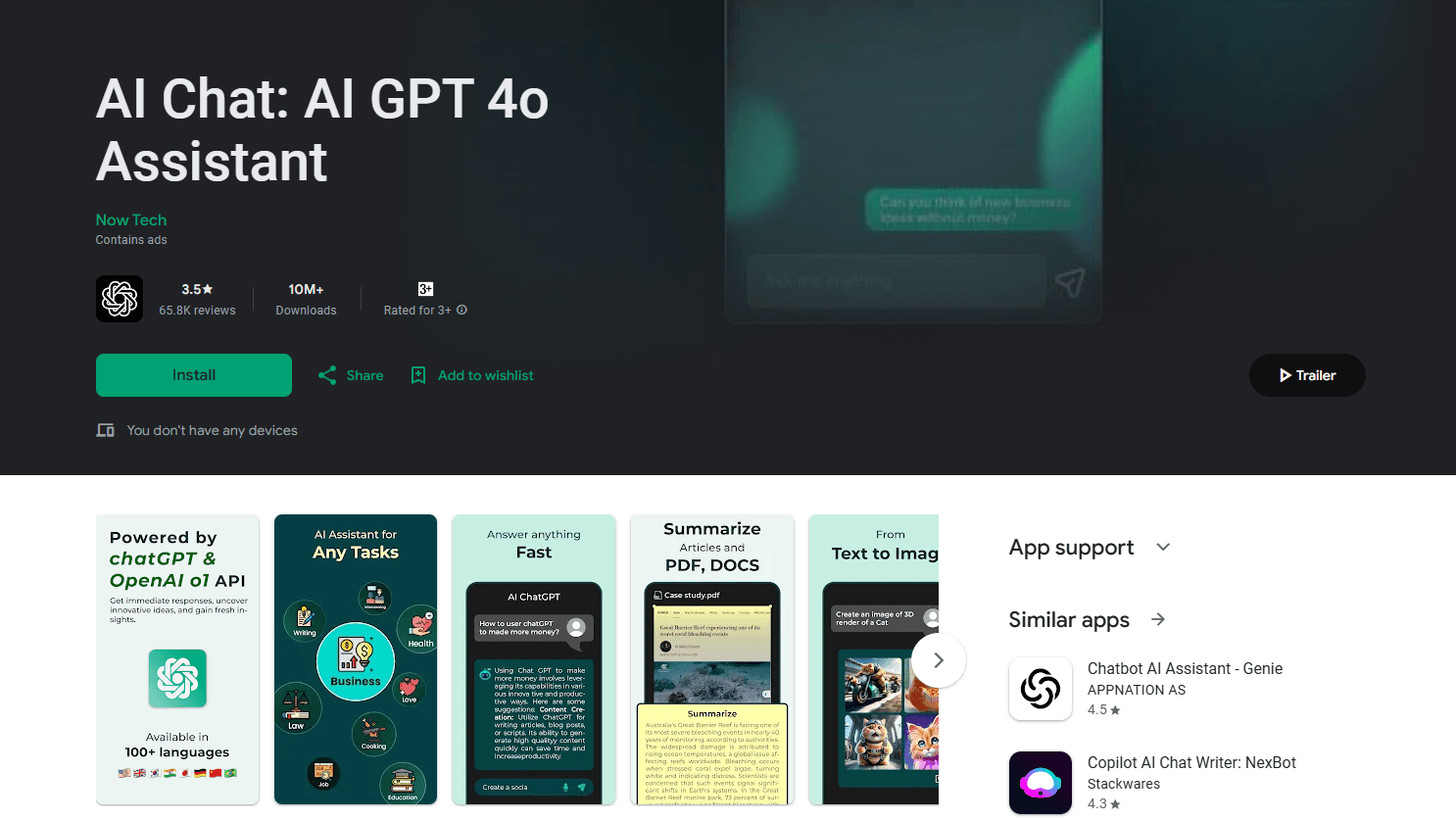
About ChatGO: AI Chatbot Assistant
What Is ChatGO
ChatGO is a consumer AI assistant that wraps current language models from OpenAI into a single chat app. You type a question or paste a task, and it answers, drafts, or analyzes right in the conversation. The app leans on GPT-4o for general reasoning, and it adds focused tools like an image generator and a document reader on top of the plain chat box.
The appeal is convenience, not novelty. Instead of juggling a chatbot, a writer, and an image tool across three tabs, ChatGO puts them in one thread with a clean, familiar interface. It works in a browser and through mobile builds, so a conversation can start on a laptop and continue on a phone.
It's a general purpose helper aimed at everyday users rather than developers. There's no API to wire into your own software, and the free tier carries the usual limits on how far you can push heavier features. If you want a low friction way to try a GPT-4o class assistant without setup, that's the lane it competes in.
Getting Started
- Open the ChatGO site or install the mobile app.
- Start a new chat and type your first prompt.
- Ask a question, draft text, or upload a file to analyze.
- Switch to the image tool when you want a visual instead of words.
- Save or share the result, then keep the thread going for follow ups.
Product Information
A quick look at ChatGO: AI Chatbot Assistant's pricing, supported platforms, and performance.
Best for
The users, tasks, and scenarios where this tool fits best.
Users
- Everyday question askers
- Writers and students
- Visual creators
- Mobile first users
Tasks
- AI chat and Q&A
- Text drafting
- Image generation
- Document analysis
Scenarios
- Late night study session
- Drafting on the commute
- Making a quick visual
- Reading a long PDF
Key features
GPT-4o Powered Chat
The chat runs on OpenAI's GPT-4o, which handles questions, follow ups, and multi turn threads with solid context. You can ask for an explanation, push back, and refine an answer without restarting the conversation. Response quality tracks the underlying model, so the assistant is strongest on general reasoning and writing.
AI Writing Assistant
Beyond answering, ChatGO drafts. You give it a topic or a rough paragraph, and it returns emails, essays, posts, and summaries you can edit. This is the feature most people reach for daily, since it turns a blank page into a starting point. You stay in control of the final voice, since the output is a draft, not a finished piece.
AI Image Generator
A built in generator turns a written description into an image, so you don't need a separate art tool for a quick visual. It suits social posts, concepts, and mood boards where speed matters more than polish. Quality and free usage depend on the model and the plan you're on.
Document Analysis
Document analysis AI is built into the chat, so you can upload a file and ask the assistant to summarize it, pull out key points, or rewrite a section. That's useful for long PDFs and reports where skimming would eat your afternoon. It's a convenience layer over the chat, so accuracy still depends on how clear your question is.
Multi Platform Access
ChatGO runs in a web browser and as a mobile app, so the same assistant follows you across devices. Starting a task on a laptop and finishing it on a phone keeps a single thread of work. It's built for casual use, so expect a familiar chat layout rather than a power user console.
Free to Start
You can open ChatGO and start chatting without paying, which makes it easy to judge fit before committing. The free tier carries limits on heavier features, and paid access raises those ceilings. For light, everyday use, the free path is often enough.
Pros and cons
Pros
- Free tier lets you try a GPT-4o class assistant without setup or a paywall.
- Chat, writing, image generation, and file analysis sit in one app.
- Works in a browser and on mobile, so a conversation carries across devices.
- Clean, familiar chat layout keeps the learning curve low.
- Document upload makes it easy to pull the gist from long files.
Cons
- No public API, so it isn't a fit for wiring into your own software.
- Free usage of heavier features like image generation is capped.
- Pricing for extra usage isn't published as a fixed list on the site.
- It's a general helper, so it's weaker for deep specialist or coding tasks.
Frequently asked questions
ChatGO is used for everyday AI chat, drafting text, generating images, and analyzing documents in one place. People use it for quick answers, writing help, and simple visuals rather than specialized technical work.
Related content
Explore related tools, skills, and articles for ChatGO: AI Chatbot Assistant.
ChatGO: AI Chatbot Assistant Alternatives

Odyssey 3
Odyssey · OtherOdyssey-3 is Odyssey's foundation world model. It simulates physics in real time, turns a prompt into an interactive environment, and adapts to robots, cars and games.

JarvisCore
Prescott Data · Coding · Productivity · OtherJarvisCore is an open source Python runtime where AI agents work as equal peers on an agent mesh, claim tasks from a shared ledger, and reach external services through a zero-trust broker.
Clef
Cloudflare · Business · OtherClef is Cloudflare's open-source decision model for Workers AI. It returns calibrated probabilities for typed questions, not generated text, so agents can classify, route, and act fast.