

AI Content Detector
Leap · AI Detection
AI Content Detector is a free AI checker from Leap that scores any text from 0 to 100, marks the sentences that read most like AI, and runs in your browser with no signup.
About AI Content Detector
What Is AI Content Detector
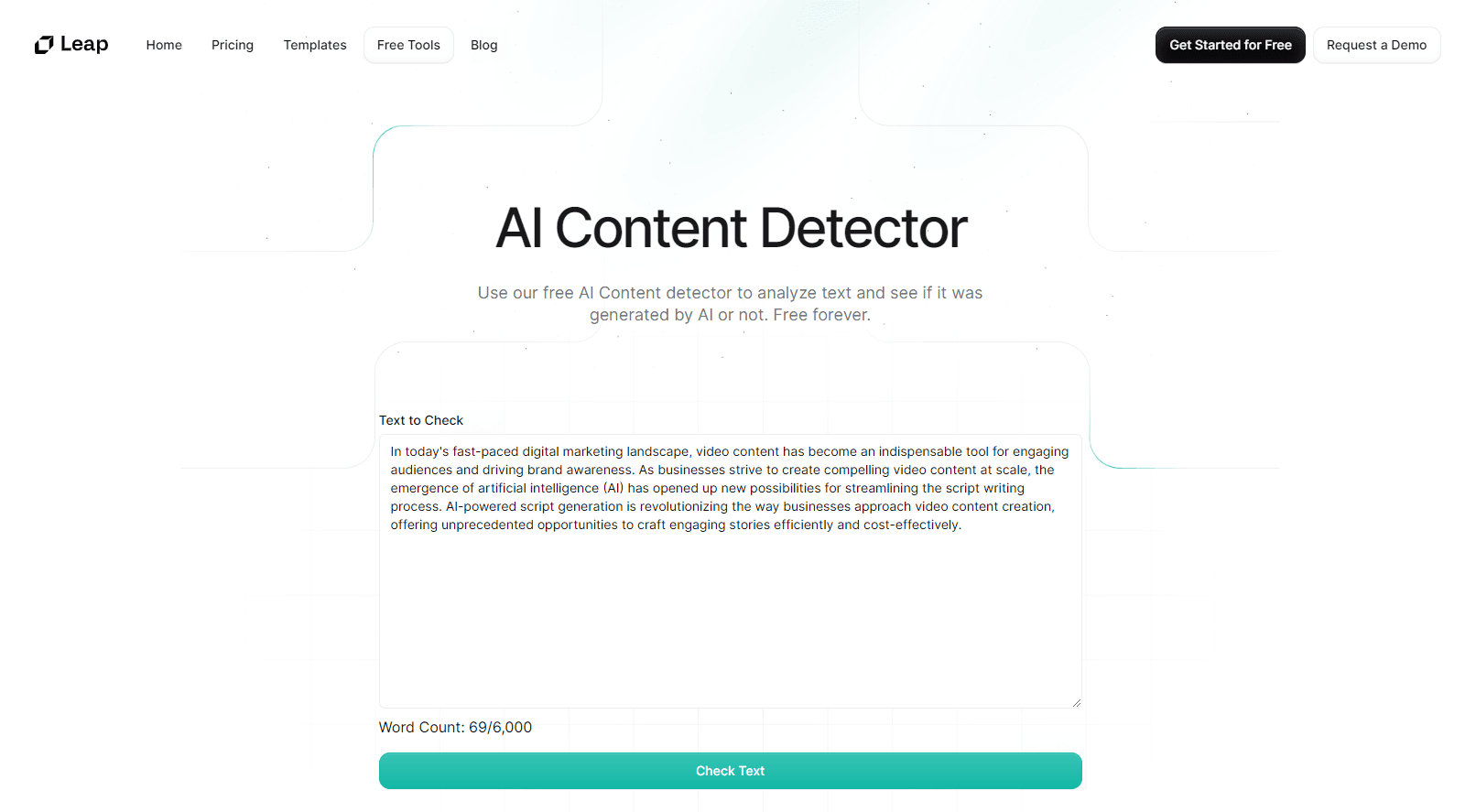
AI Content Detector is a free tool from Leap that reads a piece of text and tells you how much it looks like machine writing. You paste at least 40 words, press Check text, and get a score from 0 to 100 plus a breakdown of the sentences behind it. There's no word limit and no account, and because it runs in your browser, the text never leaves your device.
The tool doesn't decide whether a person or a model wrote your draft. It checks style, not authorship. Leap is open about that: the score comes from five writing habits that turn up often in AI output, and a high score is a signal, not proof. That honesty matters when you're staring at a number and trying to decide what to do with it.
The limits are worth knowing up front. Short texts under about 50 words don't carry enough signal, so false positives climb. Formal, technical, or heavily edited writing also trips the checks, and a 2023 Stanford study found detectors flag non-native English essays far more often than native ones. Treat the score as a first read, and use a second detector when the stakes are high.
Getting Started
- Open the tool at tryleap.ai/detect. There's nothing to install and no signup step.
- Paste at least 40 words of text. A full paragraph gives the signals more to work with, and there's no upper word limit.
- Press Check text. The score, the standout sentences, and the five signals appear at once because everything runs on your machine.
- Open the Every sentence view to see each line's score in reading order and spot the ones that read most machine-written.
- Rewrite the flagged lines, or send the draft through Leap's free AI humanizer and check it again to see whether the score drops.
Product Information
A quick look at AI Content Detector's pricing, supported platforms, and performance.
Best for
The users, tasks, and scenarios where this tool fits best.
Users
- Students
- Teachers and professors
- Editors and publishers
Tasks
- Checking a draft before it goes live
- Spotting the passages that read most like AI
- Comparing two versions of the same text
- Cleaning up an AI-assisted draft
Scenarios
- A student wants a second read on an essay before the deadline, without paying for a subscription.
- An editor filters a stack of freelancer pitches and needs a reason to push one back to the writer.
- A content team needs a quick check on a page before it publishes, and wants a tool that keeps the text on the machine.
Key features
Instant AI Score From 0 to 100
The tool takes your text and returns a single score, where 0 to 29 reads human, 30 to 59 shows mixed signals, 60 to 84 looks likely AI, and 85 to 100 points to strongly AI. The result lands in seconds because nothing has to travel to a server. It's a direction, not a diagnosis, and the tool says so on the page.
Sentence-Level Scoring
Every sentence gets its own score from the same signals, shown in reading order. That sentence view is the part most people act on, since it turns a vague number into a short list of lines to fix. A high score on a few sentences inside an otherwise human draft usually means a pasted or AI-polished passage rather than a fully generated one.
Five Writing Signals You Can See
Leap breaks the score into five readable signals: even rhythm, stock phrases, hedging and transitions, em dashes, and repeated words. Even rhythm measures how much sentence length varies. Stock phrases counts filler openings and buzzword lines per 100 words. You see the parts behind the number, which is what makes an AI text checker useful instead of mysterious. That tie between the score and the signals is the core of how the AI content detection works here.
Runs Entirely in Your Browser
The check happens on your device, so your text never leaves it. That privacy-first setup is why there's no word limit and no signup, since nothing needs to reach a backend to be scored. For anyone pasting confidential drafts, unpublished work, or client material, that design removes the usual worry about where the text ends up.
Built-In AI Humanizer
A companion tool rewrites the flagged text in the same browser session. It swaps out stock AI phrases, strips em dashes and invisible characters, adds contractions, and marks same-length sentences so you can vary them. Leap is clear that it doesn't guarantee passing any detector, but it makes a draft read more naturally.
No Signup and No Word Limit
You can open the page and score a full essay without creating an account or hitting a cap. The trade-off is scope: it's a style checker, not a full integrity suite, so there's no batch upload, no history dashboard, and no team features. What you get is a fast, free read that stays on your machine.
Pros and cons
Pros
- Free to use with no signup and no word limit, so you can run a full draft without hitting a cap.
- Runs in the browser, which keeps your text on your device instead of a server.
- Sentence-level scores turn an abstract number into a short list of lines worth fixing.
- Names the five signals behind the score, so you can see why a draft was flagged.
- Includes a free AI humanizer to clean up the flagged passages.
Cons
- It reads style, not authorship, so a high score is a signal you still have to interpret.
- Short texts under about 50 words are unreliable, and false positives climb on them.
- Formal, technical, and non-native English writing gets flagged more often, which can hurt honest work.
- There's no batch upload, saved history, or team dashboard, so it suits one-off checks more than high-volume review.
Frequently asked questions
Yes. The tool is free to use with no signup and no word limit, and it includes a free AI humanizer for cleaning up flagged text.
Related content
Explore related tools, skills, and articles for AI Content Detector.
AI Content Detector Alternatives
Isgen AI
Isgen · AI DetectionIsgen AI is a web-based AI detector that scores text for machine authorship and shows you which sentences and phrases push the number up. It's built for teachers, editors, students, and writers. Their question is simple: did this draft come from ChatGPT, GPT-5, Claude, Gemini, DeepSeek, or another model? You paste or upload content, run a scan, and get a Human, AI, and Mixed breakdown in seconds. There's also a companion editor that scores text while you write it.
Humanizeai Tools
Humanizeai Tools · Writing · AI DetectionHumanizeai Tools is a web-based AI humanizer that rewrites machine-generated text so it sounds like a person wrote it, which is the whole point of the category it belongs to. Paste a draft from ChatGPT, Claude, or Gemini, run it through the tool, and it swaps out the phrases and sentence patterns that AI detectors flag. If your goal is to make AI text sound human before you publish it, this is the kind of tool built for exactly that. It suits students, bloggers, and marketers who need copy that reads naturally and clears tools like GPTZero, Copyleaks, and Winston AI after a single pass.

Hidemyai
Hidemyai · Writing · AI DetectionHidemyai is an AI content humanizer. It rewrites text from ChatGPT, Jasper, and similar tools so the result reads like a person wrote it. You paste your draft, pick a document type and tone, and the service returns a version meant to bypass AI detectors such as Originality.ai, Turnitin, and ZeroGPT. It targets writers, marketers, and students who lean on AI drafts but can't ship copy that sounds robotic. The promise is simple: make AI content undetectable.