

AI Custom Coloring Page Generator
ColoringMaker · Writing · Image
AI Custom Coloring Page Generator turns text, photos, and names into printable coloring pages for kids and adults.
About AI Custom Coloring Page Generator
What Is AI Custom Coloring Page Generator
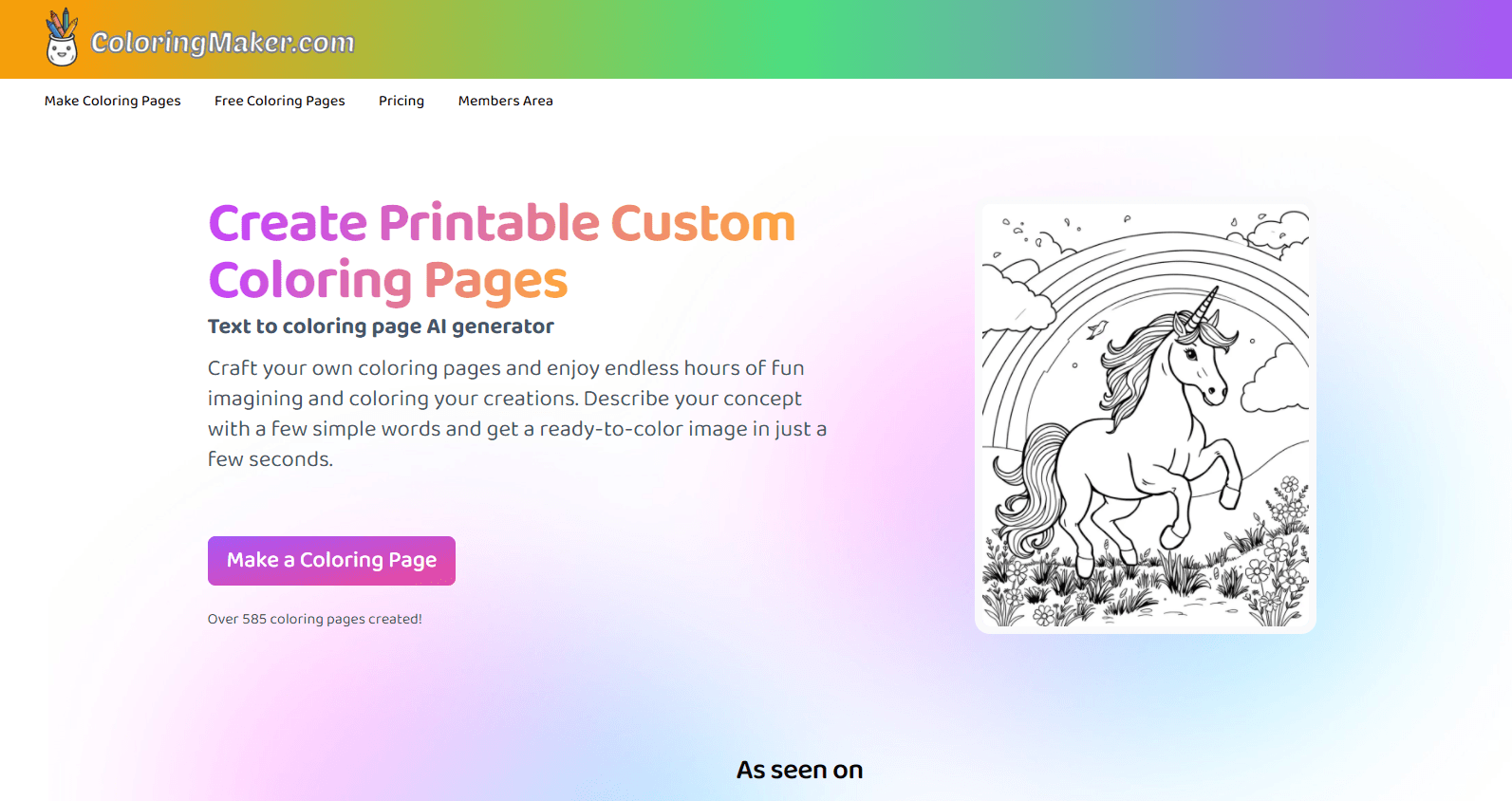
AI Custom Coloring Page Generator is a web tool from ColoringMaker that builds ready-to-color line art from a short description. Type something like "a penguin playing guitar" and it returns a clean outline you can print and fill in. You're not limited to a fixed library of templates. You can make a page about almost anything you can put into words.
The same engine powers two extra modes. Photo to coloring page converts a snapshot into outline art, which works well for family pictures or a kid's favorite pet because the tool keeps the shapes that matter and quietly drops the background clutter. The name coloring page generator turns a first name or short word into stylized lettering. That's handy for birthday parties and classroom handouts.
The catch is the credit system. Every generated image costs credits, and once a free account runs out you buy one-time packs rather than a monthly subscription. Individual use is fine on any pack. Commercial use is different. Your pages need the Professional tier before you can sell them.
Getting Started
- Create a free account on coloringmaker.com. New users can make their first pages at no cost.
- Open the text box and describe your idea in plain words, or upload a photo for the image mode.
- Pick a style and generate the page. Each image uses one credit.
- Print the result at home, or download it to share with a class or party group.
- Buy an image credit pack when the free credits run out. Credits stay valid for a year.
Product Information
A quick look at AI Custom Coloring Page Generator's pricing, supported platforms, and performance.
Best for
The users, tasks, and scenarios where this tool fits best.
Users
- Parents
- Teachers
- Party hosts
Tasks
- Text to coloring page
- Photo to coloring page
- Name coloring page
Scenarios
- Rainy-day activities
- Classroom and party handouts
- Personalized gifts
Key features
Text-to-Coloring-Page Generation
You describe a scene in ordinary words, and the tool draws it as black-and-white line art ready for crayons or markers. There's no fixed template list. Odd requests like a pirate ship on lava work as well as simple animals. The output is a clean outline, not a shaded illustration, so it prints without wasting ink.
Photo to Coloring Page
Upload a picture and the tool traces it into outlines. It keeps the recognizable shapes while dropping color and detail. It suits portraits, pets, and vacation shots. It's the fastest way to make a page about a specific person or moment. Expect simplified lines rather than a photorealistic stencil. Busy photos with many small details come out messier than clean ones, so a tighter crop usually gives a better page than a wide shot packed with faces and background objects.
Name Coloring Page Generator
Type a name or short word and get it back as decorated lettering in styles like bubble letters or graffiti. This mode is built for personal touches. Think place cards, classroom labels, or a birthday activity that spells out the guest of honor, which makes the sheet feel personal before a single crayon touches the paper. Each name counts as one generated image.
Print-Ready Output
Pages come out sized for standard paper, so a home printer is all you need. There's no software to install and nothing to configure before printing. That matters when you're setting up an activity for a group at short notice. Download, print, and hand out.
Credit-Based One-Time Pricing
Instead of a recurring subscription, ColoringMaker sells image credits in one-time packs. You pick a pack, spend credits as you generate, and keep the leftovers for a full year. It's a good fit if you make pages in bursts rather than every week. There's no monthly bill when you're not creating.
Commercial Use Option
The Professional pack grants commercial rights to the pages you make. A small business can sell printed activity sheets or use them in branded materials. Individual and classroom use is covered by the cheaper packs.
Pros and cons
Pros
- Turns plain text into line art. You're not stuck with pre-made coloring sheets.
- Photo and name modes cover personal requests that generic libraries can't.
- One-time credit packs avoid a recurring subscription for occasional users.
- No install needed. Pages print from a normal home printer.
Cons
- Free credits are limited. Most regular use means buying a pack.
- Commercial rights sit behind the $120 Professional tier. That's steep for a hobbyist.
- Photo mode simplifies heavy detail, so cluttered pictures lose accuracy.
Frequently asked questions
You can create a free account and make your first pages at no cost. After the free credits run out, you buy one-time image credit packs starting at $8.99.
Related content
Explore related tools, skills, and articles for AI Custom Coloring Page Generator.
AI Custom Coloring Page Generator Alternatives

Google EmbeddingGemma 2
Google DeepMind · Writing · Image · CodingGoogle EmbeddingGemma 2 is a 740M-parameter open model that turns text, code, images, audio, and video frames into vectors in one 768-dimension space, running on phones and laptops.

MePersona
MePersona, Inc. · Writing · Productivity · MarketingMePersona is an AI unified inbox for creators. It learns your voice, drafts replies to fan messages from 12 platforms, and sends only what you approve.

Fluence
Yay Software (Yannick Huchard) · Writing · Voice & Language · ProductivityFluence is an Android app that reads PDFs, EPUBs, Word files and web articles aloud, follows each sentence as it speaks, and answers questions about the text on the phone itself.