

AI Data Sidekick
AirOps · Marketing · Business
AI Data Sidekick is AirOps's AI data assistant for teams that need to turn live data into SQL queries, documents, and reports without writing every line by hand. It reads your connected sources, drafts queries and write-ups in plain language, and keeps everything inside a shared workspace. The product now sits inside the broader AirOps platform, which has grown from data work into an AI search and content system.
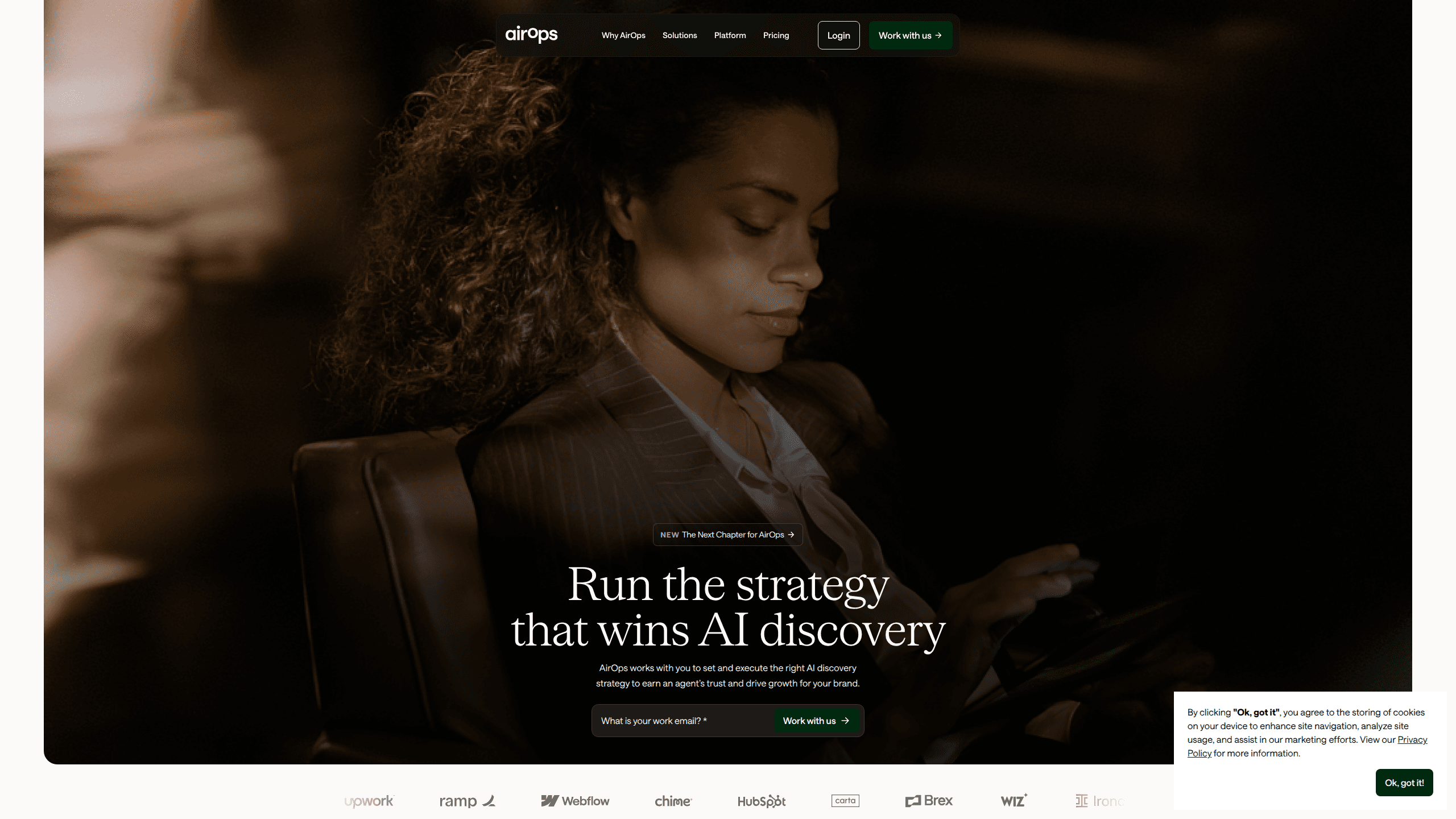
About AI Data Sidekick
What Is AI Data Sidekick
AI Data Sidekick started as a helper for data and growth teams: describe what you want in normal words, and it drafts the SQL, the summary, or the internal doc for you. It connects to live sources so the numbers it uses are current, not copied from a stale export.
The idea was simple. Analysts spent hours on requests that weren't really analysis, like pulling a report or fixing a broken query. Sidekick handles that kind of work. That frees people up. They can spend time on the questions that actually need a human.
The catch is scope. This isn't a general chatbot that answers anything. It works best when your data is already connected and your team knows what it wants to ask. Point it at messy, undocumented sources and the output gets shaky fast.
So who should actually try it? Start with the free tier if you're unsure.
Getting Started
- Create an AirOps account and open the workspace, then invite the teammates who'll share projects with you.
- Connect your data sources and any CMS, SEO, or analytics tools you want the assistant to read from.
- Describe the task in plain language, such as a query you want to run or a report you want drafted.
- Review what it produces, fix anything that's off, and save the result as a reusable recipe for next time.
Product Information
A quick look at AI Data Sidekick's pricing, supported platforms, and performance.
Best for
The users, tasks, and scenarios where this tool fits best.
Users
- Data analysts
- Growth and marketing teams
- Small teams without a dedicated data engineer
Tasks
- Writing SQL queries from a plain-language request
- Drafting reports and docs from live data
- Building reusable workflows
- Researching how a brand shows up in AI answers
Scenarios
- Turning a weekly metric request into a finished report
- Checking how your content performs in AI search
- Fixing a broken query under deadline
Key features
Natural Language to SQL
Describe the query you want in everyday words. Sidekick drafts the SQL for you. It works as a SQL query generator that reads the connected schema, so field names match your actual tables. You still review the result before running it. That matters. A wrong join can quietly double your numbers.
Live Data Connections
The assistant pulls from connected sources rather than a copied dataset. Reports reflect current figures. That's the difference between a doc that's right today and one that's stale by the time anyone reads it, which is a problem every team that copies numbers into slides by hand already knows too well.
Document and Report Drafting
It turns raw results into written summaries and internal docs. You get a draft with the numbers already in place, then edit the parts that need your judgment. Useful when you're producing the same kind of report every week.
Reusable Recipes and Workflows
Once a task works, you save it as a recipe and run it again. No rebuilding. This cuts the setup time on repeat jobs and keeps a shared team from rebuilding the same query in five different ways.
Brand and SEO Helpers
Alongside the data work, it includes helpers for product descriptions, brand-voice writing, and other content tasks. Think of it as light content automation. These aim at marketing teams who want a consistent voice across pages. Nobody wants to write every line by hand.
AI Search Measurement
The current AirOps platform tracks how a brand shows up in AI answers across multiple engines. It reports where you stand with the buyers you care about. A generic visibility score isn't enough. That's the piece many prompt-tracking tools skip.
Pros and cons
Pros
- Speeds up routine data work, especially SQL drafting and recurring reports.
- Pulls from live sources so figures stay current instead of drifting out of date.
- Reusable recipes cut repeat setup time on jobs a team runs over and over.
- The wider platform covers AI search and content, so data and marketing work share one place.
- A free tier lets you test the basics before committing to a paid plan.
Cons
- The product has shifted a lot over time, so older tutorials may describe features that have moved or changed. Check the current site before you build around anything.
- Pricing is quote-based on the paid side, which means you can't just look up a number and budget from it.
- It leans on your data being connected and reasonably clean. Messy sources produce messy output. That cleanup is your job.
Frequently asked questions
It's an AI assistant that drafts SQL queries, reports, and documents from your connected data. You describe the task in plain words. Then you review the draft and save what works.
Related content
Explore related tools, skills, and articles for AI Data Sidekick.
AI Data Sidekick Alternatives

Emailwritr
Emailwritr · Writing · MarketingEmailwritr is an AI email copywriting tool built for affiliates, course creators, and online businesses that want more revenue from the list they already own. Instead of blank pages or generic chatbot prompts, this AI email writer generates welcome sequences, launch campaigns, cart recovery emails, and promo series from frameworks modeled on well-known direct-response copywriters. You connect your autoresponder, answer a few questions about your offer, and it writes the copy for you.

Prosp
Prosp · Writing · Voice & Language · MarketingProsp is an AI LinkedIn outreach tool built for agencies and sales teams, and it writes the message and the voice note in your own voice for each prospect so they actually reply. You connect your accounts, find leads, and let the AI draft and send personalized messages at scale, all from one inbox. It's built for people running outbound at volume. That's the whole pitch. Every touchpoint still has to feel human.

On Model
On Model · Image · MarketingOn Model is an AI fashion model tool that places your clothing on virtual models so online stores can get on-model product photos without booking a photoshoot. It runs as a Shopify app, letting you swap the model in an existing image, change backgrounds, and generate faces for cropped or headless shots. The goal is simple: match your product photos to your customers and stand out from competitors using the same supplier images.