

AI Detector For Ppt
PPTDetector.com · AI Detection
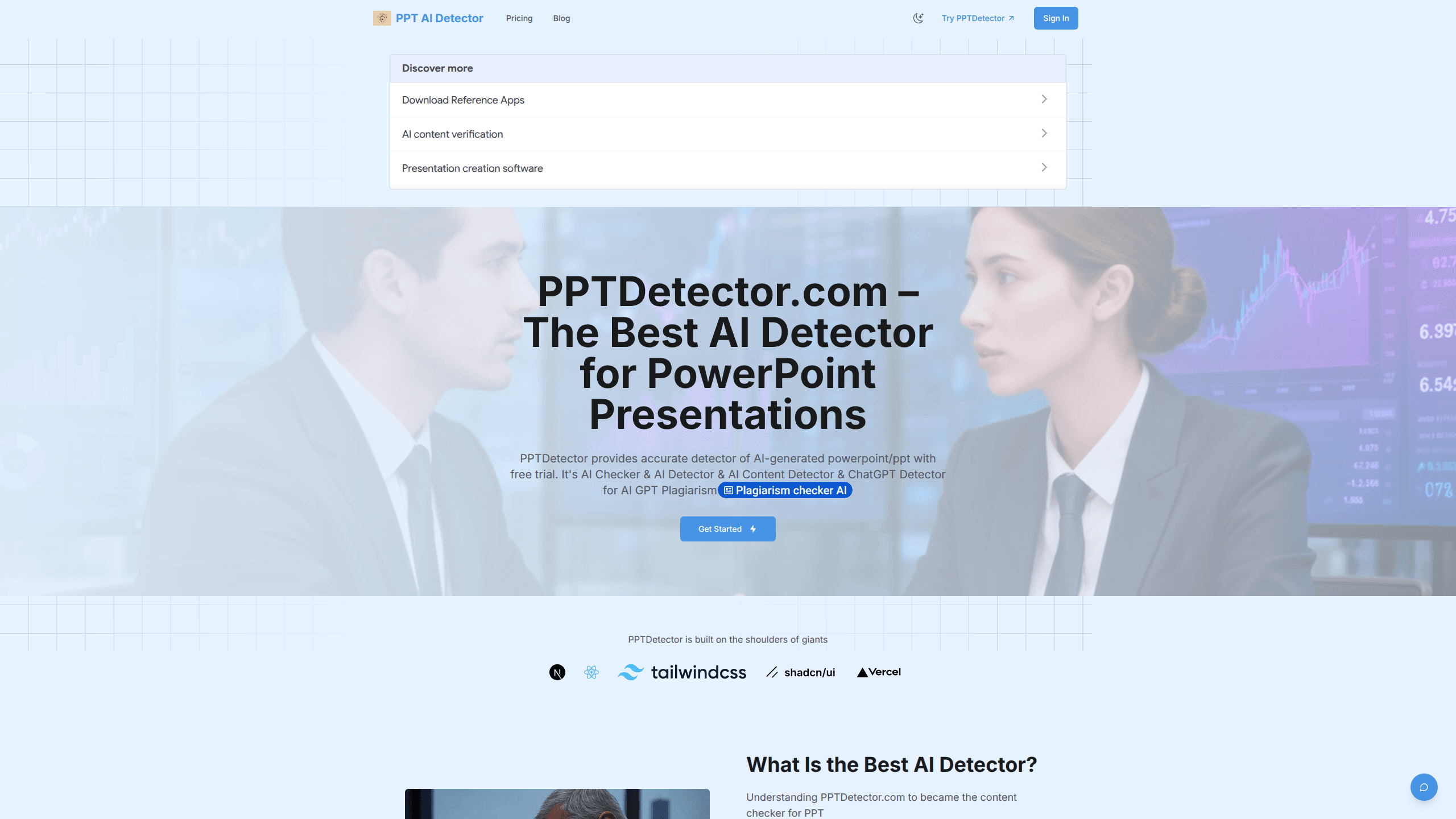
AI Detector For Ppt (PPTDetector) is a web tool that checks PowerPoint files for AI-generated content. You upload a PPT or PPTX deck, and it scans the text, images, and slide structure, then hands back a report that flags what looks machine-written. It's built for teachers, hiring managers, and editors who need to know whether a deck was made by a person or pulled straight out of ChatGPT, Gemini, Claude, or Grok. There's a free trial, and paid credit packs start at $20.
About AI Detector For Ppt
What Is AI Detector For Ppt
A lot of presentations now start as a prompt. Someone types an outline into ChatGPT or Gemini, pastes the output into slides, and ships it. That's fine until you're the one grading it, reviewing it, or paying for it, and you need to know how much of the work was actually human. PPTDetector exists for that moment. It works as a PPT AI checker and a PPTX AI detector in one pass, built to detect AI-generated presentations and slide decks. It reads the uploaded deck, looks for the fingerprints that AI generators leave behind, and gives you a readable verdict instead of a wall of raw data.
The tool focuses on PowerPoint specifically rather than general text. It supports PPT and PPTX, and it examines three layers at once: the wording on each slide, the images embedded in the file, and the overall structure of the deck. That combination matters, because a deck can have human-sounding text but AI-generated charts and layouts, or the reverse. A text-only AI slide checker would miss half the story.
One thing to set expectations on: it's a detection tool, not a judge. Any detector gives probabilities, not proof. No service can promise a perfect hit rate on every generator, and this one is no ChatGPT detector in the sense of proving authorship outright. Treat the report as strong evidence in a review process, not as a final ruling you hand down without a second look.
Getting Started
- Go to pptdetector.com and sign in with Google or create an account.
- Pick a credit pack or start with the free trial so you can test the tool before paying.
- Upload your PowerPoint file (PPT or PPTX) through the dashboard.
- Let the analyzer run. It checks text, images, and structure and returns results within seconds.
- Open the report and review the flagged sections, then export or note the findings for your records.
Product Information
A quick look at AI Detector For Ppt's pricing, supported platforms, and performance.
Best for
The users, tasks, and scenarios where this tool fits best.
Users
- Teachers and professors
- Hiring managers and recruiters
- Editors and content reviewers
- Students checking their own work
Tasks
- Screening a deck for AI-generated text
- Catching AI-generated images
- Checking slide structure
- Building a paper trail
Scenarios
- Reviewing a batch of student submissions
- Vetting a vendor's pitch deck
- Pre-submission self-checks
- Academic integrity workflows
Key features
Multi-layered slide analysis
Most detectors look at text and stop there. PPTDetector reads the wording, the images, and the structure of the deck together. That's the point. The image layer is the part people overlook. A slide can pass a text check and still show telltale machine-generated visuals, and this tool is built to catch that.
Text detection tuned for major AI models
The checker looks for patterns that come out of ChatGPT, GPT, Gemini, Grok, Claude, and DeepSeek. Since each model has its own habits, the detector leans on that range rather than assuming one style. The developer says the algorithms get updated regularly to keep pace with new generation techniques. Sensible, given how fast the field moves.
Fast reporting
Results come back within seconds rather than minutes. That matters when you're working through a stack of files. You upload, wait a moment, and get a report you can actually read. Speed here isn't a marketing number; it's the difference between checking decks one at a time and clearing a whole folder in a sitting.
PPTX and PPT support
Both common PowerPoint formats work, so you don't have to convert files before checking them. That sounds minor until you're the person exporting a dozen decks by hand. Upload the file you already have and move on. Done.
Credit-based pricing
Pricing runs on credits instead of a flat monthly fee tied to seats. Starter gives 20 credits for one month at $20, Monthly bumps that to 40 credits at $19.9, and Annual offers 500 credits valid for a year at $199. Uneven volume? Credits let you top up when you need them and skip paying during quiet stretches.
Browser-based, no install
Everything runs in the web dashboard. Nothing to download, nothing to maintain. Sign in with Google or a regular account and you're working. That keeps the tool usable on a school laptop or a locked-down work machine where you can't install new software.
Detailed result visualization
The report doesn't just flash a percentage. So what does it actually show? It breaks results down so you can see which parts of the deck triggered flags. That structure helps when you need to explain a finding to someone else without sounding like you're guessing.
Pros and cons
Pros
- Checks text, images, and structure together, which catches AI content a text-only detector would miss.
- Handles both PPT and PPTX files without conversion.
- Returns results in seconds, so it's practical for batch review.
- Credit packs let you scale spend up and down instead of locking into a seat license.
Cons
- No published API, so you can't wire it into an automated grading or review pipeline.
- It's PowerPoint-only. If you need to check Word docs, PDFs, or plain essays, you'll need a separate tool.
- Detection is probabilistic by nature, so a flagged deck is a signal, not proof.
- The directory listing has no category on file, and pricing sits in a range that may feel steep for occasional personal use.
Frequently asked questions
It scans three layers of a PowerPoint file: the text on the slides, the images embedded in the deck, and the overall structure. That combination means it can flag a deck that mixes human-written copy with AI-generated visuals, or the other way around.
Related content
Explore related tools, skills, and articles for AI Detector For Ppt.
AI Detector For Ppt Alternatives
Isgen AI
Isgen · AI DetectionIsgen AI is a web-based AI detector that scores text for machine authorship and shows you which sentences and phrases push the number up. It's built for teachers, editors, students, and writers. Their question is simple: did this draft come from ChatGPT, GPT-5, Claude, Gemini, DeepSeek, or another model? You paste or upload content, run a scan, and get a Human, AI, and Mixed breakdown in seconds. There's also a companion editor that scores text while you write it.
Humanizeai Tools
Humanizeai Tools · Writing · AI DetectionHumanizeai Tools is a web-based AI humanizer that rewrites machine-generated text so it sounds like a person wrote it, which is the whole point of the category it belongs to. Paste a draft from ChatGPT, Claude, or Gemini, run it through the tool, and it swaps out the phrases and sentence patterns that AI detectors flag. If your goal is to make AI text sound human before you publish it, this is the kind of tool built for exactly that. It suits students, bloggers, and marketers who need copy that reads naturally and clears tools like GPTZero, Copyleaks, and Winston AI after a single pass.

Hidemyai
Hidemyai · Writing · AI DetectionHidemyai is an AI content humanizer. It rewrites text from ChatGPT, Jasper, and similar tools so the result reads like a person wrote it. You paste your draft, pick a document type and tone, and the service returns a version meant to bypass AI detectors such as Originality.ai, Turnitin, and ZeroGPT. It targets writers, marketers, and students who lean on AI drafts but can't ship copy that sounds robotic. The promise is simple: make AI content undetectable.