

AI dication by Snaply
Snaply · Voice & Language
AI dication by Snaply is a Mac app that turns speech into clean, ready-to-use text without sending your audio to a server. It combines instant voice typing, automatic meeting notes, and a writing assistant that fixes grammar and rewrites rough sentences without ever asking you to open a browser tab or hand over a login. Everything runs on your machine, so private calls and client details never leave your laptop. No account. No upload. Your words stay put.
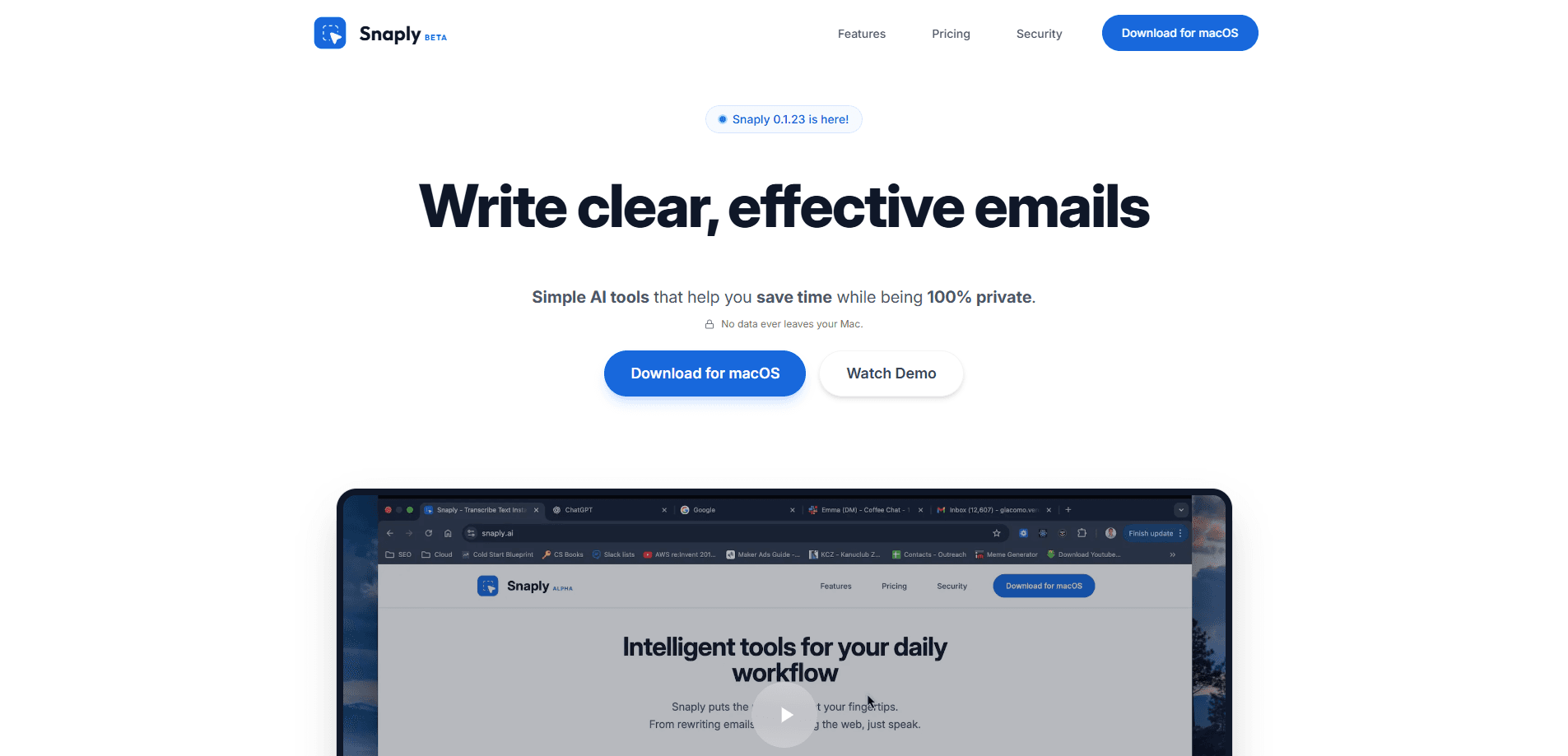
About AI dication by Snaply
What Is AI dication by Snaply
AI dication by Snaply is a dictation and transcription tool built for macOS. You talk, it types. So what's the catch? There isn't much of one, as long as you own a Mac. The pitch is simple: writing by voice is roughly four times faster than typing, and Snaply handles the punctuation and grammar cleanup that normally makes voice input painful enough that people give up on it.
The feature that separates it from cloud transcription services is where the processing happens, because most competing tools quietly ship every second of your audio off to a server that you have no real control over or insight into. Snaply runs its AI models on your own Mac instead of on a remote server. Your meeting audio, dictated emails, and voice notes stay local. It's a private dictation tool first and a productivity app second. For anyone handling confidential material, that's the whole point.
The obvious limit is the platform. This is a Mac-only product, so Windows and Linux users, along with anyone working mainly from a phone, are out. You also need Apple silicon or a recent enough Intel Mac to run the models at a usable speed. That rules out older machines.
Getting Started
- Download the app from snaply.ai and drag it into your Applications folder.
- Grant microphone and Accessibility permissions when prompted, so Snaply can capture your voice and type into other apps.
- Pick your dictation shortcut and language, then start talking into any text field.
- Open Meeting Notes before a call if you want an automatic transcript and summary.
- Review, edit, and export the finished text or notes as Markdown.
Product Information
A quick look at AI dication by Snaply's pricing, supported platforms, and performance.
Best for
The users, tasks, and scenarios where this tool fits best.
Users
- Writers and note-takers who think faster than they type
- People handling confidential work
- Remote workers who sit in back-to-back calls
Tasks
- Drafting emails and messages by voice
- Capturing meeting notes
- Rewriting rough text
Scenarios
- Long days of client calls
- Working in Notion, Slack, or Salesforce
- Drafting on the move at a desk
Key features
On-Device Dictation
Snaply turns your speech into text without uploading audio anywhere. The on-device transcription models run on your Mac, which means no account, no cloud quota, and no audio sitting on someone else's server. It's speech to text for Mac users who don't want a server in the middle. It's the core reason to pick this over a browser-based transcriber.
Automatic Grammar Correction
Raw dictation usually reads like a transcript, not like writing. Snaply cleans up the punctuation, fixes grammar slips, and removes the filler words most people say without noticing. It edits as you speak. You get something closer to a finished sentence than a verbatim dump.
Meeting Notes
Open Meeting Notes and Snaply detects supported calls, records the audio locally, and produces a transcript plus a summary you can search across every later conversation you've had. Later versions add speaker labels, folders, and the ability to chat with a transcript, so you can ask what was decided in a meeting instead of re-reading the whole thing.
Writing Assistant
The writing assistant works on text you've already typed. Select a paragraph, tell it what you want, and it rewrites, shortens, or changes the tone. Simple as that. It's the same idea as a cloud AI writing tool, except the model sits on your machine.
Works Inside Your Existing Apps
Snaply types wherever your cursor is, so there's no separate editor to live in. It works in Notion, Slack, Salesforce, Gmail, and anywhere else you'd normally type, which means you stop copying text between tools every time you switch tasks. You keep your current workflow instead of migrating to a new one.
Bring Your Own API Key
If you'd rather run Snaply against a cloud model, you can connect an OpenAI-compatible endpoint with your own key, which lets you swap in whichever provider you already pay for instead of being locked to one vendor's models. That keeps the choice in your hands: local by default, cloud when you explicitly want it.
Custom Dictionary
Names, jargon, and unusual product terms trip up most dictation tools. Snaply lets you add your own words so it stops mangling the things you say most often. Add them once. The custom dictionary has gotten more reliable in recent releases.
Multilingual Support
Snaply handles multiple languages for both dictation and meeting notes, and you can set a favorite translation language. For teams that switch languages mid-conversation, it keeps the transcript readable rather than guessing at one setting and quietly getting half of it wrong.
Pros and cons
Pros
- Genuinely private: on-device processing means no audio upload and no account signup.
- Free for individuals, including the headline features, with no usage caps.
- Combines dictation, meeting notes, and text rewriting in one Mac app.
- Types into the apps you already use, so there's almost no learning curve.
Cons
- Mac only. Windows, Linux, and mobile users can't use it at all.
- On-device models need a reasonably recent Mac; older hardware may lag during long recordings.
- The team pricing isn't spelled out on the site, so businesses have to ask for a quote.
- Meeting notes depend on detecting the call app, which won't cover every conferencing tool.
Frequently asked questions
Yes, for individuals. The site lists this voice typing app, meeting notes, the writing assistant, and on-device privacy as part of a free tier with unlimited use, so you don't have to worry about hitting a monthly minute cap halfway through a busy week of calls and drafts. Paid plans exist for teams, but the individual features don't sit behind a paywall.
Related content
Explore related tools, skills, and articles for AI dication by Snaply.
AI dication by Snaply Alternatives

Foley
Hanamori Labs, LLC · Voice & Language · Productivity · AI AssistantFoley is a voice to-do list that turns a spoken sentence into a filed task, complete with project, date and time, then helps you plan the day around what is already there.

HireKey
HireKey · Voice & Language · Productivity · LeaningHireKey is an AI job search copilot built by a former tech recruiter. It checks role fit, tailors resumes, runs interview practice and tracks every application.

Fluence
Yay Software (Yannick Huchard) · Writing · Voice & Language · ProductivityFluence is an Android app that reads PDFs, EPUBs, Word files and web articles aloud, follows each sentence as it speaks, and answers questions about the text on the phone itself.