
AI Dubbing
AIDubbing.io · Voice & Language
AI Dubbing is a browser-based video translation service that lets you dub videos online into more than 170 languages while keeping the original speaker's voice, emotion, and mouth movements in sync. It handles the whole pipeline in one place: it detects the spoken language, writes a transcript, translates it, and outputs a dubbed track with studio-grade lip sync. The tool suits YouTube creators, e-commerce sellers, online course instructors, and anyone who wants to reach audiences outside their own language without hiring a voice actor.
About AI Dubbing
What Is AI Dubbing
AI Dubbing is an online service for turning a finished video into the same video spoken in another language. You upload a clip, pick a target language, and the system does the rest. It identifies who is talking, transcribes the speech, translates it, and rebuilds the audio so the new voice matches the speaker's tone and timing. On the higher tiers, the lip sync is precise enough that the on-screen mouth shapes follow the dubbed speech rather than the original one.
The problem it solves is localization cost. Dubbing a single video used to mean booking voice actors, editing a timeline, and syncing audio by hand for every language you wanted. Why pay for all that when one upload can cover the same ground? AI Dubbing folds those steps into a single flow, so a creator can ship the same clip in several languages on the same day.
The most important limit is length. The free tier caps uploads at 15 seconds, and even the top paid plan tops out at 60 minutes per file. It's a cloud tool with no desktop app, so your source footage gets uploaded to their servers, and heavier projects sit in a processing queue unless you're on a priority plan.
Getting Started
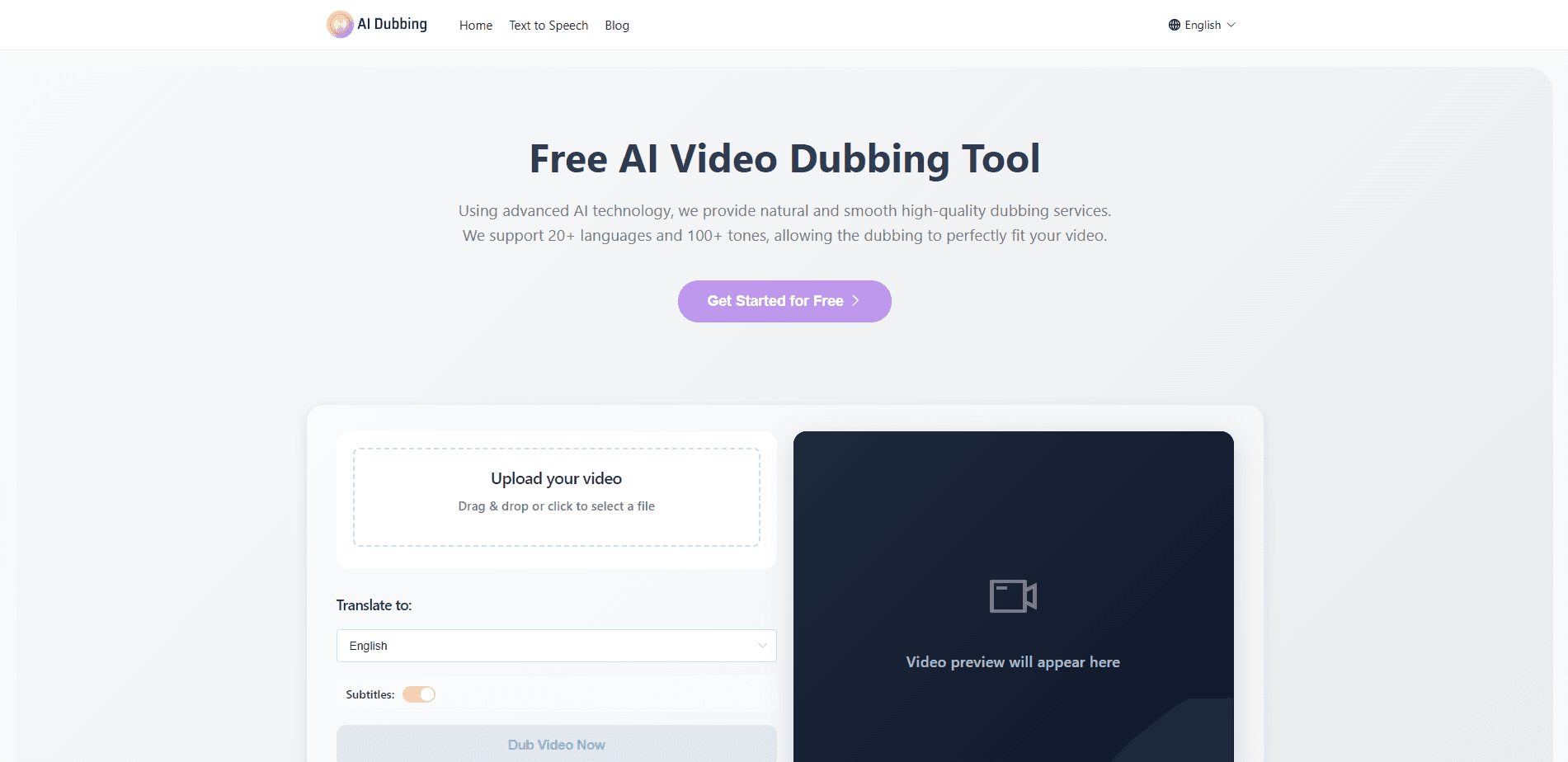
- Open the site and upload a video by dragging a file into the upload box or clicking to browse. Files up to 15 seconds process without signing up.
- Let the tool detect the source language, then choose the language you want to dub into from the available list.
- Pick a voice from the library, or switch on voice cloning to reuse the original speaker's voice in the new language. You can also toggle subtitles on or off.
- Start processing and wait for the render. Longer clips and high-priority jobs finish faster on paid plans.
- Preview the result, check that the lip sync and audio line up, then download the finished video.
Product Information
A quick look at AI Dubbing's pricing, supported platforms, and performance.
Best for
The users, tasks, and scenarios where this tool fits best.
Users
- YouTube and short-form creators who post for audiences in several countries and want each upload to work in more than one language
- E-commerce sellers localizing product videos and ads for different regional markets
- Online course instructors converting a single recording into multiple language versions without booking voice talent
- Corporate training teams that need the same internal video understood by staff who speak different languages
Tasks
- Translating a talking-head video while keeping the speaker's own voice via voice cloning
- Dubbing an ad so it sounds locally made instead of like a generic voiceover
- Adding subtitles to a foreign-language clip for viewers who prefer reading over listening
- Turning a course lecture into a dubbed version with lip sync that matches the instructor's face
Scenarios
- A creator who wants a single video published in English, Spanish, and Japanese on the same day
- A shop launching in a new country and needing its promo clips to speak the local language
- A trainer updating onboarding material that gets reused across regional offices
- A podcaster repurposing an episode as a dubbed video for a wider audience
Key features
Multilingual Dubbing Across 170+ Languages
AI Dubbing translates a video into more than 170 languages on the Pro plan and above, and the Starter tier covers 30+ languages. The tool detects the spoken language automatically, so you don't have to label your source file. That range covers the common production languages plus smaller markets that usually get skipped by budget tools.
Studio-Grade Lip Sync
The lip-sync engine maps new audio onto the speaker's mouth movements so characters keep natural timing and expression. This matters most for clear, front-facing footage, where a mismatched dub is obvious within seconds. The result is a clip that looks like it was spoken in the target language rather than pasted over the original.
Voice Library and Voice Cloning
You can choose from a library of AI voices spanning accents, ages, and styles, or clone the original speaker's voice and reuse it in any supported language. Cloning is what keeps a channel's personality intact across versions, and it helps brands sound consistent when the same presenter appears in ads for different regions.
Built-In Transcripts and Subtitles
The tool transcribes detected speech before translating it, and you can keep subtitles in the final export. Dubbing and subtitles together cover viewers who mute their phones and those who read along. It also saves the manual step of typing out a script from scratch.
Watermark-Free Exports and Project History
Every paid tier exports without a watermark, which matters if the video is going straight to a client or an ad account. Paid plans also keep a 15-day project history so you can revisit a recent job instead of re-uploading the source.
Multiple Dubbing Engines
Three engine versions ship with the tool. Dubbing 1.0 handles 11 languages, while 2.0 and 3.0 cover 170+ languages and tend to deliver the more natural results. Every plan gets all three engines on the higher tiers, giving you a fallback when one struggles with a particular clip.
Pros and cons
Pros
- One workflow covers detection, transcription, translation, dubbing, and lip sync, so there's no assembly of separate tools
- Voice cloning carries the original speaker's identity into every target language
- 170+ languages on the Pro plan and above beats most budget dubbing services
- Browser-based with a no-signup free tier, so you can test it before paying
- Watermark-free exports and a commercial license on Creator and higher plans
Cons
- The free tier caps uploads at 15 seconds and 1024MB, which rules out most real projects
- Max upload length is 60 minutes even on the top plan, so long films aren't a fit
- There's no desktop or mobile app, and source files leave your device for processing
Frequently asked questions
It takes a video in one language and produces the same video spoken in another. The service detects the source language, transcribes the speech, translates it, and generates a dubbed audio track, optionally with lip sync and subtitles.
Related content
Explore related tools, skills, and articles for AI Dubbing.
AI Dubbing Alternatives

Prosp
Prosp · Writing · Voice & Language · MarketingProsp is an AI LinkedIn outreach tool built for agencies and sales teams, and it writes the message and the voice note in your own voice for each prospect so they actually reply. You connect your accounts, find leads, and let the AI draft and send personalized messages at scale, all from one inbox. It's built for people running outbound at volume. That's the whole pitch. Every touchpoint still has to feel human.

Wordly AI Translation
Wordly · Voice & Language · ProductivityWordly AI Translation is a real-time AI translation and captioning platform built for meetings, conferences, and events. It delivers live translation, captions, transcripts, and summaries in more than 60 languages, and attendees join by scanning a QR code or opening a link instead of using dedicated headsets. The platform works with Zoom, Microsoft Teams, Google Meet, and Webex, and it's designed for organizations that want multilingual access without hiring human interpreters for every session. Simple as that.
Musicful
Musicful AI · Voice & Language · VideoMusicful is an AI music generator and AI music video maker that turns text to music in minutes. Give it a text prompt, a set of lyrics, or a hummed melody and it returns a finished track with vocals and instruments. It also doubles as an AI song generator, produces music videos from the songs you create, and offers an AI cover tool plus a developer API. The platform runs in a web browser and through an Android app, so you can start a song on desktop and pick it up on your phone.