

Wordly AI Translation
Wordly · Voice & Language · Productivity
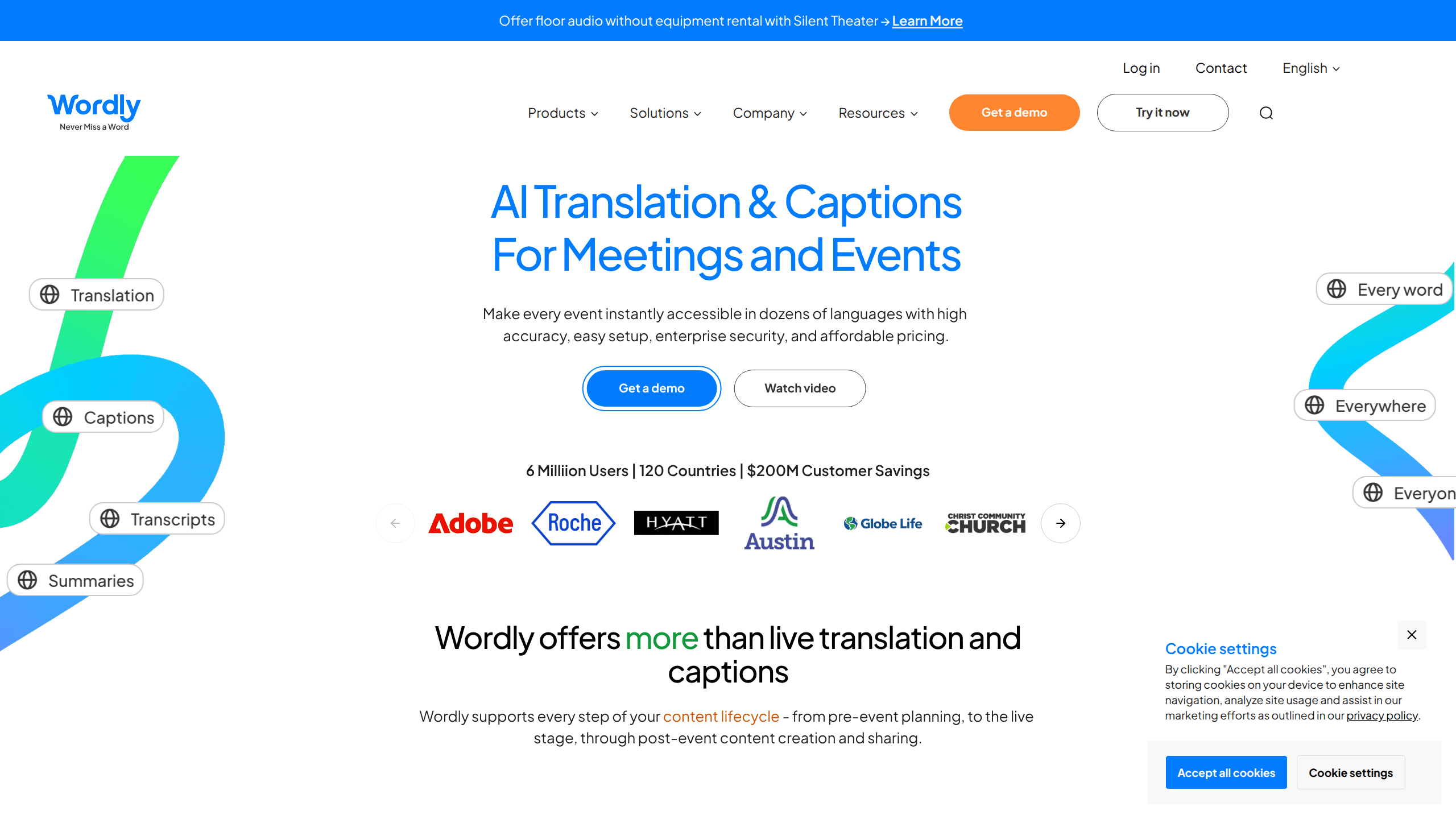
Wordly AI Translation is a real-time AI translation and captioning platform built for meetings, conferences, and events. It delivers live translation, captions, transcripts, and summaries in more than 60 languages, and attendees join by scanning a QR code or opening a link instead of using dedicated headsets. The platform works with Zoom, Microsoft Teams, Google Meet, and Webex, and it's designed for organizations that want multilingual access without hiring human interpreters for every session. Simple as that.
About Wordly AI Translation
What Is Wordly AI Translation
Wordly AI Translation is an AI-powered translation service for live and recorded content. The company pioneered the market in 2019 and now serves millions of translation users across 120 countries. Its core idea is simple. Replace the interpreter booth with software that runs in the cloud, so any attendee can read or hear a session in their own language. Call it an AI interpreter alternative that scales to a thousand listeners at once.
The product covers the full content lifecycle. Before an event, teams set up custom glossaries so names, jargon, and product terms translate the way they should. During the event, Wordly pushes live captions and audio translation to attendees. After the event, it generates transcripts and summaries you can share or turn into subtitles and dubbed audio.
The biggest limit is how pricing works. Wordly doesn't sell a cheap monthly subscription for casual users. You buy packages of translation hours, and the entry point starts around $1,500 for a 10-hour package. That structure fits organizations running meetings and events, but it's heavy for someone who just wants to translate a single call. So who is it really for? Teams with a steady event calendar.
Getting Started
- Contact Wordly sales to pick an hour package (10, 25, 50, 100, or more) and get an account set up.
- Upload a custom glossary of terms your organization uses, so translations stay accurate for your field.
- Connect your meeting platform (Zoom, Teams, Meet, or Webex) or launch Wordly for an in-person session.
- Share the QR code or attendee link so people can pick their language on their own device.
- Download transcripts, summaries, subtitles, or dubbed audio after the session ends.
Product Information
A quick look at Wordly AI Translation's pricing, supported platforms, and performance.
Best for
The users, tasks, and scenarios where this tool fits best.
Users
- Event organizers
- HR and training teams
- Nonprofits and NGOs
Tasks
- Live translation and captioning
- Meeting transcripts and summaries
- Subtitle and dubbing production
Scenarios
- Large industry conferences
- City council and public meetings
- Hybrid and virtual webinars
Key features
Real-Time Translation and Captions
Wordly translates speech as it happens and shows captions on the attendee's own device. You don't wait for a post-event edit, which matters when decisions are being made live. The system supports two-way translation, so questions from the audience come back in the speaker's language too. For teams weighing this live translation software against a human option, the trade-off is speed and scale rather than nuance.
Attendee Access by QR Code or Link
There's no app to install and no headset to hand out. Attendees scan a QR code or open a link, then pick their language. Setup that used to take a technician now takes a couple of minutes, and it works the same for a 10-person sync or a 10,000-person conference. That's the whole point. Zero friction.
Custom Glossaries and Blocklists
You upload the terms your organization actually uses, and Wordly follows them during translation. This is the difference between a generic translation and one that gets your product names and technical vocabulary right. Blocklists keep specific words from showing up in captions at all. Quietly important.
Platform Integrations
Wordly connects with Zoom, Microsoft Teams, Google Meet, Webex, and Cvent, among others. If your team already runs meetings on those tools, adding translation doesn't change the workflow. In-person, virtual, and hybrid sessions all use the same setup. No new workflow to learn.
Transcripts, Summaries, and Content Management
After each session, Wordly produces a transcript and a summary of key takeaways. You can translate transcripts into any supported language, download voice tracks for dubbing, and manage the content from one place. This turns live sessions into reusable material for newsletters, training libraries, or social clips that reach people who missed the event in the first place and still want the core ideas. No re-recording. No starting over.
Compliance and Data Security
Wordly states it meets SOC 2 Type II, ISO 27001, GDPR, HIPAA, CCPA, and accessibility standards like VPAT and WCAG. For regulated industries, that's often the deciding factor. Configurable data storage lets you control where session data lives. Not every consumer tool clears that bar.
Pros and cons
Pros
- Covers 60+ languages and 3,000+ language pairs for one fixed price, so you don't pay per language.
- No hardware or attendee app required, which cuts the setup time and cost of multilingual events.
- Packs translation, captions, transcripts, and summaries into a single package rather than separate products.
- Meets major security and accessibility standards, useful for healthcare, government, and education buyers.
- Discounts for nonprofits, NGOs, education, and multi-year commitments lower the effective cost.
Cons
- There's no free tier or low-cost entry plan, so small teams or one-off users face a $1,500 starting point that puts the platform out of reach for anyone who only needs occasional translation.
- Pricing scales by purchased hours, which makes costs harder to predict if your meeting volume varies from month to month.
- Wordly doesn't publish a public API, so building custom integrations isn't straightforward.
Frequently asked questions
Wordly AI Translation provides real-time AI translation, captions, transcripts, and summaries for meetings and events. Attendees read or hear a session in their own language, and the platform handles everything from live translation to post-event content.
Related content
Explore related tools, skills, and articles for Wordly AI Translation.
Wordly AI Translation Alternatives

Prosp
Prosp · Writing · Voice & Language · MarketingProsp is an AI LinkedIn outreach tool built for agencies and sales teams, and it writes the message and the voice note in your own voice for each prospect so they actually reply. You connect your accounts, find leads, and let the AI draft and send personalized messages at scale, all from one inbox. It's built for people running outbound at volume. That's the whole pitch. Every touchpoint still has to feel human.
Musicful
Musicful AI · Voice & Language · VideoMusicful is an AI music generator and AI music video maker that turns text to music in minutes. Give it a text prompt, a set of lyrics, or a hummed melody and it returns a finished track with vocals and instruments. It also doubles as an AI song generator, produces music videos from the songs you create, and offers an AI cover tool plus a developer API. The platform runs in a web browser and through an Android app, so you can start a song on desktop and pick it up on your phone.

Translator Maker
Translator Maker · Voice & LanguageTranslator Maker is a free browser tool that lets anyone build a custom AI translator in seconds. Instead of converting text between two standard languages, it turns ordinary sentences into playful, stylized or historical versions. The library runs from Google Translated 100 times to Shakespearean English and ancient Greek. Pick a style, paste your text, and the rewrite appears instantly.