

QAEverest
QAEverest · Coding
QAEverest is an AI test automation platform that turns user stories into self-healing test suites for QA engineers and development teams.
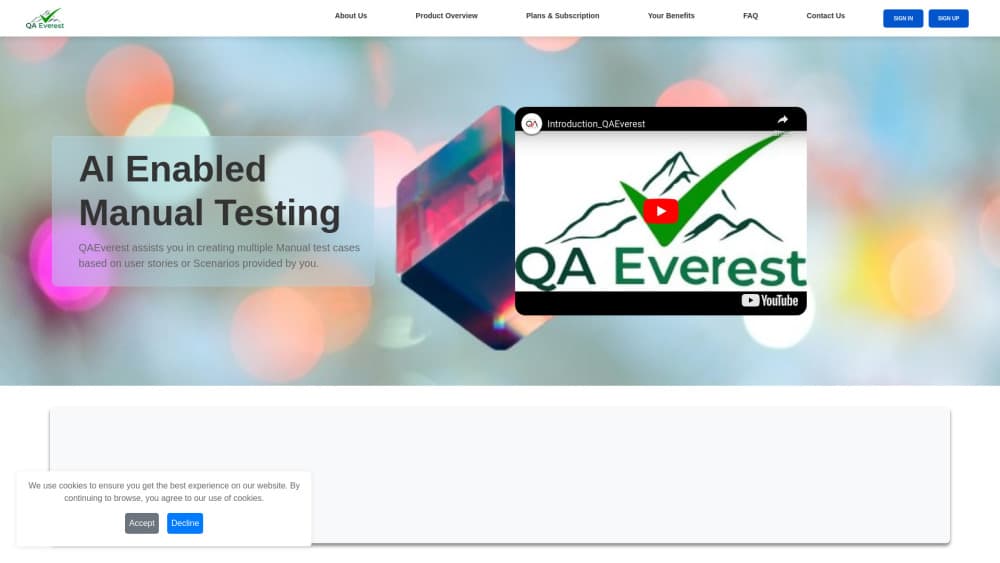
About QAEverest
What Is QAEverest
QAEverest is an AI test automation platform built for QA engineers, developers, and product teams who are tired of rebuilding test suites every sprint. The pitch is direct. Paste a user story, get a running suite, and keep that suite alive even when the app underneath it changes. It handles test case generation from user stories, then runs and maintains what it writes. It covers functional, UI, API, performance, security, accessibility, and exploratory testing workflows on one platform.
The problem it targets is familiar to anyone shipping software. Tests break after redesigns, failures arrive as screenshots and stack traces with no clear cause, and test cases live in one tool while execution lives in another. QAEverest tries to close those gaps by generating tests from plain-language requirements and then re-anchoring broken steps instead of failing the whole run. That's the whole idea. Keep the suite, lose the manual rebuild.
The main limitation is scope. This is a serious platform aimed at teams with real regression load, not a weekend project. You'll need to connect a repository, approve generated tests before they run, and spend time learning the dashboards and integrations before it pays off. Not a small ask. Some capabilities, like the Figma import and TCM exports, assume you already have a design source and a test management system in place.
Getting Started
- Create an account on the QAEverest site and open the live generator, which runs without signup for a first look.
- Paste a user story or requirement, then let the engine generate draft test cases and refine the wording until coverage looks right.
- Connect a GitHub, GitLab, or Bitbucket repo to import existing Playwright, Cypress, Selenium, or pytest tests, and review what gets flattened into cases.
- Approve the generated and imported tests, then run them against your target app or URL.
- Wire the suite into CI so release gates and the ship-confidence score update on every build.
Product Information
A quick look at QAEverest's pricing, supported platforms, and performance.
Best for
The users, tasks, and scenarios where this tool fits best.
Users
- QA engineers
- Development teams
- Product managers
Tasks
- Generating test cases from user stories
- Self-healing regression runs
- Autonomous exploratory testing
- Pushing test cases into a TCM
Scenarios
- Sprint regression testing
- Debugging a failed run
- Design-to-test handoff
- Release gating
Key features
User Story to Running Suite
The core workflow takes a written user story and produces test cases that can execute right away. This is AI test case generation in practice. You paste the requirement, the engine drafts cases, and you refine before anything runs. For teams that write decent requirements, this cuts the blank-page problem out of test design.
Self-Healing Test Suites
When the app changes under a test, the run re-anchors the broken step and keeps the original assertion rather than handing you a failed build to triage by hand. That matters most after UI redesigns, where locators are the usual casualty. Less manual repair means regression suites stay usable longer between sprints. Worth the setup.
Time-Travel Replay
Every UI run captures console, network, and DOM state across the whole run. You can scrub frame by frame back to the moment a test broke instead of guessing from an end-state screenshot. Big difference. The AI root-cause analysis points to the exact failed step, which shortens the trip from red build to fix.
Autonomous Exploratory Testing
Give it a URL and it works on its own. The AI logs in, crawls the app, generates Gherkin flows, executes them live, and triages failures into Jira bug cards in one click. You walk away. This covers ground that scripted tests miss, like untested paths and edge navigation.
Multi-Platform TCM Export
Test cases push straight into TestRail, Zephyr Scale, Qase, QTest, PractiTest, or Azure Test Plans in one click. If your team already lives in a test management system, this avoids the re-entry and sync drift that comes from maintaining cases in two places.
Visual Regression Detection
Pixel-level screenshot comparison with baseline management catches layout regressions across builds. You see the visual break before users do, and the diff pinpoints what shifted. It's the kind of check that catches a broken button style or misaligned header that functional tests pass straight through. Small stuff, big embarrassment.
Quality Command Center
A single ship-confidence score blends functional pass rates, requirements traceability coverage, flakiness, and CI release gates. Instead of stitching together four dashboards, teams get one number to argue about. That's the point of a QA automation tool that answers to leadership. It's built for release decisions rather than vanity metrics.
AI Copilot Assistant
Ask questions in plain English like "Where are my coverage gaps?" or "Run my last failed suite." The Copilot streams live tool actions and returns structured answers, so you don't have to hunt through menus to trigger a common task. It's a convenience layer on top of the platform rather than a separate product.
Pros and cons
Pros
- Turns user stories into executable test cases, cutting the manual work of writing cases from scratch.
- Self-healing runs re-anchor broken steps after redesigns instead of failing the whole suite.
- Time-travel replay with console, network, and DOM capture shortens debugging noticeably.
- One-click exports to six major test management systems avoid copy-paste and sync drift.
- Covers functional, UI, API, performance, security, accessibility, and exploratory testing in one place.
Cons
- Aimed at teams with real regression load, so a solo developer or small project may find it heavier than needed.
- You have to connect a repository and approve generated tests before runs, which adds setup and review time.
- API availability isn't clearly documented on the site, which makes backend integration planning harder.
- Figma import and TCM exports only help if you already use those tools, so value depends on your existing stack.
Frequently asked questions
It generates test cases from user stories and keeps them running as your application changes. Instead of writing every case by hand, you paste a requirement, review the drafts, and let the platform execute and maintain them. Simple as that.
Related content
Explore related tools, skills, and articles for QAEverest.
QAEverest Alternatives

Base Code
Base44 (Wix) · Coding · ProductivityBase Code is a shared cloud development environment from Base44. Teammates describe changes to an existing GitHub codebase in chat, preview them live and send them back as pull requests.

Google EmbeddingGemma 2
Google DeepMind · Writing · Image · CodingGoogle EmbeddingGemma 2 is a 740M-parameter open model that turns text, code, images, audio, and video frames into vectors in one 768-dimension space, running on phones and laptops.

GitGlow
GitGlow · Coding · ProductivityGitGlow is a local-first desktop Git client that lets independent developers review their own code and their AI agents' changes in one place before shipping.