

AI Home Camera
Shenzhen Skyworth Digital Technology Co., Ltd. · Other
AI Home Camera is a free Android app from Skyworth Digital that pairs with the company's home cameras and streams live video, flags people and crying, and lets you talk back through two-way audio.
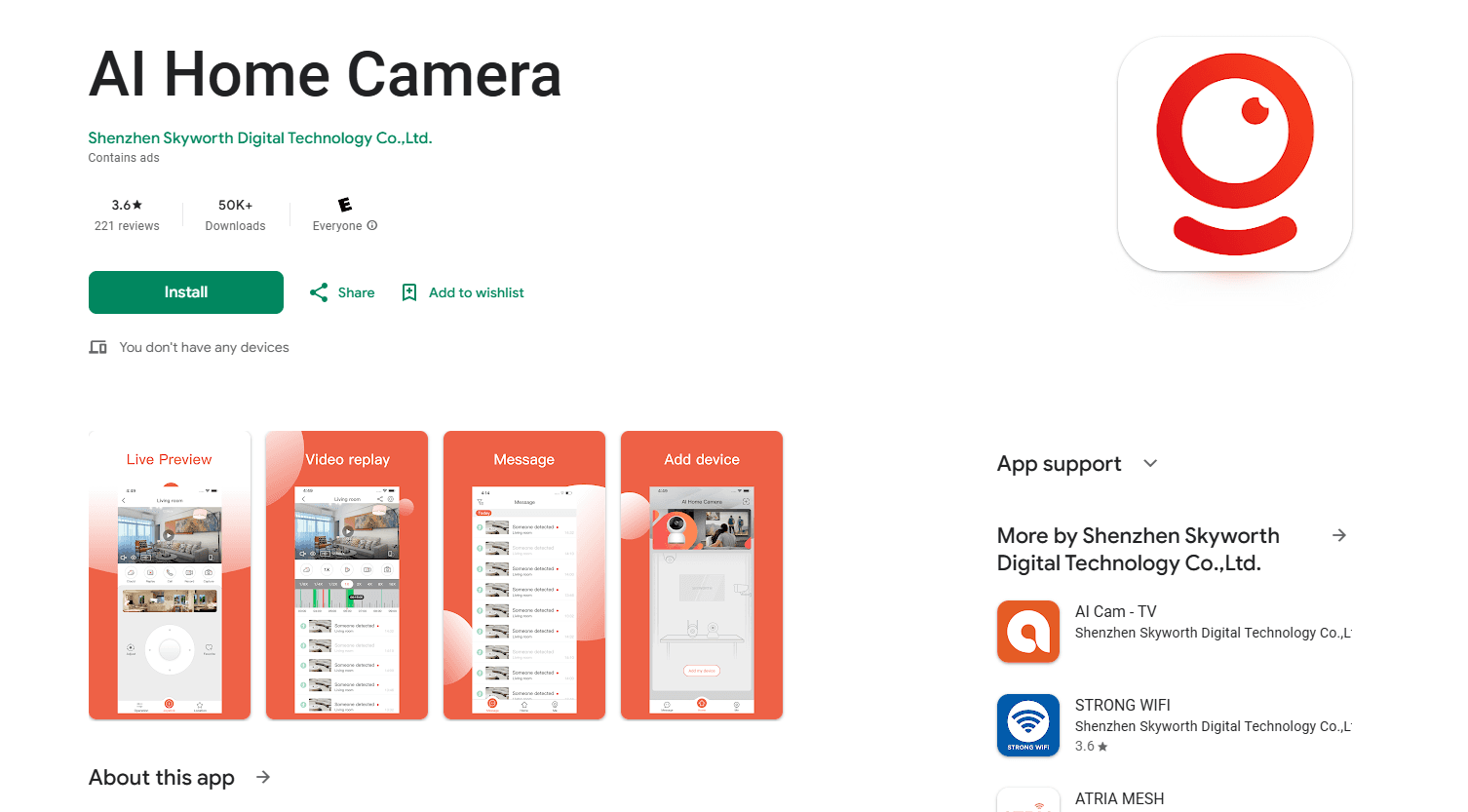
About AI Home Camera
What Is AI Home Camera
AI Home Camera is the companion app for Skyworth Digital's indoor and outdoor security cameras. It turns your phone into a control room, so you can watch any connected camera from wherever you are as long as you have a Wi-Fi or mobile data connection.
The app handles the day-to-day parts of indoor camera monitoring. It shows a live feed, records clips you can review later, and pushes an alert the moment it spots a person, movement, or a crying child. You don't need to buy anything to install it, but it only works with Skyworth hardware, so it won't manage cameras from other brands.
The most important limit is hardware lock-in. AI Home Camera is a free control surface, not a standalone service, so its features depend on the Skyworth camera model you connect. Outdoor tracking and 24/7 recording live on the camera itself, while the app decides how you see and respond to them.
Getting Started
- Download AI Home Camera from the Google Play Store and sign in or create an account.
- Power on your Skyworth camera and put it in pairing mode.
- Add the camera in the app and connect it to your home Wi-Fi network.
- Name the room, adjust motion zones, and turn on alerts for people or crying.
- Open the live view to check the feed, use two-way audio, or scrub back through recorded clips.
Product Information
A quick look at AI Home Camera's pricing, supported platforms, and performance.
Best for
The users, tasks, and scenarios where this tool fits best.
Users
- Parents of young children
- Frequent travelers
- Small shop owners
Tasks
- Watching a room in real time
- Catching activity you missed
- Talking to someone on site
Scenarios
- Checking on a sleeping baby during the evening
- Glancing at the front door before you leave work
- Reviewing a delivery or visitor after the fact
Key features
Live Video and On-Demand Recording
The app streams HD footage from every connected camera and shows the current status of each device. You can capture a still frame or record a clip while the feed is open, then share it from your phone. This covers the basic "is everything okay right now" question without extra software.
Human and Cry Detection
Instead of firing on any pixel that moves, the app flags people and crying specifically, so you get fewer pointless notifications. When something matches, an alert lands on your phone with the clip attached. For baby monitoring, cry detection is the feature that matters most. How well it works depends on the camera's mic.
Two-Way Audio
A built-in mic and speaker on the camera let you listen in and talk back through the app. It's useful for calming a child, warning off a stranger, or just checking that a delivery arrived. Audio quality follows the camera's hardware, not the app.
Motion Zones and PTZ Control
You can draw which parts of the frame should trigger alerts, which cuts down on cars and trees setting things off. On pan and tilt models, the app moves the camera lens up to 355 degrees horizontally and 90 degrees vertically, so one unit can cover a wider room.
Local and Cloud Storage
Recordings can sit on an SD card in the camera (up to 128GB on supported models) or go to Cloud storage. Local storage keeps footage under your control, while cloud storage survives a stolen or damaged camera. You pick which trade-off suits you.
Multi-Device Dashboard
One account can hold several cameras, and the dashboard shows each one's live status in a single list. That makes it easy to run a smart home camera setup with a mix of indoor units and doorbells from one screen. Sharing access with family members keeps everyone looking at the same feeds.
Pros and cons
Pros
- Free to download, with no subscription required for the core live view and recording.
- Human and cry detection cut down on false alerts compared with plain motion sensors.
- Two-way audio and pan-tilt control cover everyday checking-in and quick conversations.
- Local SD card storage up to 128GB keeps footage off the cloud if you prefer.
- A single dashboard manages multiple cameras and shares them with family.
Cons
- It only works with Skyworth Digital cameras, so you can't add hardware from other brands.
- Feature availability depends on your camera model, which makes the experience uneven across devices.
- There's no public API, so you can't wire the feed into your own automations or apps.
- Cloud features and recording limits vary by model and region, so check your specific camera before relying on them.
Frequently asked questions
It's a free Android app that connects to Skyworth Digital security cameras and lets you watch live video, get alerts for people and crying, and talk through the camera from your phone.
Related content
Explore related tools, skills, and articles for AI Home Camera.
AI Home Camera Alternatives

Odyssey 3
Odyssey · OtherOdyssey-3 is Odyssey's foundation world model. It simulates physics in real time, turns a prompt into an interactive environment, and adapts to robots, cars and games.

JarvisCore
Prescott Data · Coding · Productivity · OtherJarvisCore is an open source Python runtime where AI agents work as equal peers on an agent mesh, claim tasks from a shared ledger, and reach external services through a zero-trust broker.
Clef
Cloudflare · Business · OtherClef is Cloudflare's open-source decision model for Workers AI. It returns calibrated probabilities for typed questions, not generated text, so agents can classify, route, and act fast.