

AI Image Translator: Free Online Tool for Image Text Translation
AI Image Translator · Writing
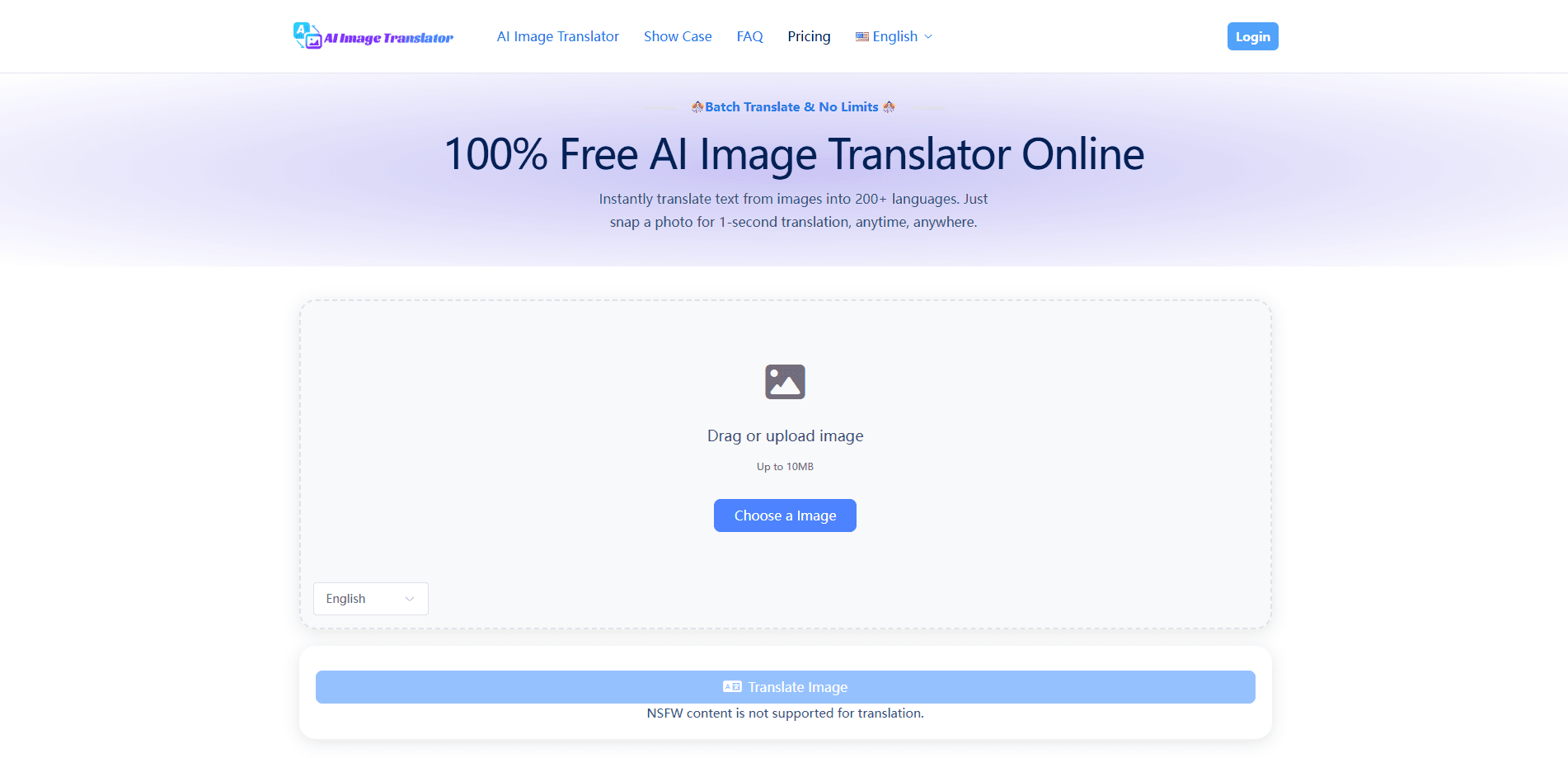
AI Image Translator is a free web tool that reads the text inside a photo and rewrites it in another language. You upload an image, pick a target language, and the tool detects the words and returns a translated version. It runs in the browser with no sign-up, covers more than 200 languages, and adds no watermark to the result. Ever been stuck holding a phone up to a menu you can't read?
About AI Image Translator: Free Online Tool for Image Text Translation
What Is AI Image Translator
AI Image Translator is an online service built for one job: making foreign text inside images readable. Instead of typing text into a translator, you hand it a picture. Street signs, menus, product labels, screenshots, and comic panels all work, because the tool reads the words directly from the image first, then translates them. It's the kind of task that used to mean typing every line by hand into a text translator, guessing at spellings, and hoping you got the characters right.
The appeal is speed, and that's the whole story: there's nothing to install and nothing to configure, so you open the site, drop in a file, and you're done in seconds. The service is free to use right now, with no obvious cap on how many images you translate in a day.
The catch is volume. It handles one image at a time, so if you've got a folder full of photos to process, you'll do them one by one. Accuracy is also never perfect. The site claims up to 98%, and like any AI-based optical character recognition (OCR) tool, it can stumble on stylized fonts, low light, or heavy blur, so treat the number as a best case rather than a guarantee.
Getting Started
- Open aiimagetranslator.io in any modern browser. No account, no app download, and no email required.
- Upload your image or take a photo. Common formats like JPG and PNG work, and the tool accepts camera input on phones.
- Choose the language you want the text translated into. The source language is detected automatically.
- Wait a moment while the tool reads the text and renders the translation onto the image.
- Download the finished image. It comes out clean, with no watermark, ready to share or print.
Product Information
A quick look at AI Image Translator: Free Online Tool for Image Text Translation's pricing, supported platforms, and performance.
Best for
The users, tasks, and scenarios where this tool fits best.
Users
- Travelers
- Students
- Shoppers and importers
- Casual readers
Tasks
- Translating text in a photo
- Screenshot translation
- Menu and document scanning
- OCR translation on the go
Scenarios
- Standing in front of a sign in a foreign city and needing to know what it says right now.
- Studying abroad and working through a page of notes that's written in the local language.
- Checking the ingredients or warnings on a foreign product before you use it.
- Translating a single screenshot for a friend or coworker without opening a full design app.
Key features
Translate Text Directly From Images
The core function is text extraction plus translation in one step. You upload a photo, the tool recognizes the characters inside it, and you get a translated version of that same image. No typing, no copying and pasting. It's the feature that separates an image translator from a standard text translator.
Support for 200+ Languages
The tool covers more than 200 languages, far past the handful most photo translators support. That range matters for less common pairs, where a lot of free tools simply give up, and it means you can translate between two languages that neither the tool nor you speak as a first tongue. You pick the output language, and the source is detected automatically.
No Sign-Up and No Install
There's no account wall. You don't create a profile, confirm an email, or download an app. Open the page, translate, done. For a tool you might use twice on a trip, that's the whole point. Low friction is the feature, and it's why so many people try this free online translator and stick with it.
Free With No Watermark
The service is currently free with no limits stated on the site, and the output carries no watermark. That combination is rarer than it sounds. Many free image translators either stamp a logo on the result or push you into a paid tier after a couple of uses.
Automatic Source Language Detection
You don't have to tell the tool what language the image is in. It reads the text and figures out the source on its own, so you only choose where the translation should land. That keeps the workflow to a single decision, which helps when you're translating something you can't even identify.
Browser-Based, Works on Phones
Everything runs in the browser, so it works the same on a laptop and a phone. The camera option means you can shoot a sign or a menu and translate it without saving a file first. There's nothing to keep updated and nothing taking up storage.
Pros and cons
Pros
- Completely free to use, with no sign-up and no watermark on results.
- Covers 200+ languages, well beyond most free photo translators.
- Handles both uploaded files and live camera input on mobile.
- Automatic source detection means one less step every time.
- Clean output you can reuse in presentations or ads.
Cons
- Only one image at a time, so bulk jobs turn into a lot of repeating.
- Accuracy drops on blurry, low-light, or heavily stylized text, and the 98% figure is the site's own claim.
- No clear API option, which rules it out for teams wanting to automate translation.
- No account means no saved history, so you can't easily revisit past translations.
Frequently asked questions
It translates text that appears inside a picture. You upload an image, the tool reads the words in it, and it gives you back the same image with the text translated. It's for reading foreign signs, menus, labels, screenshots, and documents without typing anything out.
Related content
Explore related tools, skills, and articles for AI Image Translator: Free Online Tool for Image Text Translation.
AI Image Translator: Free Online Tool for Image Text Translation Alternatives

Google EmbeddingGemma 2
Google DeepMind · Writing · Image · CodingGoogle EmbeddingGemma 2 is a 740M-parameter open model that turns text, code, images, audio, and video frames into vectors in one 768-dimension space, running on phones and laptops.

MePersona
MePersona, Inc. · Writing · Productivity · MarketingMePersona is an AI unified inbox for creators. It learns your voice, drafts replies to fan messages from 12 platforms, and sends only what you approve.

Fluence
Yay Software (Yannick Huchard) · Writing · Voice & Language · ProductivityFluence is an Android app that reads PDFs, EPUBs, Word files and web articles aloud, follows each sentence as it speaks, and answers questions about the text on the phone itself.