

AI Keyboard: Writer, Grammar
Starnest JSC · Writing · AI Detection
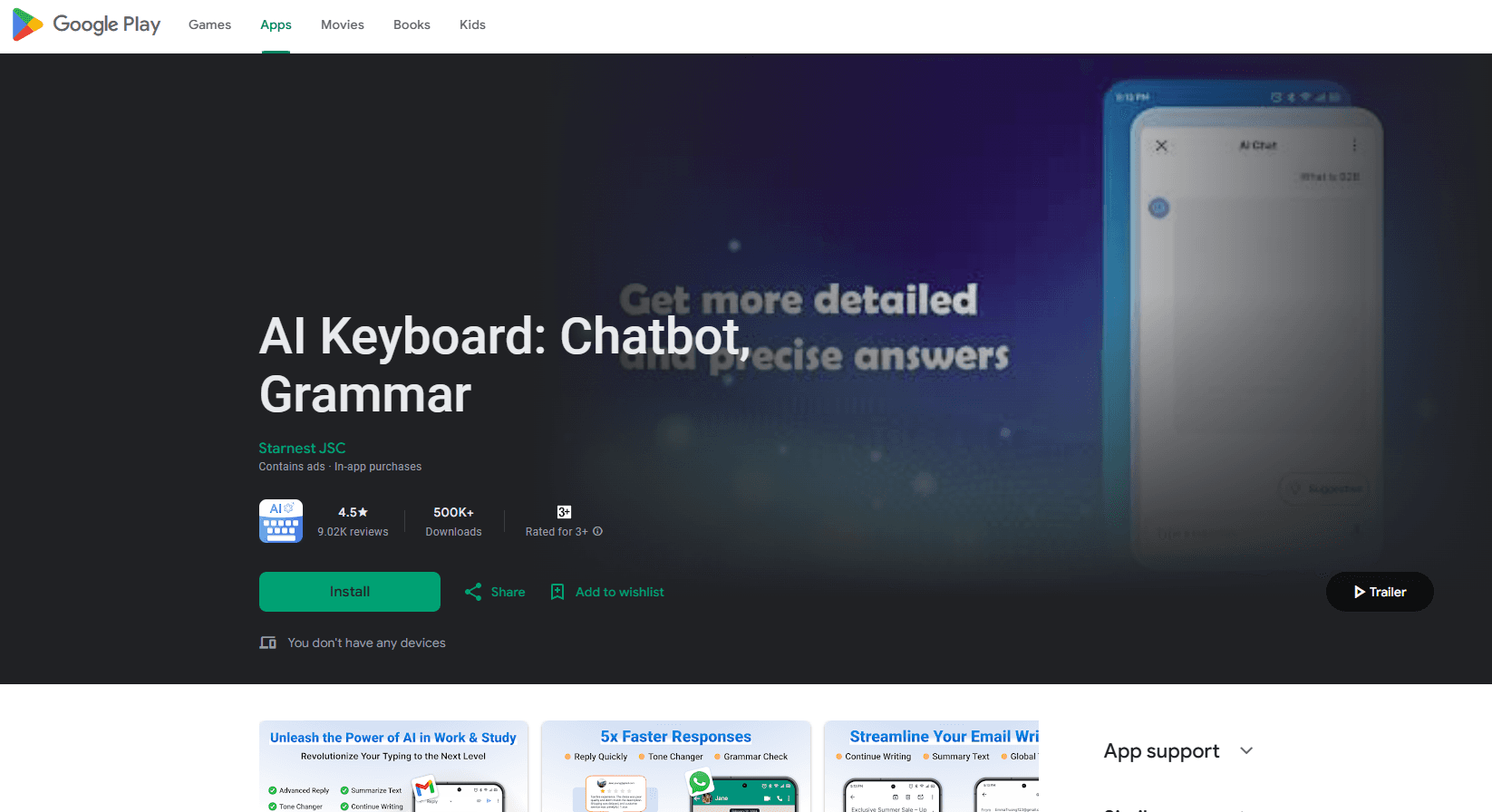
AI Keyboard: Writer, Grammar is an Android keyboard app that adds GPT-4o mini writing help and grammar checking to any app where you type.
About AI Keyboard: Writer, Grammar
What Is AI Keyboard: Writer, Grammar
AI Keyboard: Writer, Grammar is a keyboard replacement for Android made by Starnest JSC. It sits on top of your normal typing surface and adds GPT-4o mini and GPT-4o features: grammar correction, tone changes, automatic replies, paraphrasing, and translation. You keep using Gmail, WhatsApp, Instagram, or a notes app, and the AI tools appear right above the keys.
The problem it targets is scattered writing work. People bounce between a grammar site, a translator, and a chatbot, then paste everything back by hand. This keyboard puts those jobs in one strip of buttons, so fixing a sentence or replying to a message takes a tap instead of a browser tab. It also ships more than 100 topic bots plus a builder for your own, which covers the chatbot side.
The main limits are platform and language. It runs on Android only, so iPhone users are out. Grammar focus is strongest on English, and while it handles other languages, the polish is uneven. The app also shows ads and leans on GPT-4o mini for speed, which matters when you need a long document rewritten rather than a short message.
Getting Started
- Install AI Keyboard: Writer, Grammar from Google Play and open it.
- Enable the keyboard in Android settings, then set it as your default input method.
- Grant the permissions the app asks for, including network access for the GPT calls.
- Type in any app and tap the AI button above the keys to check grammar, change tone, reply, or translate.
- Save words, phrases, or bots you reuse in the keyboard's own panels.
Product Information
A quick look at AI Keyboard: Writer, Grammar's pricing, supported platforms, and performance.
Best for
The users, tasks, and scenarios where this tool fits best.
Users
- Students
- Non-native English speakers
- Social media managers
- Small business owners
Tasks
- Fixing grammar before sending
- Rewriting a message in a new tone
- Replying to messages fast
- Translating documents and images
- Drafting short emails
Scenarios
- Replying to a backlog of chat messages
- Polishing a cover letter or resume
- Reading a foreign job post or menu photo
- Running a small store's customer chat
Key features
Grammar and Spelling Check
The keyboard scans what you type and marks grammar and spelling errors as you go. Each fix comes with a short explanation, so you see why the change was made instead of just accepting it. This is aimed at work emails and day-to-day writing where a stray error looks careless.
Tone Changer
You pick the text and choose a tone, from formal to casual, and the app rewrites it to match. It helps when the same message needs a polite version for a client and a relaxed one for a friend. The rewrite is a starting point you can edit, not a locked result.
AI Reply
AI Reply reads the message you're answering and suggests replies that fit the context. It saves time on routine chats where you already know the gist but still need to type it out. You can send the suggestion as is or tweak it first.
Paraphrase Tool
The paraphrase tool reworks your sentences and offers a new way to say the same thing. It's useful for cutting repetition in a draft or finding a clearer phrasing when a line reads awkwardly. You compare the options and keep the one that sounds right.
Translation From Image, Document, and PDF
Beyond typed text, the keyboard pulls words out of images, documents, and PDF files and translates them. That covers reading a product label, a scanned contract, or a photo of a sign. It removes the copy-paste trip to a separate translator.
Bot Assistant Library and Custom Bots
The app includes more than 100 bots grouped by topic, from office tasks to travel and language learning. You can add the ones you want to the keyboard and also build your own bot with a custom prompt. This is the way to keep a repeatable workflow, like a fixed interview-prep helper, one tap away.
Chatbot Access in Any App
A built-in AI chatbot answers questions on any topic without leaving the app you're in. It runs on the GPT API, so answers arrive quickly while you type. It's handy for a quick fact or a phrasing idea mid-conversation.
Themes, Fonts, and Emojis
You can reskin the keyboard with about 100 themes and 60 fonts, and there are more than 2,000 emojis to pick from. It matters for people who post on social media and want the input bar to match their feed. The options live in the keyboard settings.
Pros and cons
Pros
- Works across most Android apps, so the same tools show up in email, chat, and notes.
- Grammar fixes come with explanations, which helps you improve rather than just patch.
- The bot library covers many topics, and custom bots let you build your own.
- Translation reaches images, documents, and PDFs, not just typed words.
- Free to start, with the paid range running from $4.99 to $80.99.
Cons
- Android only, so there's no iOS version for iPhone users.
- Shows ads, which interrupts typing unless you pay.
- Grammar quality is strongest in English and less reliable in other languages.
- Long-form rewriting leans on GPT-4o mini, so it's better suited to short messages than full documents.
Frequently asked questions
It's an Android keyboard that adds AI writing help to any app you type in. You use it to check grammar, change tone, reply to messages, paraphrase, and translate without opening other tools.
Related content
Explore related tools, skills, and articles for AI Keyboard: Writer, Grammar.
AI Keyboard: Writer, Grammar Alternatives

Google EmbeddingGemma 2
Google DeepMind · Writing · Image · CodingGoogle EmbeddingGemma 2 is a 740M-parameter open model that turns text, code, images, audio, and video frames into vectors in one 768-dimension space, running on phones and laptops.

MePersona
MePersona, Inc. · Writing · Productivity · MarketingMePersona is an AI unified inbox for creators. It learns your voice, drafts replies to fan messages from 12 platforms, and sends only what you approve.

Fluence
Yay Software (Yannick Huchard) · Writing · Voice & Language · ProductivityFluence is an Android app that reads PDFs, EPUBs, Word files and web articles aloud, follows each sentence as it speaks, and answers questions about the text on the phone itself.