

AI Perfect Assistant
OOO RD17 · Writing · Productivity
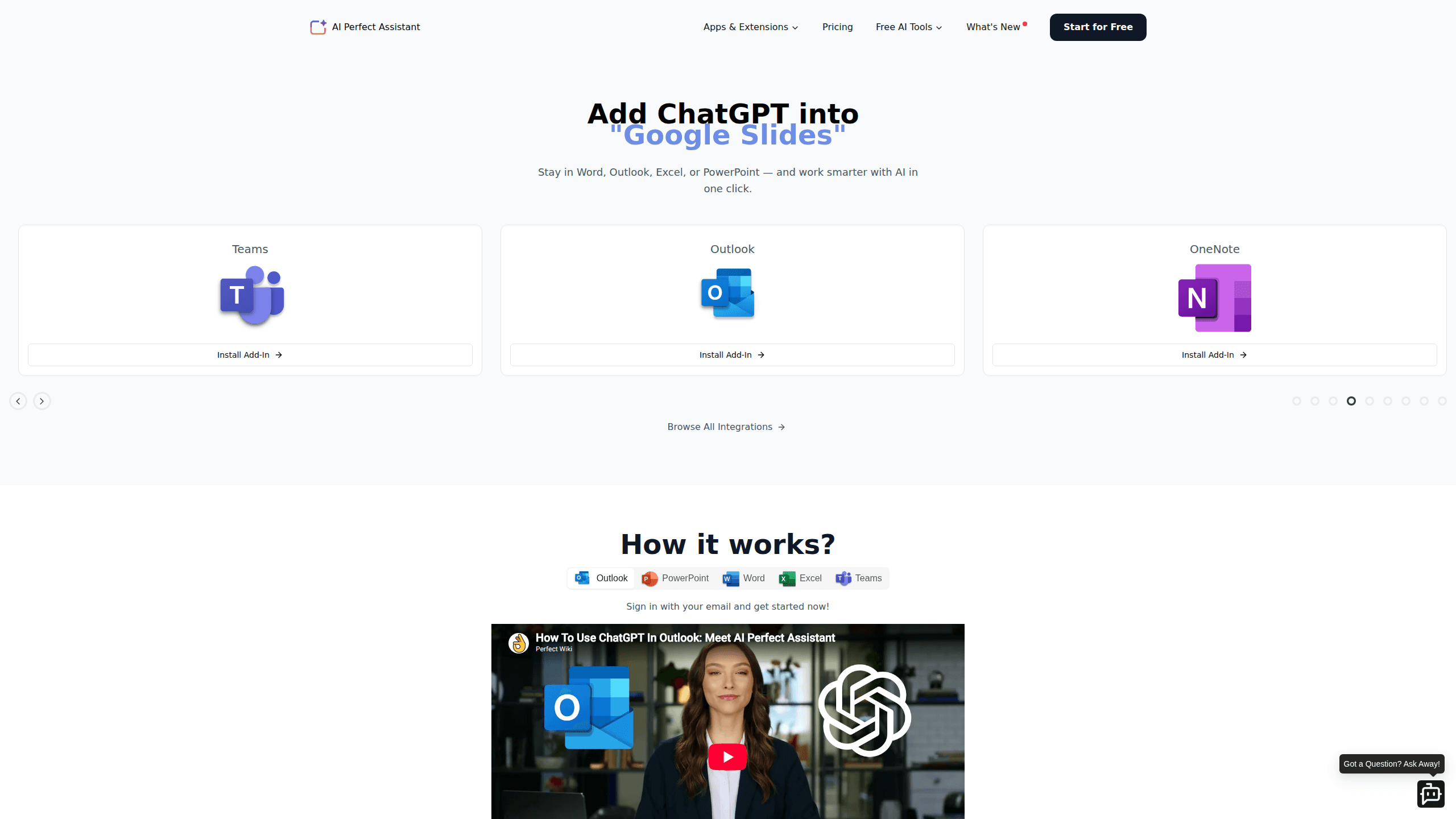
AI Perfect Assistant is a ChatGPT-powered add-in that puts an AI writing and productivity assistant directly inside Microsoft Word, Excel, PowerPoint, Outlook, Teams, and OneNote. Instead of copying text into a browser tab, you draft, rewrite, translate, summarize, and build slides from a connected sidebar while you keep working in the same window. It ships with 60+ built-in tools and prompt templates aimed at people who live in Microsoft 365 all day. Short version: it's an AI assistant for Microsoft 365 that never leaves your document.
About AI Perfect Assistant
What Is AI Perfect Assistant
AI Perfect Assistant is an add-in for Microsoft 365 that connects your documents to a ChatGPT-based model. It was built by OOO RD17, and its whole pitch is staying inside the app you already have open. You highlight a paragraph in Word, click a tool, and get a rewrite, a summary, or a translation in place. Excel users get formula generation and plain-language explanations. PowerPoint users get outlines and text-to-slides.
The product solves one specific annoyance: the copy-paste loop between a document and a separate chatbot window. Staying in Word or Outlook means your formatting survives and your train of thought doesn't break every time you need a second opinion on a sentence. That tiny friction, repeated across a full workday of emails, drafts, and spreadsheets, adds up to more lost time than most people realize.
Is it free? No. You need an active subscription and an account before the add-in does anything useful, and the company states that all sales are final, with no refunds issued for subscription payments once the service has been consumed. So it makes the most sense if you already pay for Microsoft 365 and write for a living. Test the output on your own files before you commit.
Getting Started
- Create an account on the AI Perfect Assistant website using your email.
- Install the add-in from the Microsoft marketplace for the apps you use, such as Word, Excel, or Outlook.
- Sign in with the same account so the sidebar picks up your subscription.
- Open a document, select text, and pick a tool or prompt template from the side panel.
- Review the output, then apply it, insert it, or copy it into your document.
Product Information
A quick look at AI Perfect Assistant's pricing, supported platforms, and performance.
Best for
The users, tasks, and scenarios where this tool fits best.
Users
- Microsoft 365 power users
- Non-native English speakers
- Content and marketing teams
Tasks
- Rewriting and improving drafts
- Generating Excel formulas
- Turning text into slides
Scenarios
- Last-minute email edits
- Building a presentation from notes
- Translating a shared document
Key features
In-app writing tools for Word and Outlook
The core of this add-in is in-app writing help that runs inside your document. You can paraphrase, shorten, change tone, fix grammar, or expand a single line into a full draft. Your text stays put. No rebuild, no reformatting.
Excel formula generation and explanations
Excel users can describe a calculation in plain, everyday language and get a formula back, along with a short explanation of what each part of the formula actually does. That's genuinely useful if you know what result you need but blank on the syntax. It won't fix a messy spreadsheet for you. It does remove the guesswork around functions. And that alone saves a lot of Googling.
PowerPoint outlines and text-to-slides
The add-in can turn an outline or a long block of text into a slide structure in PowerPoint, which means you can turn text into slides without chopping content into sections by hand and rebuilding the layout from scratch. You still own the design and the final polish. Teams that present regularly, especially those who build a fresh deck every week from a written brief, will get the most out of this.
Prompt templates, tone, and style controls
Rather than starting from a blank prompt box, you pick from templates and set language, writing style, and tone before generating. A content manager quoted on the company's site said this is what makes blog writing easier. It's a small thing, but it cuts the number of prompt rewrites you need. Fewer retries, better output.
60+ tools in one sidebar
The add-in bundles more than 60 Office AI tools, covering translation, summarizing, copywriting, and rewriting among others, so a single login gives you a toolbox that would otherwise mean juggling several separate subscriptions and browser tabs. Having them in one panel within Microsoft 365 beats juggling half a dozen browser bookmarks, and it keeps a consistent interface across apps. One sidebar. Every app.
Pros and cons
Pros
- Runs inside Microsoft 365 apps, so Word, Excel, Outlook, and PowerPoint work without a browser switch.
- Bundles 60+ tools and prompt templates in a single sidebar, covering writing, translation, and slides.
- Sets up in a few steps through your Microsoft account and a marketplace install.
- Company states it's GDPR compliant, encrypts data, and doesn't store your Office documents or emails.
- Formula explanations make Excel approachable for people who aren't spreadsheet experts.
Cons
- No free plan, and subscriptions are billed upfront, so you can't use it long-term without paying.
- All sales are final, which means a plan that doesn't fit your workflow is money lost.
- No public API, so you can't wire it into custom tools or automate it outside the supported apps.
Frequently asked questions
Yes. The add-in requires an active account, and the company says sales are final with no refunds on subscription payments. There isn't a persistent free tier, so treat it as a paid tool from the start.
Related content
Explore related tools, skills, and articles for AI Perfect Assistant.
AI Perfect Assistant Alternatives

Google EmbeddingGemma 2
Google DeepMind · Writing · Image · CodingGoogle EmbeddingGemma 2 is a 740M-parameter open model that turns text, code, images, audio, and video frames into vectors in one 768-dimension space, running on phones and laptops.

MePersona
MePersona, Inc. · Writing · Productivity · MarketingMePersona is an AI unified inbox for creators. It learns your voice, drafts replies to fan messages from 12 platforms, and sends only what you approve.

Fluence
Yay Software (Yannick Huchard) · Writing · Voice & Language · ProductivityFluence is an Android app that reads PDFs, EPUBs, Word files and web articles aloud, follows each sentence as it speaks, and answers questions about the text on the phone itself.