

FunBlocks AI Markdown Editor
FunBlocks AI · Writing
FunBlocks AI Markdown Editor is a web-based writing tool that pairs a clean markdown editor with a built-in AI assistant. You type `/` or `@AI` inside the editor to draft full articles from a topic, rewrite any selected paragraph, or polish rough prose. No switching tabs. No copy-paste loop. It's a distraction-free editor aimed at writers, researchers, students, and technical writers who want AI help in long-form content without the clutter of a traditional word processor.
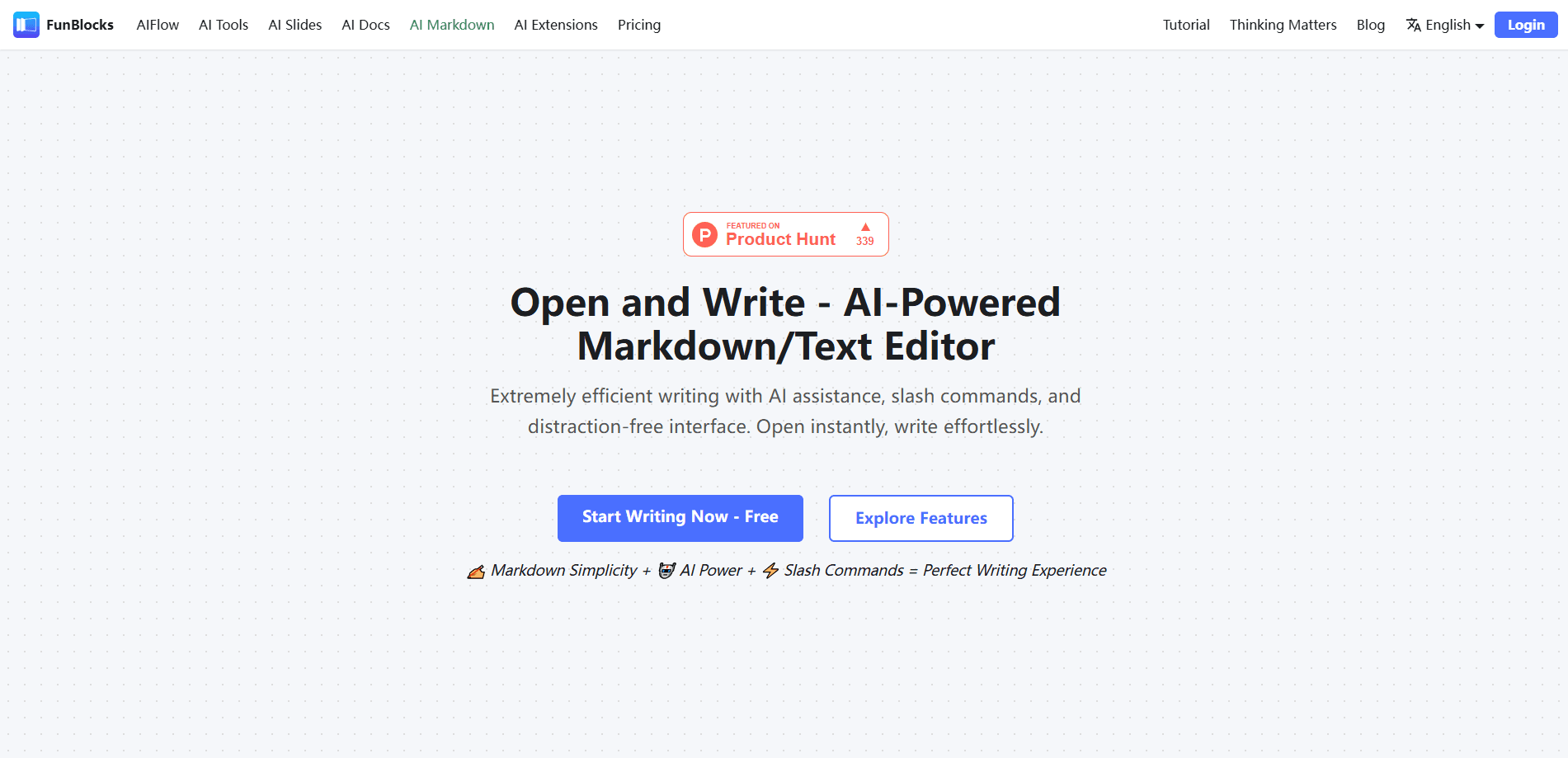
About FunBlocks AI Markdown Editor
What Is FunBlocks AI Markdown Editor
FunBlocks AI Markdown Editor is an online markdown editor built by FunBlocks AI, the team behind the MindMax mind map tool and a set of browser extensions. The idea is simple: markdown keeps formatting out of your way, and an AI assistant reaches the parts of writing that slow people down, like blank-page starts, awkward sentences, and tedious reformatting.
It solves a specific annoyance. Most AI writing helpers live in a separate chat window, so you copy text out, paste it back, and lose your place. Here the assistant sits inside the editor, invoked with a slash command or a quick @AI mention on any selection. It's a small difference that changes how often you actually use it.
The main limits are worth knowing up front. AI actions run on a credit system, so heavy use on the free tier runs out during a long session. The editor is web-based, so you'll be writing in a browser tab rather than a native desktop app. Is offline writing an option? Not really, and that's a fair trade for staying lightweight.
Getting Started
- Open the FunBlocks AI Markdown Editor in your browser and sign in, or start writing if you don't need to save yet.
- Create a new document and type as normal. Markdown formatting applies as you go, with a live preview beside the text.
- Type
/to open the command menu for formatting or AI actions, or select text and type@AIto draft, rewrite, or expand it. - Polish the result, then export to PDF, an image, or a local file, or save it straight to FunBlocks Workspace.
Product Information
A quick look at FunBlocks AI Markdown Editor's pricing, supported platforms, and performance.
Best for
The users, tasks, and scenarios where this tool fits best.
Users
- Writers and bloggers
- Students and academics
- Technical writers
Tasks
- Drafting a full article from a topic prompt
- Rewriting and polishing selected paragraphs
- Generating outlines
- Converting formats
Scenarios
- Starting a blog post you've been avoiding
- Cleaning up a messy report
- Taking notes during research
Key features
Slash Commands and @AI Access
Type / anywhere in the document to pull up a command menu for formatting and AI actions. For a specific job, select text and type @AI to have the assistant draft, rewrite, or expand just that part. The point is staying in the keyboard flow. No menus to hunt through. No copy-paste into a separate tool.
Built-In AI Writing Assistant
The assistant generates complete articles from a topic, polishes existing prose, and expands thin sections on request. It's accessible everywhere in the editor, from slash commands or a direct @AI mention, so help is one keystroke away instead of a separate app. Critical-analysis prompts are also available for people who want the AI to question an argument, not just smooth it out.
Distraction-Free Markdown Interface
The interface stays minimal on purpose. You open a document and start writing. Nothing else competes for attention. Live preview shows the formatted result as you type, and markdown means formatting takes a few characters rather than a toolbar, which keeps your attention on the words and not the layout.
Keyboard-First Workflow
Every common action, from heading levels to AI requests, is reachable from the keyboard. Writers who type fast don't have to break stride to reach for a mouse, and markdown beginners get a gentler on-ramp because the slash menu lists what's available.
Export and Format Conversion
Finished drafts export to PDF, images, or local files, or save straight into FunBlocks Workspace with one click. You can also turn content into slides for a presentation or open a canvas to brainstorm alongside the text. Real-time preview means what you see before exporting is what you get.
Tables, Math, and Diagram Support
The editor handles tables, mathematical expressions, and diagrams, which pushes it past basic note-taking into academic and professional writing. That matters if your work includes formulas or structured data that plain text editors choke on.
Pros and cons
Pros
- The AI assistant lives inside the editor, so you avoid the copy-paste loop most AI writing tools force on you.
- Slash commands and `@AI` keep most actions on the keyboard, which suits fast typists.
- Markdown plus live preview gives clean, portable output that's easy to move between tools.
- A free tier with daily AI credits lets you test the workflow before paying anything.
- Export options cover PDF, images, and workspace storage, so finished work isn't locked in.
Cons
- AI actions burn through credits, so heavy drafting on the free plan runs out mid-session.
- It's web-based only. There's no native desktop or mobile app, so you need a browser and a connection.
- Feature set leans toward long-form text. If you need spreadsheet-style data work, this isn't that.
Frequently asked questions
It's for writing and editing long-form content in markdown while an AI assistant handles drafting, rewriting, and polishing. Bloggers, students, and technical writers use it to move from a topic to a finished draft faster.
Related content
Explore related tools, skills, and articles for FunBlocks AI Markdown Editor.
FunBlocks AI Markdown Editor Alternatives

Emailwritr
Emailwritr · Writing · MarketingEmailwritr is an AI email copywriting tool built for affiliates, course creators, and online businesses that want more revenue from the list they already own. Instead of blank pages or generic chatbot prompts, this AI email writer generates welcome sequences, launch campaigns, cart recovery emails, and promo series from frameworks modeled on well-known direct-response copywriters. You connect your autoresponder, answer a few questions about your offer, and it writes the copy for you.

Swms
Swms AI · Writing · Productivity · BusinessSwms is an AI safety compliance tool that turns a plain description of a job into ready-to-use safety documents. Describe your project, trade, and known hazards, and it writes a safe work method statement, job hazard analysis, safe work procedure, RAMS, or safety data sheet in seconds. It also ships with Oscar, a chat assistant that answers workplace safety questions in any language. Teams in construction, mining, transport, and warehousing use it to cut the paperwork that usually eats into a workday.

Prosp
Prosp · Writing · Voice & Language · MarketingProsp is an AI LinkedIn outreach tool built for agencies and sales teams, and it writes the message and the voice note in your own voice for each prospect so they actually reply. You connect your accounts, find leads, and let the AI draft and send personalized messages at scale, all from one inbox. It's built for people running outbound at volume. That's the whole pitch. Every touchpoint still has to feel human.