

AI Question Answer
webrobots · Coding
AI Question Answer is a free Chrome extension that answers questions you type or capture in a screenshot, and it shows the reply in a sidebar without pulling you away from the page.
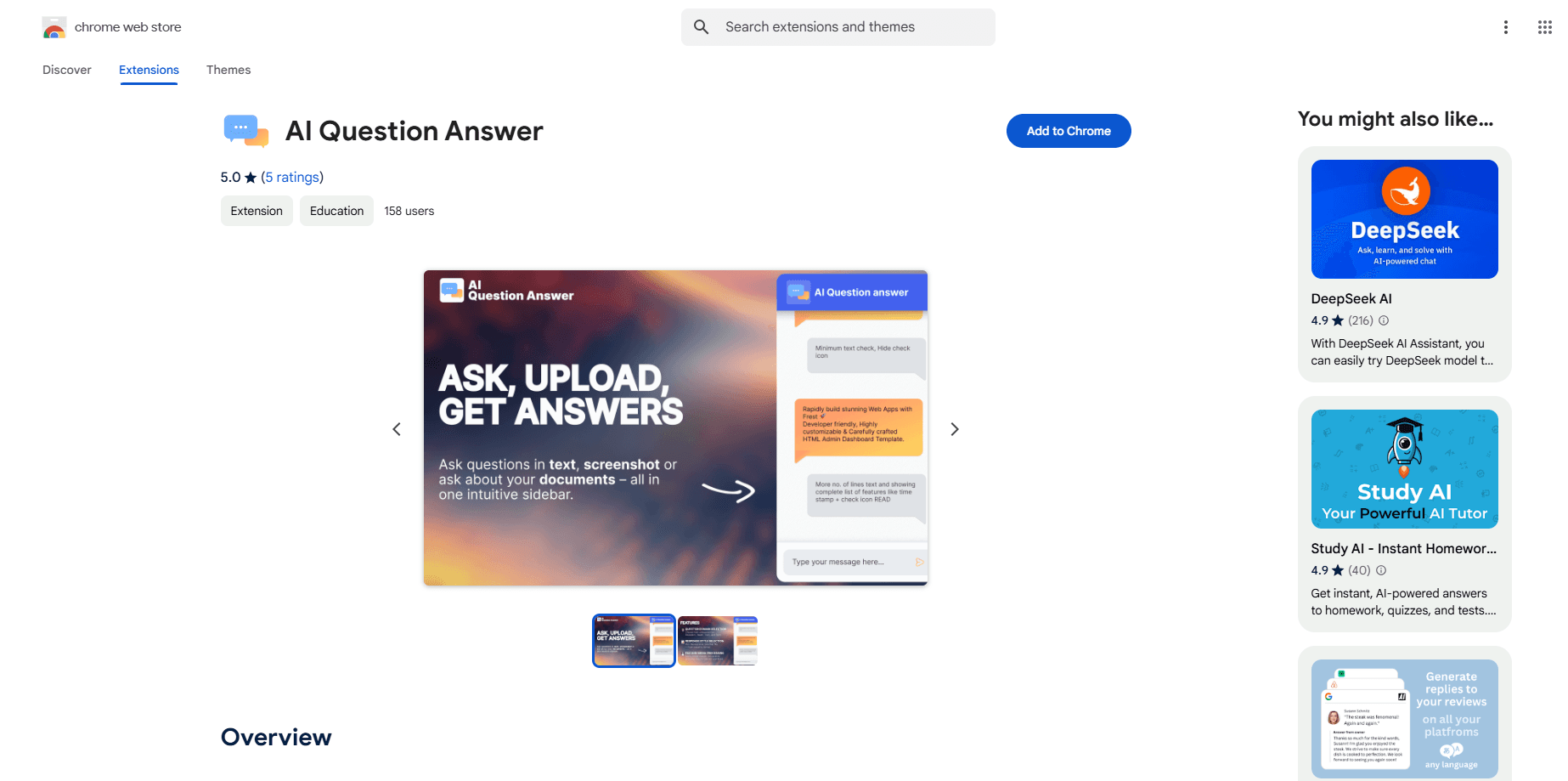
About AI Question Answer
What Is AI Question Answer
AI Question Answer is a Chrome extension made by webrobots that answers questions inside your browser. You type an inquiry or take a screenshot of one, and the extension returns a response through a sidebar that stays open next to the page you're reading. It is a free tool with no signup step, and its Chrome Web Store listing sits at 5.0 out of 5 stars.
The extension is built for the moments when a quick answer would save a tab switch. You're reading a long article, watching a lecture, or stuck on a line of text you don't follow, and instead of opening a new window and retyping the whole passage, you hand the question to the sidebar. That is the entire idea behind it, and it keeps the interaction short.
Two things help you set expectations. The tool is a Chrome extension only, so it runs in the Chrome browser and is not offered as a mobile app or a standalone site. And it ships as a small, single-purpose utility at version 1.0.0, so you should judge it as a lightweight assistant, not a full research workspace.
Getting Started
- Open the AI Question Answer page on the Chrome Web Store and add the extension to Chrome
- Click the extension icon to open its sidebar next to the page you're viewing
- Type your question into the input field, or capture a screenshot of the question on screen
- Read the answer in the sidebar and keep working on the page without switching tabs
Product Information
A quick look at AI Question Answer's pricing, supported platforms, and performance.
Best for
The users, tasks, and scenarios where this tool fits best.
Users
- Students working through unfamiliar material
- Readers and researchers skimming long articles
- Anyone who reads in Chrome daily
- Curious general users
Tasks
- Text questions
- Screenshot questions
- Topic explanations
- Quick reference checks
- Cross-topic lookups
Scenarios
- You are reading an article and hit a term you don't know
- You are watching a lecture with on-screen notes
- You are studying alone at night and nobody is around to explain a line
- You are comparing a few sources and want one definition confirmed
- You land on a dense PDF in Chrome
Key features
Ask With Text or a Screenshot
The extension takes questions in two forms. You can type an inquiry into the input field, or you can capture a screenshot of a question that is already on your screen. The screenshot path matters when the question is hard to retype, like a formula, a chart label or a paragraph buried in a long PDF. Both routes end in the same place, an answer shown in the sidebar.
Answers in a Sidebar, Not a New Tab
Every response appears in a sidebar that opens next to your current page. This is the feature that shapes how you use the tool. You don't lose the article, lecture or document you were reading, and you don't shuffle between windows to copy text back and forth. The answer sits beside the source, which keeps the whole exchange in one view.
Instant Answers on Any Subject
The tool is positioned as a general assistant rather than a subject-specific one. Its store listing says it handles a wide range of queries, from technology and health topics to creative writing prompts, and it aims to explain complex subjects in simple terms. That range is what makes it useful for casual lookups across different areas rather than for one narrow task.
A Lightweight, Free Utility
AI Question Answer is free and needs no account to use. There is no paid tier listed on the Chrome Web Store page, so the extension is meant to be a small helper you add once and keep. It runs at version 1.0.0, which tells you it is an early, focused build and not a large suite with a long feature list.
One-Click Access Inside Chrome
Because it is a Chrome extension, it lives in the browser toolbar. You open it with a click and it works on the pages you already have open. There is nothing to install on your desktop and no separate app to launch, which keeps the friction low for a tool you reach for in short bursts.
Simple, Beginner-Friendly Explanations
The extension targets clarity over depth. Its aim is to break a subject down so a reader without background knowledge can follow it, which suits students and casual readers more than specialists who need cited sources. If you want a plain answer to a plain question, that focus works in your favor.
Pros and cons
Pros
- Free to use with no signup, so there is nothing to set up before you ask your first question
- Accepts both typed questions and screenshots, which covers questions you would rather not retype
- Shows answers in a sidebar, so you keep the page you were reading in view
- Works for a broad range of subjects instead of a single narrow topic
- Stays inside Chrome, so there's no separate app to install or launch
Cons
- Chrome only, with no mobile app or standalone website for other browsers or devices
- Early build at version 1.0.0, so the feature set is small and still maturing
- No published detail on the underlying AI model or where your questions are processed
- No paid tier or advanced options listed, which limits it to basic question and answer use
Frequently asked questions
AI Question Answer is a free Chrome extension from webrobots that answers your questions inside the browser. You enter an inquiry as text or as a screenshot, and the extension returns an answer in a sidebar next to the page you're on, so you don't have to open a new tab.
Related content
Explore related tools, skills, and articles for AI Question Answer.
AI Question Answer Alternatives

Base Code
Base44 (Wix) · Coding · ProductivityBase Code is a shared cloud development environment from Base44. Teammates describe changes to an existing GitHub codebase in chat, preview them live and send them back as pull requests.

Google EmbeddingGemma 2
Google DeepMind · Writing · Image · CodingGoogle EmbeddingGemma 2 is a 740M-parameter open model that turns text, code, images, audio, and video frames into vectors in one 768-dimension space, running on phones and laptops.

GitGlow
GitGlow · Coding · ProductivityGitGlow is a local-first desktop Git client that lets independent developers review their own code and their AI agents' changes in one place before shipping.