

AI Screenwriting Tool
Wryter Inc. · Writing
AI Screenwriter is a browser-based writing room from Wryter Inc. that drafts and rewrites screenplay pages, keeps character voice and continuity in check, and exports to Final Draft, PDF, or Fountain.
About AI Screenwriting Tool
What Is AI Screenwriter
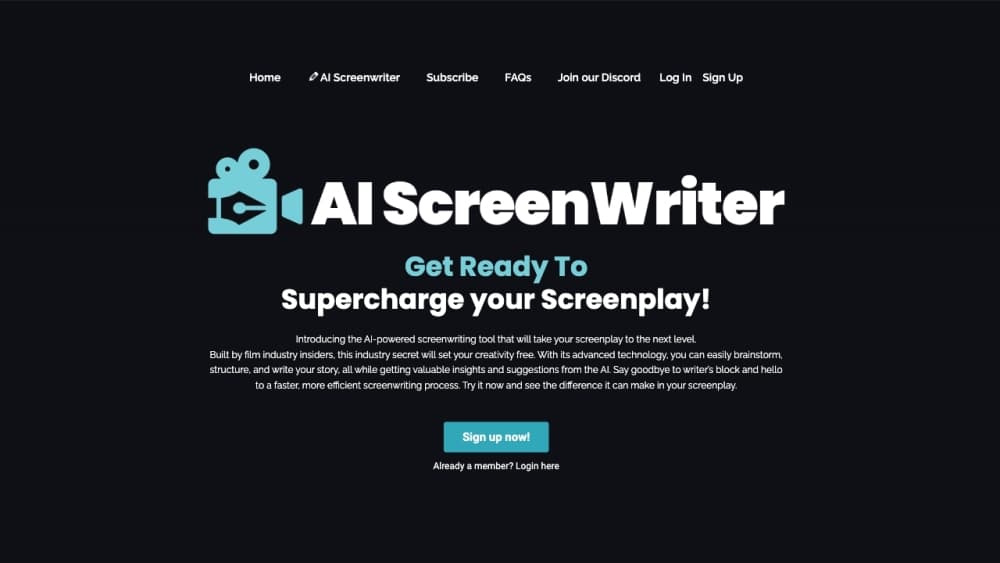
AI Screenwriter is an AI screenwriting tool built for people who write scripts for film and television. It runs in the browser and puts a drafting engine, a character system, and a formatted script page in the same workspace. Wryter Inc. ships it as an early access product, so signup happens through the site rather than an app store.
The pitch is narrow on purpose. Most AI writing tools hand you a prompt box and a blank chat window, which works for a scene and falls apart across 110 pages. This one keeps the story state around: who the characters are, how they talk, what happened in act one. The First Draft Generator then writes pages that respect those constraints, and a rewrite pass flags lines that sound off for the character.
The limits matter too. It is web only, the company has not published pricing, and there is no public API documentation. Writers who need offline access or a studio pipeline integration will have to wait or look elsewhere.
Getting Started
- Request access on aiscreenwriter.io. The product is in early access, so you join a list rather than start a trial on the spot.
- Set up the project with a title, format, and genre. Feature, half hour, and limited series all take different page structures.
- Build the story in the outliner. Break the idea into acts and scenes, then let the scene breakdown tool expand each beat.
- Fill in the character bible. Voice notes, speech habits, and backstory here are what the drafting engine reads when it writes dialogue.
- Draft, rewrite, and export. Work scene by scene, run a rewrite pass on flat lines, then send the script out as PDF, Final Draft, or Fountain.
Product Information
A quick look at AI Screenwriting Tool's pricing, supported platforms, and performance.
Best for
The users, tasks, and scenarios where this tool fits best.
Users
- Screenwriters stuck in the middle of a draft
- Showrunners and story teams building a series
- Producers and script readers triaging material
Tasks
- Writing a first draft from an outline
- Fixing dialogue that sounds generic
- Keeping continuity across episodes
- Adapting or translating an existing script
Scenarios
- A feature writer with 40 pages and no ending
- A writers room breaking season two
- A production company reviewing submissions
Key features
First Draft Generator
The generator writes full scenes, not fragments, and it writes them in screenplay formatting with sluglines, action, and dialogue already in place. You feed it a beat from the outline and a character or two, and it returns pages you can cut, reorder, or keep. That changes the job from typing a draft to editing one, which is faster for most writers and worse for anyone who needs to hear the scene in their own voice first.
AI Outliner and Scene Breakdown
The outliner works at the act and sequence level, and the scene breakdown tool expands a one line idea into the beats a scene needs. Both stay editable, so the structure is a draft document rather than a fixed template. For a series, the same view maps episodes against the season arc, which makes it obvious when a middle episode has nothing to do.
Character Bible and Voice Control
Every character gets a profile with backstory, speech habits, and the things they would never say. When the AI script writer generates or rewrites a line, it reads those notes and adjusts diction, sentence length, and attitude. The result is dialogue that sounds like the same person across scenes, which is the failure mode of generic chat models.
Continuity Tracking
The tool keeps a running record of props, physical details, and events from earlier scenes, then flags a page that contradicts them. A character who ordered pancakes in scene four still has the syrup bit available in scene twenty seven. On a feature this saves a pass. On a season it saves an embarrassment.
Script Coverage
Coverage returns structured notes on plot, characters, dialogue, pacing, and marketability, in the shape a studio reader would deliver them. It is useful for a first filter on a stack of submissions, and useful for your own draft when three friends have already told you it is great.
Show Bible Generator
Series work needs a document that outlives the pilot. This tool builds character profiles, world building notes, episode summaries, and season arcs from the script you already have. Writers room staff can then work from the same source instead of asking which version of the timeline is current.
Formatting, Exports, and Media Tools
Pages hold industry standard margins, sluglines, and page breaks without you touching a ruler. Export goes to PDF, Final Draft, and Fountain, so the script moves into whatever the production side already uses. The same workspace also carries image, video, and text tools, which means a scene can be storyboarded or given a rough look without opening another app.
Pros and cons
Pros
- The drafting engine reads story state, so generated pages keep character voice and prior events instead of resetting every prompt.
- Formatting and Fountain export mean the output goes straight into existing screenplay writing software workflows.
- Coverage and show bible tools cover work that usually eats a separate pass or a separate paid reader.
- The writing room model fits teams. Several writers can draft against one set of character and continuity notes.
- Early access signup is open and the free plan lets you test the drafting quality before committing.
Cons
- No price is published. You cannot budget for a season or compare it against Final Draft without asking the company directly.
- There is no public API, so studios that want the tool inside a custom pipeline are stuck with the web app.
- Browser only means no offline drafting, which hurts on location or on a laptop without reliable Wi Fi.
- It is a young product with a short public track record, and the media sandbox features are broader than they are deep.
Frequently asked questions
It is used to outline, draft, rewrite, and format film and TV scripts in a browser. The core loop is outline to scene breakdown to generated pages to a rewrite pass, with coverage and a show bible as supporting tools.
Related content
Explore related tools, skills, and articles for AI Screenwriting Tool.
AI Screenwriting Tool Alternatives

Google EmbeddingGemma 2
Google DeepMind · Writing · Image · CodingGoogle EmbeddingGemma 2 is a 740M-parameter open model that turns text, code, images, audio, and video frames into vectors in one 768-dimension space, running on phones and laptops.

MePersona
MePersona, Inc. · Writing · Productivity · MarketingMePersona is an AI unified inbox for creators. It learns your voice, drafts replies to fan messages from 12 platforms, and sends only what you approve.

Fluence
Yay Software (Yannick Huchard) · Writing · Voice & Language · ProductivityFluence is an Android app that reads PDFs, EPUBs, Word files and web articles aloud, follows each sentence as it speaks, and answers questions about the text on the phone itself.