

AI SmartTalk
AI SmartTalk · Marketing · Chatbot
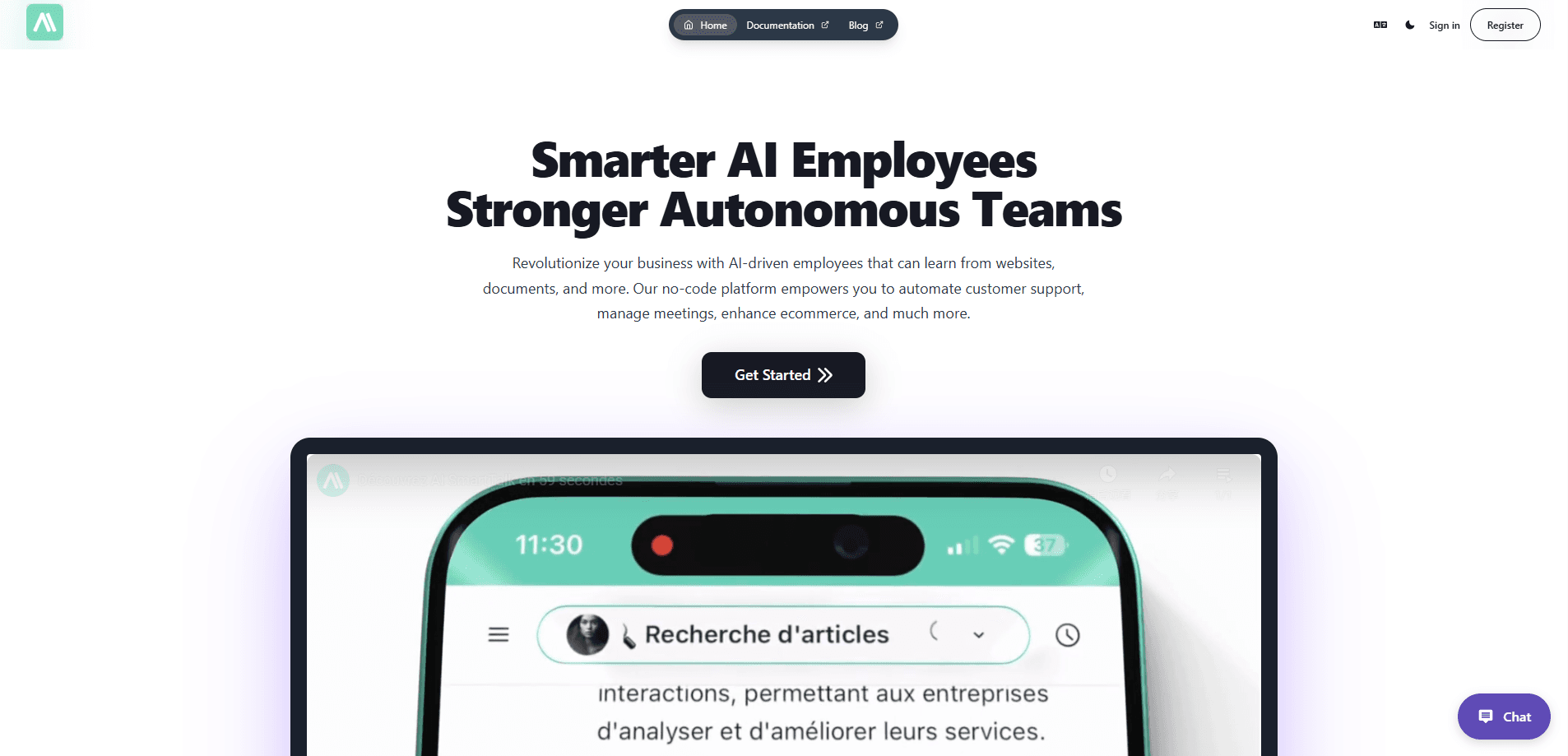
AI SmartTalk is an AI customer support platform that connects one agent to seven channels, from WhatsApp and Instagram to voice, and answers customers in 37 languages. It's built for teams that want customer service automation without bolting a scripted bot onto their inbox. Setup runs through a visual drag-and-drop editor, so business teams can launch an AI support agent without writing code. No developers required.
About AI SmartTalk
What Is AI SmartTalk
AI SmartTalk is an AI customer support agent built by a French team that leans hard into European data residency. Instead of a decision-tree bot, it reasons over your own knowledge base in real time, so it can answer follow-ups and take actions like booking a meeting or passing a hot lead to a human. The pitch is simple. Automate the routine requests, keep people on the hard ones.
The platform connects to more than 30 tools you probably already use, including Slack, Shopify, WordPress, Jira, Google Drive, and Outlook, so the agent can pull answers from a live document or push an action straight into the apps your team already lives in. Everything is GDPR-native with EU hosting, and the company says your data never crosses the Atlantic and is never used to train models. Think of it as an omnichannel customer support hub rather than a single widget. That's the whole point. It isn't a general-purpose writing or image assistant.
The honest limits are worth naming. The lowest tiers cap how many AI words you get each month, so heavy traffic pushes you up the pricing ladder fast. And because so much depends on your own knowledge sources, the agent is only as good as the documents you feed it. Garbage in, garbage out.
Getting Started
- Create an account on the AI SmartTalk site. No credit card is needed to start the trial.
- Connect a knowledge source, such as your help center, a Google Drive folder, or a website page.
- Pick the channels you want live, from web chat to WhatsApp, Messenger, or voice.
- Shape the agent's flow in the visual SmartFlow editor and set its goals and tone.
- Test the agent, then turn on human handoff so your team can step in when needed.
Product Information
A quick look at AI SmartTalk's pricing, supported platforms, and performance.
Best for
The users, tasks, and scenarios where this tool fits best.
Users
- Small support teams
- European businesses
- Non-technical operations staff
Tasks
- Answering repeat questions
- Booking and qualifying
- Multilingual support
Scenarios
- Handling daily spikes in chat volume
- Night and weekend coverage
- Early-stage support setup
Key features
One Agent Across Seven Channels
AI SmartTalk puts web chat, WhatsApp, Instagram, Messenger, Discord, Slack, and voice behind a single agent. You configure the behavior once and it applies everywhere, which saves you from keeping separate bots in sync. For a small team, that's the difference between covering one channel well and covering all of them badly.
37-Language Support
The agent replies in 37 languages without you building a separate flow for each market. A customer writing in Spanish or Arabic gets an answer in their own language, drawn from the same knowledge base. If you sell internationally, this removes the need to hire native speakers just to cover routine questions. That adds up.
Visual SmartFlow Editor
SmartFlow is a drag-and-drop builder for shaping how conversations run. You set goals and logic by moving blocks around, and the platform handles the prompt engineering behind the scenes. Your operations team can change the agent's answers without touching code, which keeps updates fast when policies shift.
30+ Native Integrations
The platform connects to more than 30 tools, including Slack, Shopify, WordPress, Webflow, Jira, Google Drive, SharePoint, and Outlook. The agent can pull answers from a live document or push an action into a project tool. Slack and Jira are the ones most people reach for first, since they cover both internal questions and support tickets.
Human Handoff and Oversight
Every conversation is visible, and one click moves a chat to a human. You can edit the agent's logic, review what it said, and see where it struggled. The design assumes the AI proposes and your team approves, rather than leaving you with a black box you can't inspect. Not a fan of black boxes? Neither are they.
European Data Hosting
AI SmartTalk runs on EU infrastructure with French sovereign model options, and it says customer data never leaves Europe. A data processing agreement is available on request. Want a GDPR chatbot you can defend in a compliance review? This one is aimed straight at you. For businesses with strict residency rules, that's often the deciding factor over US-based support tools.
Pros and cons
Pros
- Seven channels and 30+ integrations in one platform, so you're not stitching together three separate subscriptions and hoping they stay in sync with each other.
- No-code setup means operations teams can launch and edit the agent without developer time.
- GDPR-native EU hosting with French model options suits privacy-conscious European businesses.
- One-click human handoff and visible conversations keep your team in control of the tone.
- Reusable answers in 37 languages reduce the cost of supporting international customers.
- The omnichannel customer support model feeds every channel from one knowledge base.
Cons
- Monthly AI word limits scale with price, so high-volume traffic pushes costs up quickly, and a sudden campaign spike can burn through your allowance faster than you expect.
- The agent depends heavily on your knowledge sources, and thin or outdated documentation leads to vague, unhelpful answers that can frustrate customers more than a simple holding message would.
- It's focused on customer support rather than general content or creative tasks, so it won't replace a writing assistant.
Frequently asked questions
It's used to automate customer conversations across chat, voice, and messaging channels. Teams connect their own knowledge base, and the agent answers routine questions, books meetings, and hands complex cases to a person.
Related content
Explore related tools, skills, and articles for AI SmartTalk.
AI SmartTalk Alternatives

ngram 2.0
ngram · Video · Marketingngram 2.0 is an AI video generator for teams. It turns a prompt, a screen recording, or a product URL into a narrated explainer, product demo, or AI avatar video, and every scene stays editable.

shippedit.me
Krawlup · Marketing · Businessshippedit.me now redirects to Krawlup, a web platform that audits SEO, AEO and page speed every week, then hands the fixes to AI coding agents over MCP.

MePersona
MePersona, Inc. · Writing · Productivity · MarketingMePersona is an AI unified inbox for creators. It learns your voice, drafts replies to fan messages from 12 platforms, and sends only what you approve.