

AI Song Generator - Jukebox
GenerateSongAI · Voice & Language
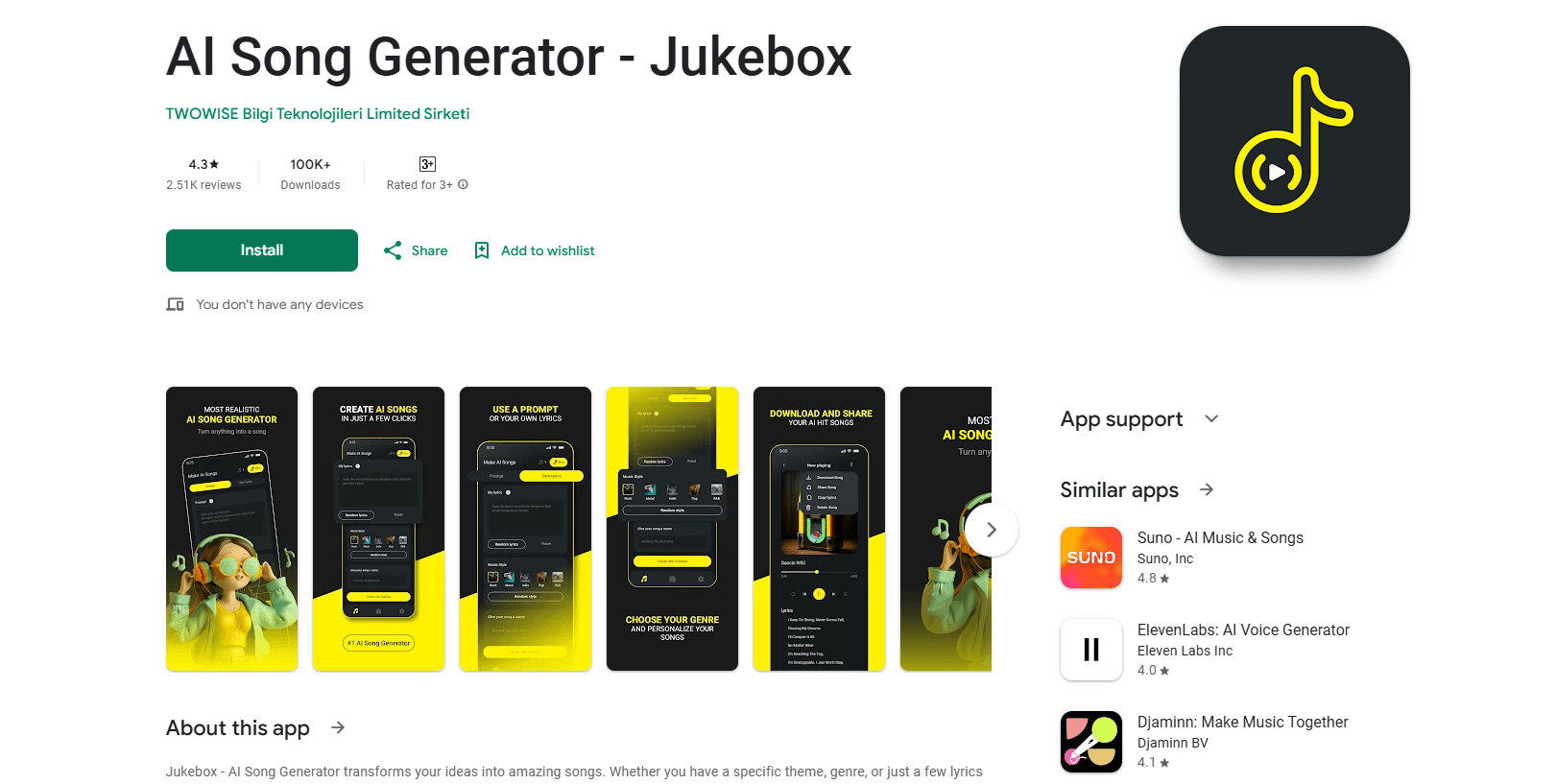
AI Song Generator - Jukebox is an AI music generator that turns a text prompt or lyrics into a finished song with vocals and backing in minutes, then lets you split, remix and export the track.
About AI Song Generator - Jukebox
What Is AI Song Generator - Jukebox
AI Song Generator - Jukebox is a music app built by GenerateSongAI that turns short text prompts or your own lyrics into complete songs. You type what you want, a mood or a story, pick a style, and the AI handles melody, vocals and arrangement for you. There's no timeline to learn and no instrument to own.
The problem it solves is the blank page. Coming up with a full track usually means music theory, a studio and hours of editing. Jukebox cuts that to a few minutes and a sentence. It fits podcasters, video creators, game developers, indie filmmakers and hobbyists who need custom music but don't want to license a stock track or pay a composer.
The main limits are credits and control. Every generation costs a credit, the free tier gives you only three, and once they're gone you're on a paid plan. You also describe the song in words, so you steer the result rather than hand-place every note. If you want fine note-level editing, you still export to a DAW.
Getting Started
- Open the app or the web version and create a free account, which comes with 3 AI music credits
- Write a short description of the song or paste your own lyrics, then pick a genre and mood
- Tap generate and wait for the AI to build the full track with vocals and instrumentals
- Preview the result, regenerate or adjust the prompt if it misses, then split, remix or export it as WAV, FLAC or MP3
Product Information
A quick look at AI Song Generator - Jukebox's pricing, supported platforms, and performance.
Best for
The users, tasks, and scenarios where this tool fits best.
Users
- Podcasters and video creators
- Songwriters and hobbyists
- Indie filmmakers and game developers
- Total beginners
Tasks
- Text to music
- Lyrics to a track
- Vocal voice conversion
- Music splitting
- Remixing existing audio
Scenarios
- A creator needs a theme song for a series
- A writer has lyrics but no melody
- Remixing a track for a video edit
- A hobbyist wants a custom birthday or celebration song
- Testing a genre direction
Key features
Text to Music Generation
This is the core of the app. It works as a text to music and AI song maker engine: you describe the song you want in plain language, or paste lyrics, and the AI produces a complete track with vocals, melody and instrumentation. You can steer the result by naming a genre like pop, classical or EDM, and adjust the mood and tempo to match your idea. The point is speed: a full song lands within minutes, not a weekend. For a rough demo or a background track, that's usually fast enough to stay in flow.
AI Singing Generator
The singing generator lets you create vocals instead of only instrumentals. You can build a track around your own voice or pick from the voice options on offer, which widens who the app works for. A songwriter who can't sing still gets to hear how the melody sits under a real vocal performance. Voices vary, so the smart move is to generate a couple of options and keep the take that fits before you spend more credits.
Music Split and Stem Separation
Music split takes an existing audio file and separates the vocals from the instruments. That matters if you want to reuse a backing track, drop in new vocals, or pull a stem out for a video edit. It's the feature that makes the app useful after a song is already made, not just at the start. If you work with audio regularly, this is often the reason to open the app rather than a fresh generation.
Remix and Reimagine
Remix lets you change a track you already have. You describe the changes you want, and the AI rewrites or reshapes the audio, adding new elements or shifting the style. Instead of starting over, you push a track in a new direction and keep what worked. It's a practical tool when a first result is close but not quite right, and it saves the credits you'd burn regenerating from scratch.
High-Quality Audio Exports
Finished tracks export as WAV, FLAC or MP3, covering both lossless formats and the smaller, widely supported MP3. That range matters because different projects need different files: lossless for editing and mastering, MP3 for a quick share or a podcast upload. Every track you generate is royalty-free, so you can put it in commercial work without chasing a separate license. Higher plans open up unlimited downloads.
Genre and Style Range
The app covers a spread of genres, from pop and classical to EDM and beyond, so you can match a sound to a project instead of forcing one style to fit everything. You set the genre, tempo and mood as inputs, which keeps the result close to your vision rather than a random output. For creators who work across formats, that range is what turns one tool into a library.
Pros and cons
Pros
- Turns a written prompt or lyrics into a complete song with vocals in minutes, so you skip both music theory and studio time
- Royalty-free output with WAV, FLAC and MP3 exports, which covers editing, sharing and commercial use from one app
- Music split and remix tools let you reuse, edit and reshape tracks instead of locking you into one-time generations
- Wide genre coverage with mood and tempo controls, so the same app fits pop, classical, EDM and more
- Runs in the browser and on Android, so you can start a track on a phone and finish it later
Cons
- The free tier gives just 3 credits, which is enough to test the app but not to finish a real project without paying
- Unlimited generations sit on the $169.9/mo Professional plan, so heavier users face a steep jump from the entry tiers
- Prompts steer the song rather than place individual notes, so note-level editing means exporting to a separate DAW
- The site lists no public API, so you can't wire the generator into your own workflow or product
Frequently asked questions
It's used to turn text or lyrics into finished songs with vocals, then split, remix and export them. The main uses are background music for video and podcasts, quick song demos and custom tracks for personal or commercial projects.
Related content
Explore related tools, skills, and articles for AI Song Generator - Jukebox.
AI Song Generator - Jukebox Alternatives

Foley
Hanamori Labs, LLC · Voice & Language · Productivity · AI AssistantFoley is a voice to-do list that turns a spoken sentence into a filed task, complete with project, date and time, then helps you plan the day around what is already there.

HireKey
HireKey · Voice & Language · Productivity · LeaningHireKey is an AI job search copilot built by a former tech recruiter. It checks role fit, tailors resumes, runs interview practice and tracks every application.

Fluence
Yay Software (Yannick Huchard) · Writing · Voice & Language · ProductivityFluence is an Android app that reads PDFs, EPUBs, Word files and web articles aloud, follows each sentence as it speaks, and answers questions about the text on the phone itself.