

AI Summarizer: Free Online Text Summary Tool
AI Summarizer · Writing · Productivity
AI Summarizer is a free online text summary tool that condenses long articles, PDFs, Word documents, and PowerPoint slides into short, readable summaries. You paste text or upload a file, hit generate, and get a structured recap in seconds that keeps the main points and logical flow intact. It runs in the browser, needs no signup, and deletes your uploads right after processing, which makes it handy for students, researchers, and anyone drowning in reading material.
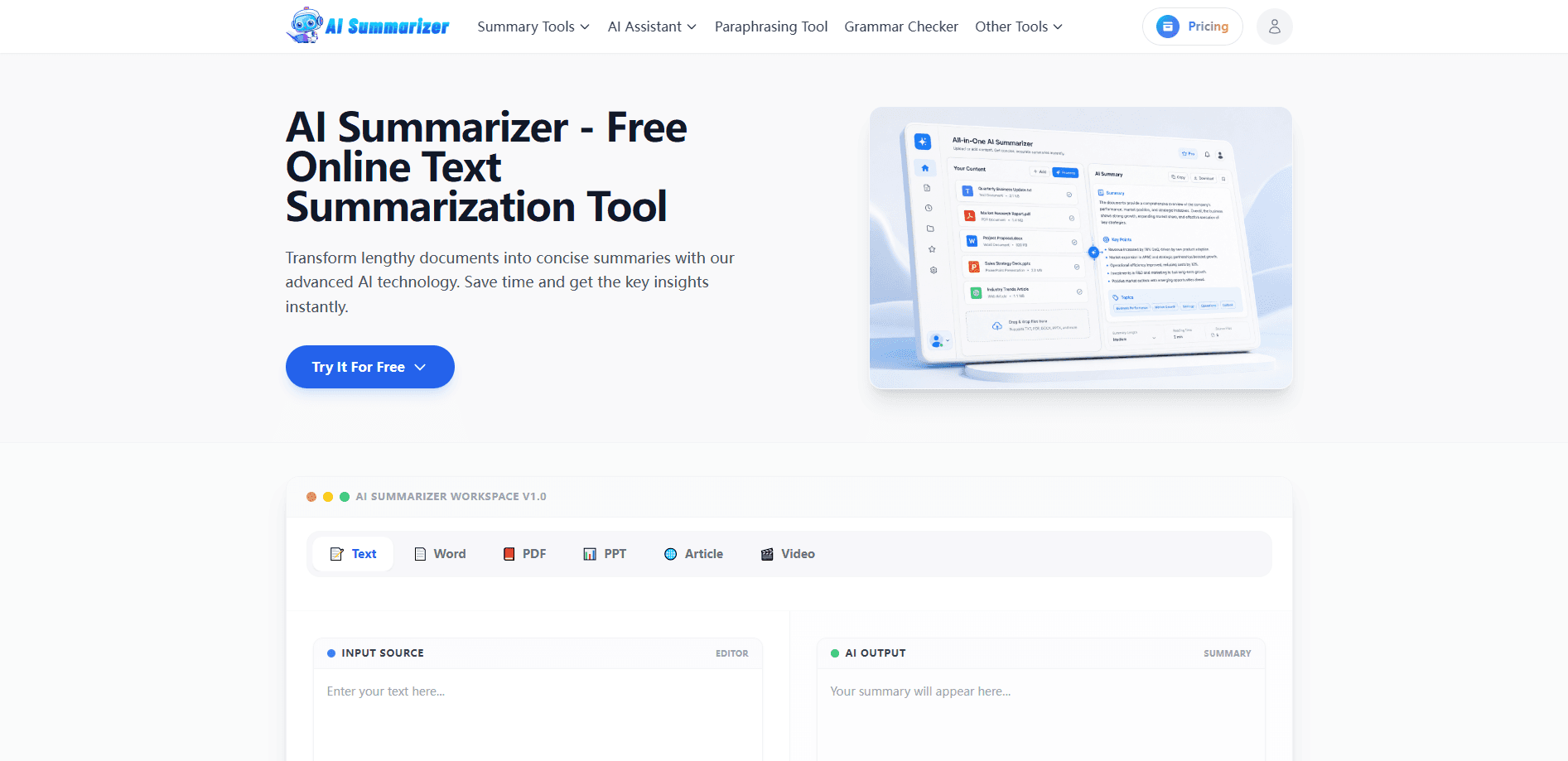
About AI Summarizer: Free Online Text Summary Tool
What Is AI Summarizer
AI Summarizer is a browser-based document summarizer built to answer a simple problem: you have too much to read and not enough time. Instead of skimming a 50-page report and hoping you caught the important parts, you feed the whole thing in and get back a condensed version that holds onto the meaning, not just scattered keywords.
The tool leans on natural language processing to follow the logic of a document, so the summary reads like someone actually understood the source. It handles plain text, articles, Word files, PDFs, and PowerPoint decks, and it works across languages. Privacy is part of the pitch too: everything runs over HTTPS, nothing is stored permanently, and uploads are deleted once the summary is done. Simple as that.
The catch is that a summary is only as reliable as the model behind it. Complex legal or scientific text can lose nuance, and you should still check anything critical against the original. The pricing page was under maintenance when we looked, so paid tiers aren't clearly documented right now.
Getting Started
- Open aisummarizer.ai in your browser. No account or signup is required to start.
- Paste your text into the input box, or upload a document such as a Word file, PDF, or PowerPoint deck.
- Pick your output options if you want a specific length or language for the summary.
- Click Generate Summary and let the AI identify the key points and main ideas.
- Copy the result to your clipboard or download it as a text file for later reference.
Product Information
A quick look at AI Summarizer: Free Online Text Summary Tool's pricing, supported platforms, and performance.
Best for
The users, tasks, and scenarios where this tool fits best.
Users
- Students
- Researchers
- Professionals
- Non-native speakers
Tasks
- Summarizing a PDF paper
- Condensing a long article
- Prepping for a meeting
- Reviewing slide decks
Scenarios
- Cramming before a test when you need the gist of several chapters fast.
- Scanning a stack of research papers to shortlist what's worth reading in full.
- Catching up on business or legal documents before a deadline.
- Getting a quick overview of a topic you're new to before you go deep.
Key features
Context-Aware Summaries
The tool doesn't just grab the first few sentences or hunt for keywords. It reads the whole document and pulls out the main points while keeping the logical flow intact, so the summary reads like a real recap instead of a random collage of lines. That matters when a document has an argument to follow. It usually holds up.
Multi-Format Uploads
You can paste raw text or upload a Word document, PDF, or PowerPoint file. It also handles pasted article content from any source. One input box covers most of what you'd actually want to summarize, so you're not juggling separate tools for each file type. That's the win.
Fast Processing
The site claims it can process even a 50-page document in seconds. In practice that means you can run several documents back to back without sitting around and waiting for each one to finish before you move on to the next file, which is the whole point of keeping a summarizer in your daily toolkit at all. Speed matters. Not just a single result.
Multi-Language Support
The summarizer works across languages, so you can feed it a document in one language and still get a usable output. According to the site it supports multiple languages, which is a real help if your reading list mixes languages or you follow sources that aren't written in your first language.
Privacy-Safe Processing
Uploads go over HTTPS, nothing is kept permanently, and files are deleted right after the summary is generated. For anyone pasting confidential reports or personal notes, that's the difference between using the tool and not. Want to know what happens to a file after you summarize it? The site says it's gone once the summary is done, and worth checking against your own expectations of "deleted." Most people don't.
Copy and Download Output
Once a summary is ready, you can copy it straight to your clipboard or download it as a text file. That keeps the result portable, so you can drop it into notes, a doc, or a message without retyping anything. No friction. Zero retyping.
Pros and cons
Pros
- Free to use with no signup, so there's no barrier to trying it on a single document.
- Handles multiple formats, including PDF, Word, and PowerPoint, from one input box.
- Summaries follow the document's logic rather than just collecting keywords.
- Privacy-focused: uploads are encrypted and deleted after processing.
- Fast enough to run several documents in a row without waiting.
Cons
- The pricing page was under maintenance, so paid plans and their limits aren't clearly documented.
- Complex legal or scientific text can lose nuance, and you still need to check anything important against the source.
- API availability isn't confirmed, so developers can't rely on it for automated workflows right now.
Frequently asked questions
It's a free online summary tool that turns long text and documents into short, structured summaries. You paste text or upload a file, and it returns the key points in seconds.
Related content
Explore related tools, skills, and articles for AI Summarizer: Free Online Text Summary Tool.
AI Summarizer: Free Online Text Summary Tool Alternatives

Google EmbeddingGemma 2
Google DeepMind · Writing · Image · CodingGoogle EmbeddingGemma 2 is a 740M-parameter open model that turns text, code, images, audio, and video frames into vectors in one 768-dimension space, running on phones and laptops.

MePersona
MePersona, Inc. · Writing · Productivity · MarketingMePersona is an AI unified inbox for creators. It learns your voice, drafts replies to fan messages from 12 platforms, and sends only what you approve.

Fluence
Yay Software (Yannick Huchard) · Writing · Voice & Language · ProductivityFluence is an Android app that reads PDFs, EPUBs, Word files and web articles aloud, follows each sentence as it speaks, and answers questions about the text on the phone itself.