

AI Test Kitchen reviews
Google · Other
AI Test Kitchen was a free Google app for trying early LaMDA demos, rating the model's replies, and sending feedback on emerging AI. Google pulled it from both app stores in August 2023.
About AI Test Kitchen reviews
What Is AI Test Kitchen
AI Test Kitchen was an experimental app from Google that let regular people try out early versions of the company's generative AI. It works as a LaMDA demo app, a place to poke at unfinished models and see how they responded. Google introduced it at I/O in May 2022 and opened a waitlist that August. The point wasn't to ship a polished product. It was to put unfinished models in front of real users, collect ratings, and learn where the technology broke.
The app served a rotating set of demos rather than one fixed tool. The first batch showed off LaMDA, Google's language model built for dialogue. Later batches added Imagen for text to image work. Google compared it to a real test kitchen, a place where a chef tries dishes before they land on the menu.
The honest limits matter here. Demos could be inaccurate, offensive, or off topic, and Google said so upfront. The app rolled out slowly to small groups in the US, and it never became a permanent product. Google delisted it from both app stores in August 2023, but people who already had it installed could keep using it for a while.
Getting Started
- Register your interest for the app and wait for an invite, since access rolled out to small groups in the US.
- Install AI Test Kitchen from Google Play on Android, or from the App Store once the iOS version shipped.
- Pick a demo from the rotating list, such as Imagine It, List It, or Talk About It (Dogs Edition).
- Type a place, goal, or prompt and read what LaMDA generates.
- Rate each reply as nice, offensive, off topic, or untrue so Google could use the feedback.
Product Information
A quick look at AI Test Kitchen reviews's pricing, supported platforms, and performance.
Best for
The users, tasks, and scenarios where this tool fits best.
Users
- AI enthusiasts curious about early language models
- Writers and brainstormers hunting for fresh angles
- People who wanted a say in AI development
Tasks
- Turning a vague idea into a starting point
- Breaking a big goal into steps
- Stress testing how a model holds a topic
- Experimenting with text to image prompts
Scenarios
- Trying cutting-edge AI without any setup
- Classrooms or study groups discussing model behavior
- Quiet curiosity about how chatbots respond
Key features
Rotating set of experimental demos
AI Test Kitchen wasn't one tool but a changing lineup. Google swapped demos in and out over time, so the app always showed whatever the company was testing at that moment. That kept it fresh, but it also meant the experience you read about might already be gone by the time you installed it.
Imagine It for creative sparks
This demo asked you to name a real or imaginary place. LaMDA then wrote a short descriptive passage about it and offered paths to explore further. It worked like a creative writing prompt you could steer, useful when you were stuck for a starting image or scene.
List It for breaking down goals
List It took a goal or topic you typed and broke it into a list of subtasks. Say you entered "I want to grow a garden" and the demo returned steps you could actually follow. It showed how a language model handles planning-style requests, not just chat.
Talk About It (Dogs Edition)
This was an open-ended chat limited to dogs and only dogs. The twist was that it explored whether LaMDA could stay on topic when you tried to drag it elsewhere. It doubled as a test of how well guardrails held under playful pressure.
Second-season image demos with Imagen
Google later added Imagen, its text to image model, to the app. City Dreamer built themed city elements from prompts and Wobble let you design a small creature you could poke and make dance. Both were deliberately narrow, with no free-form image requests, to keep the tests controlled.
Built-in feedback and safety ratings
Every reply came with rating options: nice, offensive, off topic, or untrue. Google said those ratings weren't linked to your Google account and fed directly into improving LaMDA. Policy filters also screened out words and phrases that broke the company's content rules.
Link to Google's wider AI experiments
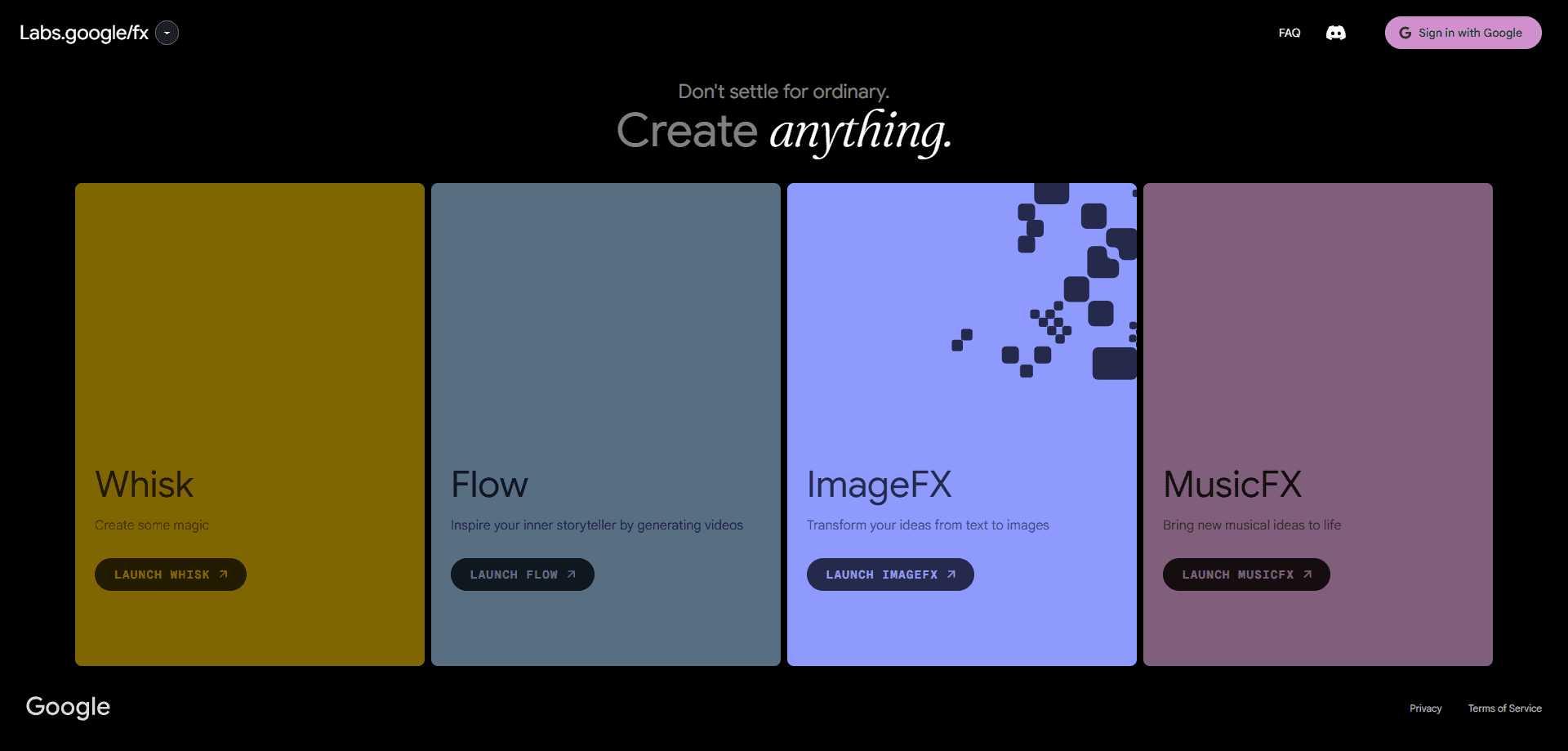
The aitestkitchen.withgoogle.com site now points visitors toward labs.google/fx, Google's home for AI experiments. That shift shows where the company moved its experimental work after retiring the standalone app.
Pros and cons
Pros
- Free to use with no subscription, since it was an experimental demo space rather than a paid product.
- Gave early, hands-on access to LaMDA and Imagen before mainstream releases.
- The rating system let ordinary users send direct feedback on model behavior.
- Simple mobile interface meant no technical setup or coding to try each demo.
- Demos covered distinct skills, from creative writing to task planning and image generation.
Cons
- Google delisted the app from the Play Store and App Store in August 2023, so new users can no longer install it.
- Access started as a limited US waitlist, which shut out most people worldwide from the beginning.
- Demos were intentionally narrow, so you couldn't ask for whatever you wanted, which frustrated users expecting a full chatbot.
- There was never an API, so developers couldn't build the models into their own projects.
Frequently asked questions
It was a free Google app for trying early generative AI demos and rating the results. People used it to explore LaMDA's dialogue abilities and, later, Imagen's text to image features, then send feedback to Google.
Related content
Explore related tools, skills, and articles for AI Test Kitchen reviews.
AI Test Kitchen reviews Alternatives

Odyssey 3
Odyssey · OtherOdyssey-3 is Odyssey's foundation world model. It simulates physics in real time, turns a prompt into an interactive environment, and adapts to robots, cars and games.

JarvisCore
Prescott Data · Coding · Productivity · OtherJarvisCore is an open source Python runtime where AI agents work as equal peers on an agent mesh, claim tasks from a shared ledger, and reach external services through a zero-trust broker.
Clef
Cloudflare · Business · OtherClef is Cloudflare's open-source decision model for Workers AI. It returns calibrated probabilities for typed questions, not generated text, so agents can classify, route, and act fast.